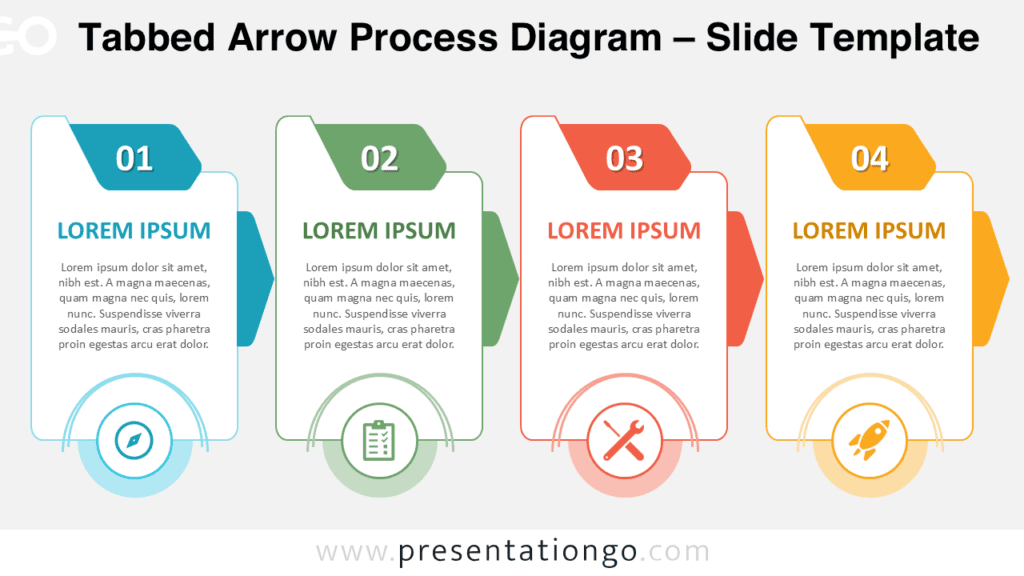
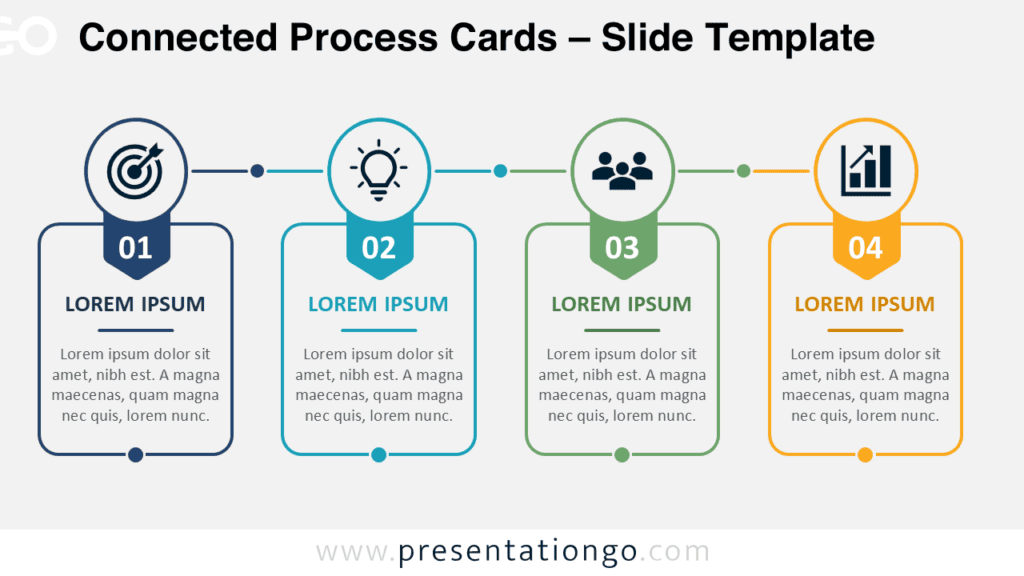
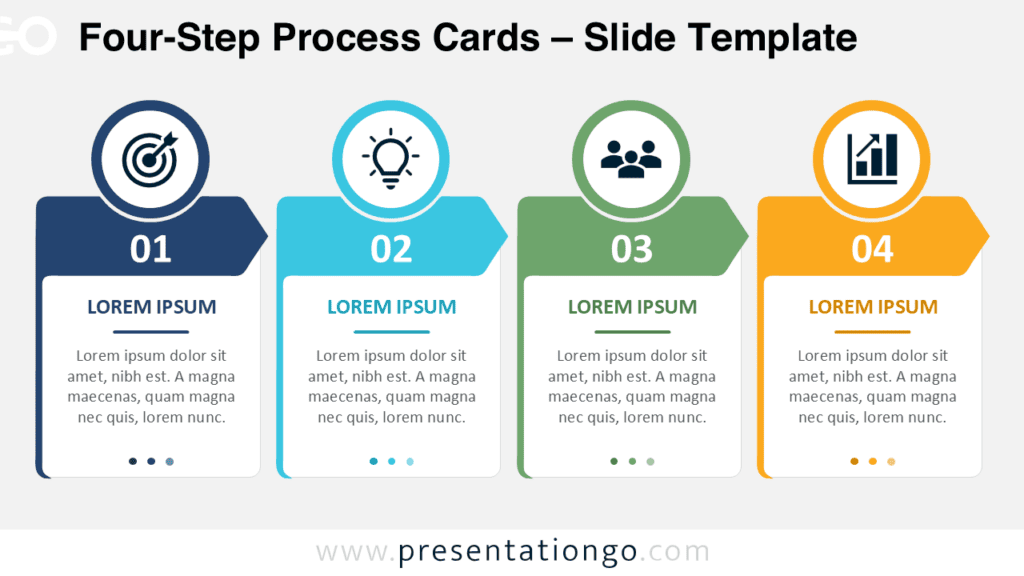
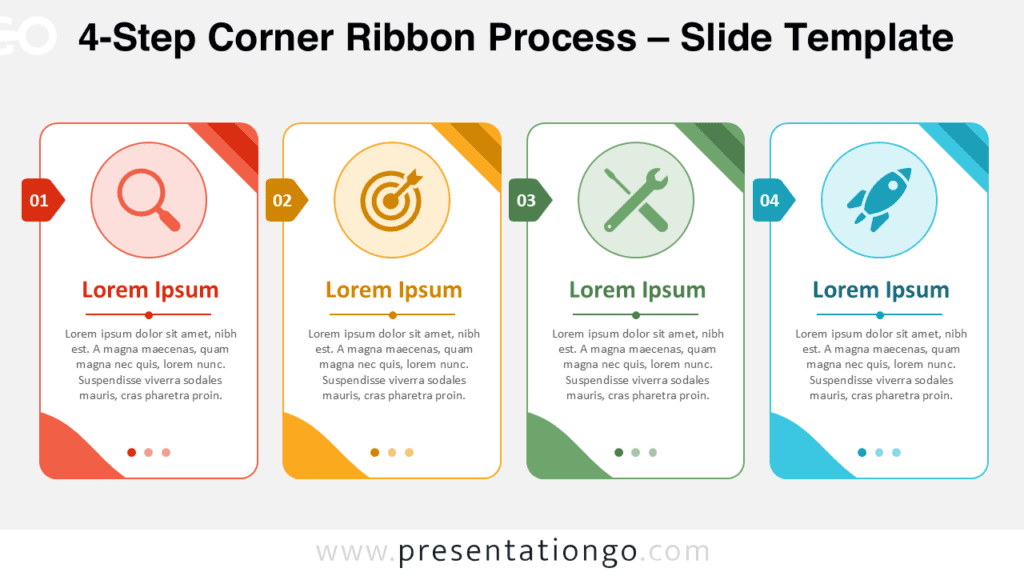
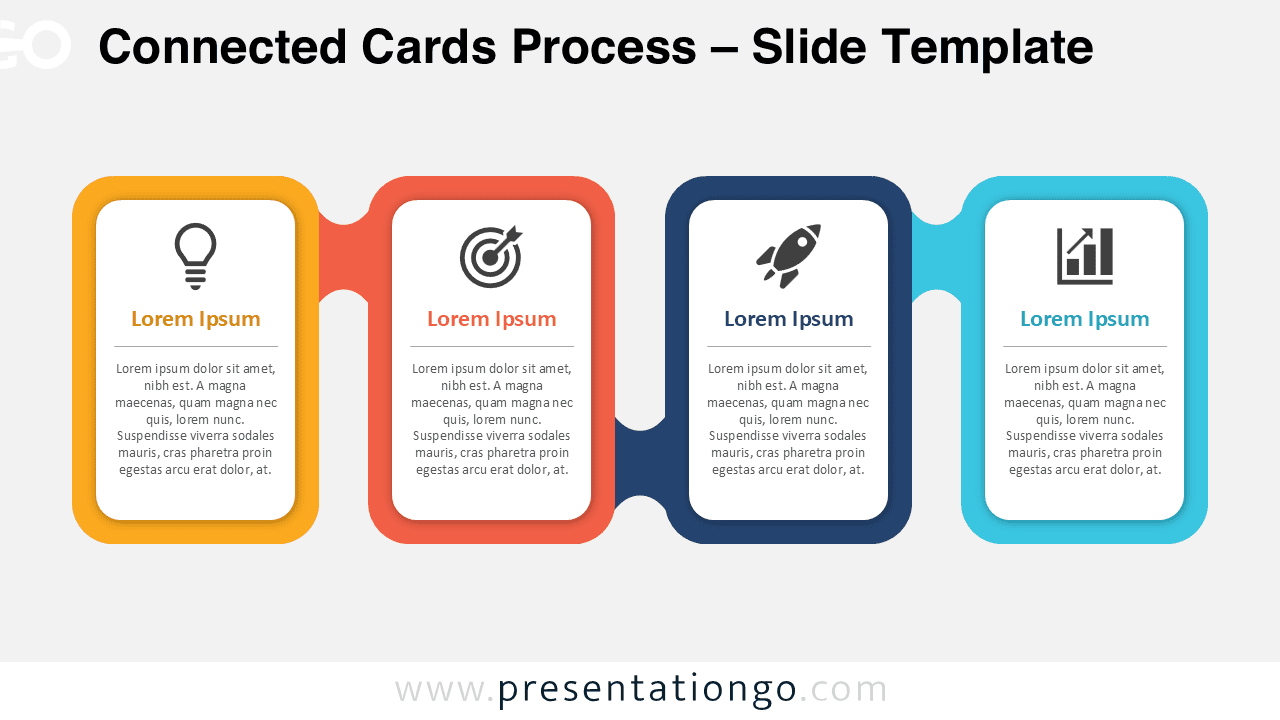
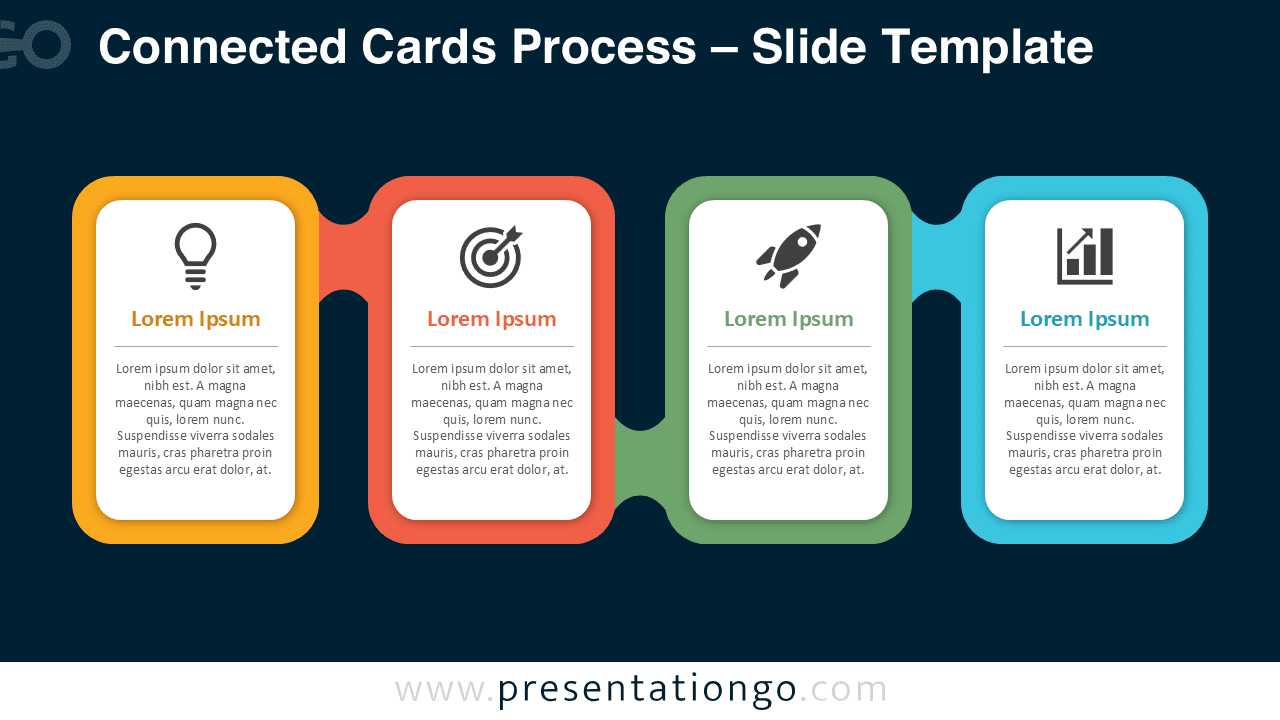
The Connected Cards Process helps you present a four-step flow with clear linked cards. Each card combines a title, short text, and an Office icon placeholder. This layout keeps your message structured, visual, and easy to follow. Use it when you need a clean process view without adding complex charts or dense tables.
Diagram Preview
Features and Customization Options
- Four connected cards for presenting sequential steps, phases, or milestones.
- Editable text placeholders for titles, descriptions, and supporting details.
- Icons from the Office icon library, easy to modify, replace, resize, or reposition.
- Fully editable shapes that let you adapt the layout to your message.
- Compatible with PowerPoint and Google Slides for flexible editing.
- Clean horizontal structure that supports business, education, and planning content.
Design and Structure
The Connected Cards Process uses four rounded cards connected by a continuous horizontal path. Each card gives one step enough space for a short title, a simple icon, and a concise explanation. This structure helps viewers understand the order quickly. It also separates each idea while keeping the full process visually connected.
The layout works well because it balances repetition and contrast. Each card follows the same format, so the audience can scan the content fast. The connectors show progression from one point to the next. This makes the diagram useful for workflows, roadmaps, onboarding sequences, and planning frameworks.
Practical Applications
- Explain four stages in a business process or operational workflow.
- Present project phases from planning to execution.
- Show a simple roadmap for product development or launch planning.
- Organize training content into four learning steps.
- Compare four linked actions in a marketing or sales strategy.
- Summarize a decision process during team meetings or workshops.
Summary
The Connected Cards Process gives you a simple way to explain four related steps. It combines editable cards, Office icon placeholders, and a clear connected structure. You can adapt the diagram for business, education, marketing, project management, or strategy content. Use it in PowerPoint or Google Slides to turn a basic sequence into a polished visual explanation.