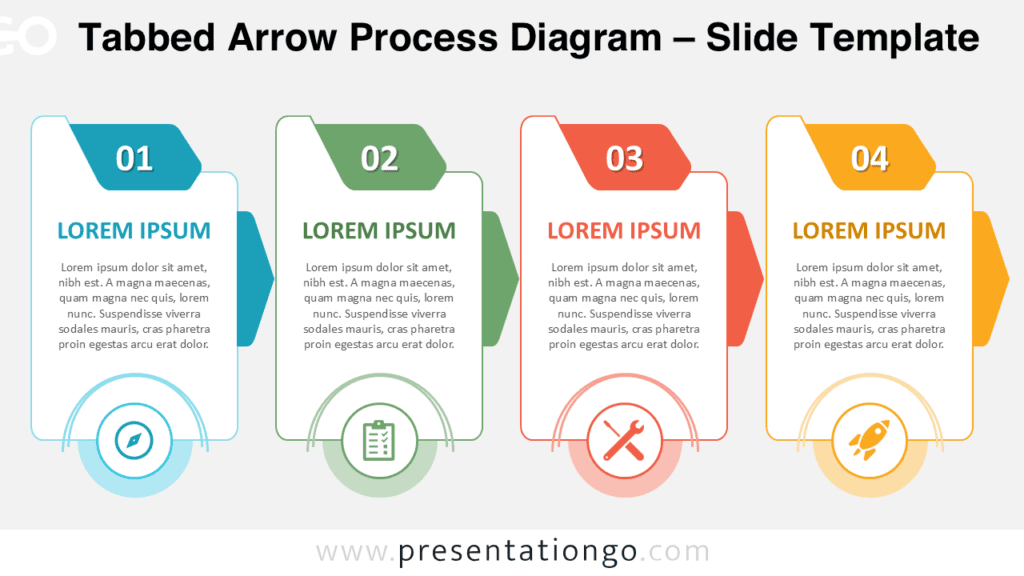
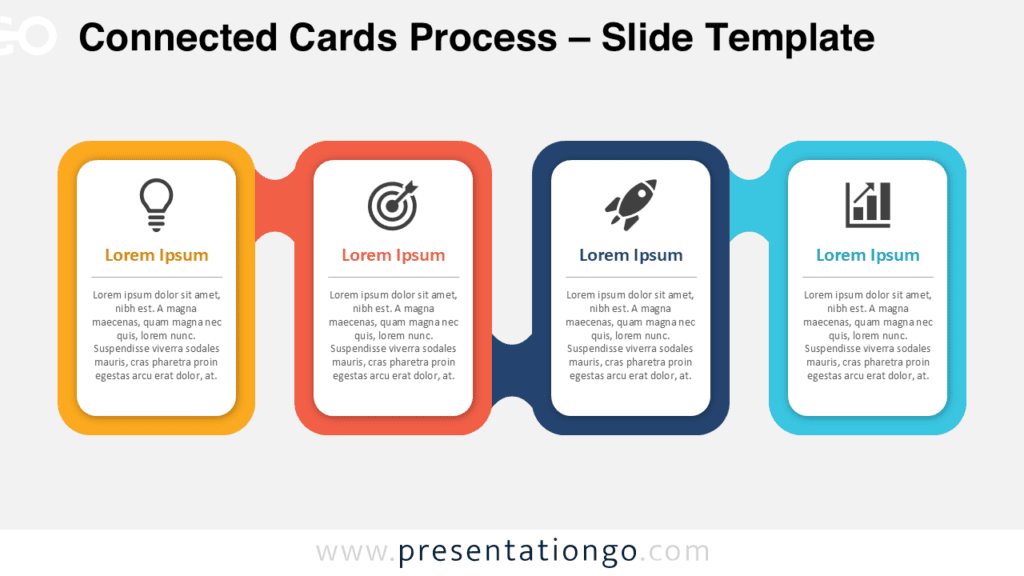
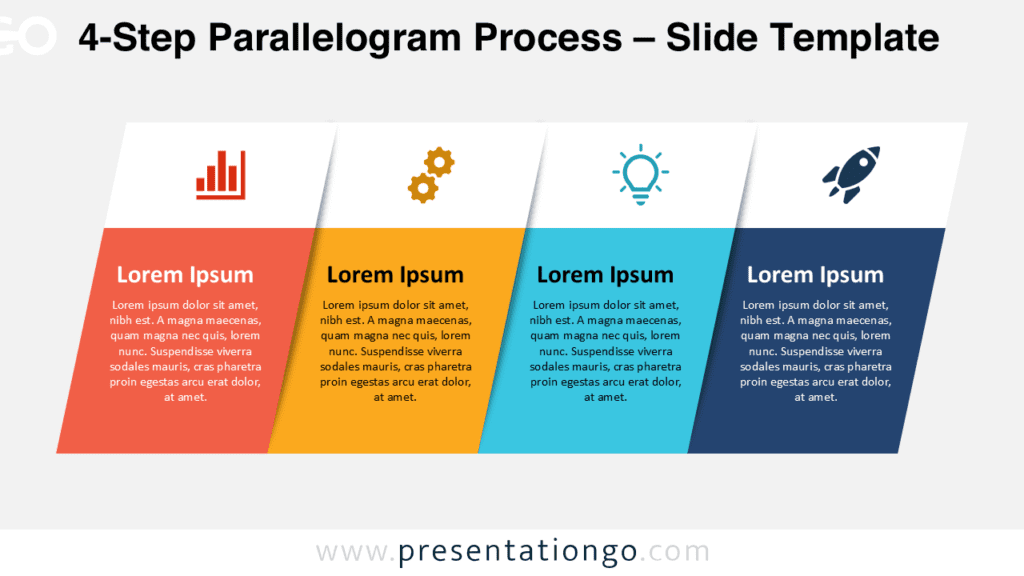
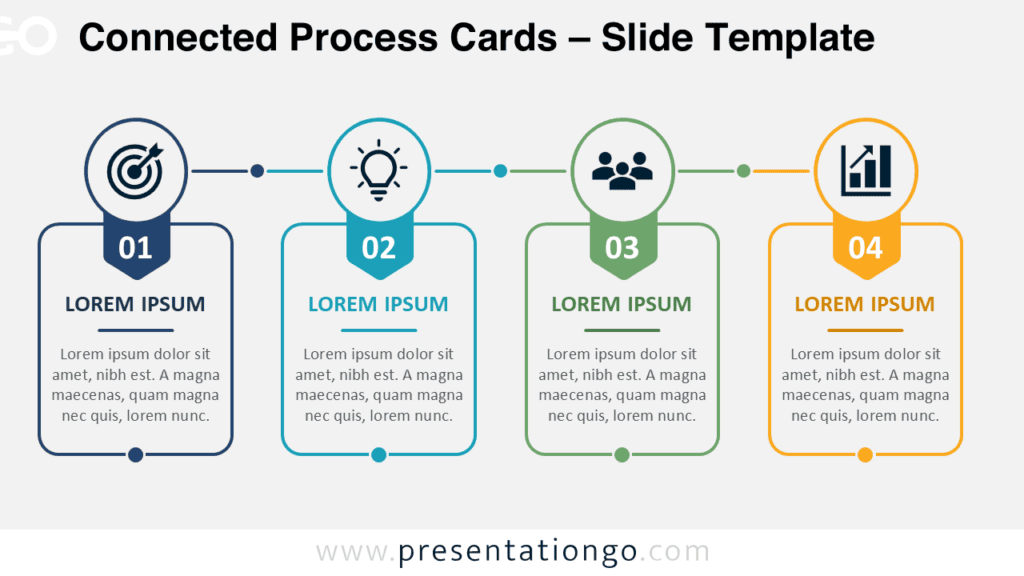
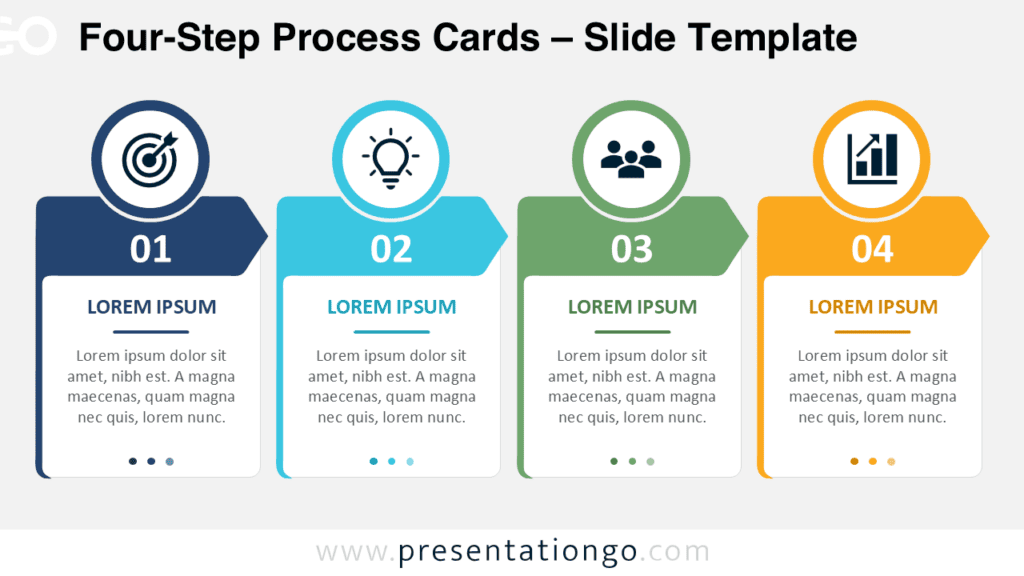
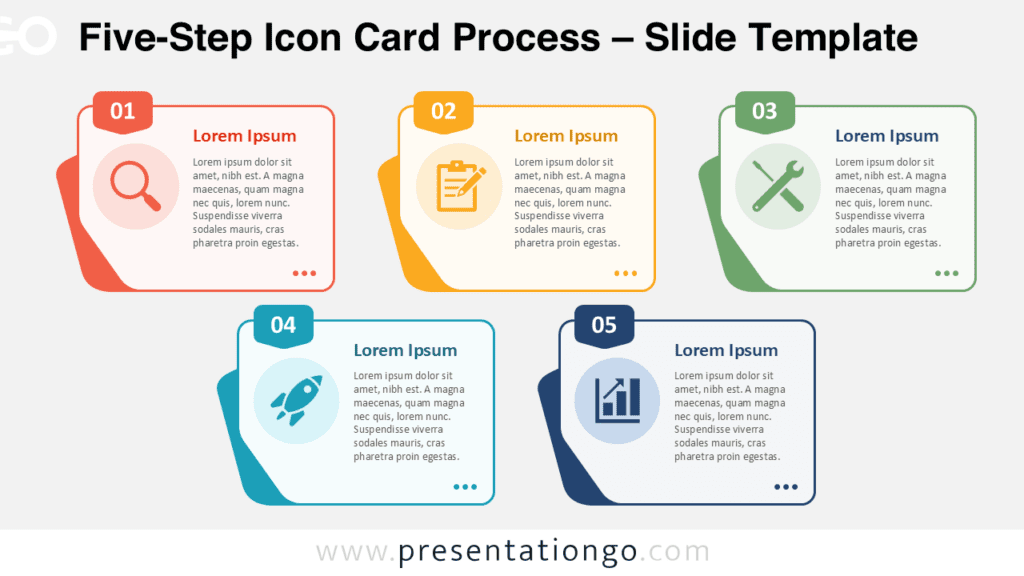
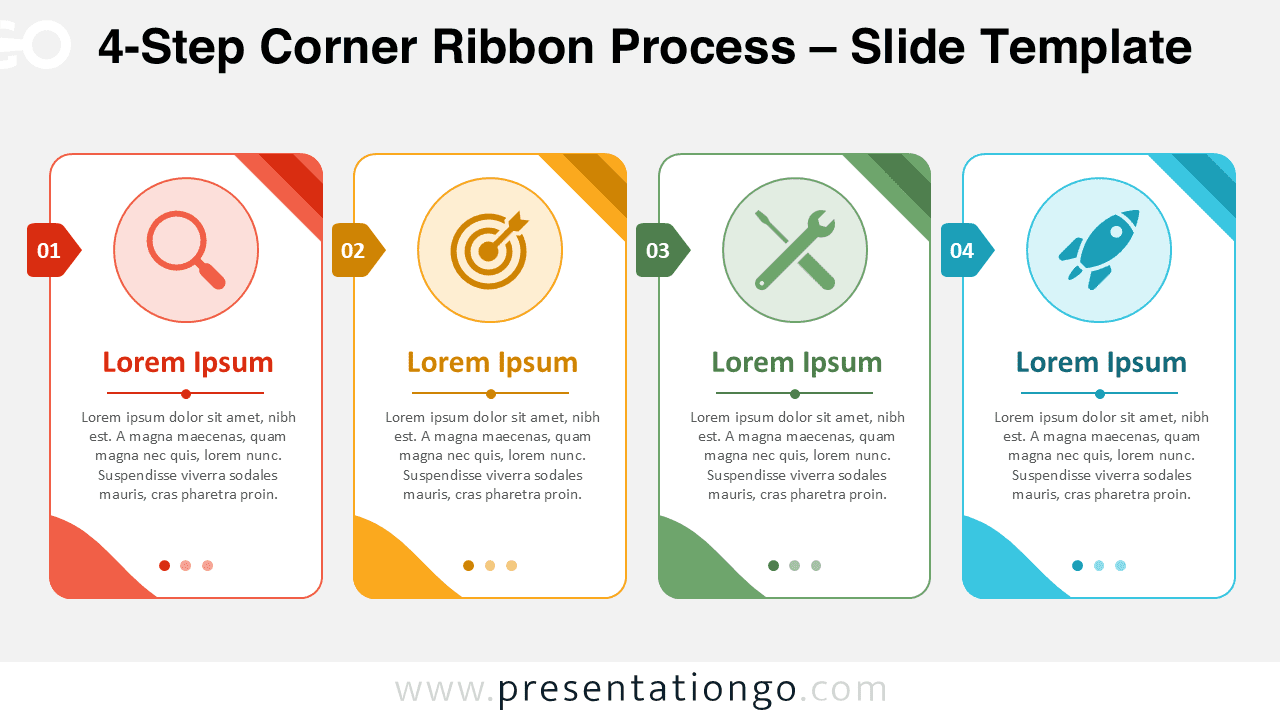
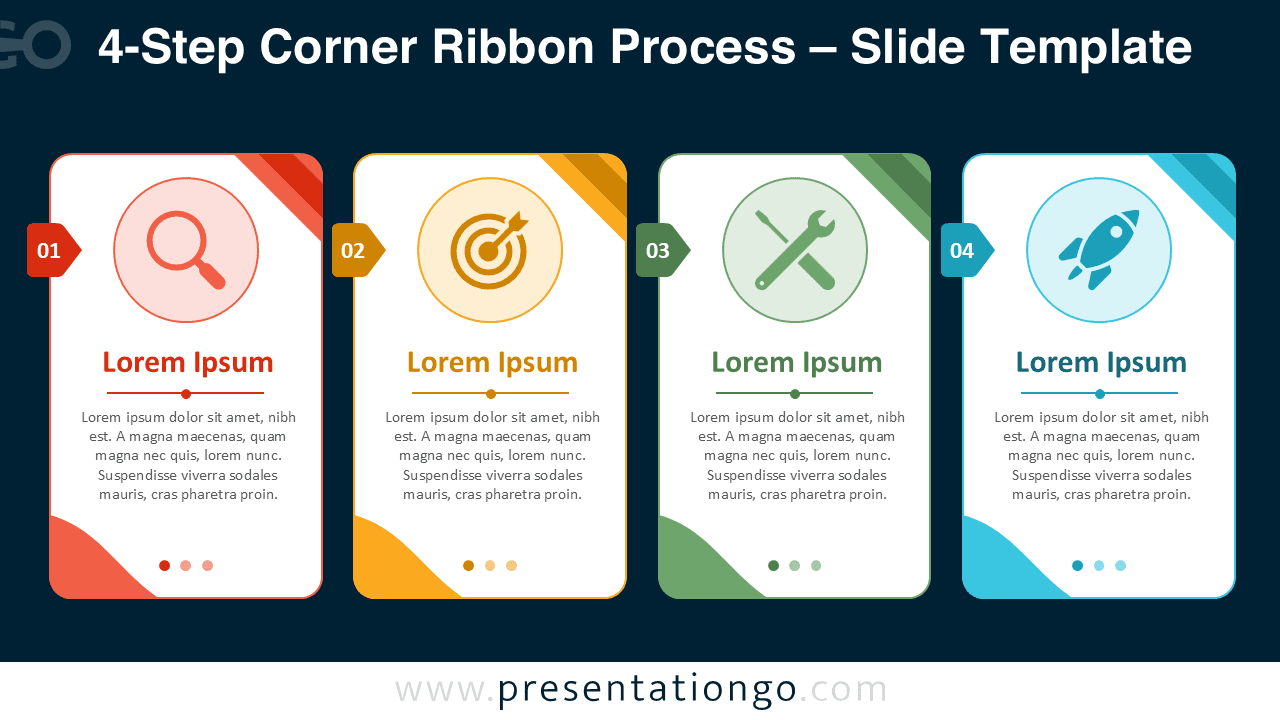
The 4-Step Corner Ribbon Process helps you present a clear sequence with strong visual organization. It works well when you need to explain four phases, actions, priorities, or milestones in a simple slide. Each card separates one step from the next, so your audience can follow the logic quickly.
This PowerPoint and Google Slides diagram uses numbered side tabs, editable text placeholders, and large icon areas. The corner ribbon details add direction and structure without making the slide feel crowded. You can use the layout for business planning, project updates, strategy sessions, training content, or product workflows.
Diagram Preview
Features and Customization Options
- Fully editable 4-step process diagram for PowerPoint and Google Slides.
- Four individual cards with numbered tabs for clear step identification.
- Editable title and body text placeholders for each process stage.
- Icons come from the Office icon library and are easy to modify.
- Replace, resize, recolor, or remove the icons directly in your slide editor.
- Corner ribbon accents help highlight each card and guide visual flow.
- Works for workflows, roadmaps, action plans, timelines, and business processes.
- Easy to adapt for corporate, educational, marketing, and consulting presentations.
Design and Structure
The 4-Step Corner Ribbon Process uses a horizontal layout with four equal cards. This structure keeps the information balanced and supports a natural left-to-right reading flow. Each card includes a prominent icon area, a short heading, and enough text space for a concise explanation.
The numbered tabs make every stage easy to identify. The icon placeholders give each step a quick visual cue. The decorative ribbons create a polished slide style while keeping the focus on the content. Because each element is editable, you can adjust the diagram to fit your own topic.
Practical Applications
- Present a four-step business process.
- Explain project phases or implementation stages.
- Show a marketing, sales, or product launch workflow.
- Organize training modules or onboarding steps.
- Summarize priorities during strategic planning.
- Describe a problem-solving method or action plan.
This diagram also works well for consultants, educators, project managers, startup teams, and business analysts. You can use one card for each major idea, then guide your audience through the sequence. The layout supports quick understanding and helps avoid overloaded slides.
Summary
The 4-Step Corner Ribbon Process gives you a practical way to communicate structured information. It combines editable cards, numbered tabs, Office icons, and clear text areas in one ready-to-use diagram. Use it in PowerPoint and Google Slides to turn complex workflows into an easy four-step visual story.