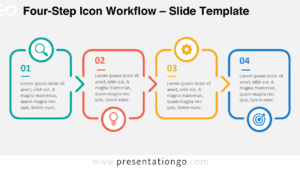
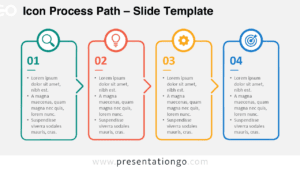
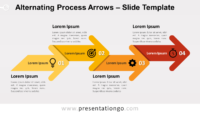
Free alternating process arrows for PowerPoint and Google Slides. Set of four (4) right arrows alternatively displayed on the upper and lower levels. Editable graphics with icons and text placeholders.
Alternating Process Arrows
This horizontal process is another addition to our extensive alternating process diagram collection.
It is designed with round head right arrows. Each arrow is connected with the upper or lower part of the following one. That creates an alternating yet continuous flow.
Use this diagram to show groups of information or sequential steps in a task, process, or workflow. The alternating flow emphasizes the interaction or relationships among the groups of information. The use of the arrows highlights movement or direction (from left to the right).
Shapes are 100% editable: colors and sizes can be easily changed.
Includes 2 slide option designs: Standard (4:3) and Widescreen (16:9).
Widescreen (16:9) size preview:



This ‘Alternating Process Arrows for PowerPoint and Google Slides’ features:
- 2 unique slides
- Light and Dark layout
- Ready to use template with icons and text placeholders
- Completely editable shapes
- Uses a selection of editable PowerPoint icons
- Standard (4:3) and Widescreen (16:9) aspect ratios
- PPTX file and for Google Slides
Free fonts used:
- Helvetica (System Font)
- Calibri (System Font)