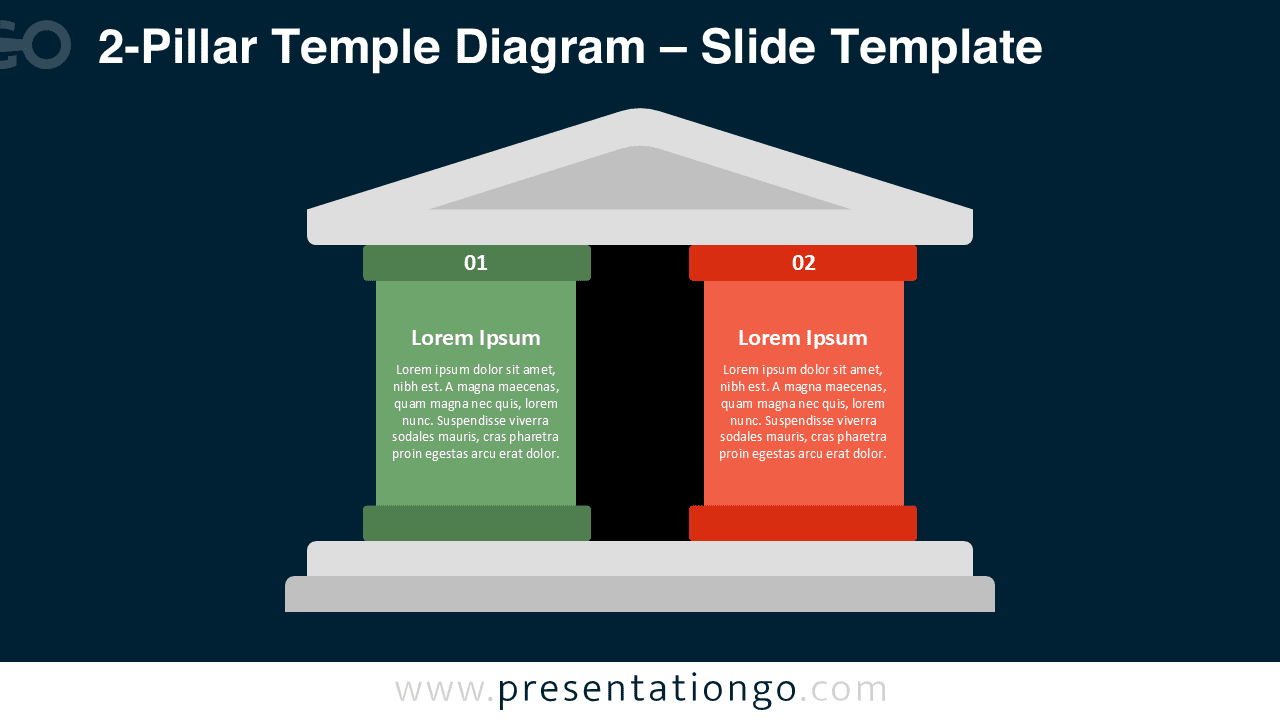
Present your two core concepts or principles with the 2-Pillar Temple Diagram. This visual metaphor portrays stability and balance through an elegant classical structure. Available for PowerPoint and Google Slides, this editable template allows you to represent two essential ideas supporting a central concept or value.
Widescreen (16:9) Preview


Features and Customization Options
- Includes 2 slides with light and dark background versions
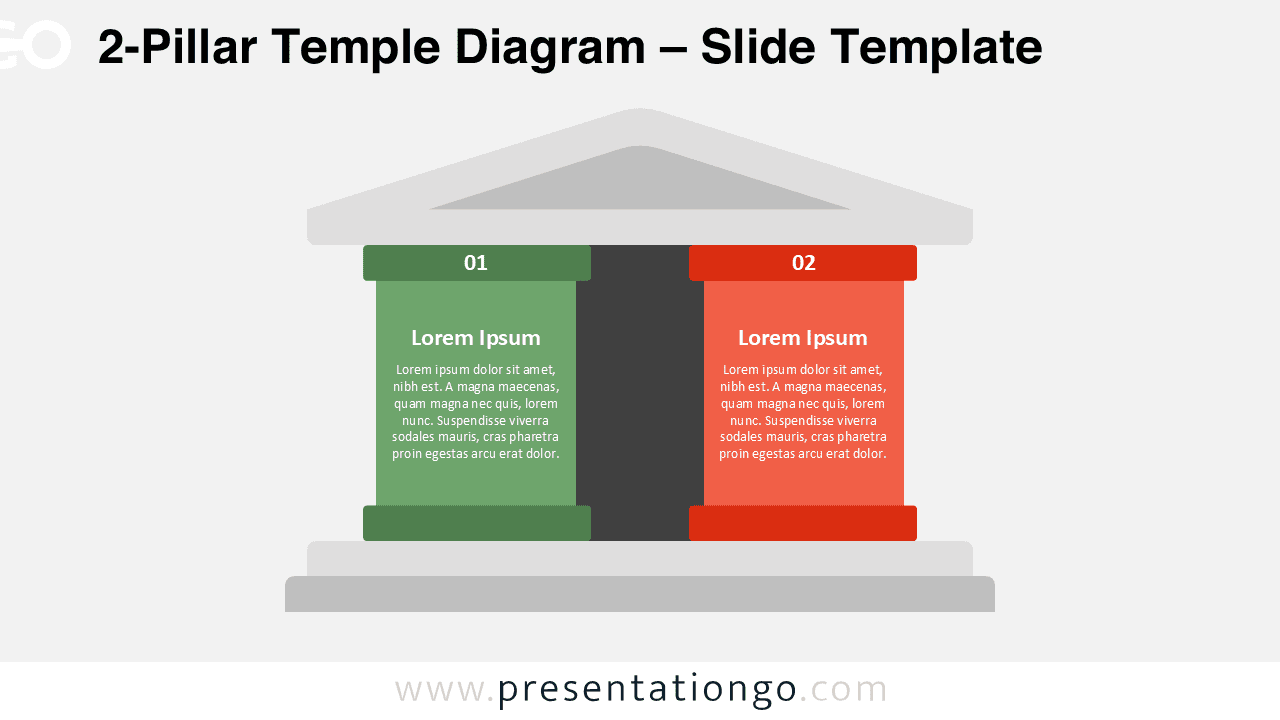
- One unique design illustrating two pillars under a temple roof
- Fully editable shapes, colors, and text placeholders
- Optimized for PowerPoint and Google Slides (16:9 format)
- Ideal metaphor for duality, balance, or paired principles
Design Overview
The diagram features two solid pillars supporting a triangular roof, symbolizing structure and foundation. Each pillar can represent a key idea or principle, color-coded for contrast and clarity. The minimalist layout ensures readability and a professional appearance on both light and dark backgrounds.
Practical Applications
- Illustrating two strategic foundations or business values
- Comparing two factors, processes, or options
- Highlighting dual elements in education or project planning
How to Edit
- Open the file in PowerPoint or Google Slides.
- Replace placeholder text with your own content.
- Adjust pillar colors and font styles to match your theme.
- Duplicate or resize shapes for alternate visual balance.
Summary
The 2-Pillar Temple Diagram is a versatile tool to symbolize two core ideas with architectural elegance. It’s simple, balanced, and ideal for any professional or educational topic.