The Core Values Pillars diagram helps you present the principles that guide an organization. Its architectural layout places four value sections beneath a shared heading, creating a clear visual connection between individual principles and the broader company foundation. Use it in PowerPoint or Google Slides to explain culture, leadership standards, strategic priorities, or expected behaviors.
Each pillar includes space for a short heading and supporting text. This structure keeps information focused and makes the slide easy to scan during a presentation. The balanced arrangement also helps every value receive equal visual importance.
Diagram Preview
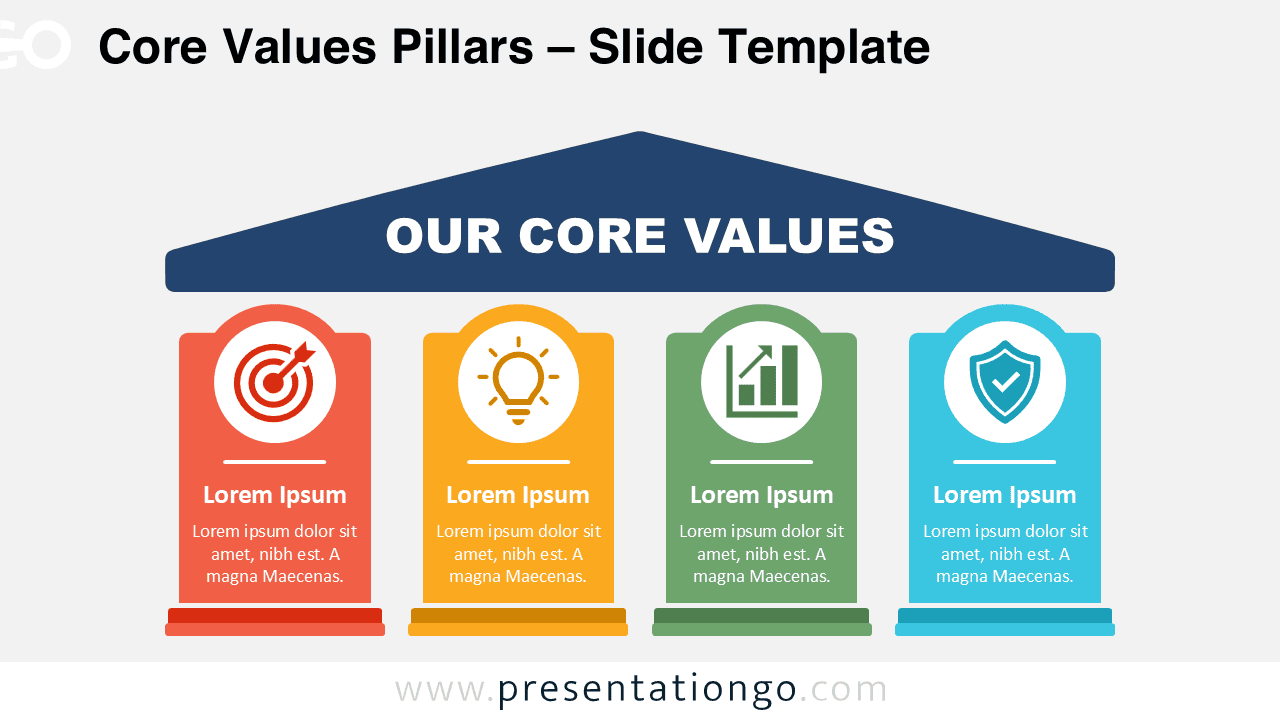
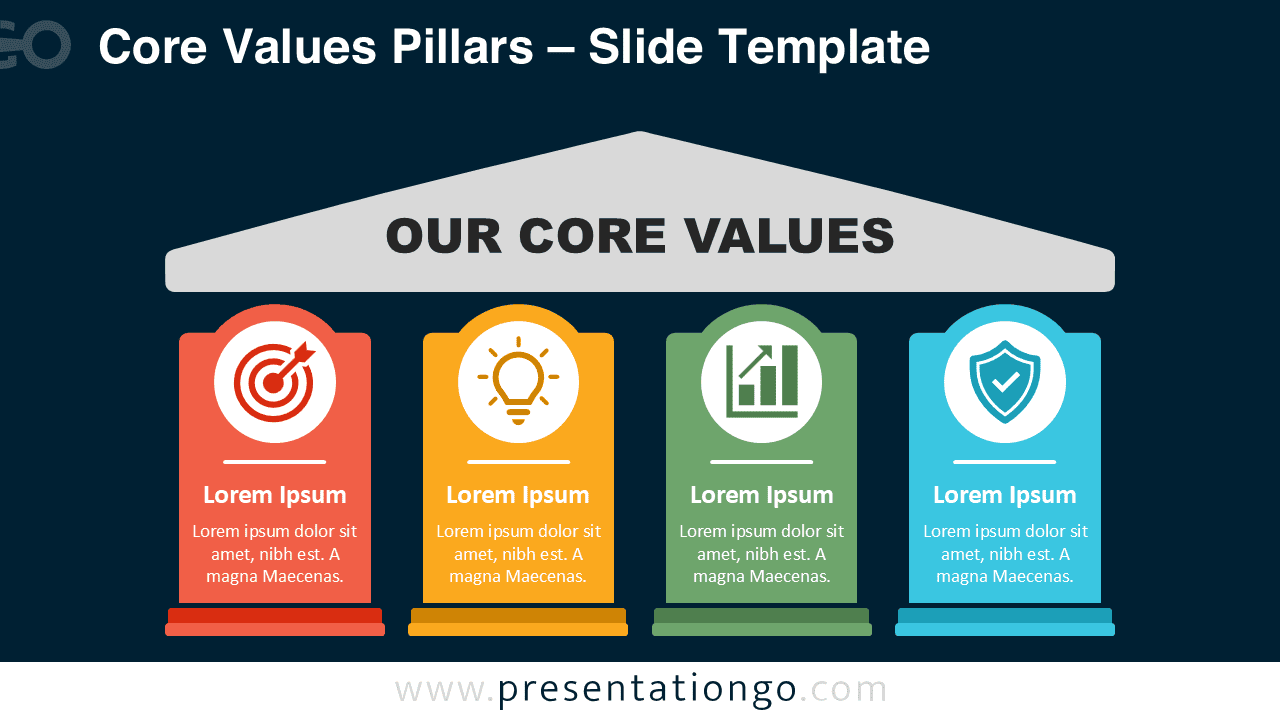


The diagram includes two coordinated slide versions, making it easy to match different presentation styles. Both versions use the same four-part structure, so you can switch between them without changing your message or layout.
Features and Customization Options
- Four editable value pillars
- Customizable headings and descriptions
- Fully editable shapes
- Icons used for illustration only
- Icons sourced from the Office library
- Office icons are easily modifiable
- Compatible with PowerPoint
- Compatible with Google Slides
Design and Structure
The visual uses a familiar foundation metaphor. A large heading sits above four supporting pillars, reinforcing the idea that shared values support the organization. This concept works especially well when you need to connect principles with company identity, decision-making, or long-term direction.
The Core Values Pillars diagram follows a simple reading path. Viewers first see the main theme, then move across the four supporting points. Each section combines an icon, a short label, and a concise explanation. This hierarchy helps audiences understand the message quickly without reading dense text.
You can replace the sample wording with your own values, behaviors, or strategic themes. You can also adjust the shapes, typography, and Office icons to fit your presentation. The icons serve as editable visual cues rather than fixed content, so they remain easy to replace or restyle.
Practical Applications
- Present company core values
- Explain organizational culture
- Introduce leadership principles
- Outline strategic priorities
- Support employee onboarding
- Communicate brand values
- Summarize team commitments
- Frame mission and vision discussions
Summary
The Core Values Pillars diagram turns abstract principles into a structured and memorable visual. Its four-part layout gives each value equal attention while connecting every point to one shared foundation. Because the text, shapes, and Office icons remain editable, you can adapt the slide for many business, leadership, and culture-focused presentations in PowerPoint and Google Slides.