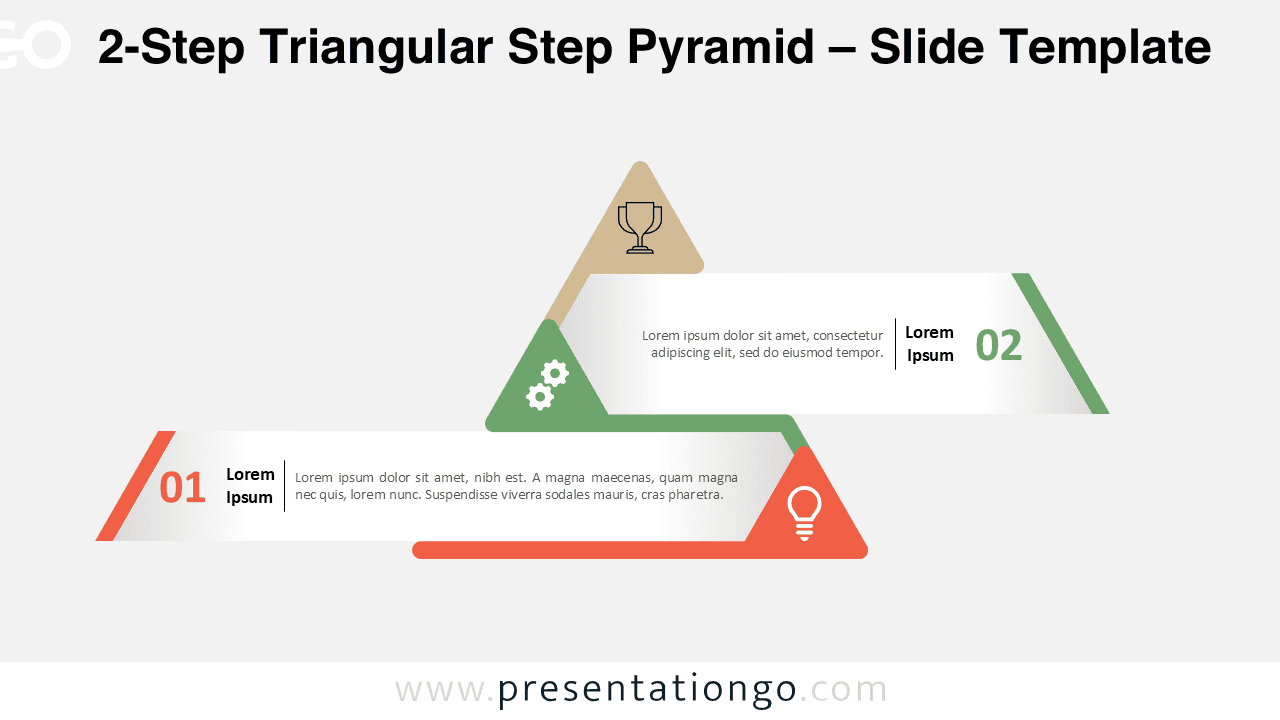
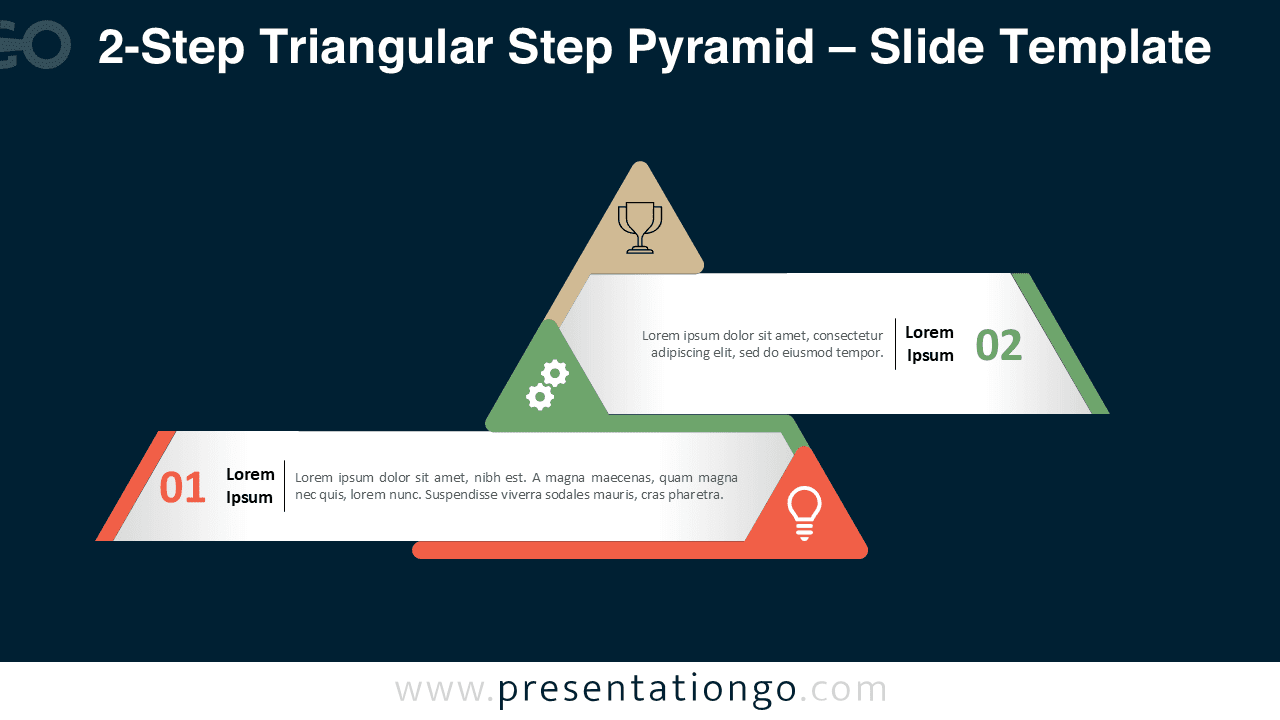
The 2-Step Triangular Step Pyramid is a clean and modern infographic that helps you illustrate sequential or hierarchical processes. This editable diagram is available for both PowerPoint and Google Slides.
Template Preview


Features and Customization Options
- Includes 2 slides: light and dark background versions
- Features a unique pyramid design with 2 connected triangular layers
- Fully editable shapes, colors, and icons
- Available in widescreen (16:9) format for PowerPoint and Google Slides
- Designed for clarity, balance, and visual consistency
Design Overview
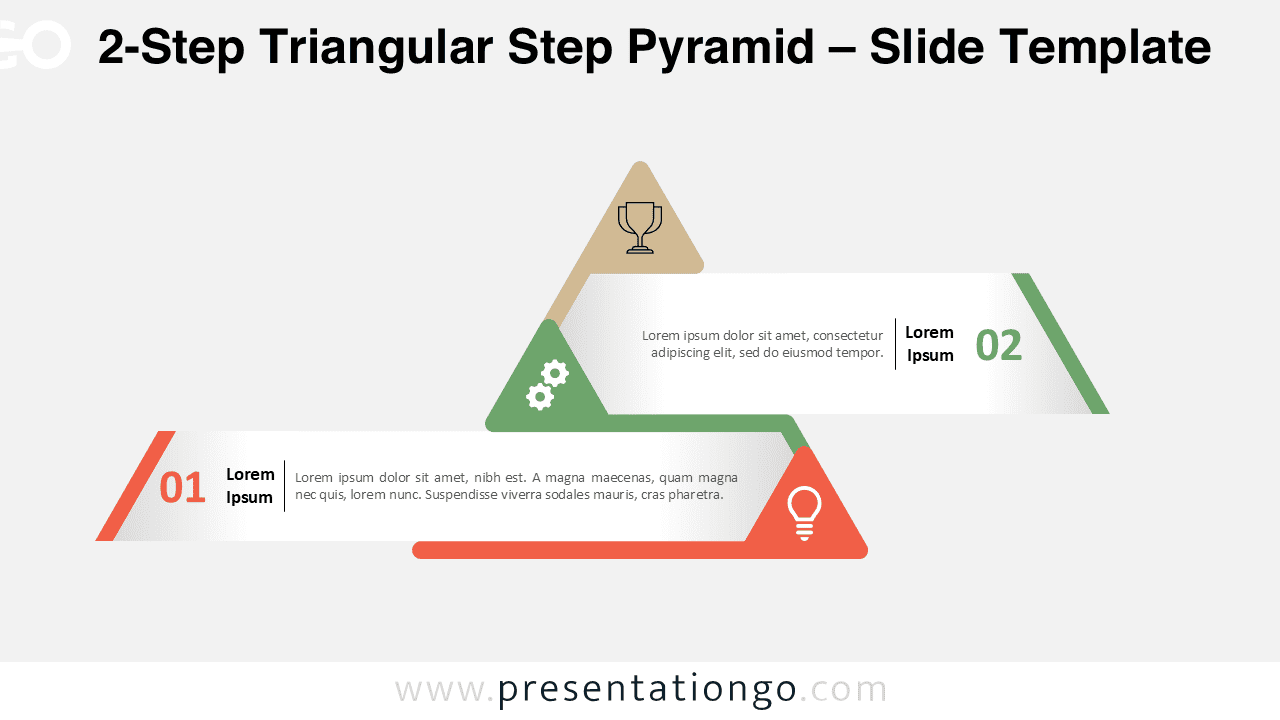
This 2-step version introduces a horizontal pyramid layout made of two linked triangles. Each step combines a colored bar with a triangular symbol containing an icon. The minimalist flat design and gradient shading add depth while keeping a modern look. The color palette blends orange, green, and beige for a warm, professional tone.
Practical Applications
- Show two key stages of a business or workflow process
- Highlight sequential steps or milestones
- Illustrate cause-and-effect or input-output relationships
- Visualize hierarchical structures or priorities
How to Edit
- Open the file in PowerPoint or Google Slides.
- Edit text, replace icons, and adjust colors.
- Use the Slide Master to ensure design consistency.
- Duplicate the slide for multiple versions or color schemes.
Summary
The 2-Step Triangular Step Pyramid offers a simple yet dynamic way to present a short process or hierarchy. Its geometric layout makes your ideas clear and visually engaging.