
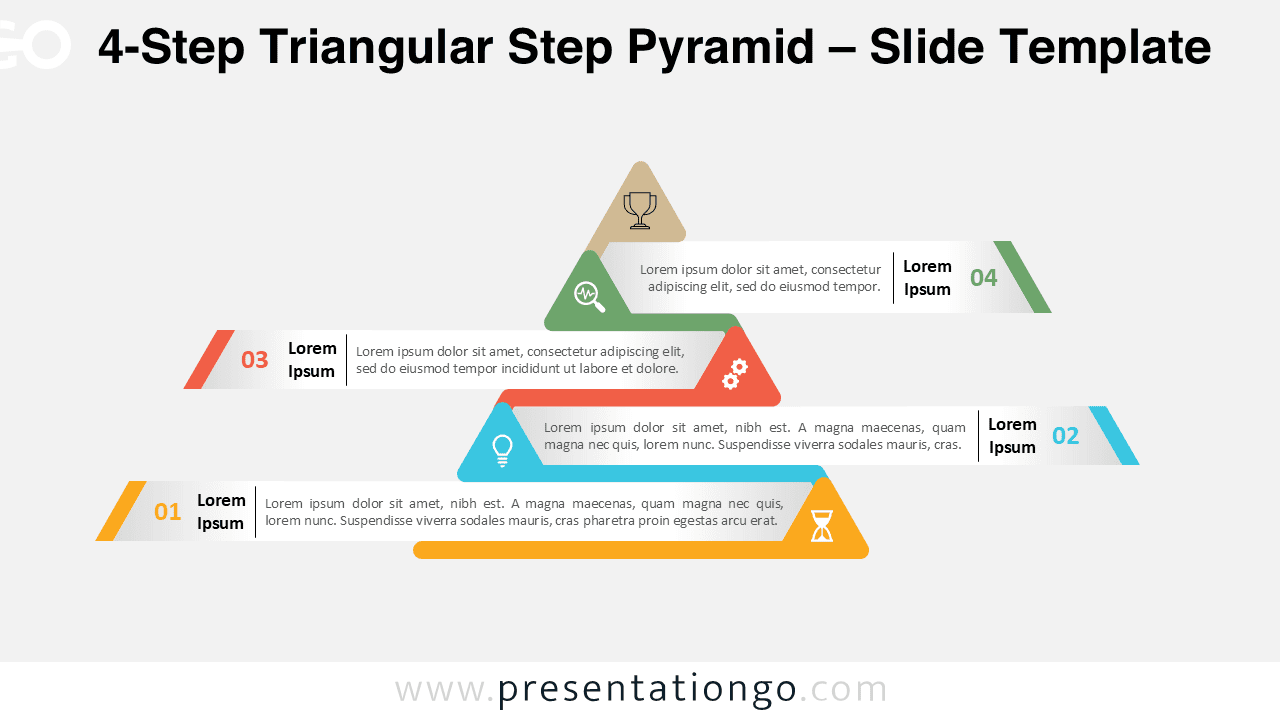
The 4-Step Triangular Step Pyramid template is designed to display four progressive layers or stages within a process or hierarchy. This editable infographic works seamlessly in PowerPoint and Google Slides.
Template Preview
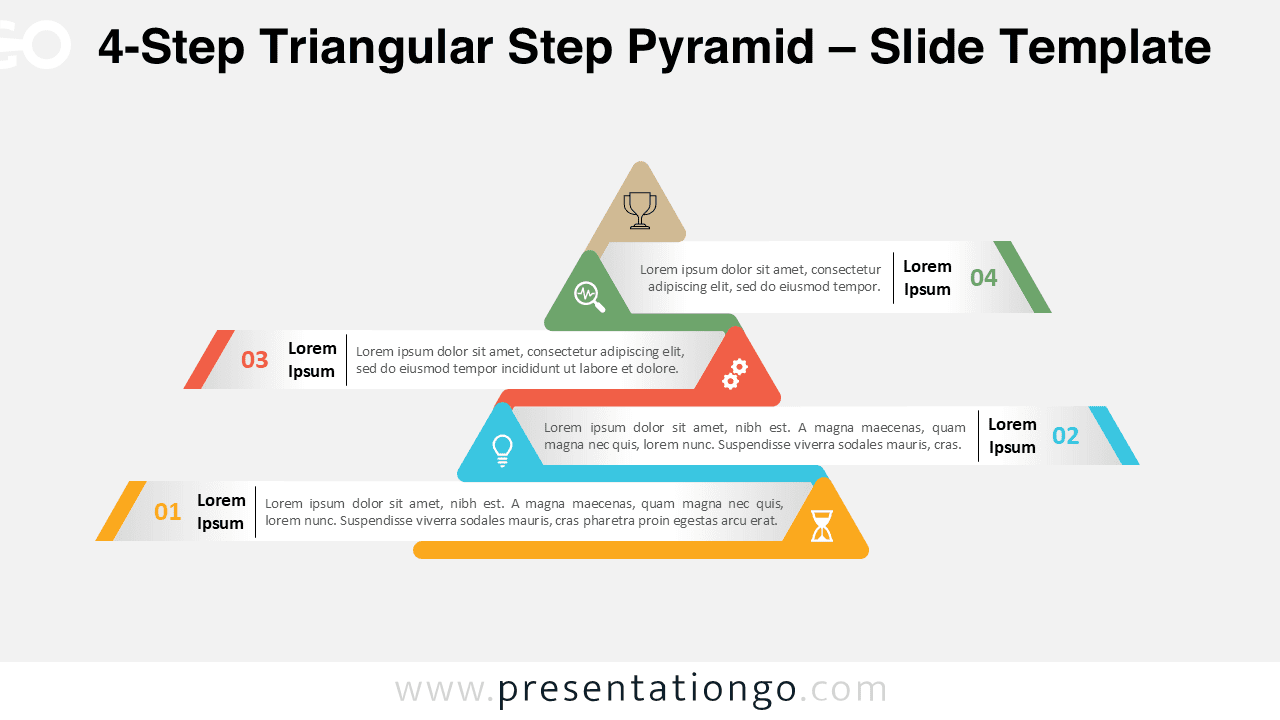
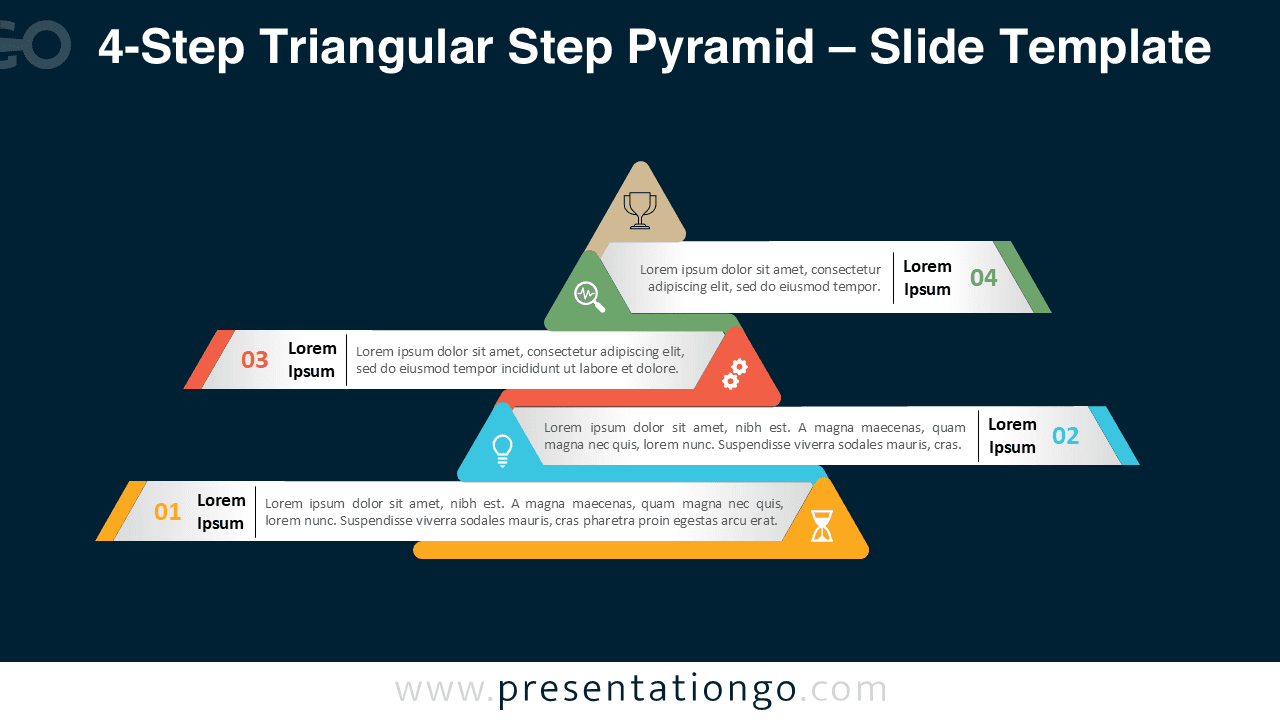


Features and Customization Options
- Includes 2 slides: light and dark background versions
- Features a pyramid with 4 stacked triangular layers
- Fully editable colors, shapes, and icons
- Available in widescreen (16:9) for PowerPoint and Google Slides
- Modern flat design optimized for clarity and visual balance
Design Overview
This 4-step version expands the pyramid into four triangular layers, creating a structured and scalable representation of growth or hierarchy. Each step is color-coded and labeled with icons, allowing you to clearly convey each phase of a process. The flat geometric design and subtle gradients keep the visual both modern and professional.
Practical Applications
- Show four steps of a workflow or process
- Display hierarchical or layered business structures
- Visualize development or improvement stages
- Illustrate strategic or operational frameworks
How to Edit
- Open in PowerPoint or Google Slides.
- Edit text, icons, and color elements to match your brand.
- Use the Slide Master to maintain consistent styling.
- Duplicate or adjust pyramid layers for custom versions.
Summary
The 4-Step Triangular Step Pyramid brings structure and balance to your presentations. It’s perfect for explaining four sequential stages with a clear, visually appealing format.



