Organize a complete plan with this 6-step Serpentine Pyramid. A continuous, curved outline links six rounded capsules, guiding attention from start to finish. Available for PowerPoint and Google Slides.
Diagram Preview
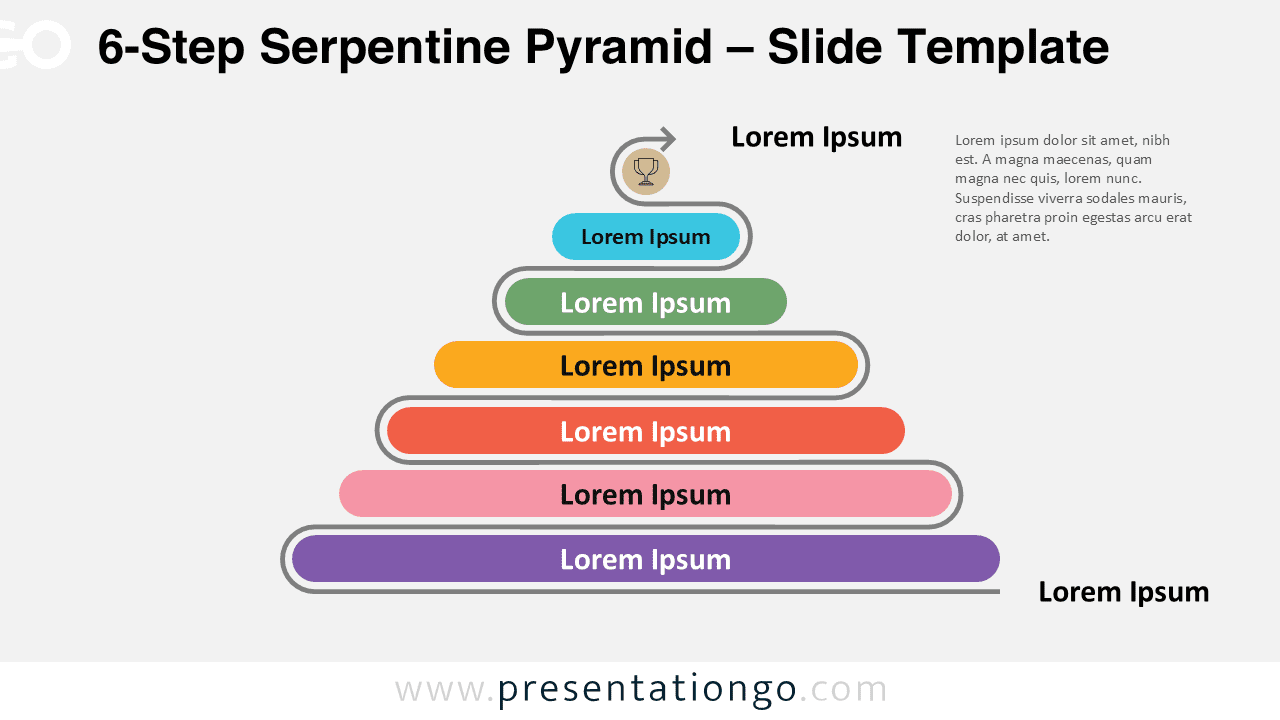
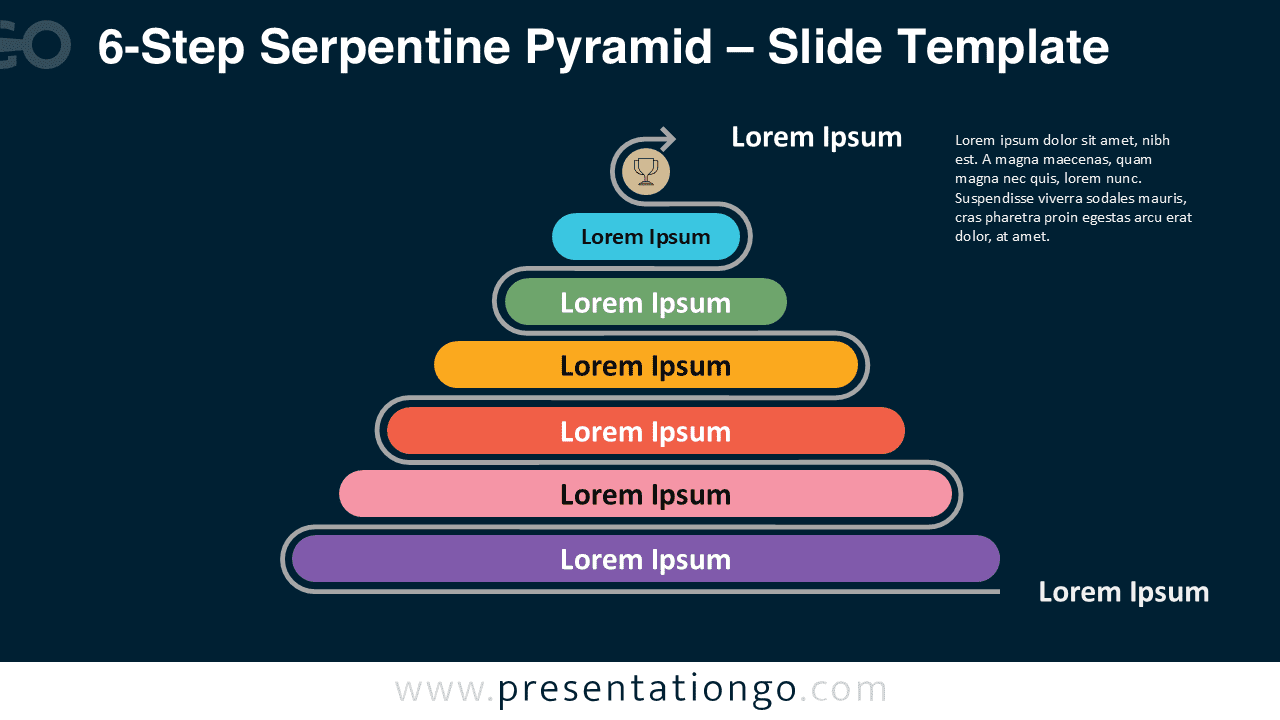


Features & Customization
- Includes 2 slides: light and dark backgrounds
- Six pill-shaped steps on a serpentine track with arrow
- Editable colors, sizes, and text
- 16:9 widescreen ratio
- Consistent layout for easy reuse
Design Overview
Six distinct color accents separate stages while the gray path unifies the story. Rounded geometry keeps the slide friendly; the arrow adds direction without distraction.
Practical Applications
- Six-phase program or roadmap
- Lifecycle model with six stages
- Capability or maturity framework
- Step-by-step training sequence
How to Edit
- Replace titles and short descriptions inside each capsule.
- Apply your brand palette and adjust outline thickness.
- Change or remove the icon; keep the arrow for direction.
- Use simple entrance animations to reveal steps.
Summary
The 6-step serpentine layout balances clarity and movement. It helps audiences follow complex sequences with ease.
Complete Serpentine Pyramid Collection
Part of the Serpentine Pyramid series with matching visuals across step counts for cohesive presentations.