The Milestone Road Journey diagram offers a visual way to present progress along a winding route. Milestone markers connect key points in the story and guide the audience naturally from one stage to the next. The sample layout shows five milestones for illustration purposes, but you can easily adapt the number to suit your content. Use the diagram in PowerPoint and Google Slides for roadmaps, processes, project plans, and other stories built around progression.
Each milestone can combine a numbered marker, supporting text, and an optional visual element. You can rearrange, duplicate, or remove these components as needed. This flexible structure makes the diagram useful for both short journeys and more detailed sequences.
Diagram Preview
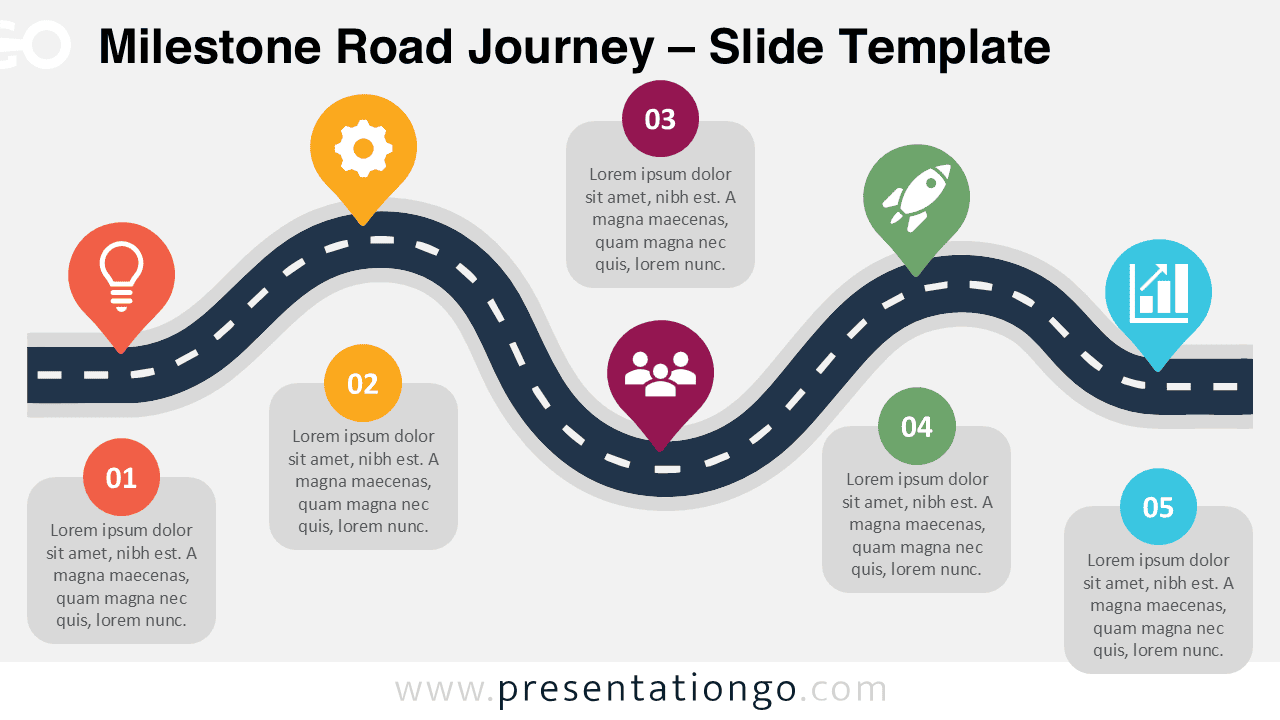


The Milestone Road Journey diagram uses a continuous road to connect a sequence of milestones. The preview shows one possible arrangement, rather than a fixed number of stages. You can adapt the milestone count and reposition the elements to match the structure of your presentation.
The layout also includes text areas and location-style markers that help distinguish important points along the route. These elements support a clear reading order while leaving enough flexibility for different types of journeys, plans, and processes.
Features and Customization Options
- Compatible with Microsoft PowerPoint and Google Slides
- Editable milestone-based process diagram
- Add, remove, or reposition milestones freely
- Editable text, shapes, and milestone markers
- Icons are for illustration purposes only and are easily modifiable
- Includes both light and dark background versions
Design and Structure
A winding road forms the central visual element and links the milestones into one coherent journey. Its curved direction creates a sense of movement while maintaining a clear reading flow. The numbered markers and supporting text areas make it easy to organize information around each point on the route.
Location-style markers provide optional visual cues for selected milestones. Their icons are included for illustration purposes only and can be modified, replaced, or removed. Because the structure is editable, you can also change the number of milestones and adjust their placement without being tied to the example shown in the preview.
Practical Applications
- Project roadmaps and milestone reviews
- Business processes and workflows
- Product development journeys
- Strategic planning presentations
- Customer and employee journeys
- Implementation and transformation plans
- Goal progression and achievement paths
- Program phases and project timelines
Summary
The Milestone Road Journey diagram turns a sequence of milestones into a connected visual story. Its winding route works well when a presentation needs to show movement, progression, checkpoints, or a path toward a goal. The sample arrangement provides a starting point rather than a fixed structure.
You can adapt the number of milestones, change the text, reposition the markers, and modify the illustrative icons to fit your message. Whether you are presenting a project plan, strategic roadmap, workflow, or development journey, the diagram gives you a flexible structure for showing how one milestone leads to the next.