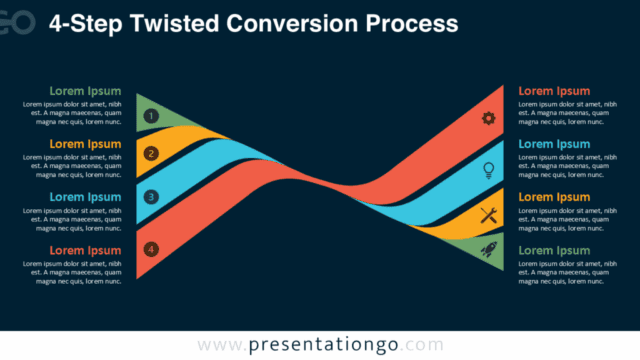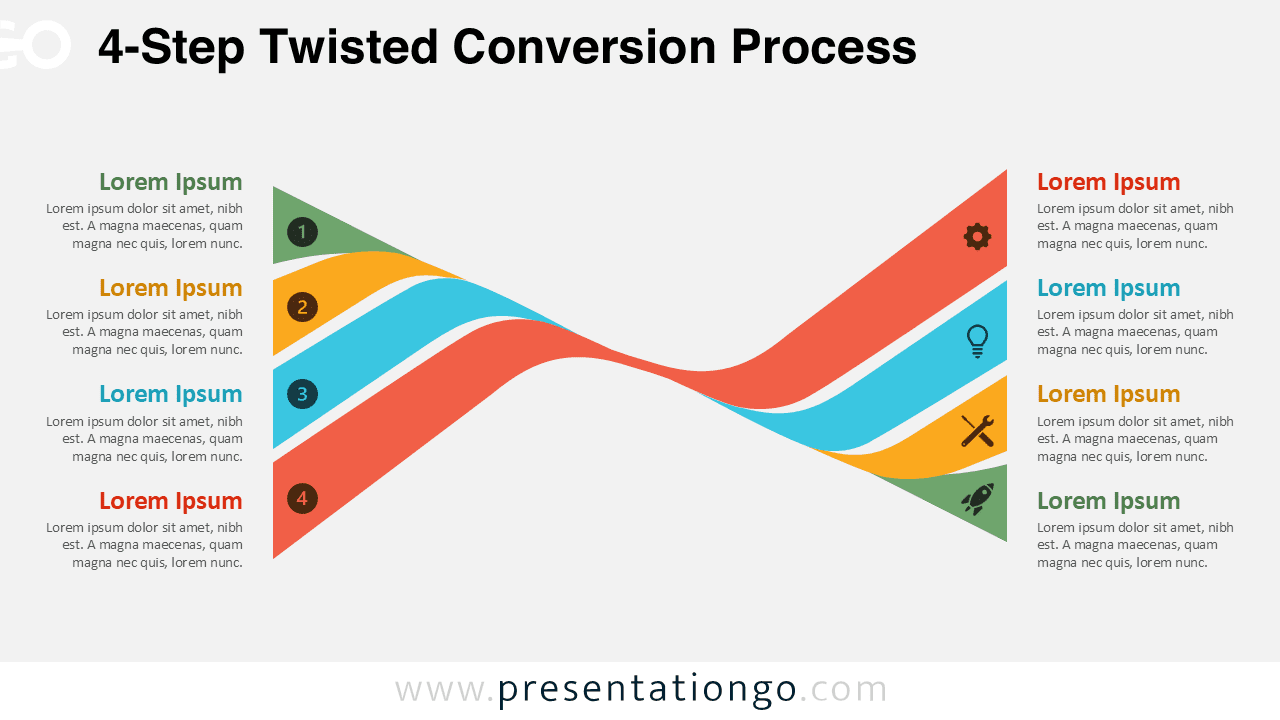
The 4-Step Twisted Conversion Process helps you present a structured conversion journey with more depth while keeping the message clear and visually engaging. As part of the Twisted Conversion Process series, this version is designed for situations where three steps feel too limited, but a more detailed framework would add unnecessary complexity.
Its flowing ribbon layout creates a strong sense of continuity from one stage to the next, which makes the diagram especially effective for illustrating progress, movement, and connection. The twisted shape in the center adds energy to the design, yet the composition remains balanced and easy to follow in both business and marketing presentations.
Diagram Preview


Features and Customization Options
- Includes a 4-step ribbon layout with a smooth directional flow
- Works in both PowerPoint and Google Slides
- Provides editable text fields for titles and descriptions
- Includes editable icon placeholders for each step
- Icons come from the Office icon library and can be changed easily
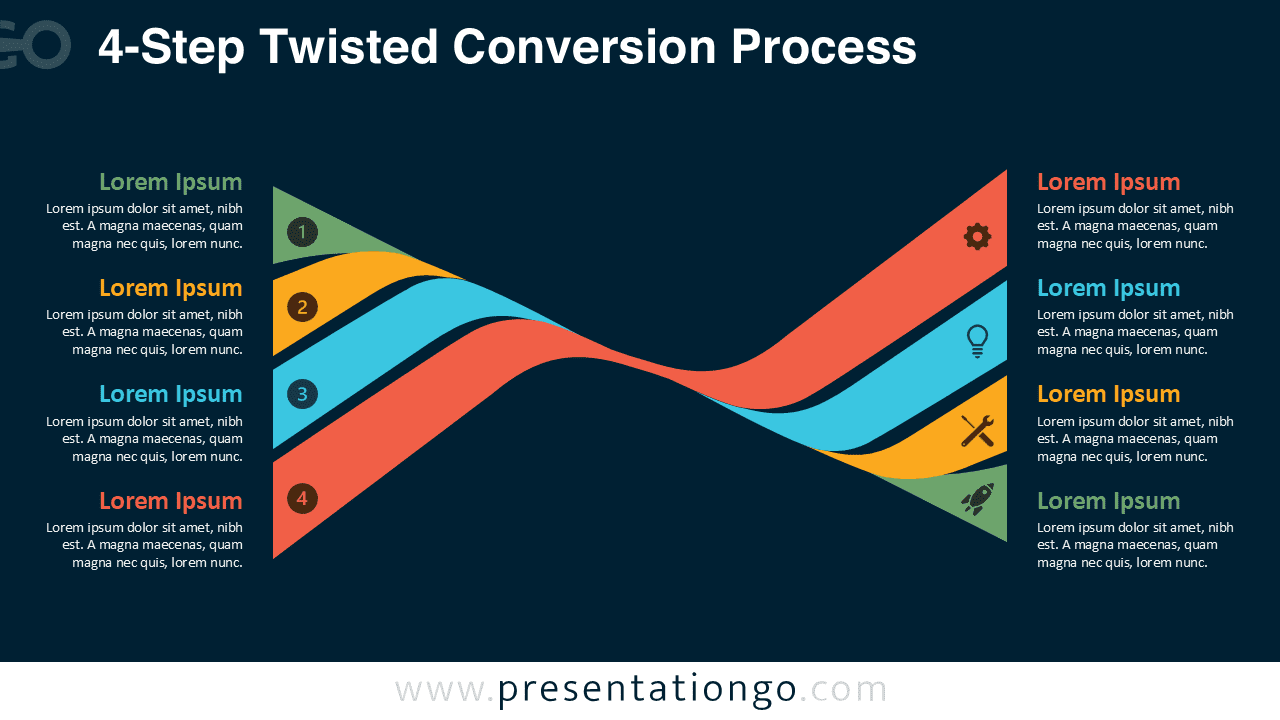
- Offers light and dark versions for different presentation styles
- Uses clear numbering to guide the audience through the process
- Lets you change colors, icons, and labels quickly
Design and Structure
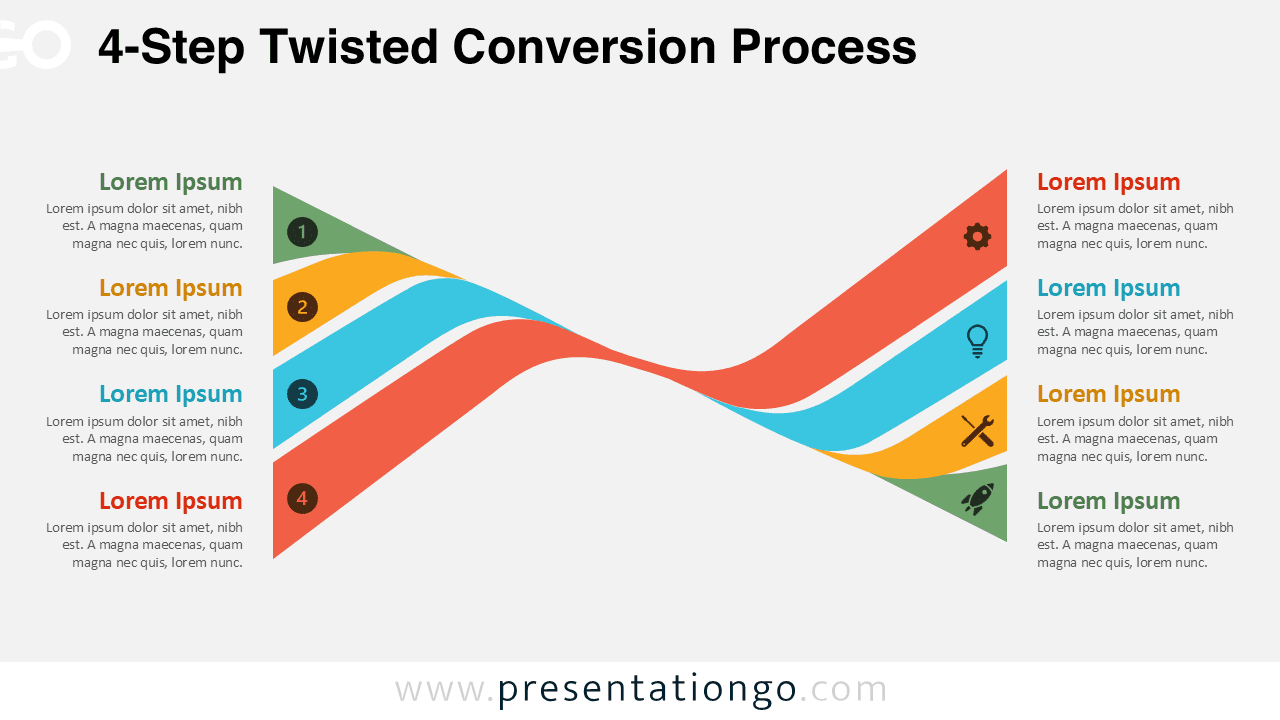
This diagram uses four interwoven bands that move from left to right in a continuous visual rhythm, allowing each stage to feel distinct while still belonging to the same process. The numbered markers on the left create a clear entry point for each step, while the icon placeholders on the right help reinforce the message with recognizable visual cues.
Because the layout combines text, numbering, and icons in a clean arrangement, it works well for audiences that need both clarity and impact. The overall design feels modern, professional, and dynamic, which makes it suitable for presentations that need to explain structured ideas without looking rigid or overly technical.
Practical Applications
- Explain a four-stage marketing funnel
- Present lead qualification, nurturing, proposal, and conversion steps
- Map customer journey phases from awareness to action
- Show onboarding or adoption sequences in four clear stages
- Break down a business workflow with four connected milestones
- Visualize strategic or operational transitions in reports and pitch decks
Summary
The 4-Step Twisted Conversion Process offers an ideal balance between simplicity and detail, giving you enough space to explain a complete process without overwhelming the audience. Its flowing structure helps each step connect naturally to the next, while the editable layout makes it easy to adapt for different industries, brands, and presentation goals.
Whether you are building a sales presentation, a marketing report, or a strategy deck, this version gives you a polished way to communicate four essential stages with clarity in both PowerPoint and Google Slides.
Twisted Conversion Process Collection
Explore the full Twisted Conversion Process Collection to choose the step count that best matches your content, from simple flows to more detailed conversion journeys.