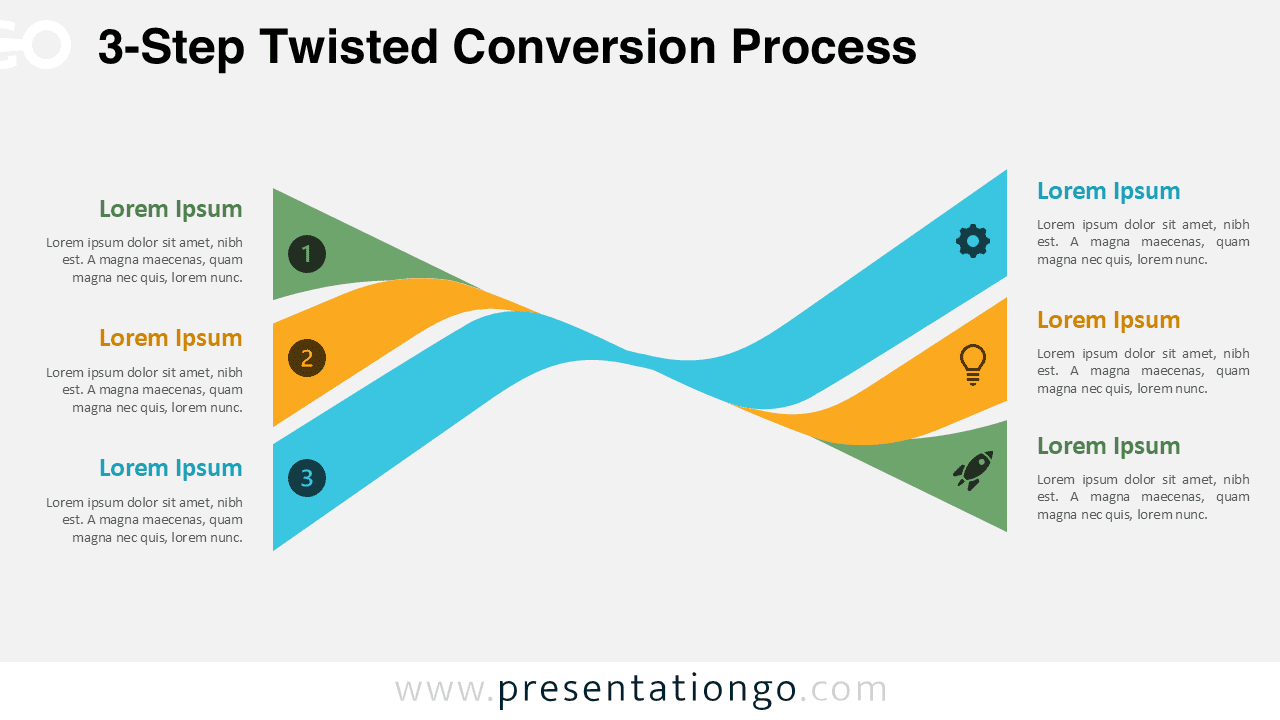
The 3-Step Twisted Conversion Process helps you explain a simple conversion journey with clarity and motion.
It is part of the Twisted Conversion Process series and offers a clean three-step version for presentations that need focus and speed. The layout uses interwoven ribbons to connect each stage in a smooth visual path. This structure works especially well when you want to show progression, handoff, or cause-and-effect across three key points.
Diagram Preview


Features and Customization Options
- Includes a 3-step ribbon layout with a strong directional flow
- Works in both PowerPoint and Google Slides
- Provides editable text fields for titles and descriptions
- Includes editable icon placeholders for each step
- Icons come from the Office icon library and can be changed easily
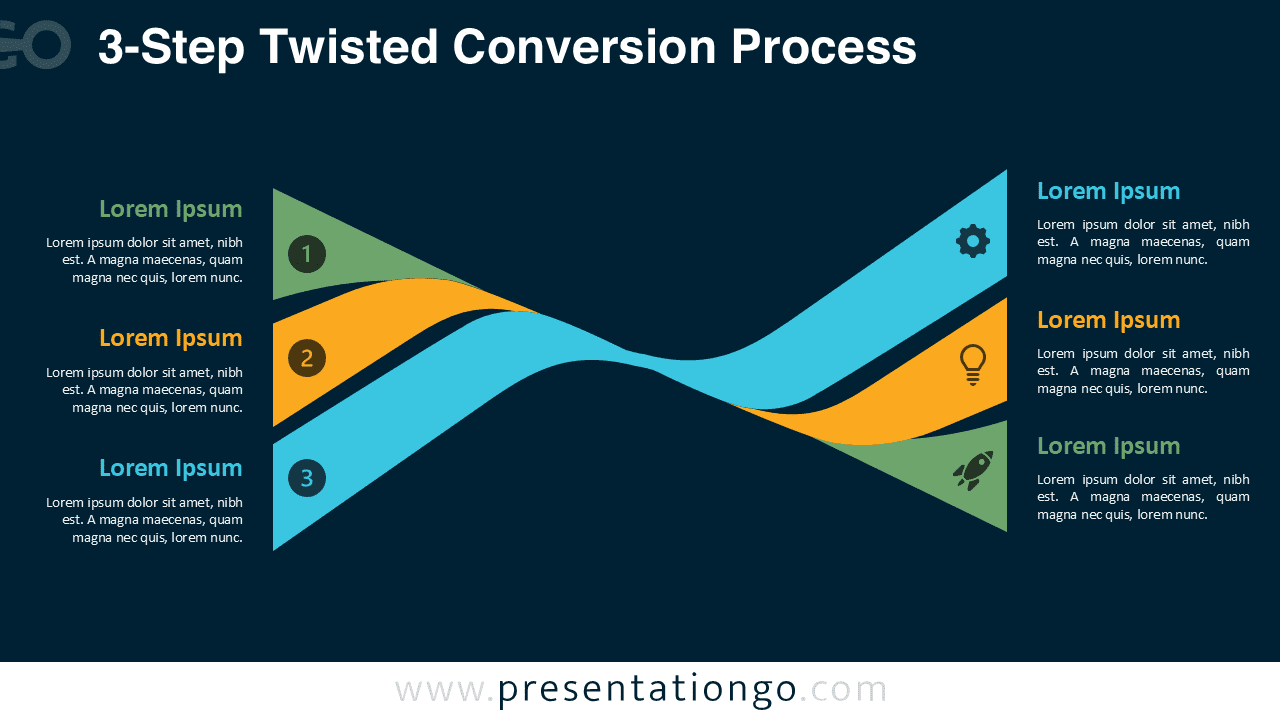
- Offers light and dark versions for different presentation styles
- Uses clear numbering to guide the audience through the process
- Lets you change colors, icons, and labels quickly
Design and Structure
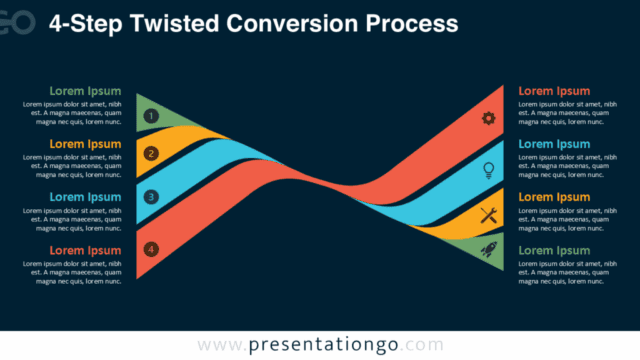
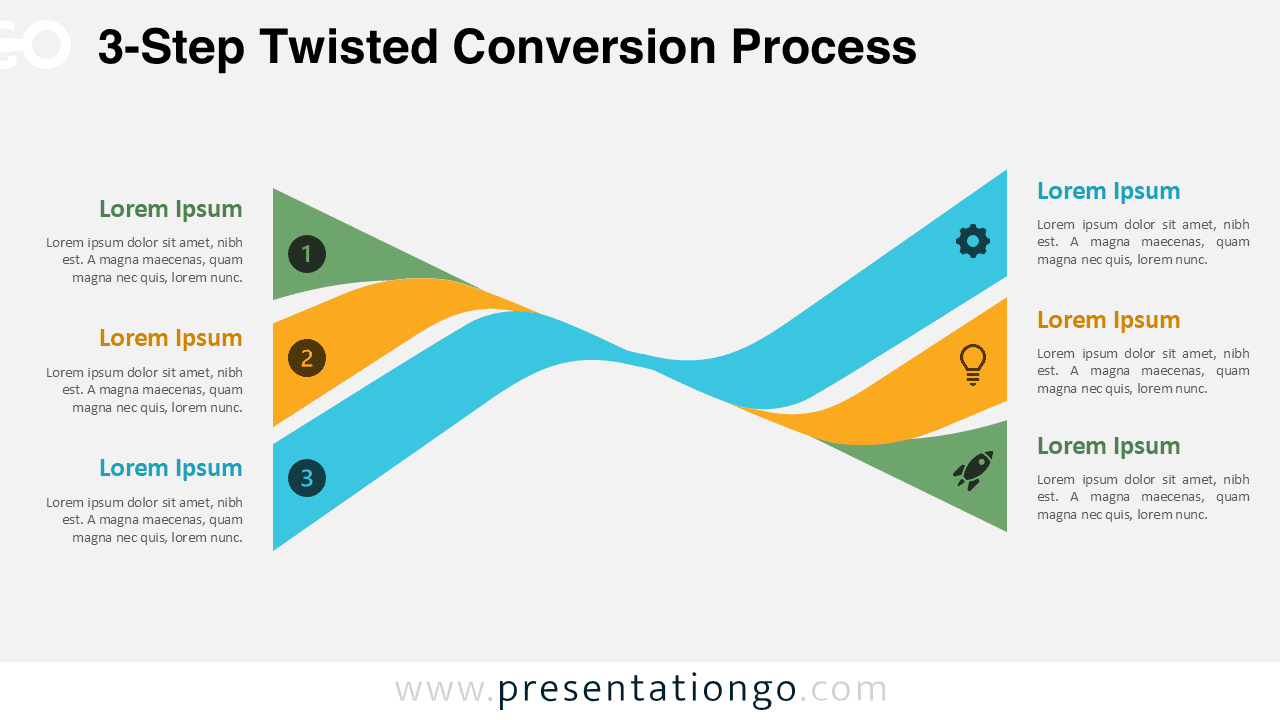
This diagram uses three curved bands that twist across the center of the slide. That crossing point creates visual energy without making the design feel busy.
Each step begins on the left with a numbered marker and ends on the right with a matching icon area. This arrangement gives you two communication zones. You can introduce each stage on one side and reinforce it with an icon or keyword on the other.
The design feels modern, balanced, and highly readable. Because the shapes are broad and smooth, the diagram stays clear even on large screens.
Practical Applications
- Explain a three-stage marketing funnel
- Present lead generation, nurturing, and conversion steps
- Map customer acquisition phases
- Show product adoption or onboarding stages
- Break down a simple operational workflow
- Visualize strategic transitions in business reports
Summary
The 3-Step Twisted Conversion Process is a strong choice when you need a process diagram that feels dynamic and easy to follow. It gives you enough structure to communicate clearly while keeping the message concise.
As part of the wider series, this version is ideal for presentations that focus on three essential stages. Use it to turn abstract steps into a visual story that feels polished in both PowerPoint and Google Slides.
Twisted Conversion Process Collection
Explore the full Twisted Conversion Process Collection to choose the step count that best matches your content, from simple flows to more detailed conversion journeys.