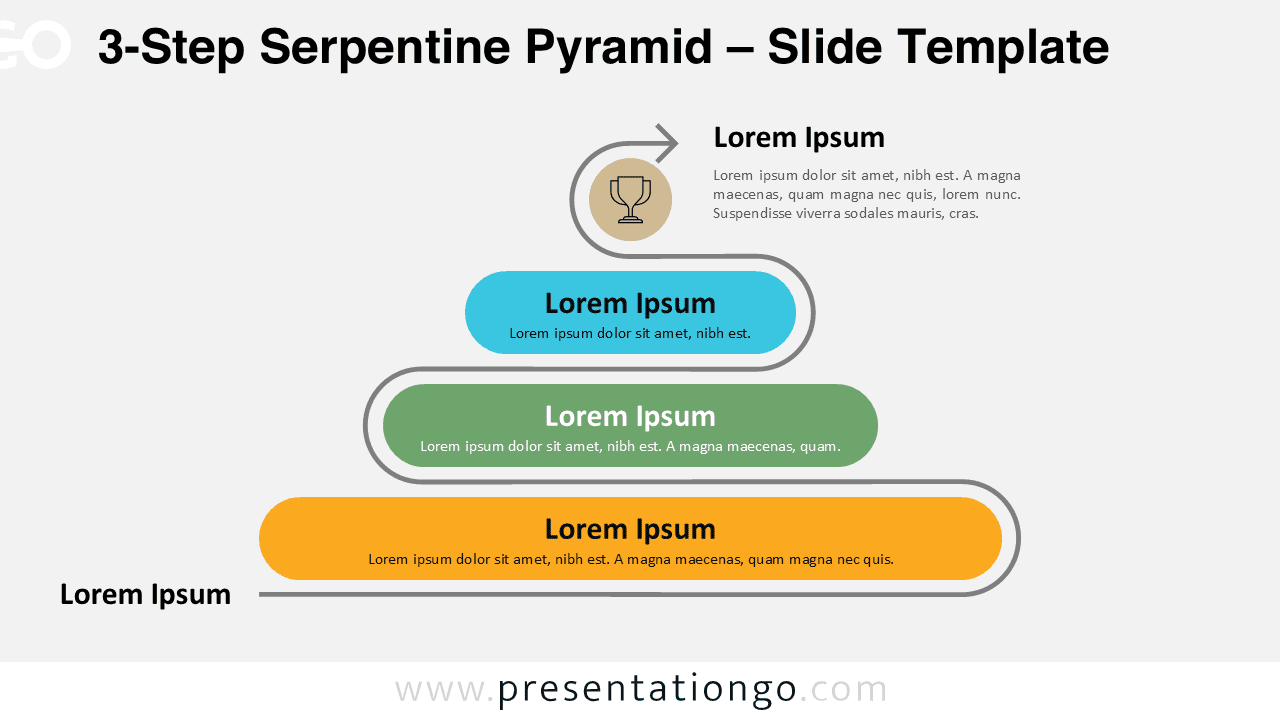
Use this 3-step Serpentine Pyramid to break down a compact plan. A single, winding outline guides the eye across three rounded capsules, each representing a step or milestone. It is available for PowerPoint and Google Slides.
Diagram Preview


Features & Customization
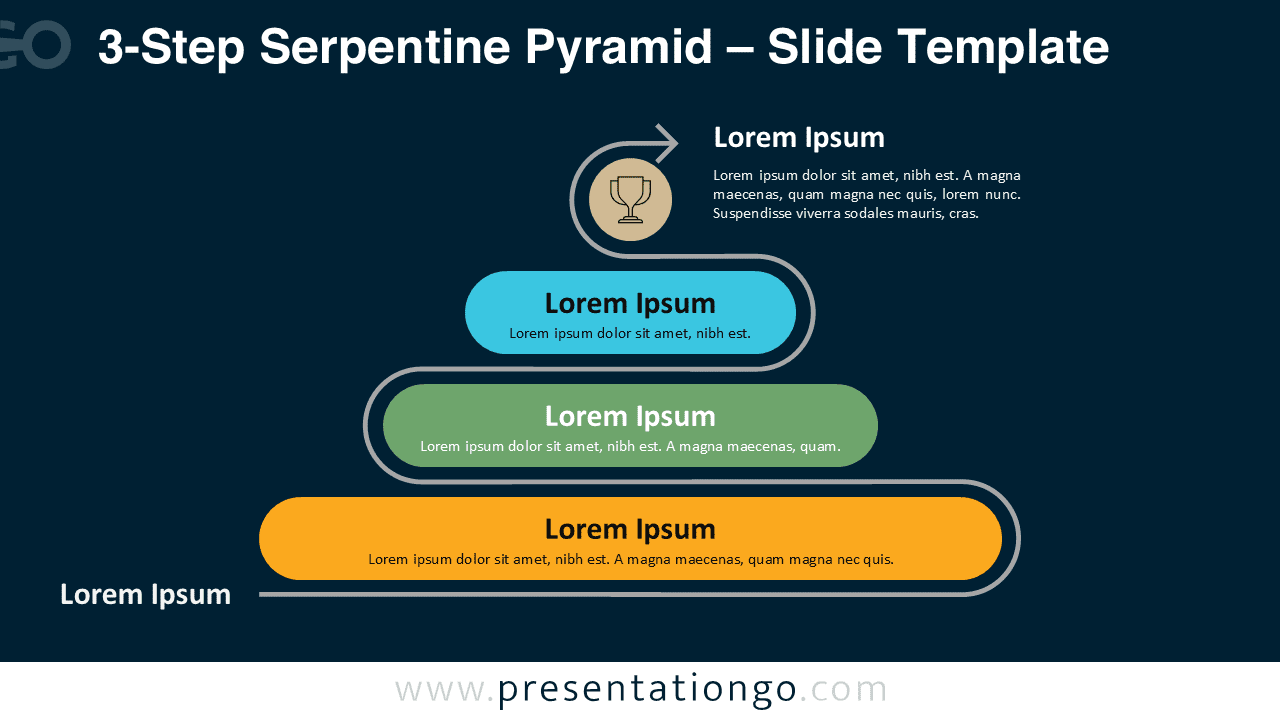
- Includes 2 slides: light and dark backgrounds
- Serpentine outline with three pill-shaped steps and arrow finish
- Fully editable colors, text, and shapes
- Widescreen 16:9 layout for modern displays
- Consistent spacing for quick reading
Design Overview
The diagram stacks three capsules along a gray, curved path. The rounded geometry softens the structure while the arrow introduces motion. The light version favors print; the dark version improves contrast in bright rooms.
Practical Applications
- Three-phase roadmap or rollout
- Milestones: start, middle, finish
- Short onboarding sequence
- Problem → approach → result
How to Edit
- Rename each capsule with concise step labels.
- Apply brand colors to fills and outlines.
- Replace the icon or arrow to match your theme.
- Duplicate a step if you need more detail.
Summary
This 3-step serpentine layout communicates sequence and direction with minimal clutter. It emphasizes clarity and movement for quick presentations.
Complete Serpentine Pyramid Collection
This diagram belongs to the Serpentine Pyramid series and matches the other step counts for consistent design across decks.