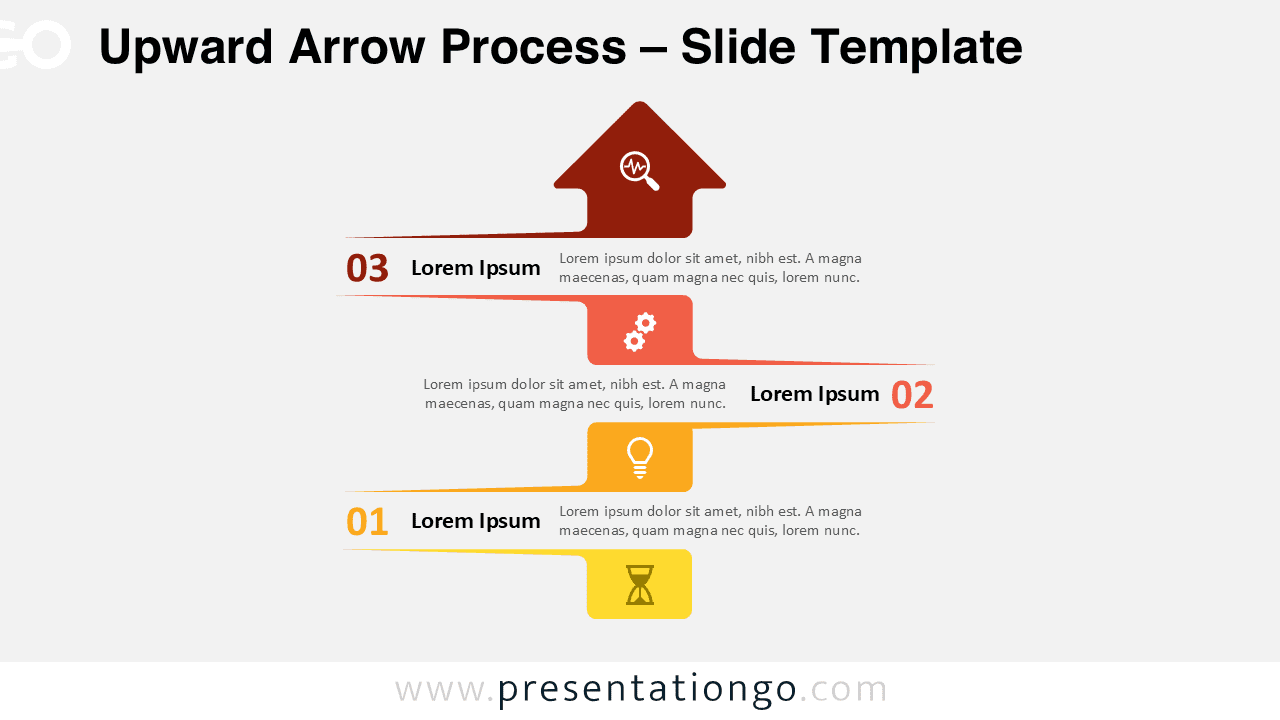
The Upward Arrow Process diagram presents a three-step vertical sequence that guides viewers through sequential stages toward goal achievement, designed for PowerPoint and Google Slides.
Three-Step Diagram for Showing Sequential Growth
This slide template presents a vertical, three-step process flow where each stage builds toward the next. The design includes three horizontally extended blocks stacked from bottom to top, culminating in an upward-pointing arrowhead. Each block features a number, a bold title, supporting placeholder text, and a visually meaningful icon. The alternating left-right alignment of text and numbers introduces a dynamic zigzag layout that maintains balance and keeps visual interest. Colored connectors link the stages, while the top arrow visually conveys achievement or forward movement. The contrasting iconography strengthens comprehension and aids in storytelling.
This layout is ideal for illustrating vertical progressions, where reaching the final point marks a clear outcome. Presenters can use it to break down a process into three actionable steps, such as planning, execution, and results. It’s also well-suited for highlighting growth stages—such as beginner to expert—or visualizing decision-making hierarchies. Whether you’re mapping a customer journey, tracking project development, or presenting performance milestones, this visual effectively guides your audience through the message, one step at a time.
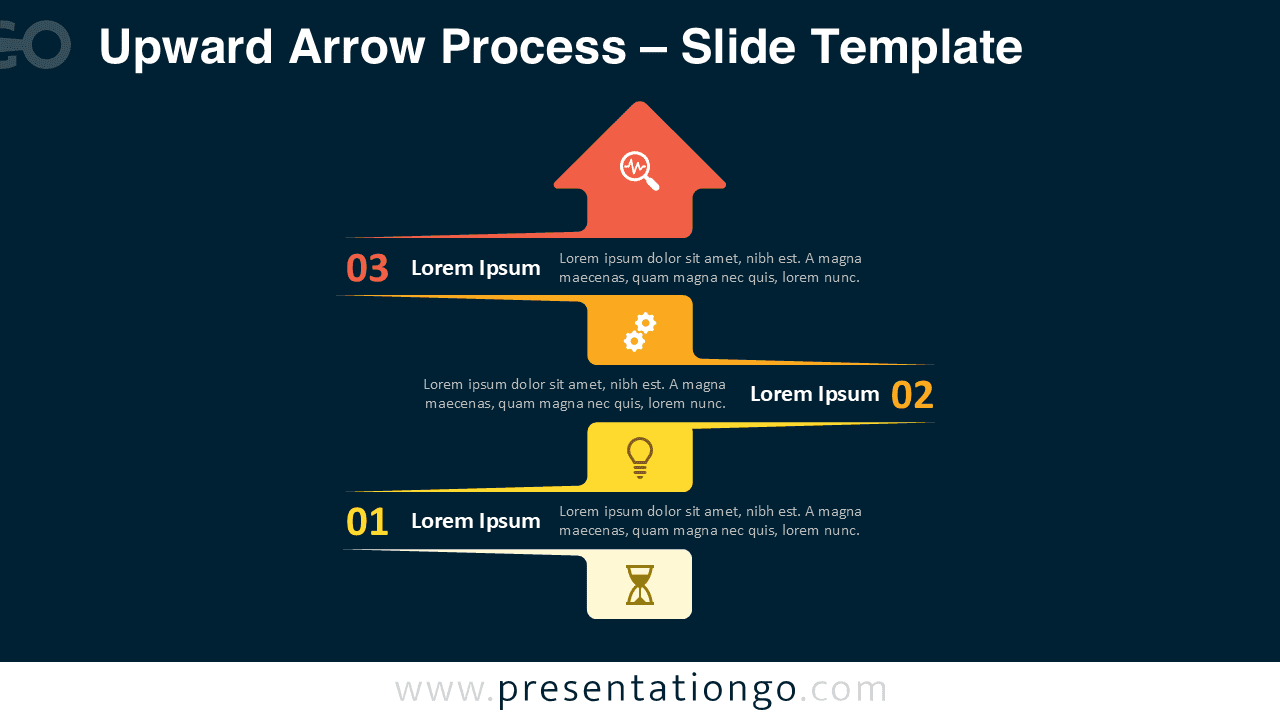
The Upward Arrow Process template includes two editable slides pre-populated with text, step numbers, and customizable icons. Users can easily change colors, adjust icon styles, or modify text as needed. It offers both light and dark theme versions and is available in Standard (4:3) and Widescreen (16:9) formats. Fully compatible with PowerPoint and Google Slides, the layout ensures flexibility across various presentation scenarios.
Download this three-step arrow process to visually represent upward movement, key milestones, or process completion in your next presentation.
Widescreen (16:9) size preview:


This template offers:
- 2 unique slides
- Options for both light and dark themes
- Pre-populated with numbers, icon, and text placeholders
- Fully customizable shapes for complete control
- Available in both Standard (4:3) and Widescreen (16:9) ratios
- Offered in both PowerPoint PPTX and Google Slides formats