
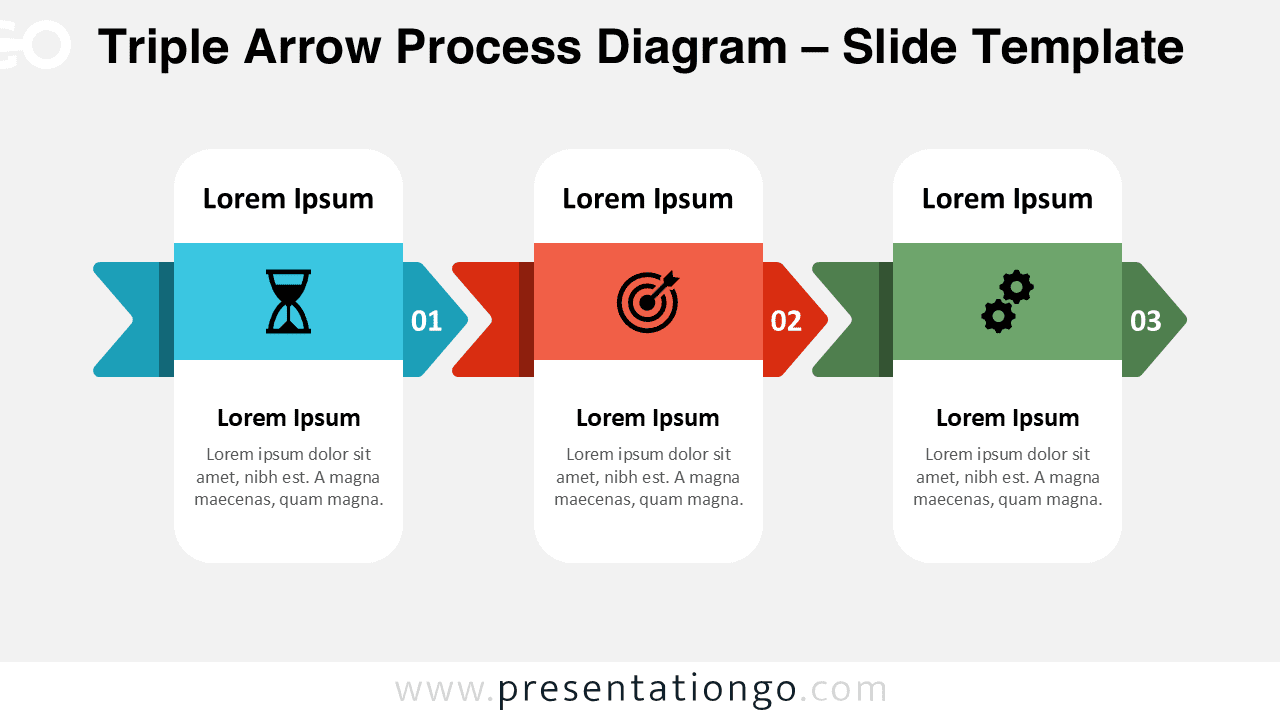
The Triple Arrow Process Diagram for PowerPoint and Google Slides helps you present three-step strategies with clarity and impact. Its bold horizontal arrows guide your audience through each stage of a process in a logical and engaging way.
This layout combines structured cards, directional arrows, and meaningful icons to create a professional workflow visualization. Whether you explain a strategy, a timeline, or a transformation journey, this diagram keeps your message organized and easy to follow.
Diagram Preview


Features and Customization Options
- Fully editable shapes and text fields
- Includes editable icon placeholders
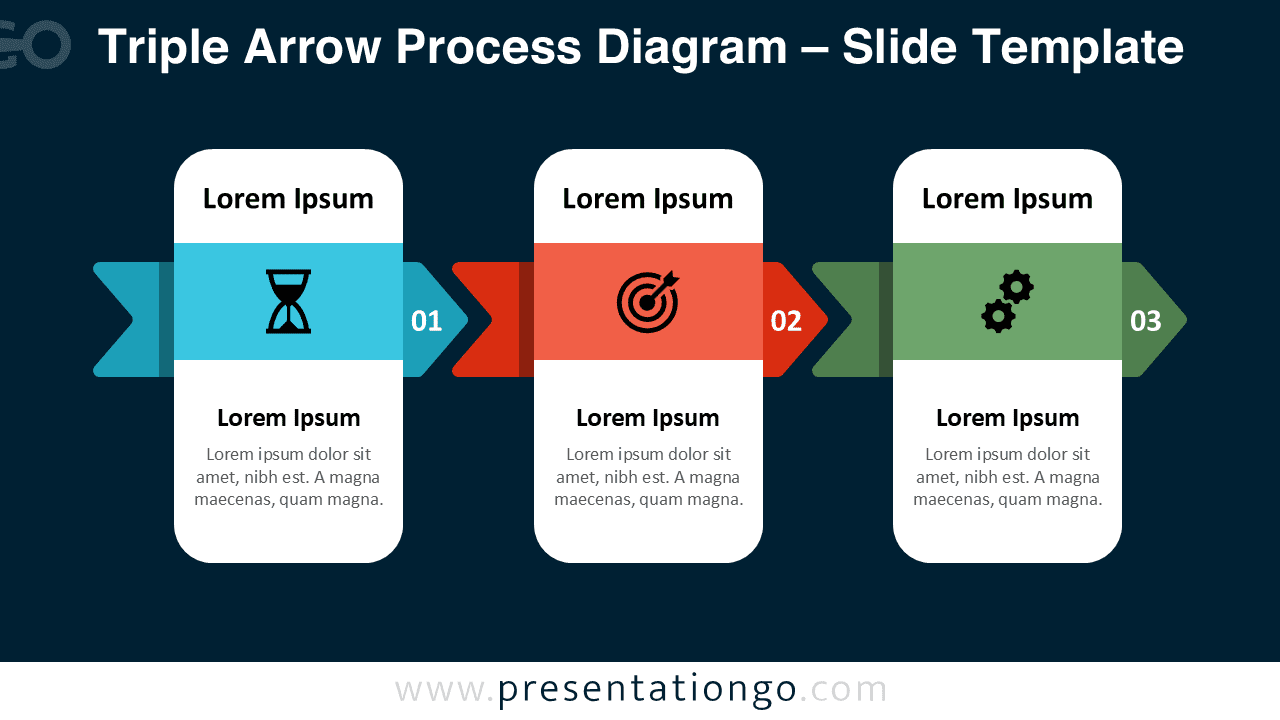
- Two versions included: light and dark backgrounds
- Clear 3-step horizontal progression
- Compatible with PowerPoint and Google Slides
- Easy color customization to match your branding
Design and Structure
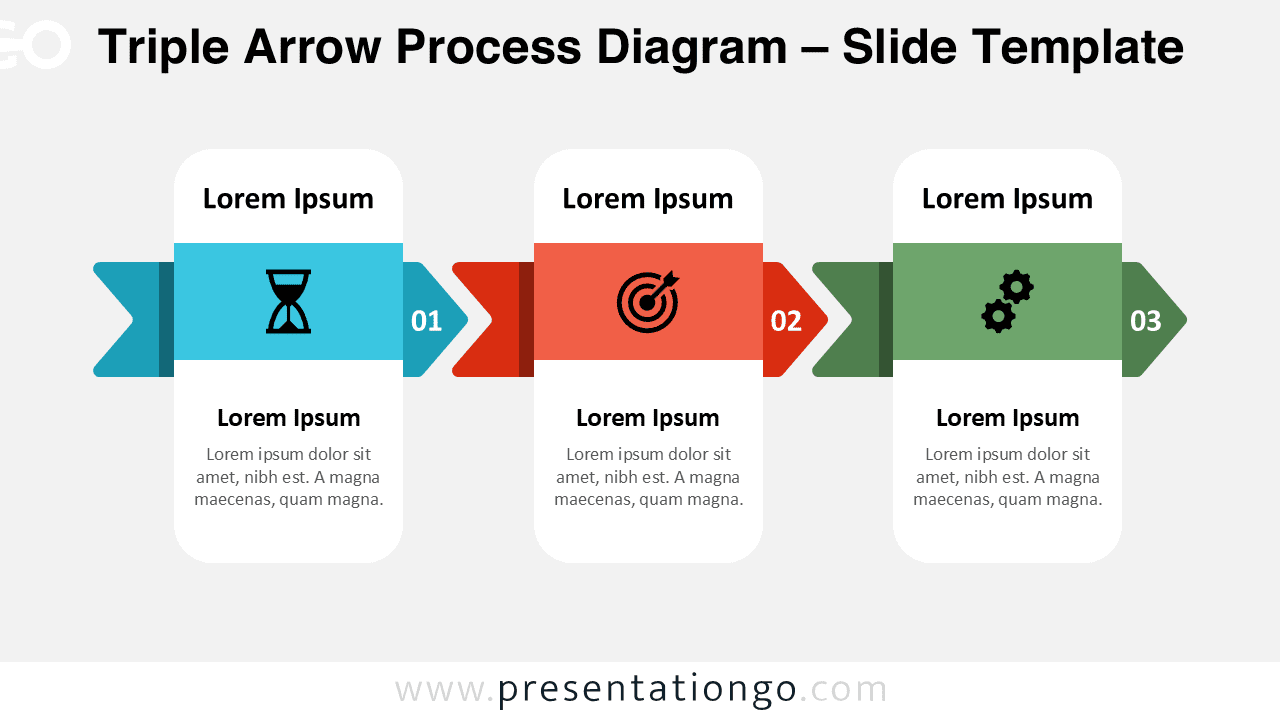
The diagram features three rounded vertical cards aligned horizontally. Each card contains a title area, a highlighted icon section, and a description block. Behind each card, a bold directional arrow reinforces movement and progression.
The first step introduces the starting phase, the second step emphasizes direction or objectives, and the third step focuses on execution or outcomes. The strong visual hierarchy ensures that your audience immediately understands the order and importance of each phase.
The combination of contrasting accent colors and minimalist typography creates a clean corporate look. The layout works equally well in both light and dark versions, making it flexible for different presentation styles.
Practical Applications
- Explaining business strategies in three phases
- Presenting project milestones
- Illustrating operational workflows
- Outlining marketing funnels or sales processes
- Showing transformation or improvement stages
Summary
The Triple Arrow Process Diagram offers a modern and professional way to present structured information. With editable icons, customizable colors, and a clear linear flow, it helps you communicate complex ideas in a simple and visually compelling format.






