
The Three-Step Split Card Process is a structured infographic for presenting three consecutive stages or related concepts. Designed for PowerPoint and Google Slides, it combines numbered cards, illustrative icons, and dedicated text areas. The layout helps audiences follow a sequence while keeping each stage’s information separate.
Diagram Preview
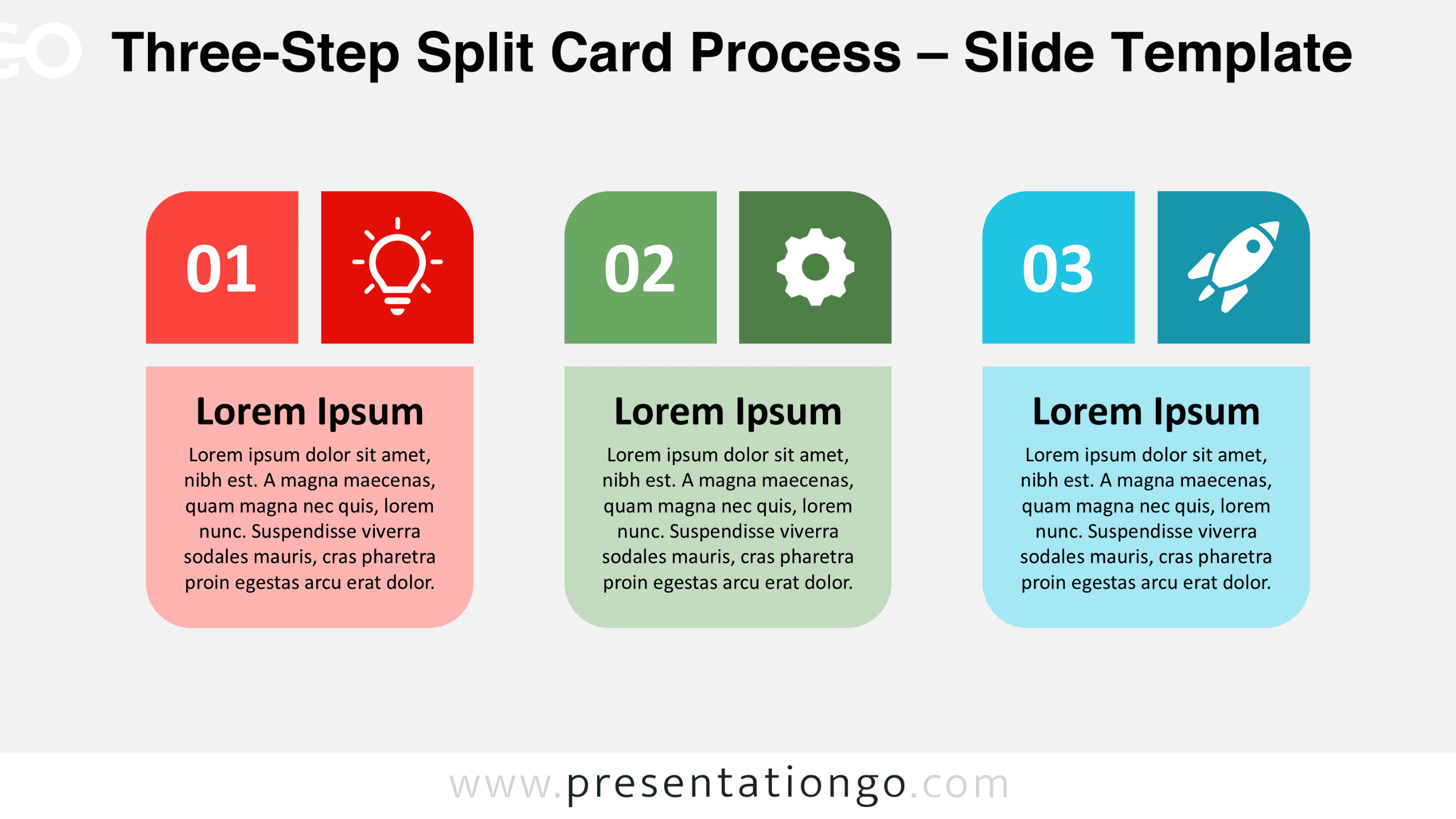
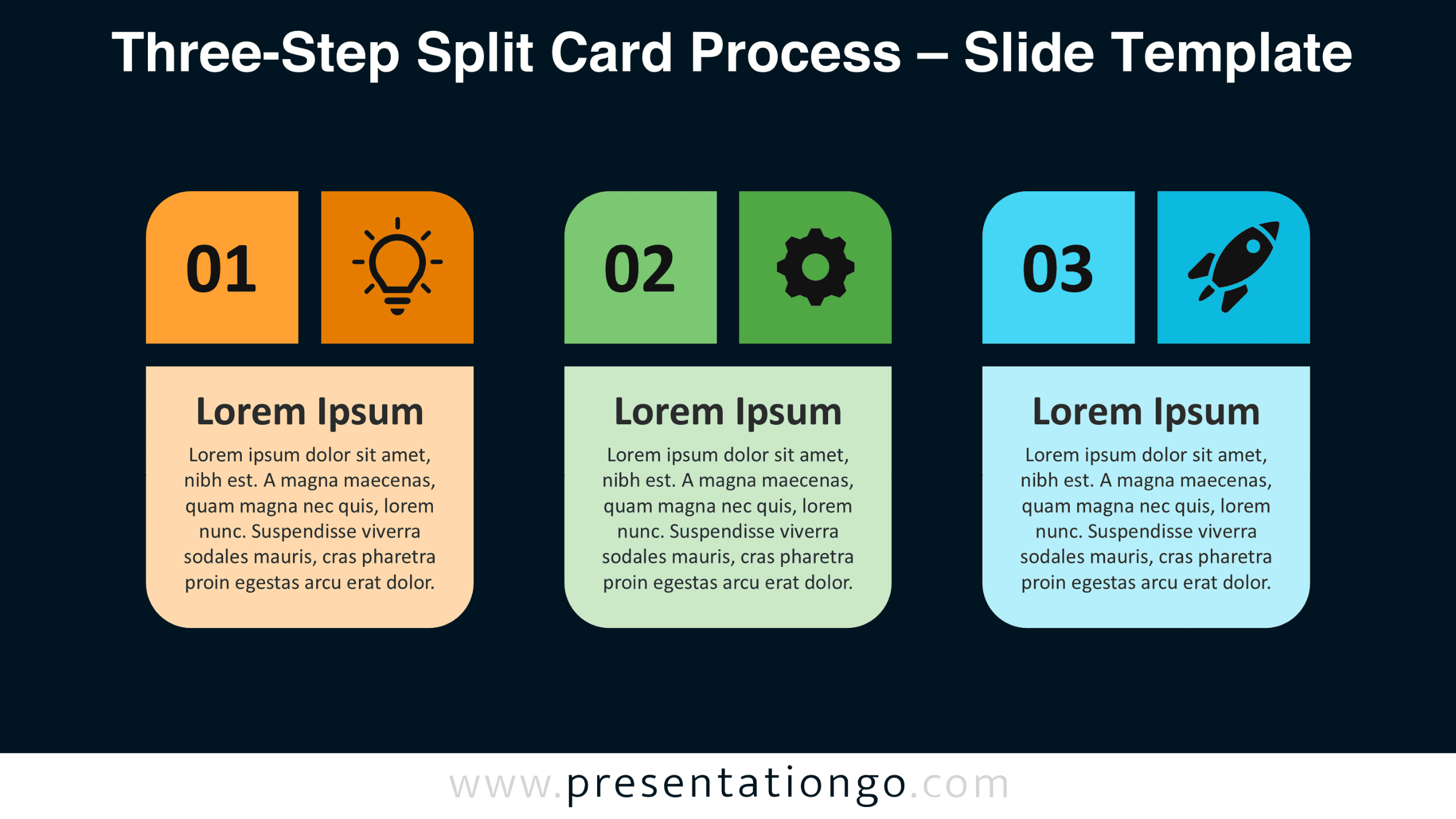
The diagram comes in two background versions, providing alternative presentation settings without changing its structure. Both versions display the same three numbered cards, supporting headings, and editable content areas.


Features and Customization Options
- Compatible with Microsoft PowerPoint and Google Slides.
- Three-step process diagram with numbered split cards.
- Editable text, shapes, sizes, and icon placeholders.
- Icons shown are for illustration purposes only.
- Icons come from the Office library and are easy to modify or replace.
- Adjust individual cards to accommodate your content.
- Includes both light and dark background versions.
Design and Structure
The Three-Step Split Card Process uses three equally sized vertical cards arranged horizontally. Each card consists of two smaller upper panels and one larger lower panel. The upper panels sit side by side, separated by a narrow gap. One displays a two-digit number, while the other contains an icon placeholder. Rounded outer corners give the upper panels a distinctive shape. The lower panel spans the combined width of both upper sections. Its rounded bottom corners complete the card structure, creating a consistent silhouette across all three columns.
The lower sections contain a prominent heading followed by a centered paragraph. This arrangement establishes a hierarchy between the stage number, visual symbol, heading, and explanation. Equal spacing separates the cards and keeps the composition balanced. The first card features a lightbulb, the second a gear, and the third a rocket. These symbols establish a visual relationship between ideation, development, and launch. However, the numbered structure remains meaningful when users replace the symbols or adapt the headings.
Practical Applications
- Product development: Outline idea generation, prototype development, and product launch.
- Project management: Present initiation, implementation, and delivery milestones.
- Marketing campaigns: Explain audience research, campaign execution, and performance evaluation.
- Employee onboarding: Organize orientation, training, and role integration.
- Business strategy: Present assessment, action planning, and implementation priorities.
- Education: Structure a lesson into introduction, guided practice, and independent application.
- Customer onboarding: Illustrate registration, account setup, and first product use.
Summary
The Three-Step Split Card Process offers a practical format for dividing information into three identifiable sections. Its numbered headers, modular panels, and editable elements support different presentation topics without requiring a new layout. Use it when each stage needs a recognizable position, a visual cue, and enough space for a short explanation.



