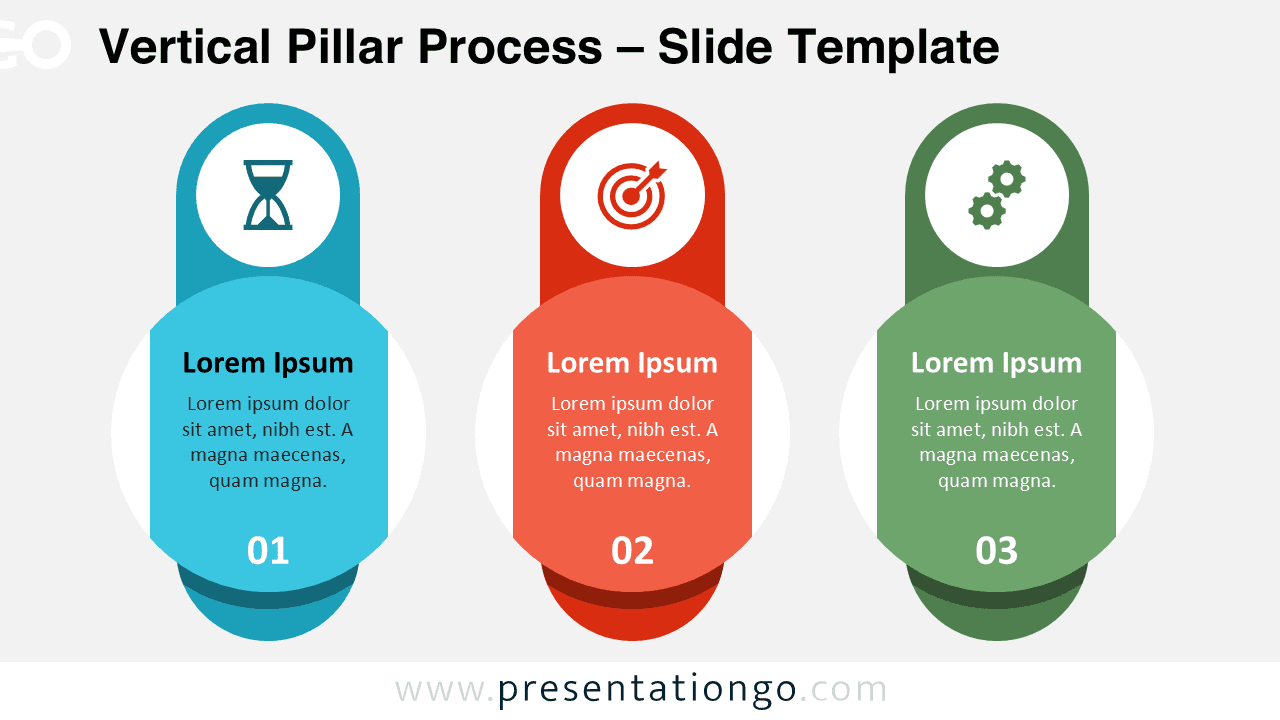
The Vertical Pillar Process diagram offers a clean and structured way to present three-step workflows in PowerPoint and Google Slides. Its vertical layout emphasizes progression while maintaining visual balance and clarity.
Each stage appears as a distinct pillar with a circular content overlay, allowing you to separate ideas clearly while preserving a unified design. The layout guides your audience through the sequence in a natural and logical flow.
Diagram Preview


Features and Customization Options
- 3-step vertical process layout
- Modern flat design style
- Editable shapes and text fields
- Includes editable icon placeholders
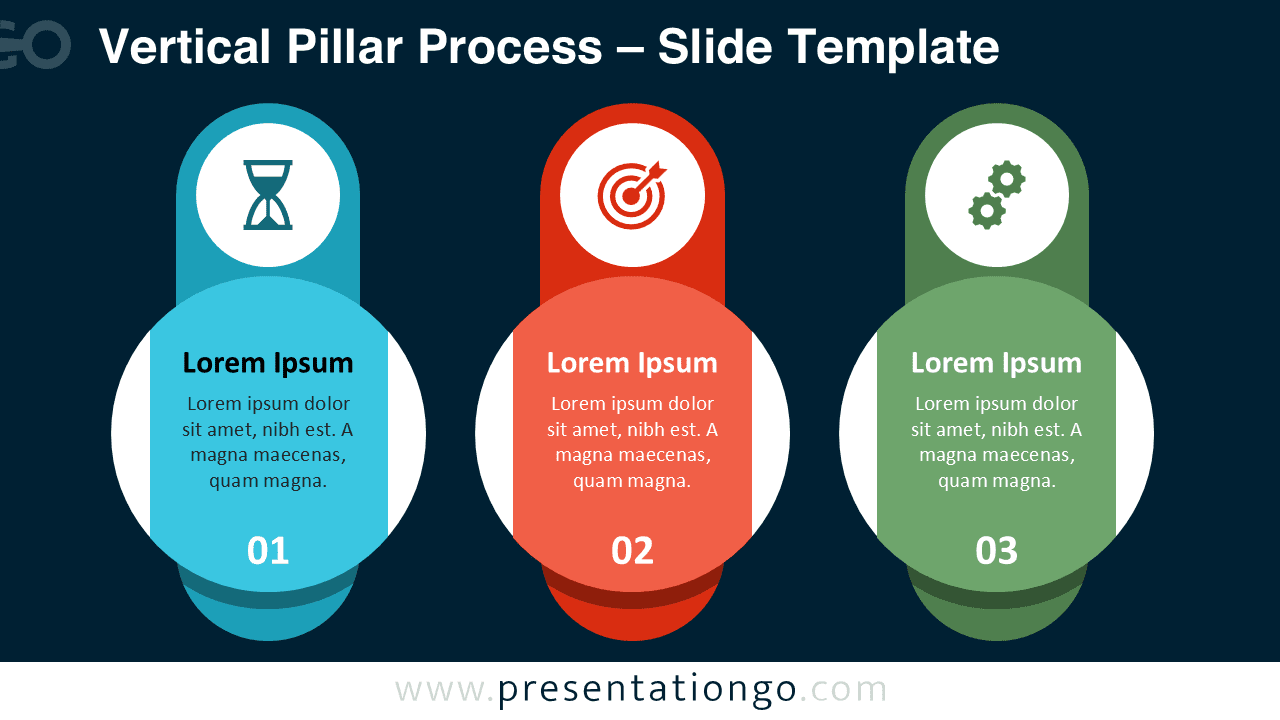
- Dual background versions (light and dark)
- Fully compatible with PowerPoint and Google Slides
Design and Structure
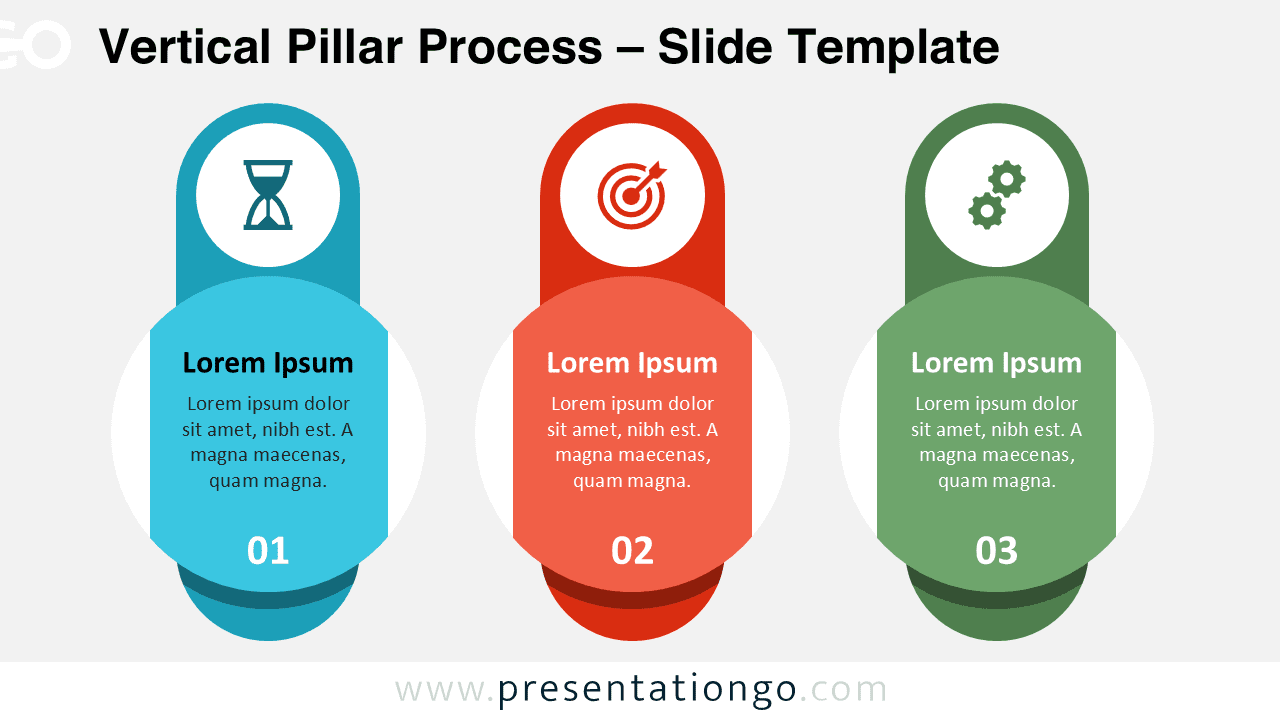
The design uses three vertical pillars with strong color differentiation to separate each phase. Circular overlays create a focal point for titles and descriptions, while step numbers reinforce the sequence visually.
Icons positioned at the top of each pillar enhance meaning and improve message retention. You can easily replace or modify these icons to match your branding or presentation theme.
The balanced spacing and symmetrical structure ensure your slide remains professional and easy to read, even with detailed explanations.
Practical Applications
- Business strategy presentations
- Project phase explanations
- Marketing campaign stages
- Product development cycles
- Operational workflows
- Goal-setting frameworks
Summary
The Vertical Pillar Process diagram provides a powerful visual framework for presenting three-step processes clearly and confidently. Its structured layout, editable icons, and modern style make it an excellent choice for professional presentations in both PowerPoint and Google Slides.