
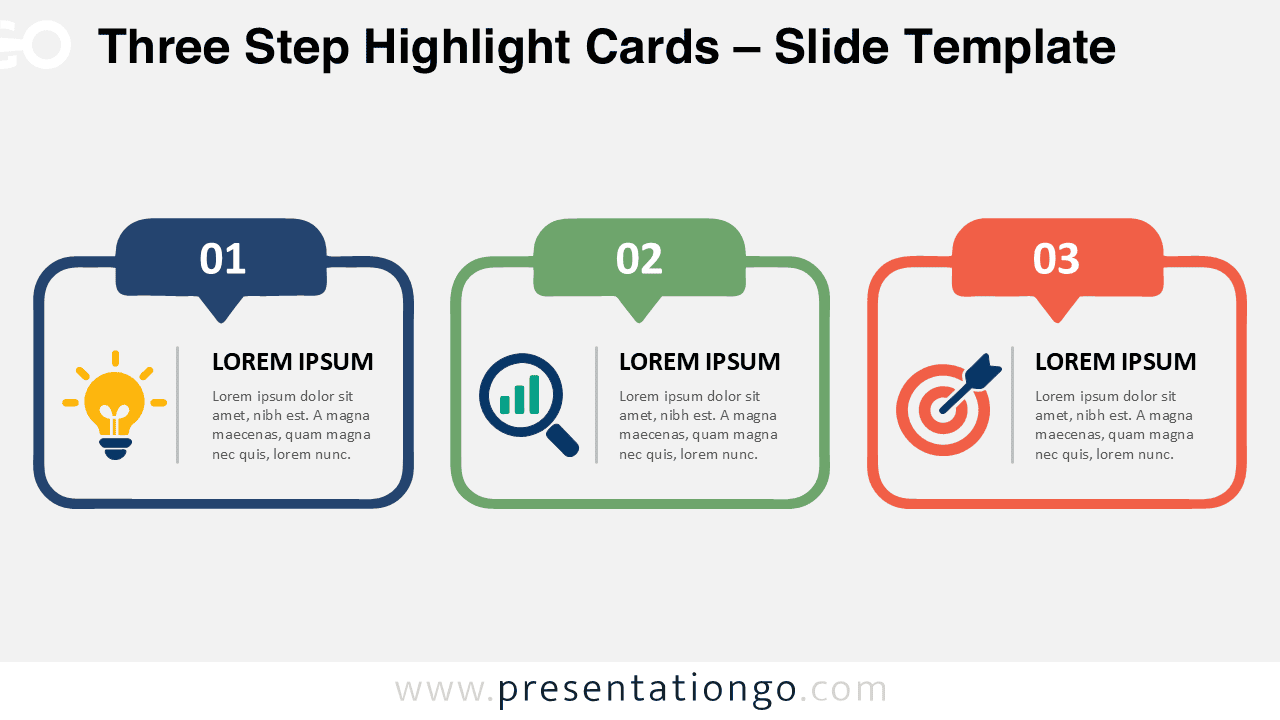
The Three Step Highlight Cards diagram gives you a simple way to organize three related ideas in one clear visual. Its horizontal structure separates each point while preserving a strong connection between all three sections. Use it in PowerPoint and Google Slides for processes, priorities, phases, comparisons, or concise summaries. Numbered tabs establish the sequence immediately, while dedicated text areas keep supporting information easy to scan.
Diagram Preview
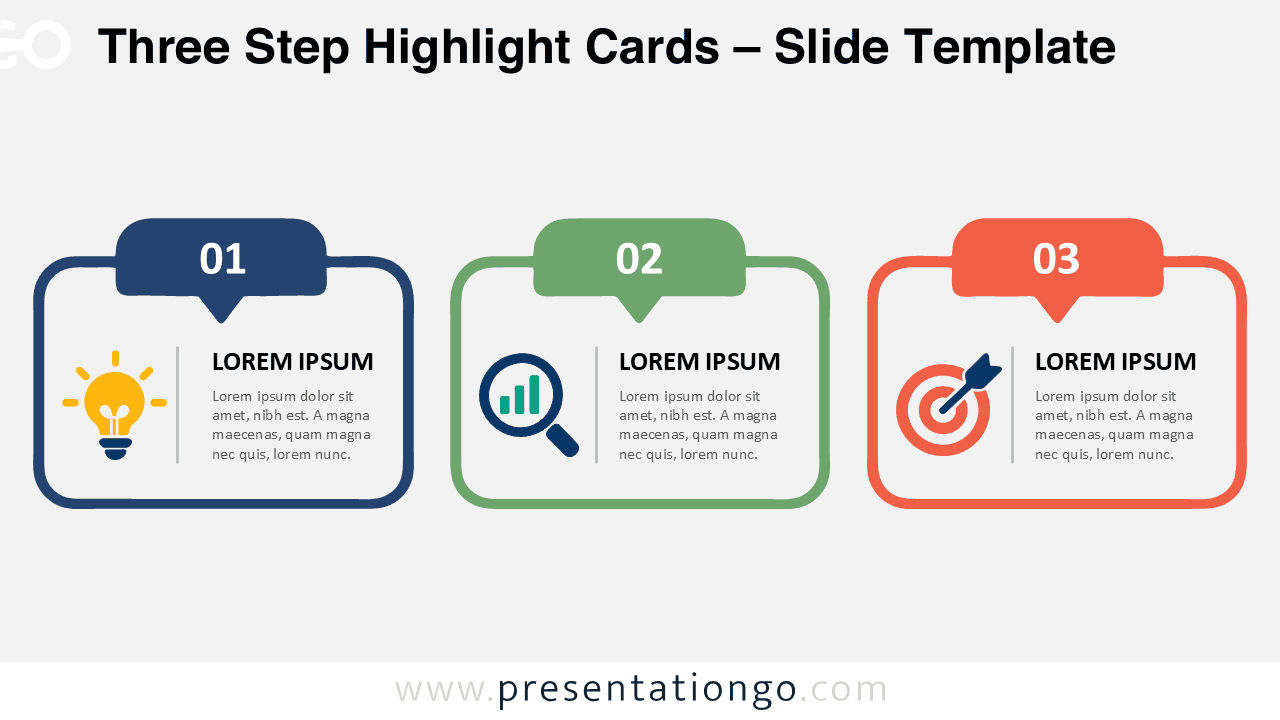
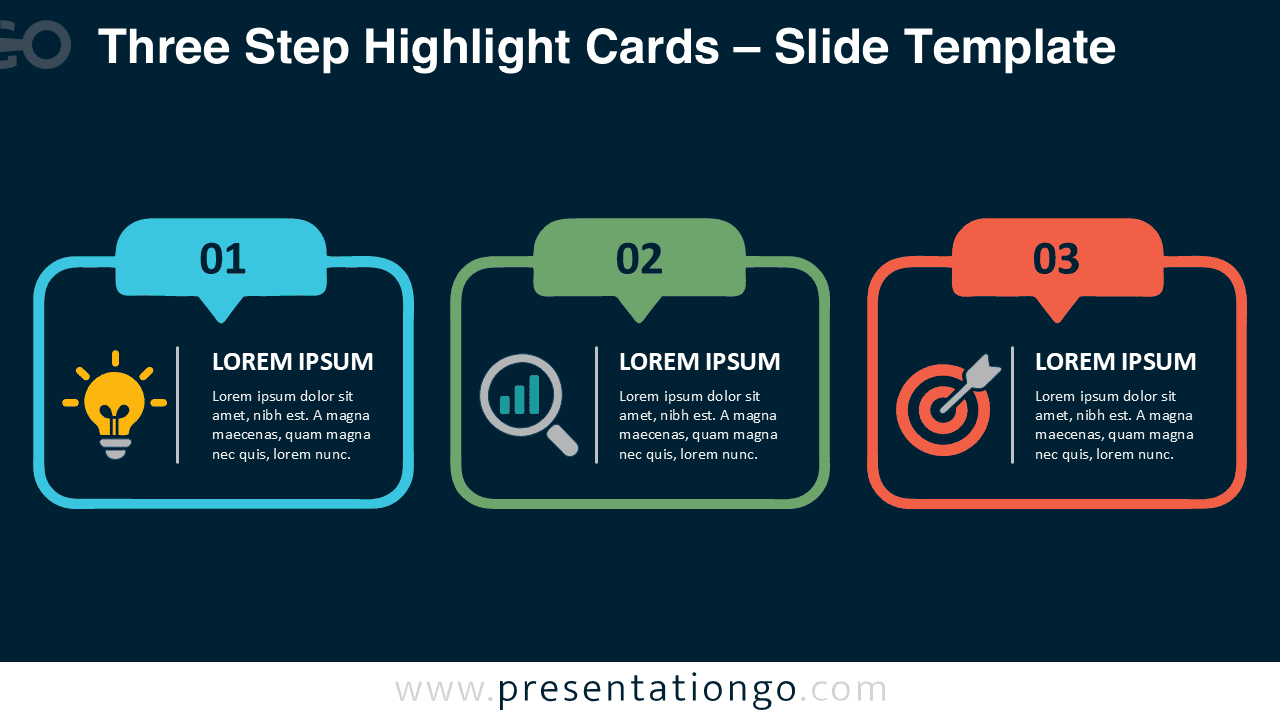


The diagram includes two matching versions designed for different presentation backgrounds. Each version keeps the same three-card structure, numbered labels, icon placeholders, and text hierarchy. This consistency makes it easy to move the visual between different decks without rebuilding the layout.
Features and Customization Options
- Compatible with Microsoft PowerPoint and Google Slides
- Includes 2 editable slides in 2 background variations
- Three-step icon-and-text layout
- Editable text, shapes, and icon placeholders
- Illustrative icons are easy to modify or replace
- Includes both light and dark background versions
Design and Structure
Three Step Highlight Cards uses three rounded panels arranged in a balanced horizontal row. A numbered tab sits above each panel and gives the sequence an immediate visual order. Inside each card, a vertical divider separates the icon area from the heading and supporting text. This structure helps viewers distinguish the visual cue from the written explanation without making the slide feel crowded.
The equal-sized cards also give every point the same visual importance. You can keep the original three-step sequence or adapt the labels for three independent ideas. The icons serve illustration purposes only, so you can modify, resize, or replace them to better match your subject.
Practical Applications
- Present a three-step business process
- Explain three project phases
- Compare three strategic priorities
- Summarize three key takeaways
- Introduce three product features
- Organize three learning concepts
- Highlight three goals or initiatives
Summary
Three Step Highlight Cards combines a straightforward sequence with flexible content areas and editable illustration elements. The numbered structure makes relationships easy to follow, while the separate icon and text zones keep each message organized. Use it when you need to communicate three connected points without adding unnecessary complexity to your slide.






