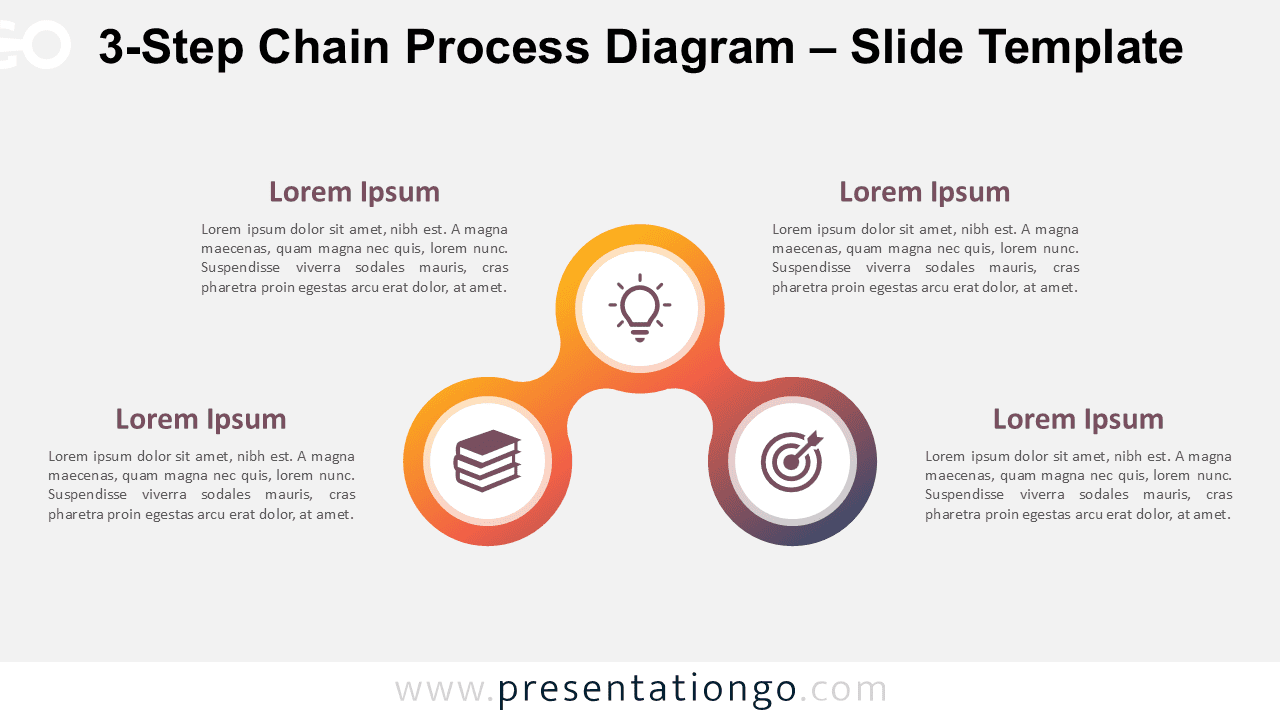
The 3-Step Chain Process Diagram presents a sequential workflow through three interconnected circular elements, perfect for illustrating linear processes in PowerPoint and Google Slides presentations.
Show Sequential Progress with a Fluid, 3-Part Diagram
This diagram displays three equally sized circles arranged horizontally and linked by a smooth, curved gradient path. The central circle sits slightly higher than the others, introducing subtle movement and directional flow from left to right. Each circle includes a distinct visual symbol, helping users recognize and distinguish each step. The gradient connectors unify the chain and guide the viewer’s eye across the sequence, while consistent sizing and spacing reinforce visual balance.
Presenters often use process diagrams to simplify complex concepts into manageable, linear steps. This particular 3-step format works well for outlining workflows, decision-making processes, short timelines, or cause-and-effect scenarios. It allows you to present product development stages, onboarding procedures, or key phases in an educational sequence. For instance, you might use this layout to explain the three critical actions in a sales funnel or to map out a learning journey.
The template contains two slides: one with a light background and one with a dark background. Each version comes pre-filled with icons and placeholder text to streamline editing. You can customize all elements—adjust colors, replace icons with others from the Office library, or use numbers instead. This layout is available in both Standard (4:3) and Widescreen (16:9) formats, and you can use it in either PowerPoint (PPTX) or Google Slides presentations.
Download this 3-step visual to clearly present ideas, processes, or workflows in a direct and organized manner.
Widescreen (16:9) size preview:


This template offers:
- 2 unique slides
- Options for both light and dark themes
- Pre-populated with icons and text placeholders
- Fully customizable shapes for complete control
- Available in both Standard (4:3) and Widescreen (16:9) ratios
- Offered in both PowerPoint PPTX and Google Slides formats
The complete Chain Process Diagram collection: