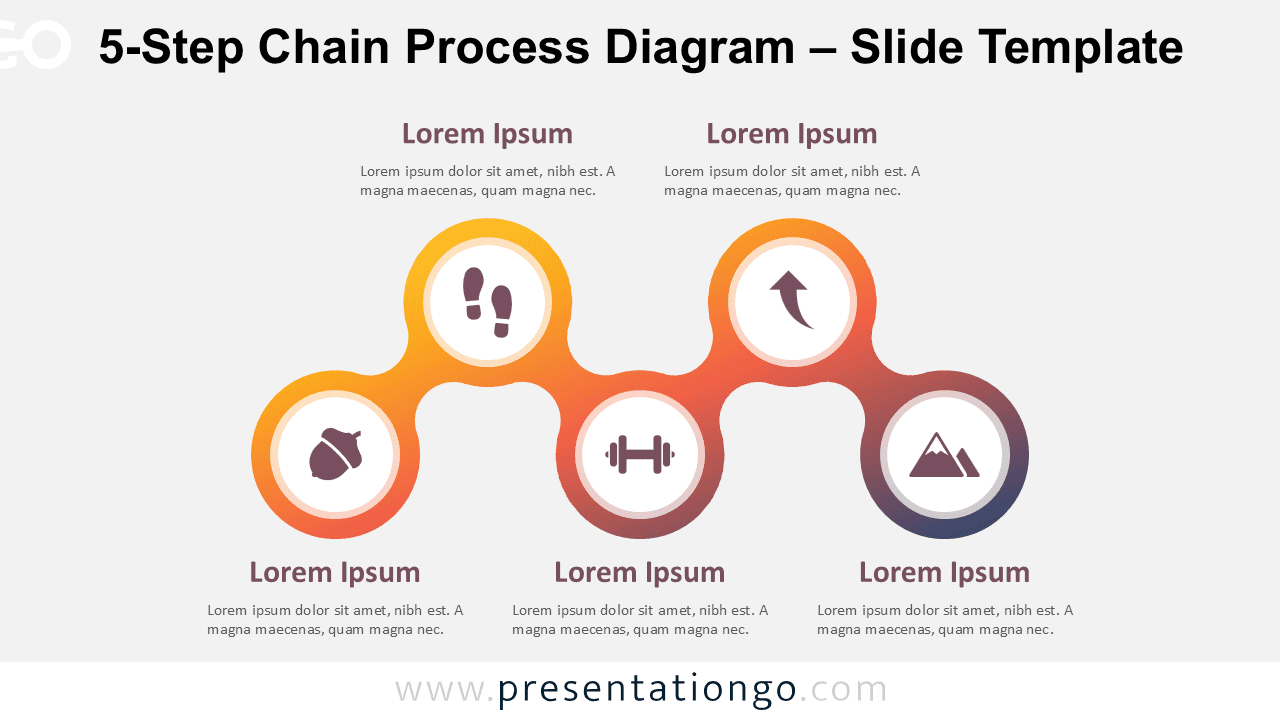
The 5-Step Chain Process Diagram presents a clear sequential workflow format with five interconnected circular elements, designed specifically for PowerPoint and Google Slides presentations.
Showcase Your Process with Interconnected Stages
The diagram displays five uniformly sized circular shapes arranged in a horizontal line. Subtle chain-like links connect each circle, reinforcing a sense of continuity. Inside each shape, an icon sits above a text placeholder, helping guide the viewer’s eye across the sequence. The layout maintains a clean and balanced appearance through equal spacing and consistent design elements. Its minimalist style supports quick understanding and ensures smooth visual flow from left to right. Users can apply it to either light or dark backgrounds without compromising readability or design quality.
Presenters often rely on process diagrams to visualize progression, transformation, or cause-and-effect dynamics. This layout enhances that metaphor by linking each stage, making it a practical choice for showing project phases, workflow steps, or strategy milestones. For example, a team leader could outline five development stages, while a sales manager might illustrate a customer journey. Its simple yet connected format clearly demonstrates how each step contributes to the overall objective, helping audiences follow the process with ease.
The template offers two slide versions with built-in icons and placeholder text. Users can fully customize each shape by changing colors, switching icons, or using step numbers. You can download it in both standard (4:3) and widescreen (16:9) formats. It works with PowerPoint (PPTX) and Google Slides and adapts smoothly to both light and dark backgrounds, providing full creative flexibility for your slide designs.
Download this 5-step process diagram to present a series of connected stages or tasks with clarity and flow.
Widescreen (16:9) size preview:


This template offers:
- 2 unique slides
- Options for both light and dark themes
- Pre-populated with icons and text placeholders
- Fully customizable shapes for complete control
- Available in both Standard (4:3) and Widescreen (16:9) ratios
- Offered in both PowerPoint PPTX and Google Slides formats
The complete Chain Process Diagram collection: