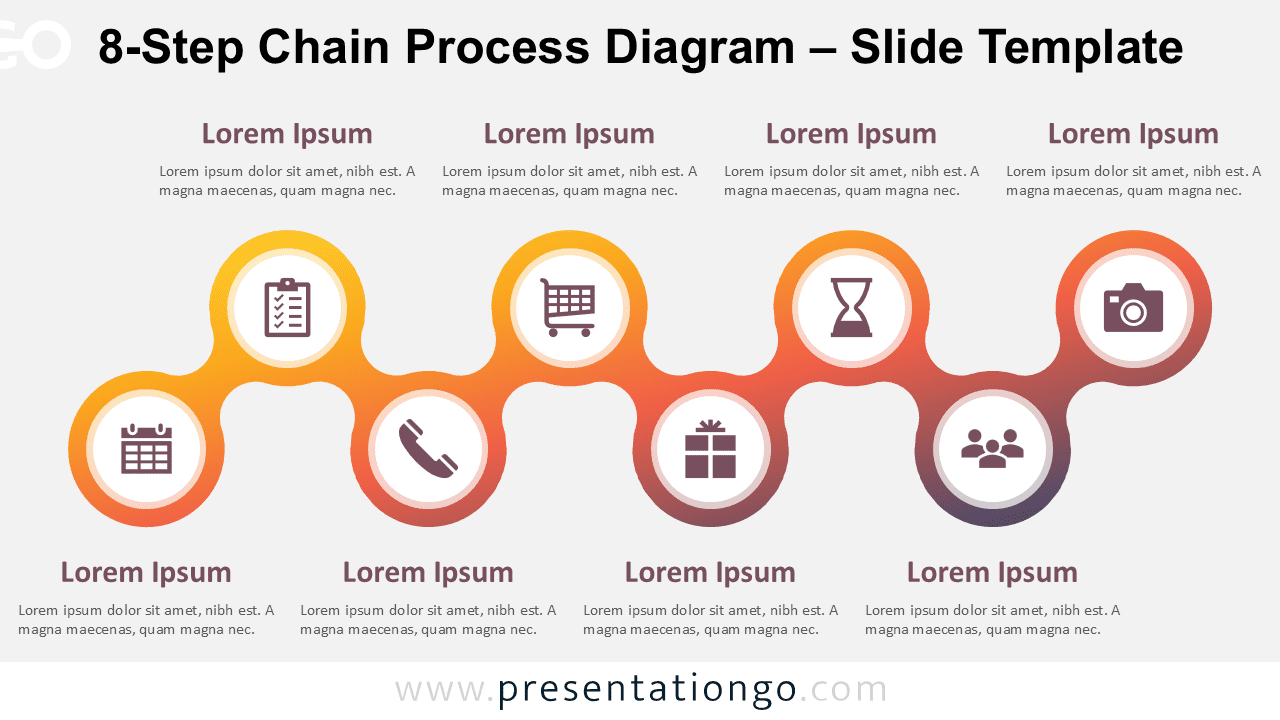
The 8-Step Chain Process Diagram presents a linear sequence of eight interconnected elements, designed specifically for PowerPoint and Google Slides presentations.
A Chain Diagram That Connects Every Step with Clarity
This diagram features a horizontal chain of eight rounded square blocks, evenly aligned to convey a sense of order and progression. Each block includes a placeholder icon on top and a text area beneath it. The consistent design across all elements ensures visual harmony while the linked layout emphasizes the connection between steps. This balanced composition helps guide viewers’ attention from left to right, maintaining clarity throughout the slide. The icons act as quick visual cues, while the placeholders allow users to insert meaningful descriptions for each step.
Process diagrams are commonly used in presentations to illustrate stages, timelines, workflows, or project phases. They serve as a metaphor for progress, helping audiences visualize how each part contributes to the whole. This 8-step chain diagram is especially useful for showcasing implementation plans, procedural instructions, or strategic rollouts. For example, a marketing manager might use it to outline the campaign lifecycle from planning to reporting. Similarly, educators could illustrate learning modules in a course structure, while project leads might use it to present development stages during a pitch.
The template includes two editable slides featuring pre-inserted icons and text fields. Users can fully customize the colors and shapes, or replace icons with numbers to suit their needs. The slides are available in both Standard (4:3) and Widescreen (16:9) formats, and include options for light and dark backgrounds. This template is compatible with both PowerPoint (PPTX format) and Google Slides, ensuring ease of use across platforms.
Download this 8-step diagram to present sequential workflows or processes with clear, visually unified parts.
Widescreen (16:9) size preview:


This template offers:
- 2 unique slides
- Options for both light and dark themes
- Pre-populated with icons and text placeholders
- Fully customizable shapes for complete control
- Available in both Standard (4:3) and Widescreen (16:9) ratios
- Offered in both PowerPoint PPTX and Google Slides formats
The complete Chain Process Diagram collection: