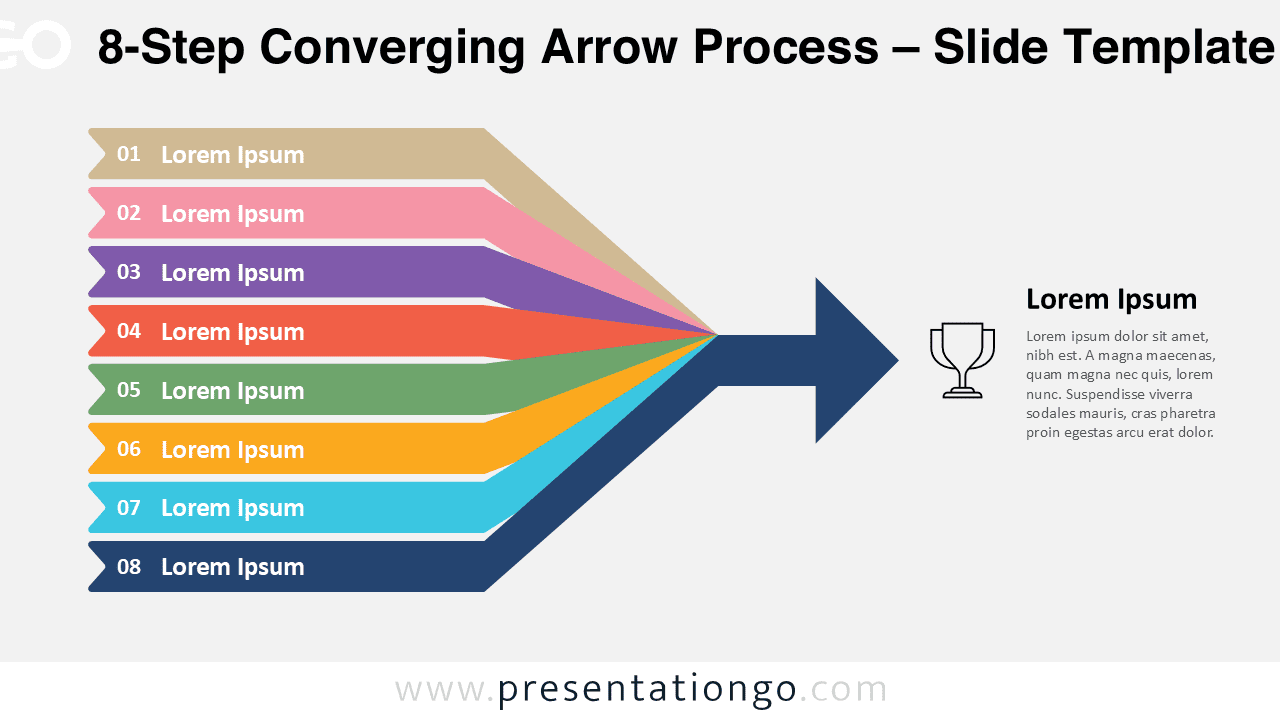
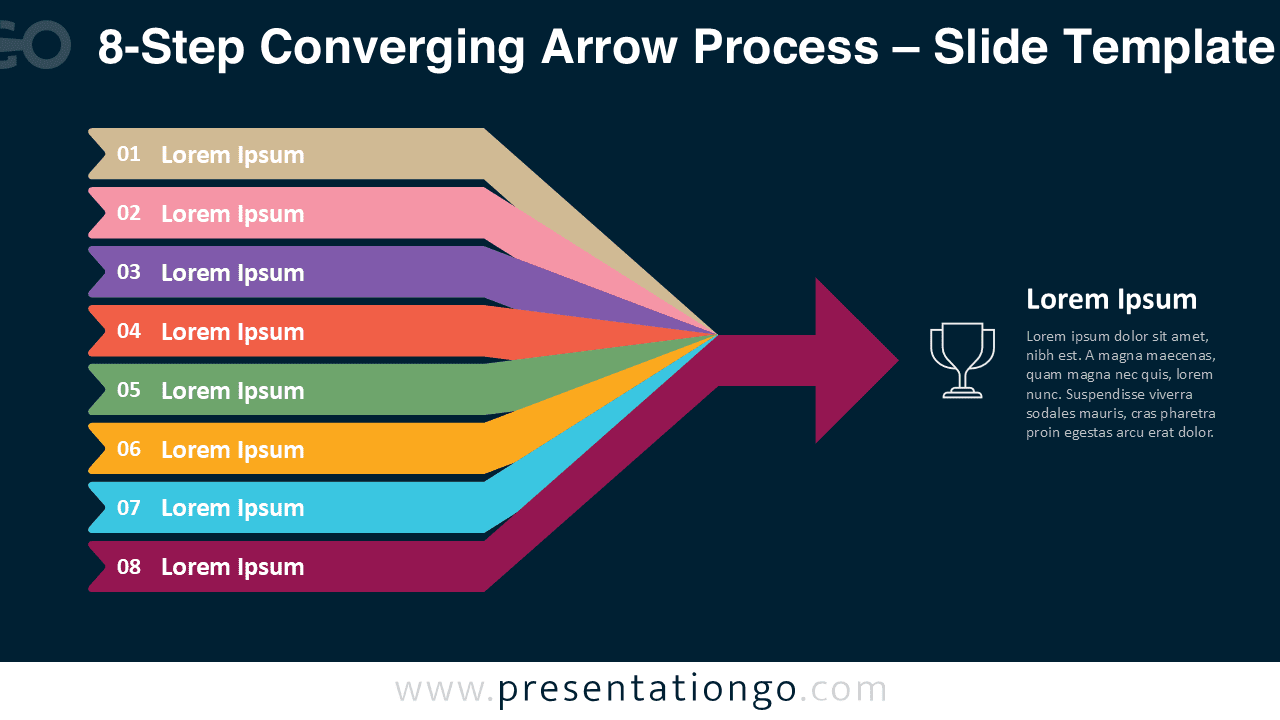
The 8-Step Converging Arrow Process template is perfect for illustrating detailed workflows, multi-phase projects, or strategic roadmaps. Each of the eight arrows converges into one focused direction, symbolizing progress, unity, and collective achievement. This professional diagram is available for PowerPoint and Google Slides.
Template Preview


Template Features and Customization Options
- Includes 2 slides with an 8-step converging arrow design
- Light and dark background versions included
- Fully editable colors, text, and icons
- Compatible with PowerPoint and Google Slides
- Designed in widescreen (16:9) layout
Design and Layout Overview
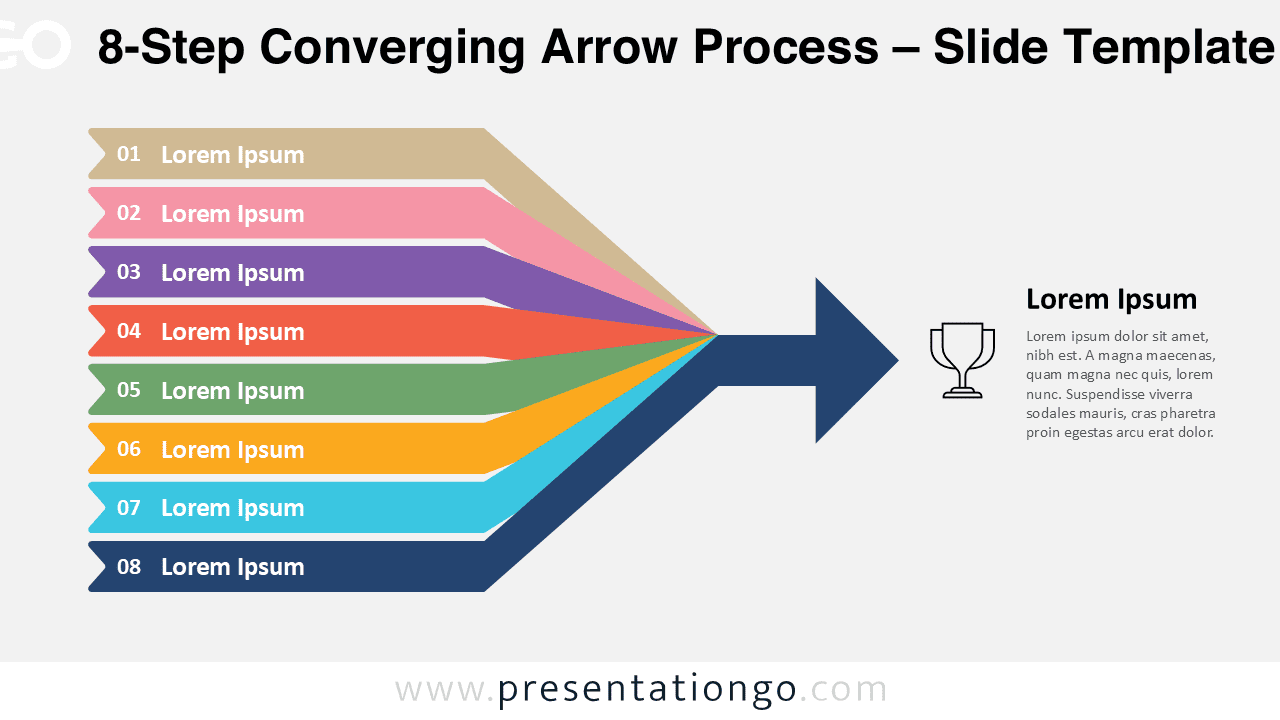
Eight parallel arrows in vibrant tones merge into a single dark arrowhead, creating a clear sense of direction and convergence. This extended version provides more space for detailed steps, making it suitable for longer projects or multi-department workflows. Each step features numbered labels and text zones for clarity.
Practical Applications
- Detailed business or strategic workflows
- Long-term project or milestone tracking
- Educational or research process mapping
How to Edit
- Open in PowerPoint or Google Slides.
- Edit step titles, descriptions, and arrow colors.
- Customize fonts, icons, or background directly from the Slide Master.
- Adapt the diagram to fit your presentation theme.
Summary
A bold and comprehensive process layout for detailed workflows. Perfect for presenting long sequences or integrated business strategies in PowerPoint and Google Slides.