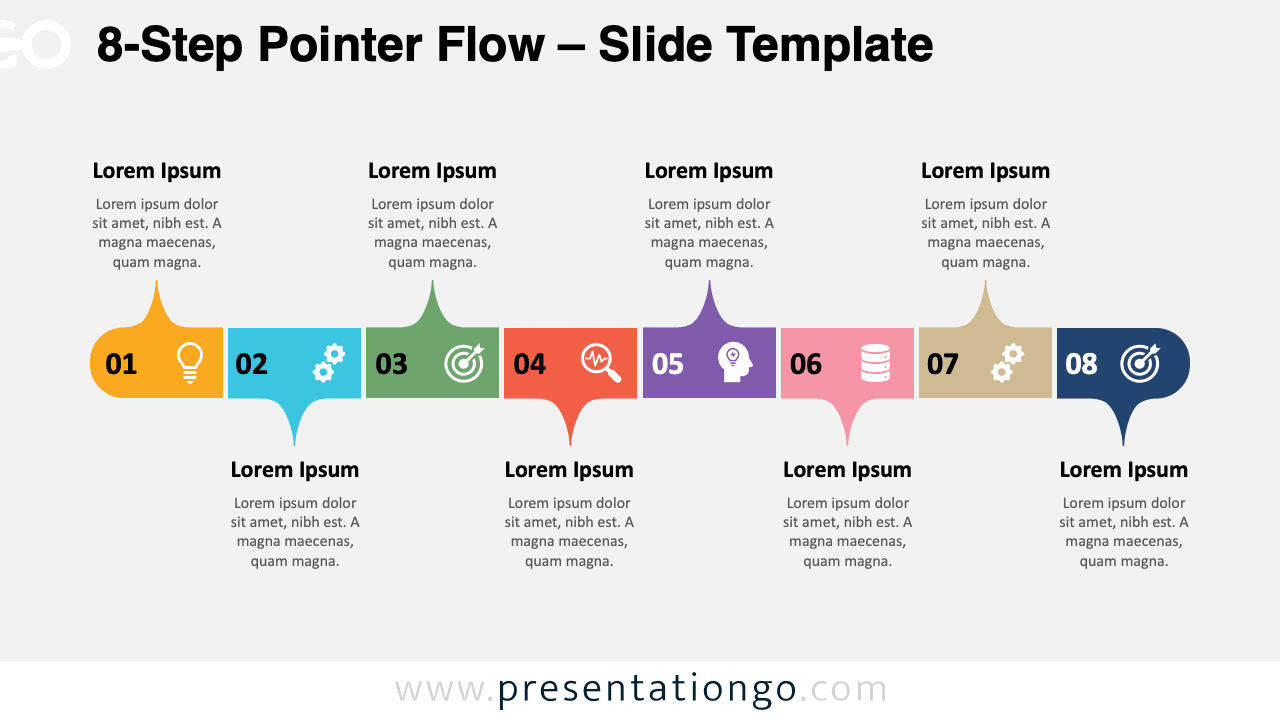
The 8-Step Pointer Flow provides a clear pathway for presenting sequential processes through eight connected stages designed for PowerPoint and Google Slides.
Dynamic Pathway for Process Mapping
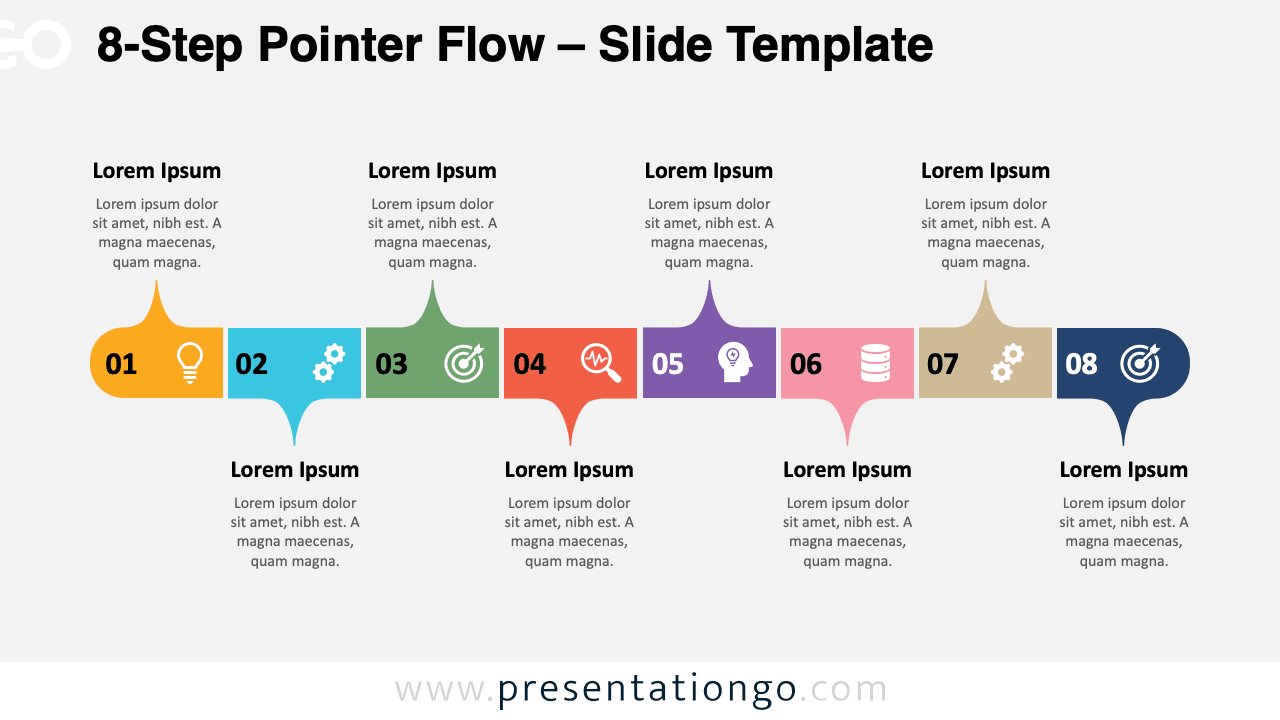
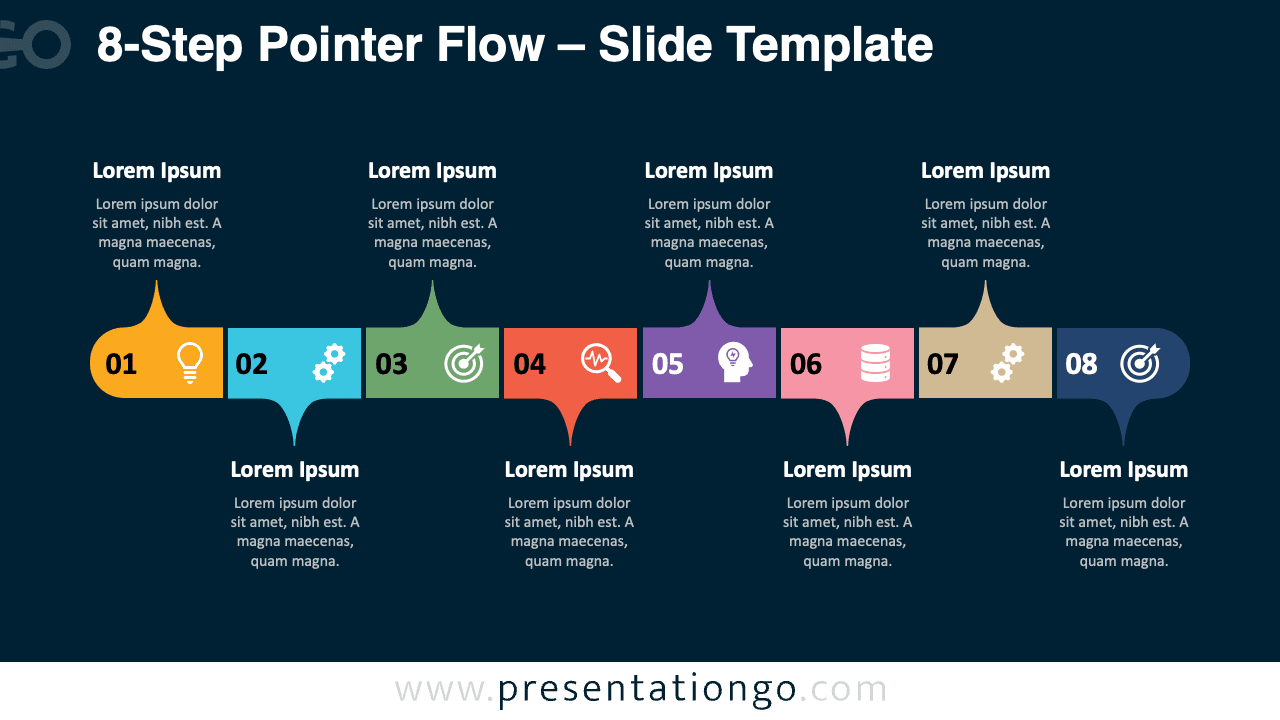
This template features eight rounded rectangular blocks positioned along a central horizontal axis, each containing a numbered sequence from 1 to 8. Furthermore, each block includes a distinctive circular icon and connects to directional pointer shapes that alternate between upward and downward orientations.
Linear processes and timeline diagrams serve as essential communication methods for breaking down complex procedures into manageable segments. Moreover, this specific diagram excels at presenting step-by-step methodologies where each phase builds upon the previous one.
Project managers can effectively showcase product development cycles, from initial concept through final delivery. Meanwhile, trainers can utilize this format for instructional sequences, such as employee onboarding processes or software implementation procedures.
Business consultants will find it particularly valuable for strategic planning presentations, illustrating transformation roadmaps or operational improvements. The alternating layout prevents visual monotony while ensuring each step receives equal attention and clarity.
The template includes two unique slides already populated with numbered blocks, icons, and text placeholders. All shapes are fully customizable, allowing changes to colors, icons, and text content. It is available in both Standard (4:3) and Widescreen (16:9) formats, with light and dark background themes included. Compatible with Microsoft PowerPoint (PPTX) and Google Slides, it offers flexibility for creating visually consistent multi-step presentations.
Download this 8-step template to streamline your process presentations with professional design and flexible customization features.
Widescreen (16:9) size preview:


This template offers:
- 2 unique slides
- Options for both light and dark themes
- Pre-populated with numbers, icons, and text placeholders
- Fully customizable shapes for complete control
- Available in both Standard (4:3) and Widescreen (16:9) ratios
- Offered in both PowerPoint PPTX and Google Slides formats