
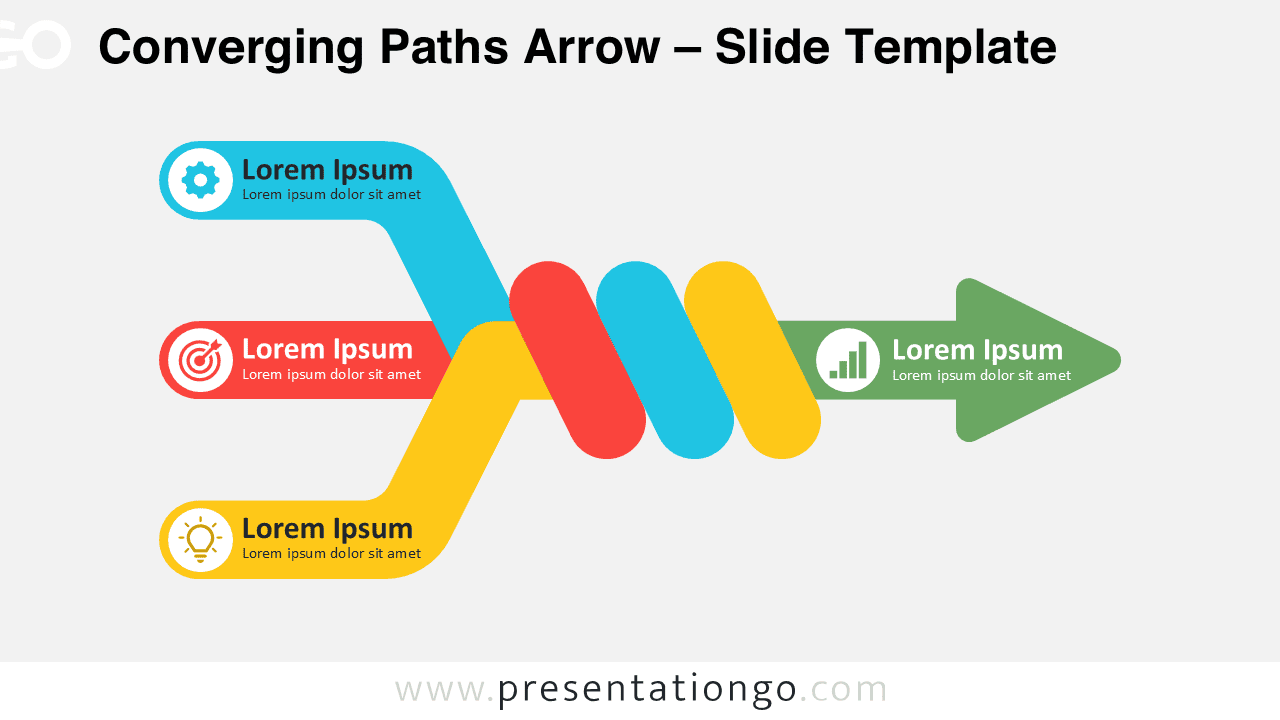
The Converging Paths Arrow is an editable diagram for PowerPoint and Google Slides that shows three separate paths joining before moving toward one output. Use it to visualize inputs, ideas, processes, or teams combining around a common direction.
Diagram Preview



Features and Customization Options
- Compatible with Microsoft PowerPoint and Google Slides
- 2 slides × 2 backgrounds (light and dark)
- Editable text, shapes, colors, and icon placeholders
- Editable connectors and flow arrows
- 100% editable vector shapes — no quality loss when resized
- Icons are from the Microsoft Office icon library, included for illustration purposes only, and easily modifiable
- Includes both light and dark background versions
Design and Structure
The Converging Paths Arrow uses three incoming paths that meet within an interwoven central structure. Each input provides space for a heading, supporting text, and an icon placeholder. The paths then combine with a single output arrow, creating a direct visual relationship between several inputs and one result.
The interwoven paths emphasize convergence rather than a simple linear sequence. This structure works well when separate activities remain distinct at first but eventually connect. Replace the sample text and modify the icon placeholders to match your topic. You can also resize or reposition the editable elements to fit your presentation.
Practical Applications
- Show multiple inputs converging into one outcome
- Present teams aligning around a shared objective
- Visualize ideas combining into a final solution
- Explain separate processes feeding one workflow
- Illustrate strategic alignment across business functions
- Present resources consolidating into one initiative
- Map several factors leading to one decision
Summary
The Converging Paths Arrow provides a focused way to connect three inputs with one output. Its editable paths, text, shapes, and icon placeholders make it suitable for convergence, integration, alignment, and transformation concepts in PowerPoint and Google Slides.



