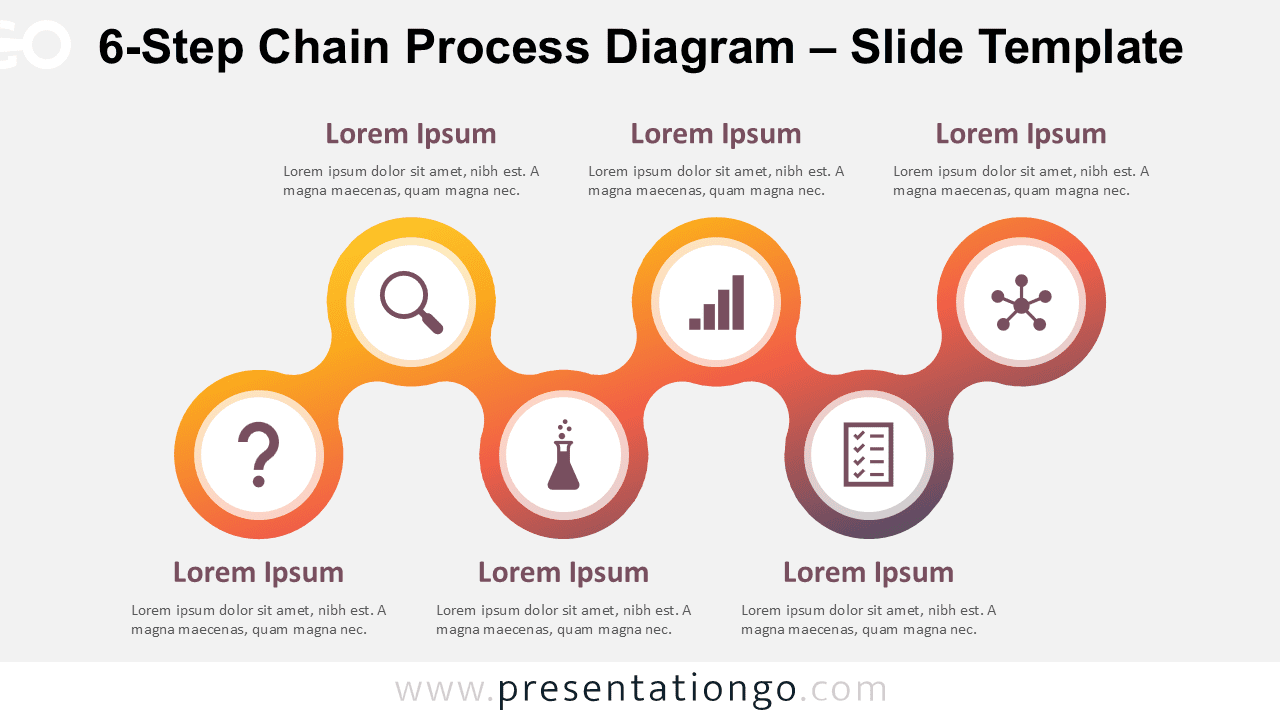
The 6-Step Chain Process Diagram illustrates sequential workflows through six interconnected circular elements that guide audiences through complex procedures in a simplified format for PowerPoint and Google Slides presentations.
A Clear and Organized Way to Present Workflow Stages
The diagram features a clean horizontal flow composed of six uniformly spaced circular shapes, each linked by slim connectors that form a continuous chain. Inside each circle is an icon and number placeholder, accompanied by a space for short descriptive text. Moreover, this symmetrical arrangement ensures a visually balanced layout that promotes easy comprehension. Icons serve as intuitive visual cues, and numbered steps, in turn, help guide the audience through each stage logically. As a result, the layout strengthens clarity and supports linear thinking.
Process diagrams are powerful metaphors for communicating progression, evolution, or transformation in a presentation. In particular, this six-part layout is ideal for illustrating step-by-step workflows, phased strategies, or progressive plans. For example, it can be used to explain a six-phase product development cycle, an onboarding process, or a customer experience journey. Consequently, the linked layout visually reinforces the idea of dependency and continuity, making it especially effective for scenarios where each phase contributes to the next. In essence, it turns complex procedures into easy-to-follow sequences.
This diagram template includes two slide variants: one optimized for light backgrounds and another for dark themes. It is pre-designed with six icons and editable text fields; thus, users can quickly tailor it to fit their specific message. Furthermore, all shapes are fully customizable—including color and icon replacement—and the template is available in both Standard (4:3) and Widescreen (16:9) layouts. Compatible with PowerPoint and Google Slides, the design ensures maximum flexibility for modern presenters.
Download this six-part diagram to clearly present workflows, project phases, or interconnected steps in your next presentation.
Widescreen (16:9) size preview:


This template offers:
- 2 unique slides
- Options for both light and dark themes
- Pre-populated with icons and text placeholders
- Fully customizable shapes for complete control
- Available in both Standard (4:3) and Widescreen (16:9) ratios
- Offered in both PowerPoint PPTX and Google Slides formats
The complete Chain Process Diagram collection: