
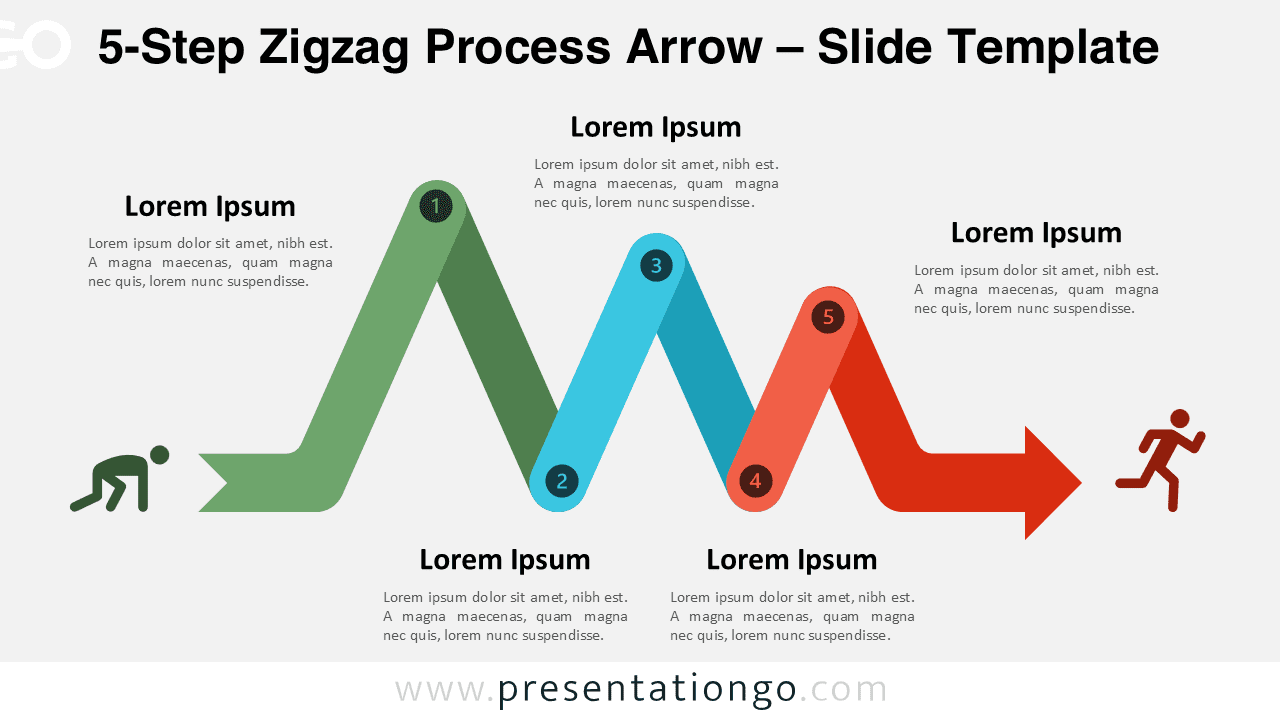
The 5-Step Zigzag Process Arrow diagram is designed to present structured workflows and multi-phase processes with clarity and visual impact.
Using a zigzag arrow path, this diagram guides viewers through five distinct steps, helping audiences understand progression and logical sequence. Fully compatible with PowerPoint and Google Slides, the diagram offers complete flexibility for adapting content, colors, and layout to your presentation needs.
Diagram Preview
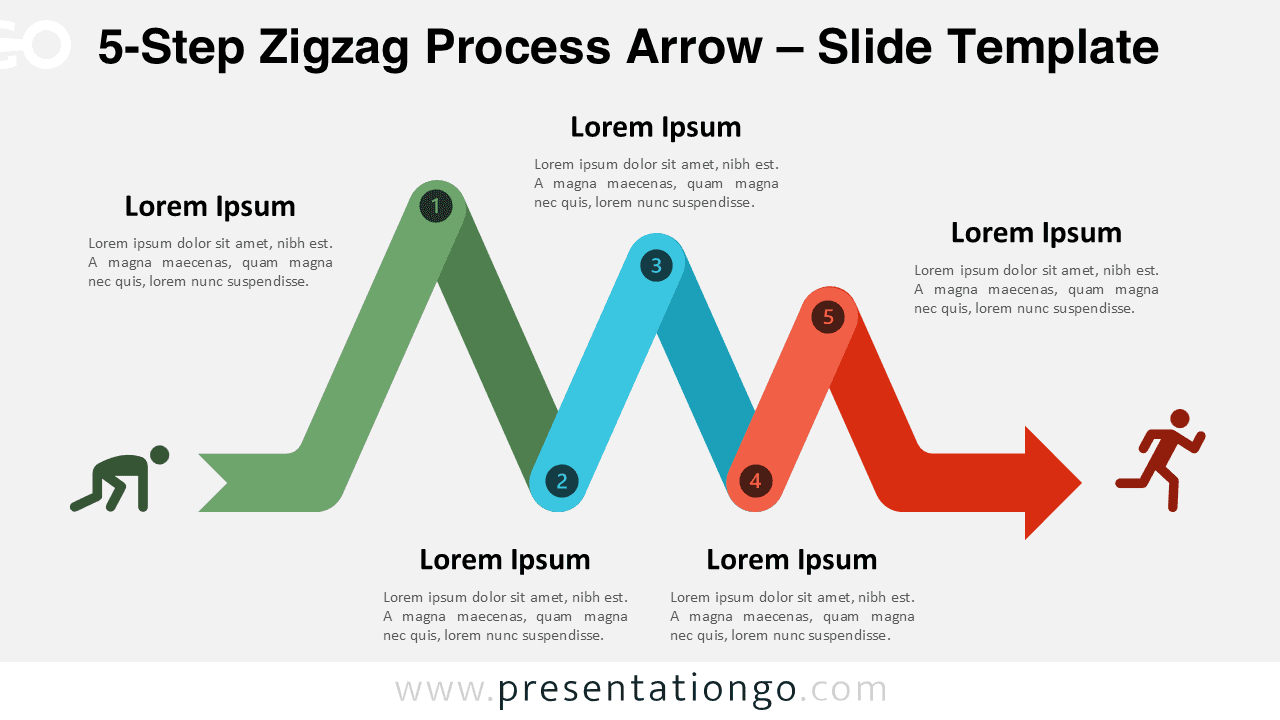
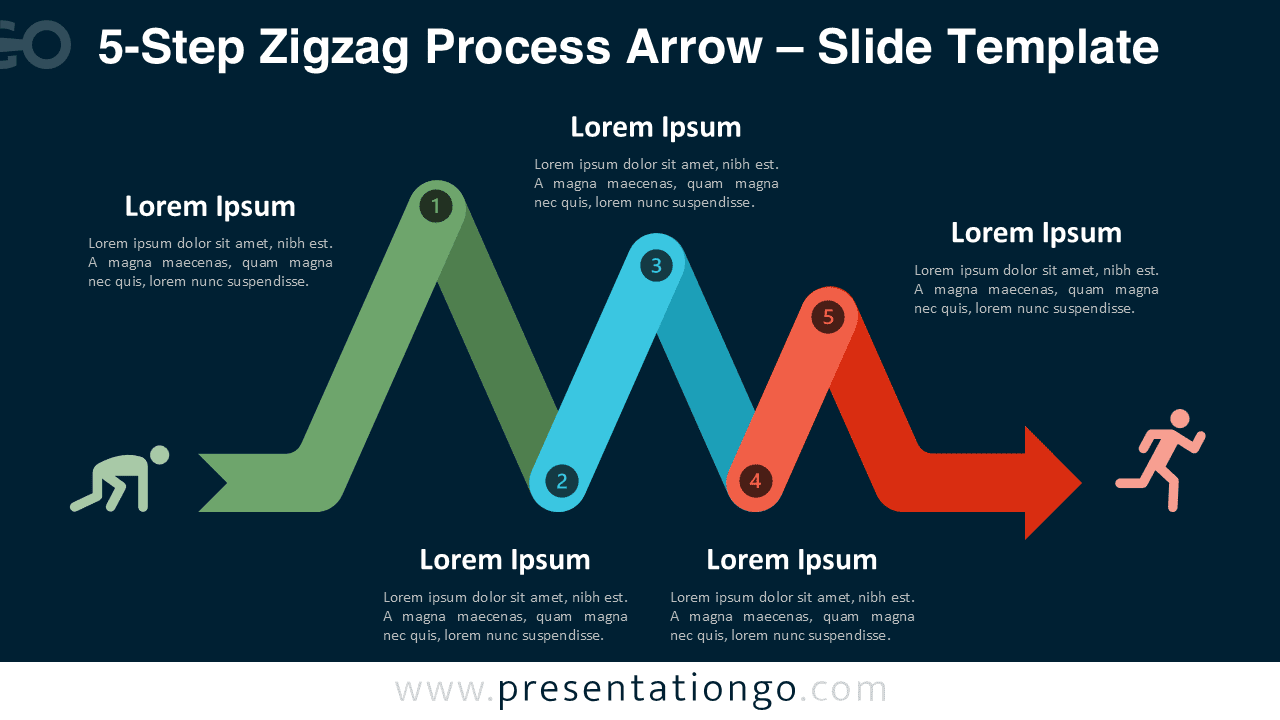


Diagram Features and Customization Options
- Fully editable zigzag arrow path with clean, scalable vector shapes
- Customizable arrows, connectors, and directional elements
- Editable numbered step markers for clear sequencing
- Customizable text placeholders for labels, titles, and descriptions
- Includes editable icon placeholders that can be replaced or removed
- Easy color customization to match your branding or theme
- Designed for both light and dark slide backgrounds
- Compatible with PowerPoint and Google Slides
Design and Structure
The five-step layout balances detail and readability, making it suitable for explaining processes that require more depth than a simple overview. Each step follows a consistent visual rhythm, reinforced by numbered markers and directional arrows that maintain flow across the slide.
Icons at the start and end of the process add a human and dynamic element without overwhelming the structure.
Practical Applications
- Business and operational workflows
- Project management phases
- Strategic planning frameworks
- Product or service delivery processes
- Learning and development journeys
Summary
The 5-Step Zigzag Process Arrow diagram offers a clear and flexible way to present structured information in professional presentations. Its editable design, balanced complexity, and cross-platform compatibility make it an excellent choice for communicating multi-step processes effectively.



