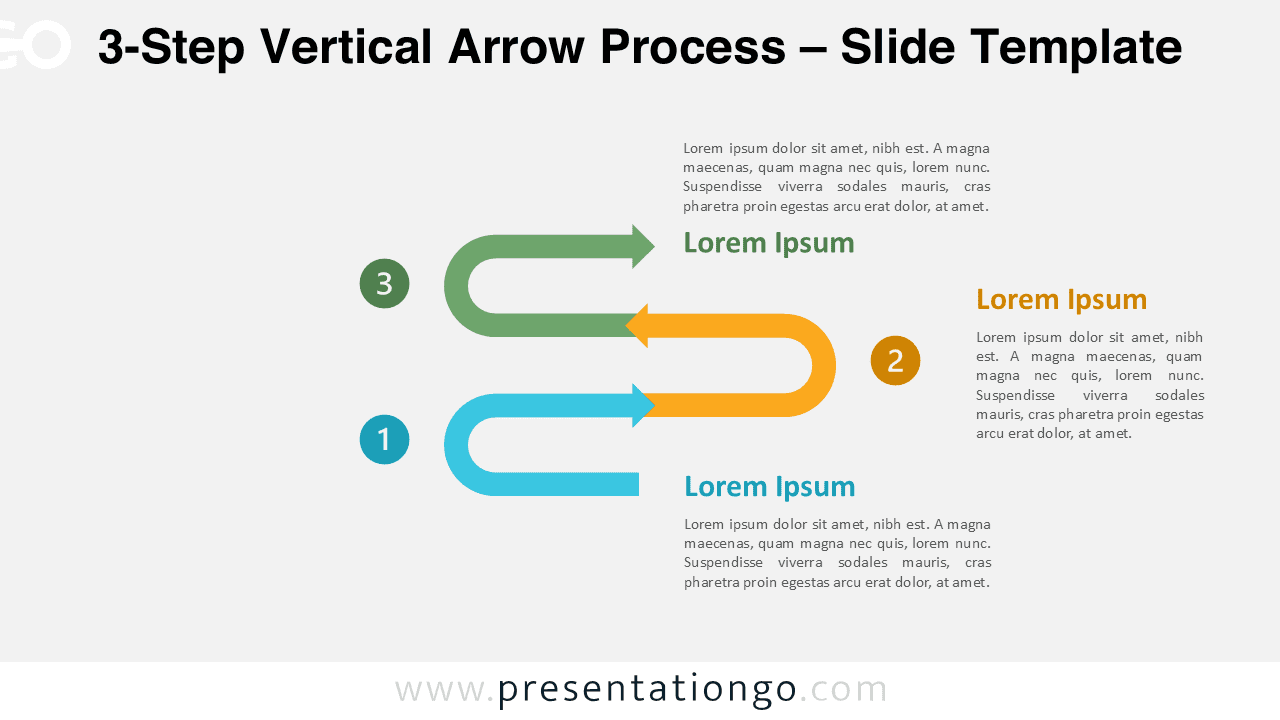
The 3-Step Vertical Arrow Process diagram is designed to present structured workflows in a clear and engaging way. It uses a vertical layout with alternating curved arrows that guide the audience through three distinct stages. This diagram works seamlessly in PowerPoint and Google Slides and adapts to a wide range of professional uses.
With three clearly defined steps, this version is ideal for explaining processes that require more detail while remaining easy to follow. The vertical structure supports logical progression and helps audiences understand relationships between steps.
Diagram Preview
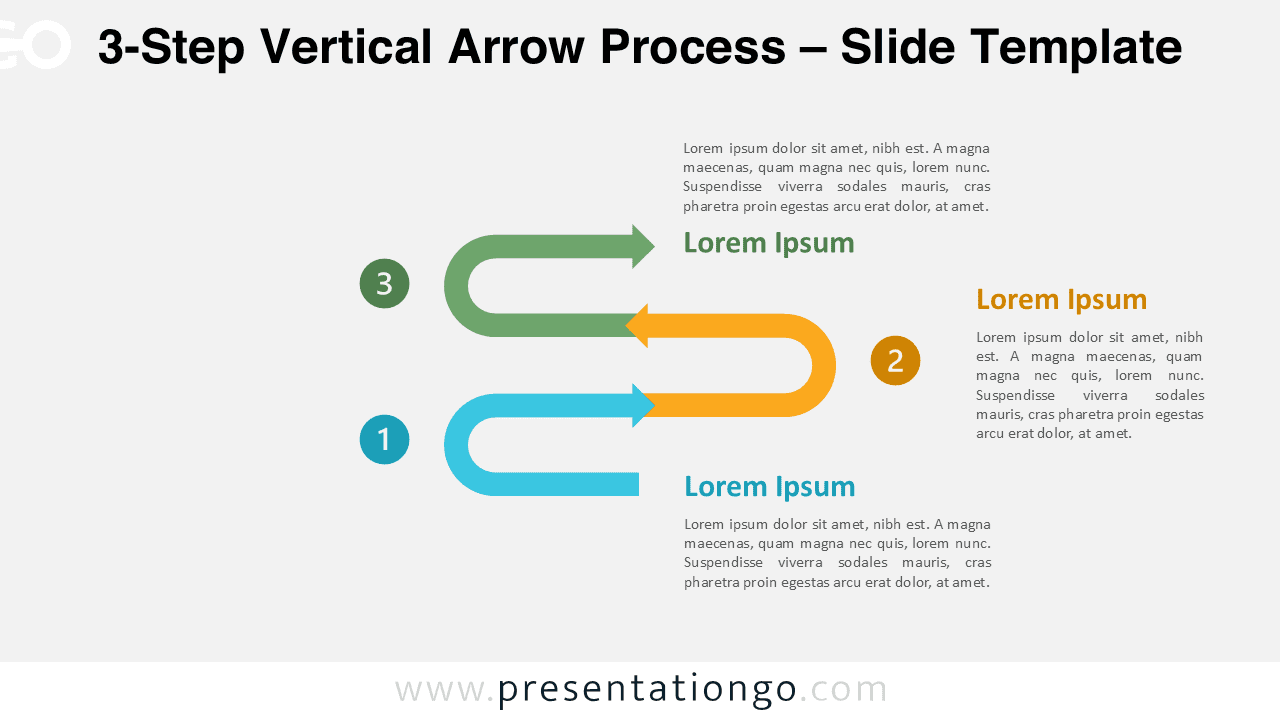
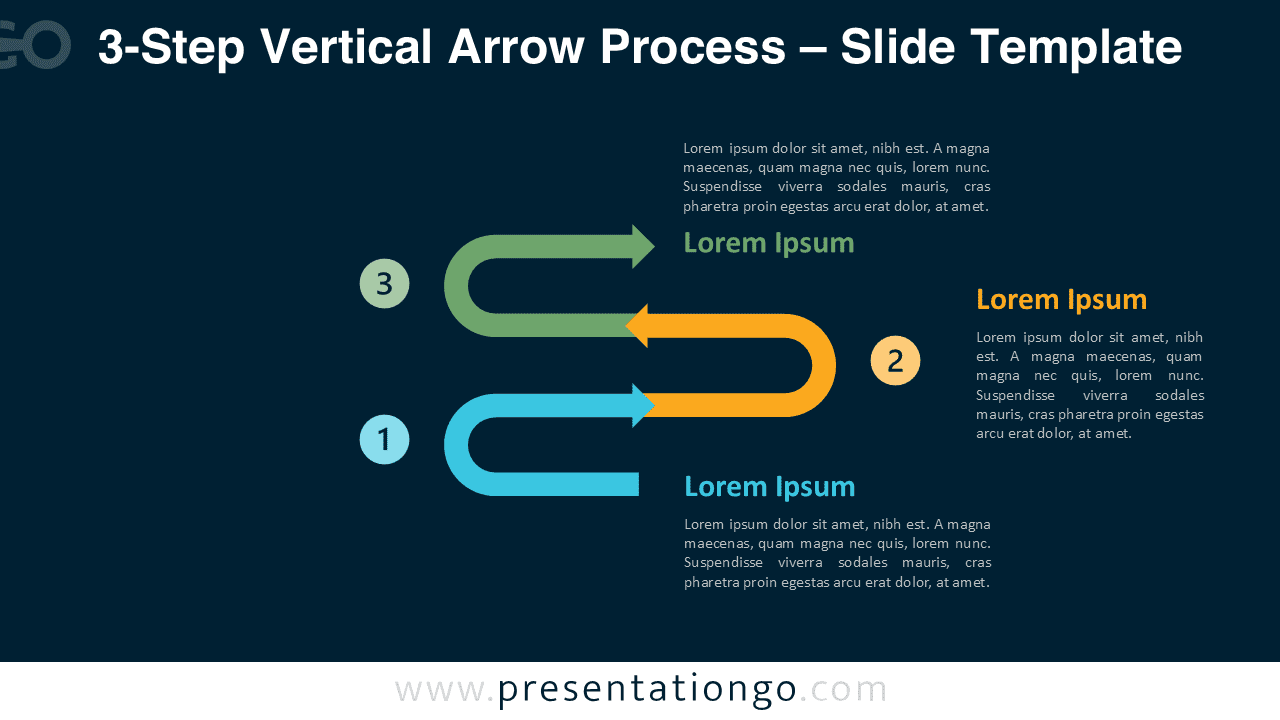


Diagram Features and Customization Options
- Three-step vertical layout with curved directional arrows
- Optimized for widescreen presentations
- Editable arrow shapes, text areas, and colors
- Includes editable icon placeholders for visual emphasis
- Light and dark background versions included
- Fully compatible with PowerPoint and Google Slides
Design and Structure
The 3-Step Vertical Arrow Process diagram uses alternating curved arrows to create a balanced and dynamic composition. Each step is numbered and paired with a dedicated text block, making it easy to explain stages or actions. Consistent spacing keeps the layout readable even when additional text is added.
Color differentiation helps users visually separate each step while preserving overall harmony. Icons can be customized to reinforce meaning and improve clarity without overwhelming the slide.
Practical Applications
- Explaining three-phase workflows or processes
- Presenting methodologies or operational stages
- Describing project phases or decision paths
- Teaching structured concepts step by step
- Summarizing processes with three key actions
Summary
The 3-Step Vertical Arrow Process diagram provides a clear and professional way to present structured information. Its vertical flow, editable icons, and flexible design make it suitable for business, education, and planning presentations. It helps presenters communicate complex ideas in an organized and visually engaging format.
Complete Vertical Arrow Process Collection
The 3-Step Vertical Arrow Process is part of the complete Vertical Arrow Process collection. The series includes variants ranging from two to six steps, all sharing the same visual structure and design language. Each version is tailored to a specific level of process complexity.
By combining different variants from the same collection, you can explain both simple and complex workflows in one presentation. This ensures visual consistency while allowing you to choose the exact number of steps required for each topic.


Frequently Asked Questions (FAQ)
Yes, all icons are fully editable placeholders. You can recolor them, replace them with other icons, or remove them entirely and use your own visuals.
In PowerPoint, click on the icon to select it. Use the Shape Format tab to change colors, or right-click and choose Change Picture to replace it with another icon or image. You can also delete the icon and insert a new one via Insert → Icons or Insert → Pictures.
In Google Slides, click the icon to select it. Use the toolbar to change fill and line colors, or delete the icon and add a new one using Insert → Image or Insert → Shape. Icons can be resized and repositioned freely in both tools.