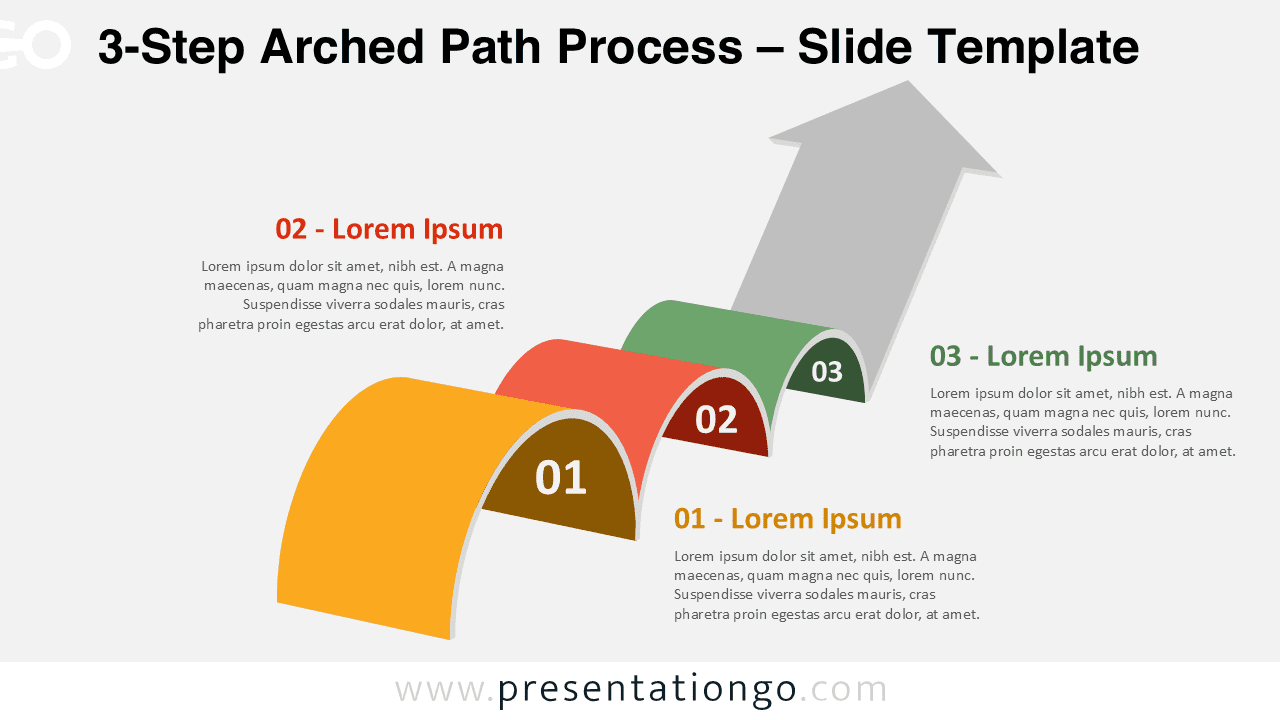
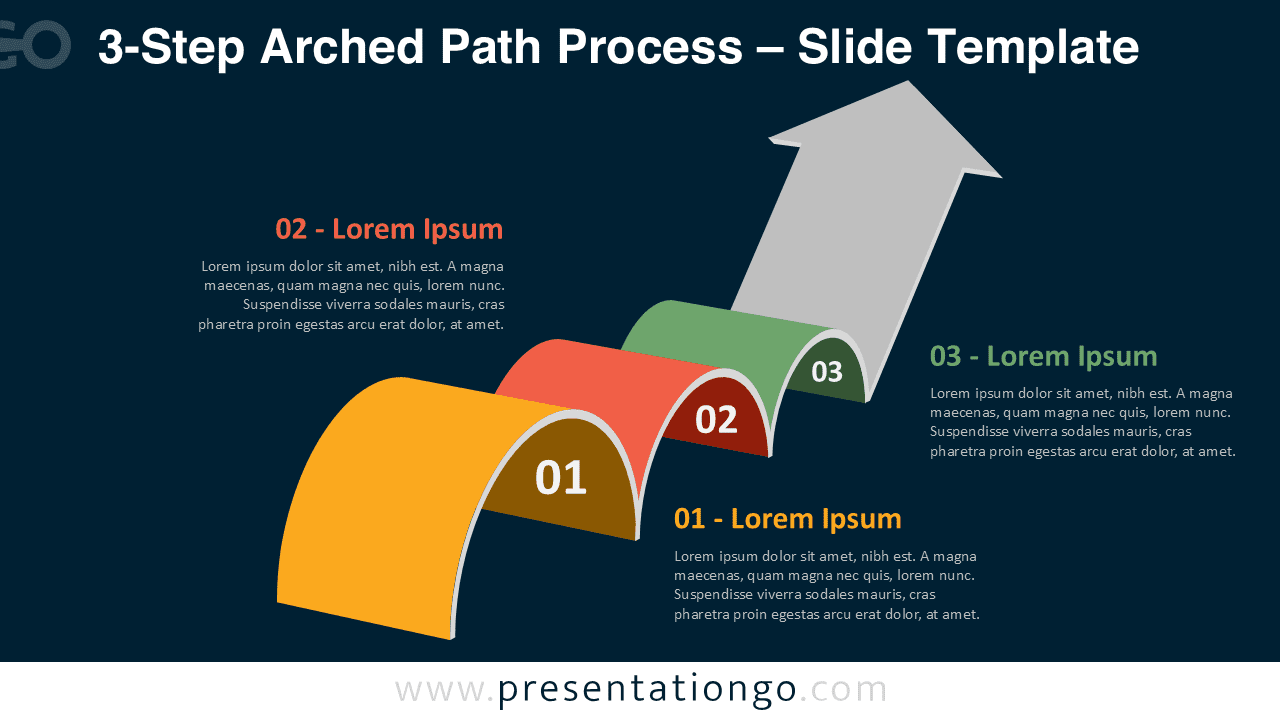
The 3-Step Arched Path Process is a creative and modern diagram designed to illustrate workflow, progression, or multi-stage processes. Its curved 3D shapes and upward arrow path symbolize continuous improvement and growth. This free template is fully editable and available for PowerPoint and Google Slides.
Template Preview


Features and Customization
- Includes 2 slides: light and dark background versions
- 3 unique 3D curved segments representing sequential steps
- Fully editable text, shapes, and colors
- Professional design optimized for PowerPoint and Google Slides
- Ideal for business, education, and creative projects
Design Overview
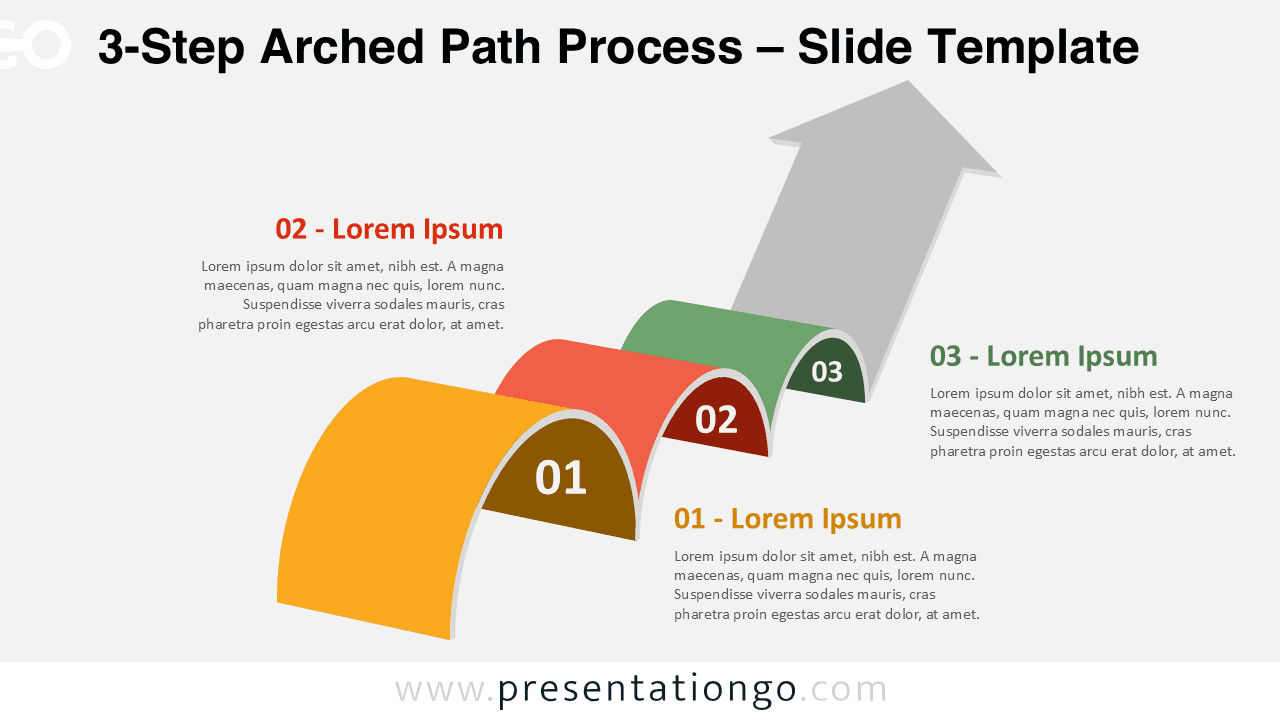
This process diagram features three bold, arched bands arranged in a rising flow. Each arch is numbered and color-coded—yellow, red, and green—leading toward a large gray arrow that indicates direction and success. The 3D perspective adds depth, while the smooth curves convey motion and continuity. The light and dark backgrounds provide flexibility for any theme or presentation setting.
Practical Applications
- Business workflows or process stages
- Project milestones and timelines
- Step-by-step strategies or improvement plans
- Educational or training sequences
How to Edit
- Open the file in PowerPoint or Google Slides.
- Click any text to replace it with your own information.
- Change colors, sizes, or positions directly in the editor.
- Duplicate or remove steps as needed.
Summary
The 3-Step Arched Path Process diagram offers a clear, elegant way to visualize progression or growth. Its 3D design and flexible layout make it perfect for professional storytelling.