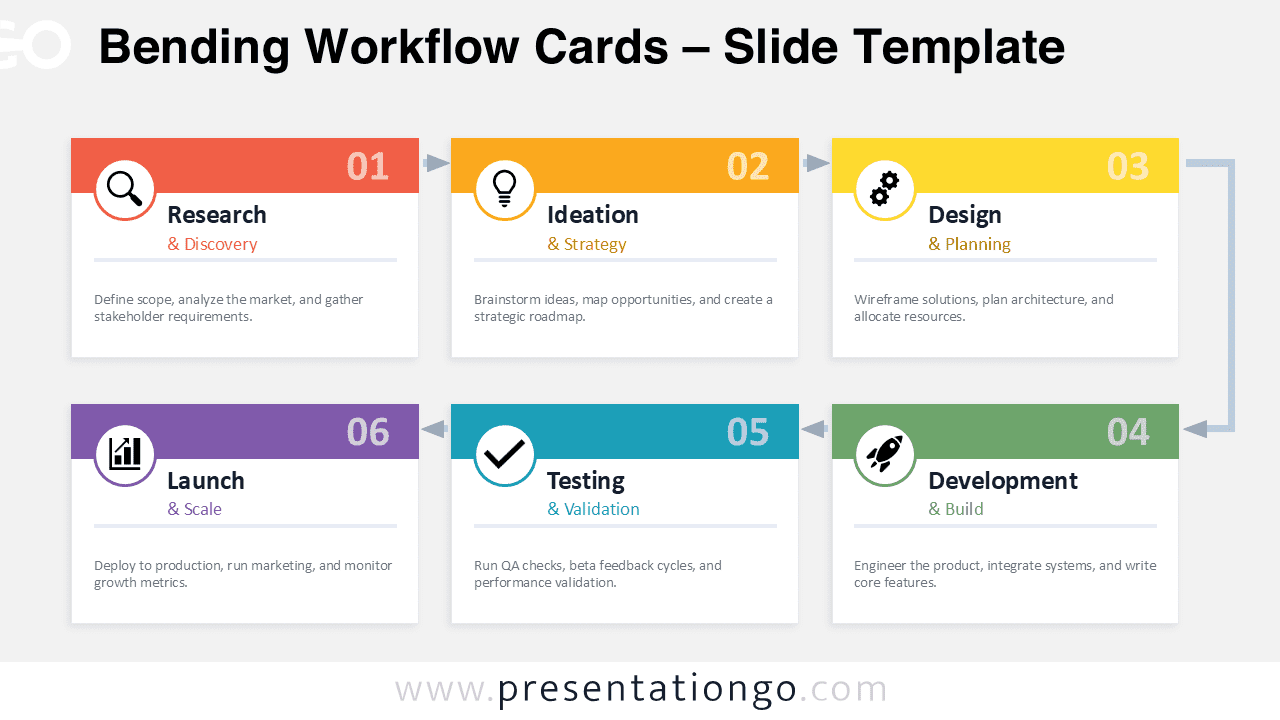
The Bending Workflow Cards diagram offers a clear and visually engaging way to present sequential processes in PowerPoint and Google Slides. Designed with a modern card layout, this infographic organizes six workflow stages into a structured zigzag sequence. Each stage appears in a distinct colored card that includes a step number, title, subtitle, and short description area. The result is a clean visual flow that helps audiences easily follow complex processes.
This layout is particularly effective for explaining project lifecycles, product development stages, marketing strategies, or operational workflows. Arrows guide the viewer from one stage to the next, forming a bending path that visually connects each step while maintaining strong visual separation between the cards.
Diagram Preview


Features and Customization Options
- Six-step workflow layout arranged in a bending sequence
- Card-based design for clear stage separation
- Distinct color-coded headers for each step
- Editable shapes, text, and connectors
- Includes editable icon placeholders
- Works in both PowerPoint and Google Slides
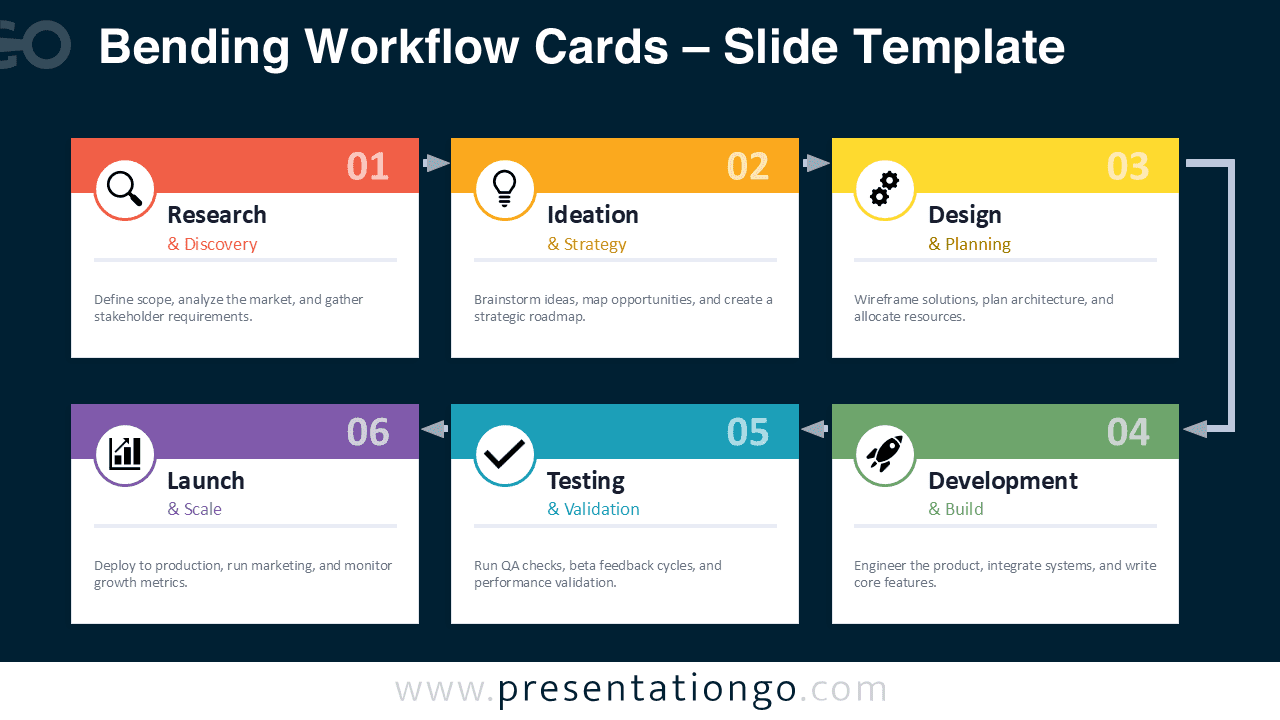
- Light and dark background slide versions
Design and Structure
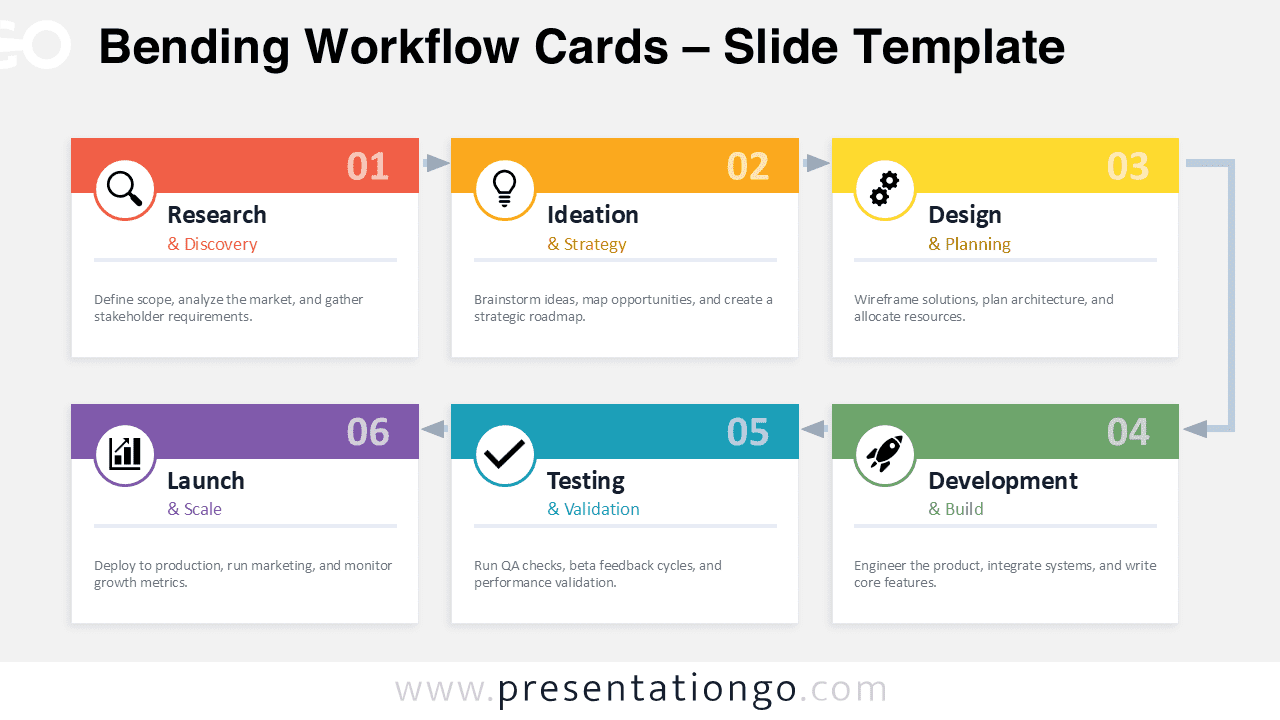
The diagram organizes information into two horizontal rows that create a zigzag flow across the slide. The first row contains the initial stages of the process, while the second row continues the workflow in reverse direction. Arrows connect the cards and reinforce the sequential progression of the process.
Each card contains a circular icon placeholder that visually represents the stage concept. The icons help viewers quickly identify each step while maintaining a consistent design style. The color palette combines vibrant tones such as coral, orange, yellow, green, teal, and purple. This variety helps distinguish each stage without overwhelming the slide.
Because every element is built using standard presentation shapes, users can easily edit colors, replace icons, or modify text to match their branding. The layout remains flexible and works well with both short descriptions and more detailed explanations.
Practical Applications
- Product development lifecycle presentations
- Business process explanations
- Marketing campaign workflows
- Software development lifecycle (SDLC)
- Project management roadmaps
- Design thinking frameworks
- Consulting strategy presentations
Summary
The Bending Workflow Cards diagram provides a modern and structured way to communicate multi-stage processes. Its colorful card layout, intuitive arrow flow, and editable elements make it ideal for professional presentations in PowerPoint and Google Slides. Whether you need to explain project phases, business workflows, or development stages, this diagram offers a clear and engaging visual solution.