
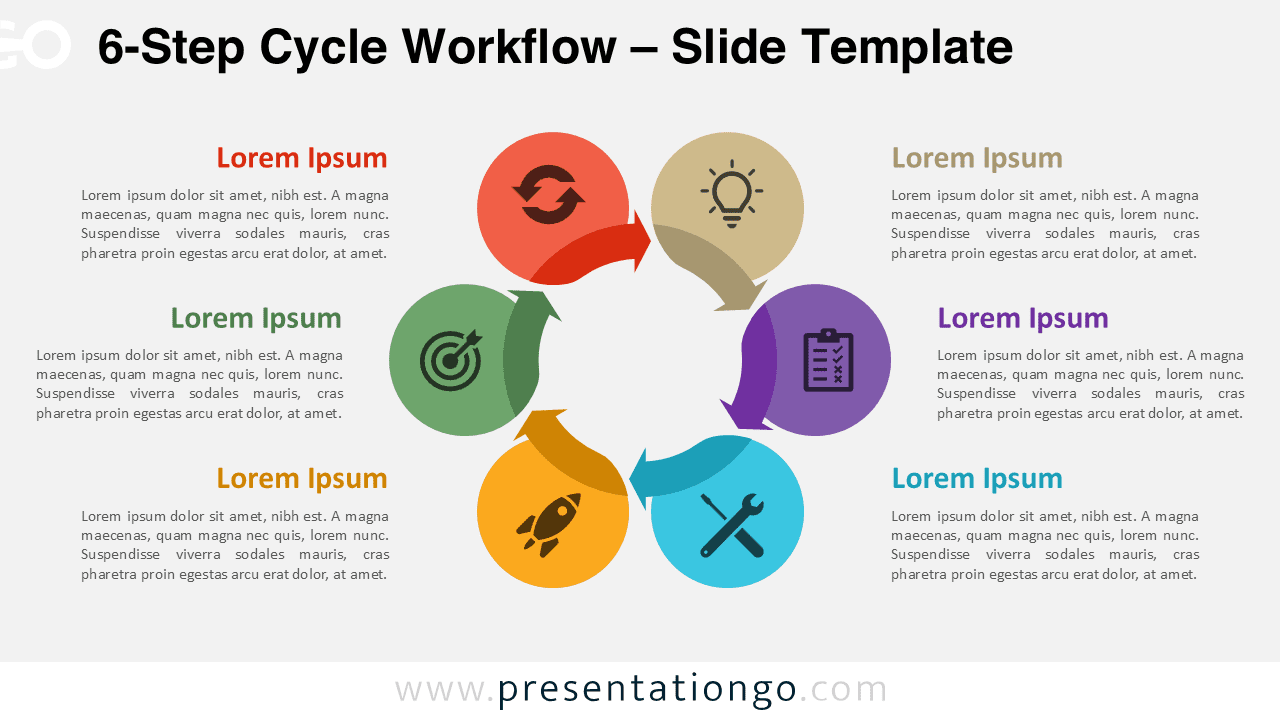
The 6-Step Cycle Workflow is designed for presenting complex, multi-phase processes with clarity in PowerPoint and Google Slides. By dividing workflows into six structured steps, this circular layout helps audiences understand progression, dependencies, and continuity.
Diagram Preview
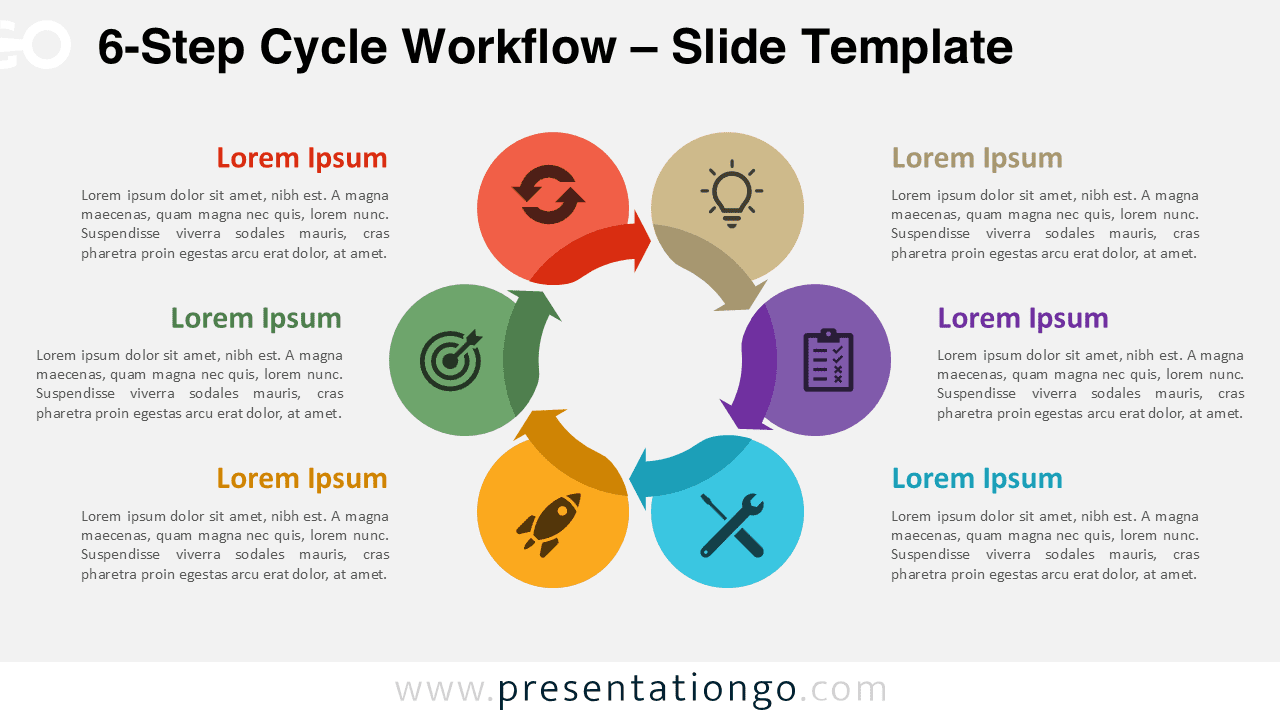
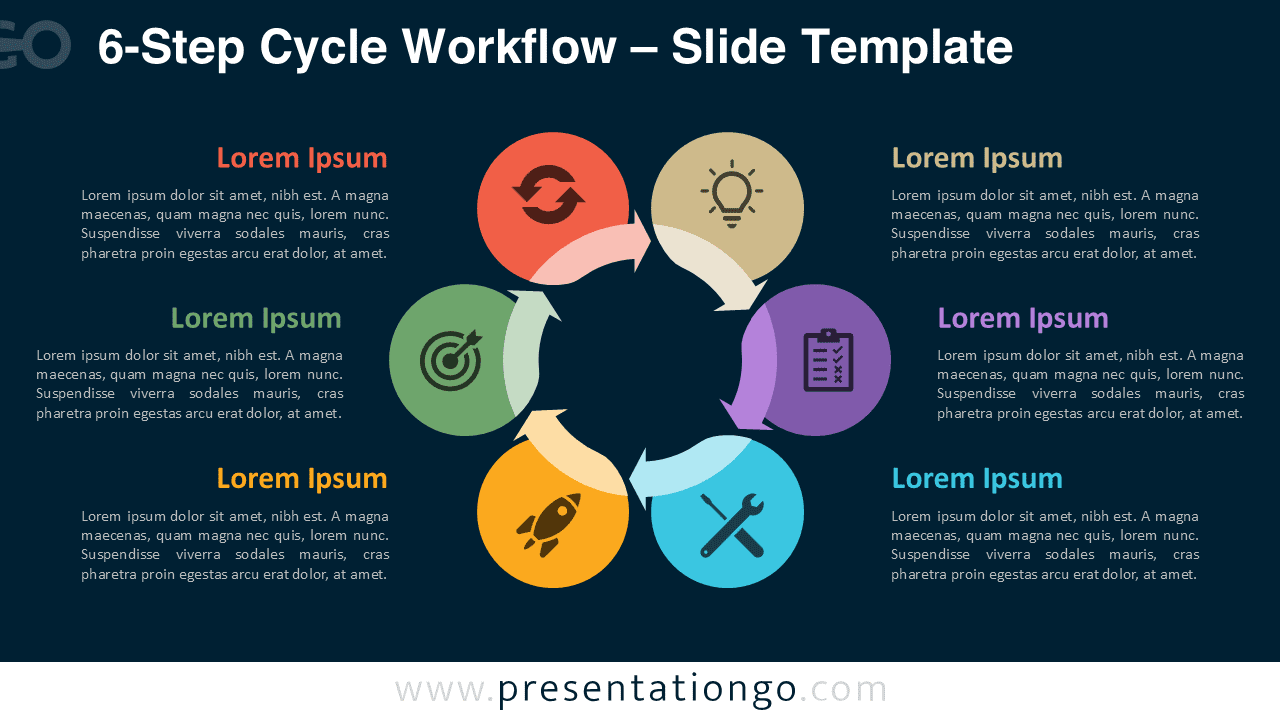


Diagram Features and Customization Options
- Six-step circular workflow structure
- Editable shapes, arrows, and text placeholders
- Includes editable icon placeholders
- Light and dark background versions
- Compatible with PowerPoint and Google Slides
Design and Structure
The circular design emphasizes continuity and systematic progression, which is ideal for end-to-end processes and recurring frameworks. Each step is clearly distinguished through color coding and iconography, allowing viewers to quickly identify stages while keeping a unified look. Directional arrows maintain a logical flow and prevent cognitive overload, even with six distinct phases.
Practical Applications
- Presenting complex business or operational models
- Explaining strategic planning frameworks
- Visualizing product or service life cycles
- Communicating end-to-end methodologies
- Advanced training and instructional materials
Summary
The 6-Step Cycle Workflow is ideal when processes require detailed explanation without sacrificing clarity. It provides a structured yet visually engaging way to communicate advanced workflows in professional presentations.
Complete Cycle Workflow Collection
The 6-Step Cycle Workflow represents the most detailed option within the Cycle Workflow collection, which also includes 3-step, 4-step, and 5-step versions.



