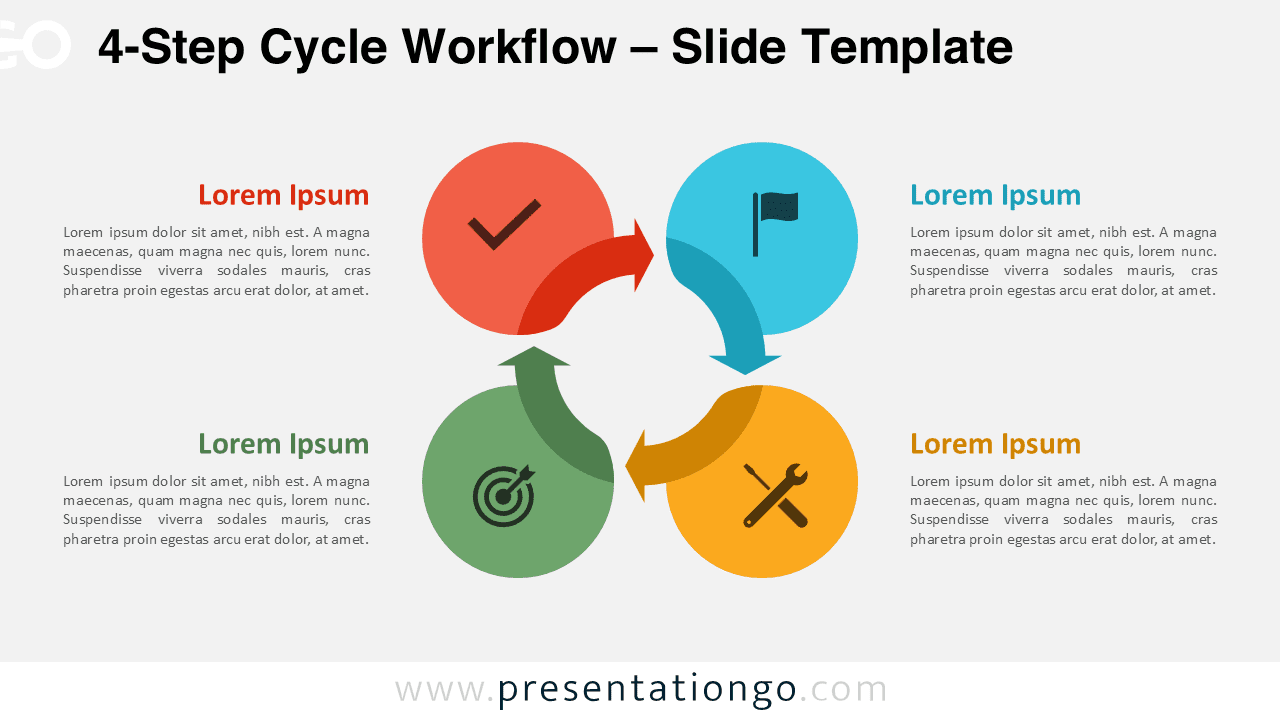
The 4-Step Cycle Workflow is designed to present structured processes with clarity and visual balance in PowerPoint and Google Slides. With four evenly distributed steps, this circular layout helps audiences follow progression while understanding how each phase connects.
Diagram Preview
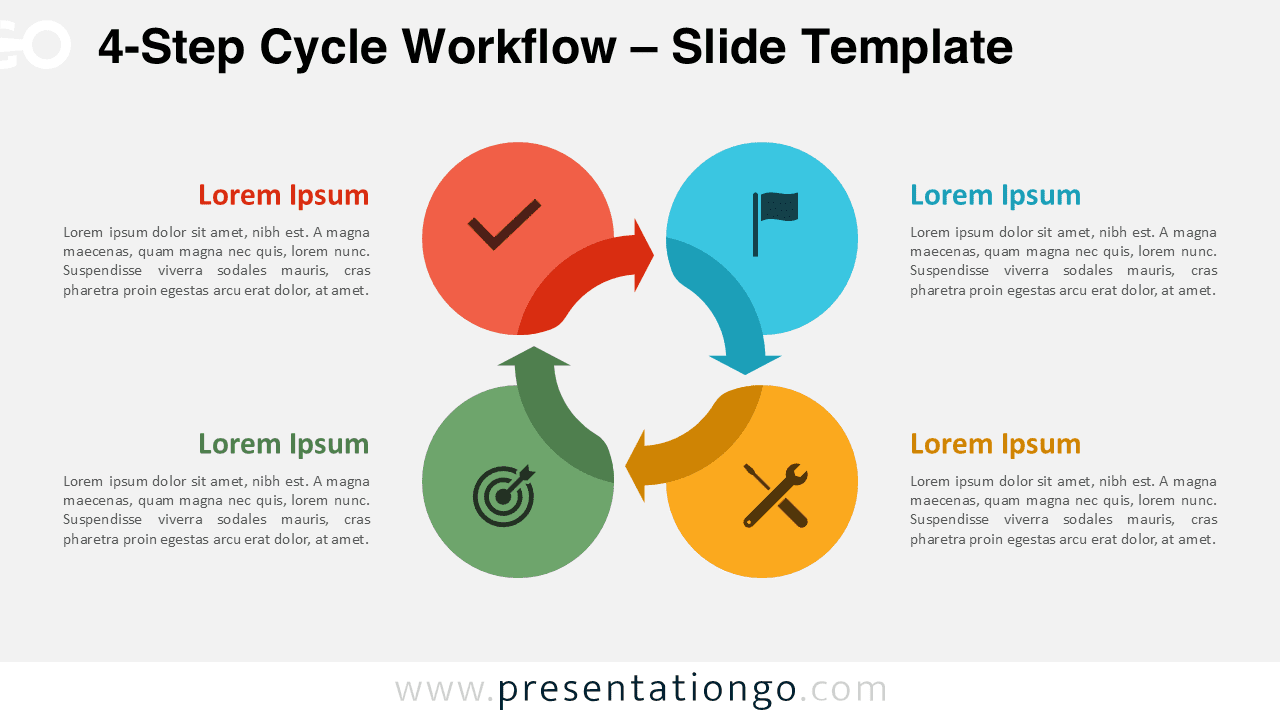

Diagram Features and Customization Options
- Four-step circular workflow structure
- Editable shapes, arrows, and text placeholders
- Includes editable icon placeholders
- Light and dark background versions
- Compatible with PowerPoint and Google Slides
Design and Structure
The diagram uses a symmetrical circular arrangement that reinforces process continuity and balance. Each step is visually separated by color and iconography, allowing viewers to distinguish phases without losing overall cohesion. Directional arrows guide the eye smoothly from one step to the next, making the workflow intuitive to follow.
Practical Applications
- Presenting four-phase strategies or frameworks
- Explaining operational or management cycles
- Visualizing customer or product journeys
- Training and instructional presentations
- Business and consulting decks
Summary
The 4-Step Cycle Workflow offers an ideal balance between simplicity and detail.
It is well suited for presentations that require a clear structure while emphasizing continuity and logical flow.
Complete Cycle Workflow Collection
The 4-Step Cycle Workflow belongs to the complete Cycle Workflow collection, available in 3-step through 6-step variants.