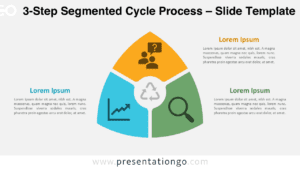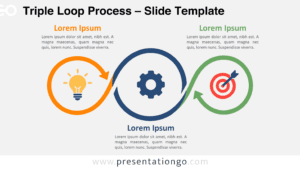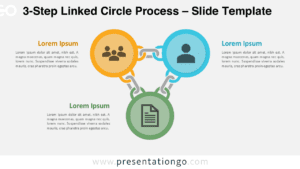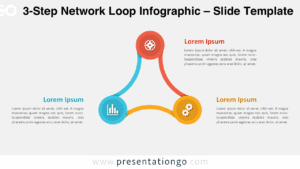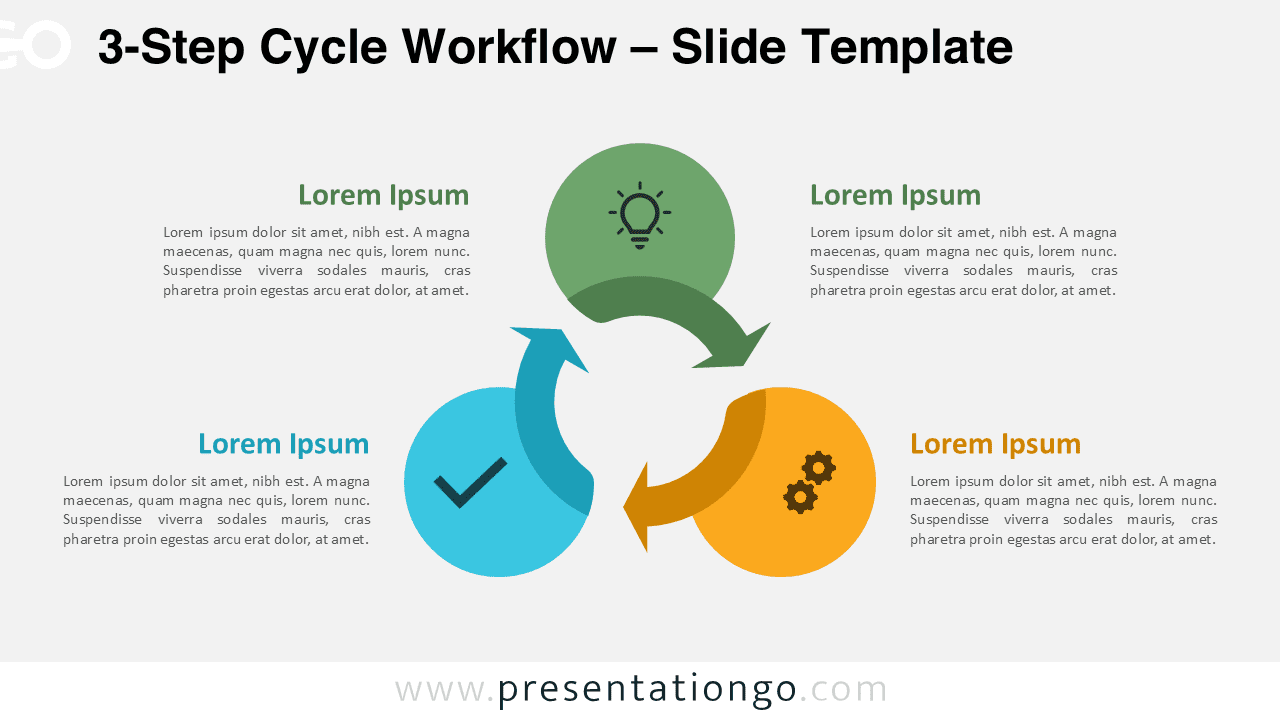
The 3-Step Cycle Workflow is a clean and intuitive diagram designed to visualize simple processes in PowerPoint and Google Slides. Its circular structure helps audiences quickly understand progression, continuity, and logical flow between three key stages.
Diagram Preview
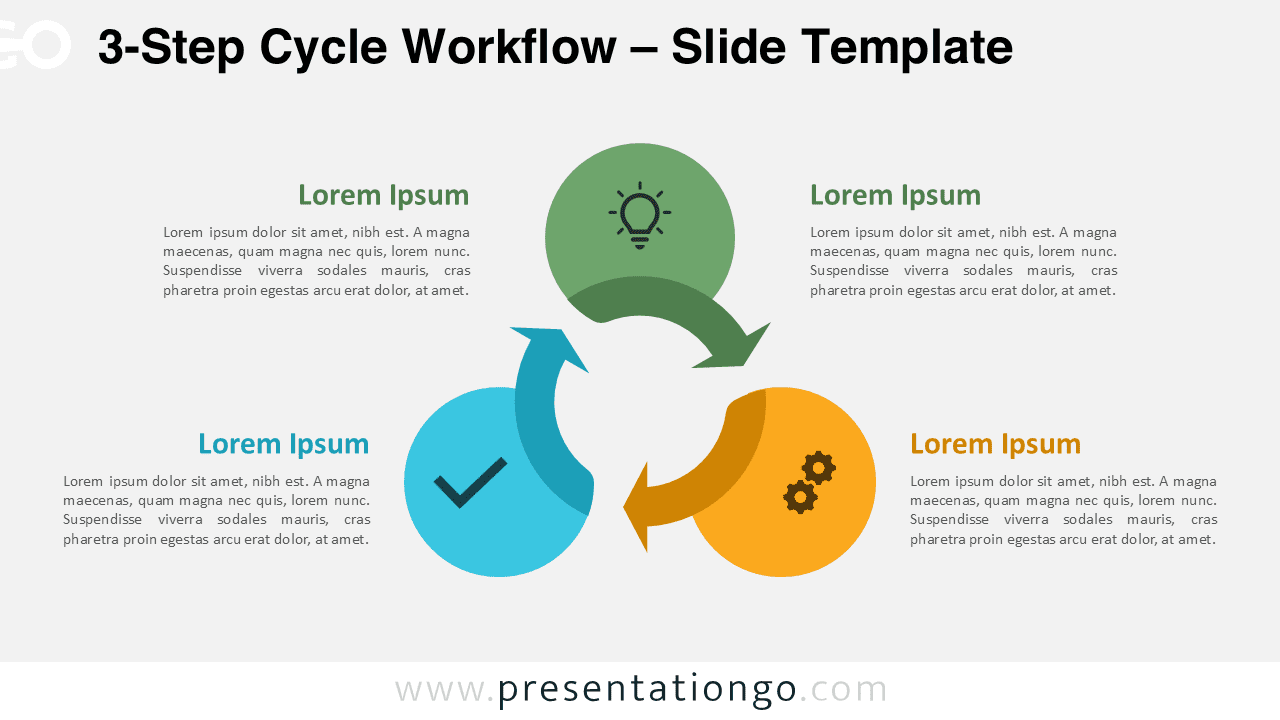
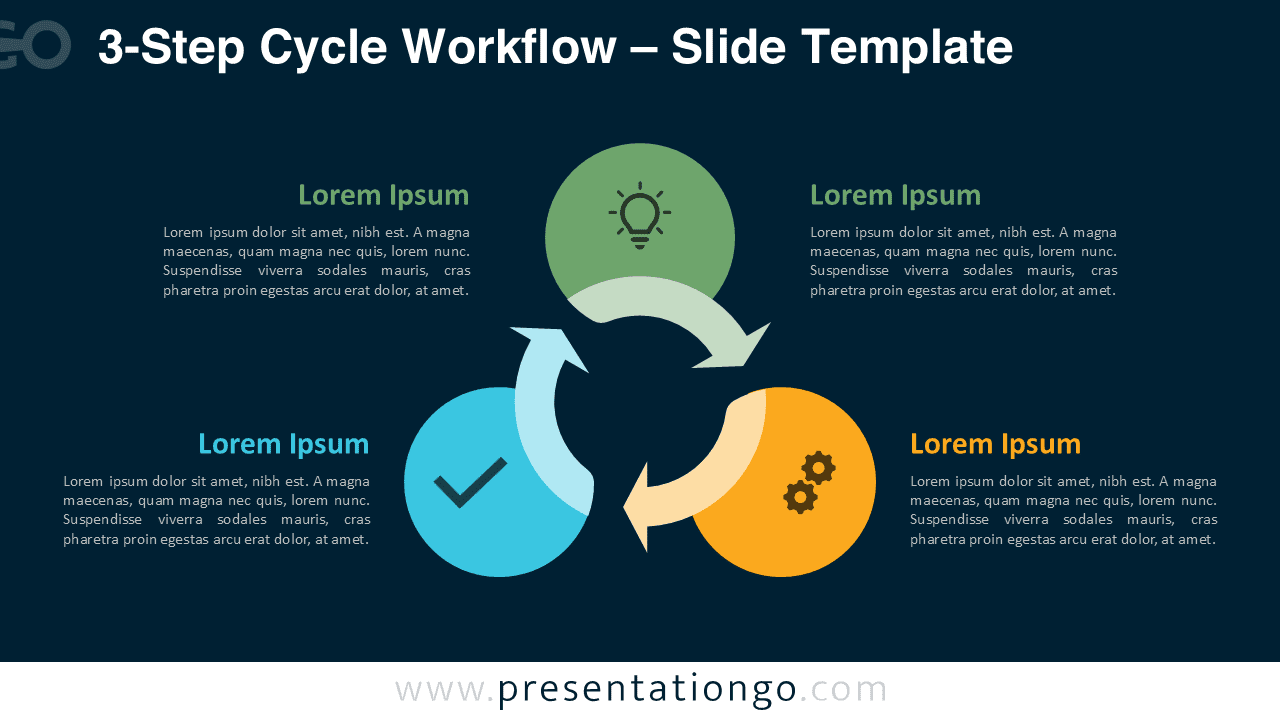


Diagram Features and Customization Options
- Three-step circular workflow layout
- Editable shapes, arrows, and text fields
- Includes editable icon placeholders
- Light and dark background versions
- Fully compatible with PowerPoint and Google Slides
Design and Structure
This diagram uses a balanced circular flow with directional arrows that naturally guide the viewer from one step to the next. Each step is highlighted with a distinct color and a central icon, allowing you to visually separate phases while maintaining cohesion. The minimal design ensures clarity even when projected or viewed on smaller screens.
Practical Applications
- Explaining simplified business processes
- Presenting three-phase strategies or models
- Illustrating continuous improvement loops
- Visualizing product or service cycles
- Training and educational presentations
Summary
The 3-Step Cycle Workflow is ideal when you need to communicate a concise process without overwhelming your audience. Its circular logic reinforces continuity and progression, making it a reliable visual tool for business, education, and strategy presentations.
Complete Cycle Workflow Collection
The 3-Step Cycle Workflow is part of the complete Cycle Workflow collection, which includes 3-step, 4-step, 5-step, and 6-step variants.