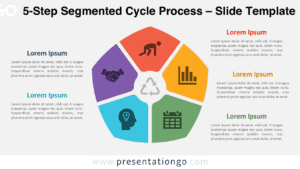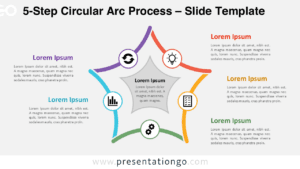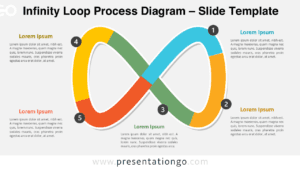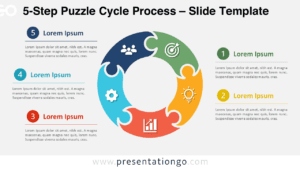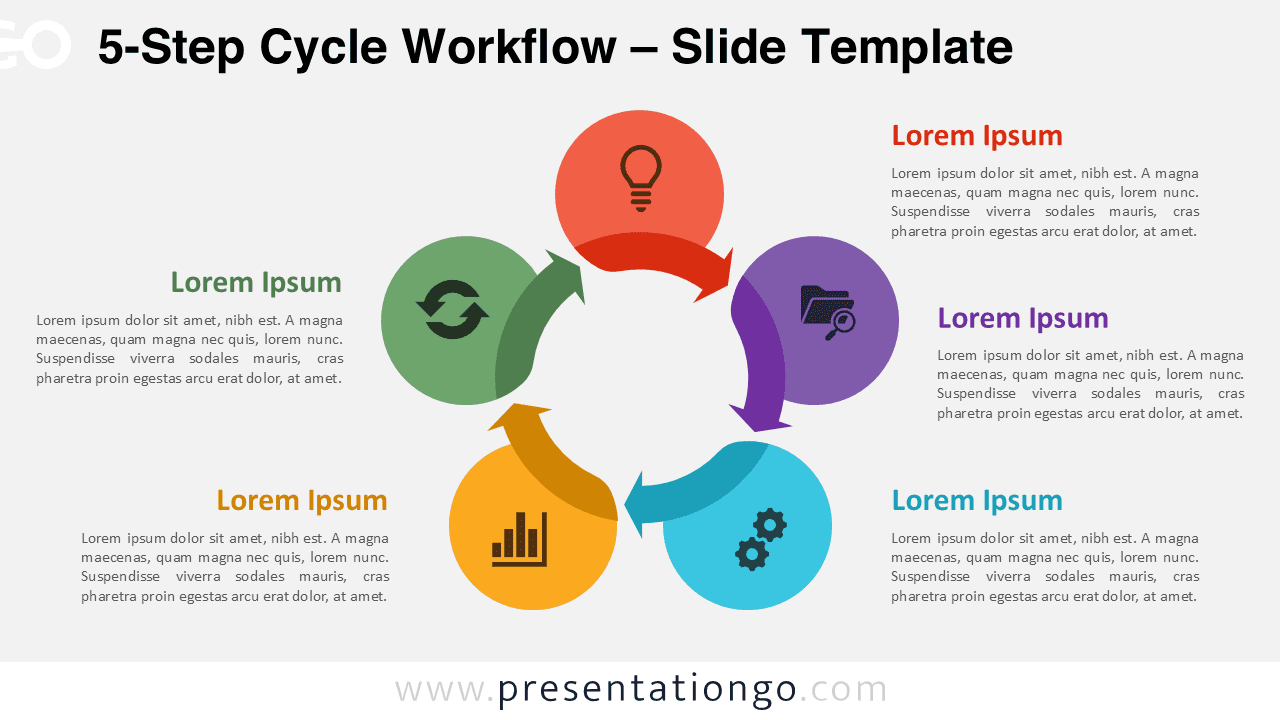
The 5-Step Cycle Workflow is designed for presenting more detailed processes while maintaining clarity and visual balance in PowerPoint and Google Slides. By increasing the number of steps, this circular layout allows presenters to explain complex workflows without overwhelming their audience.
Diagram Preview
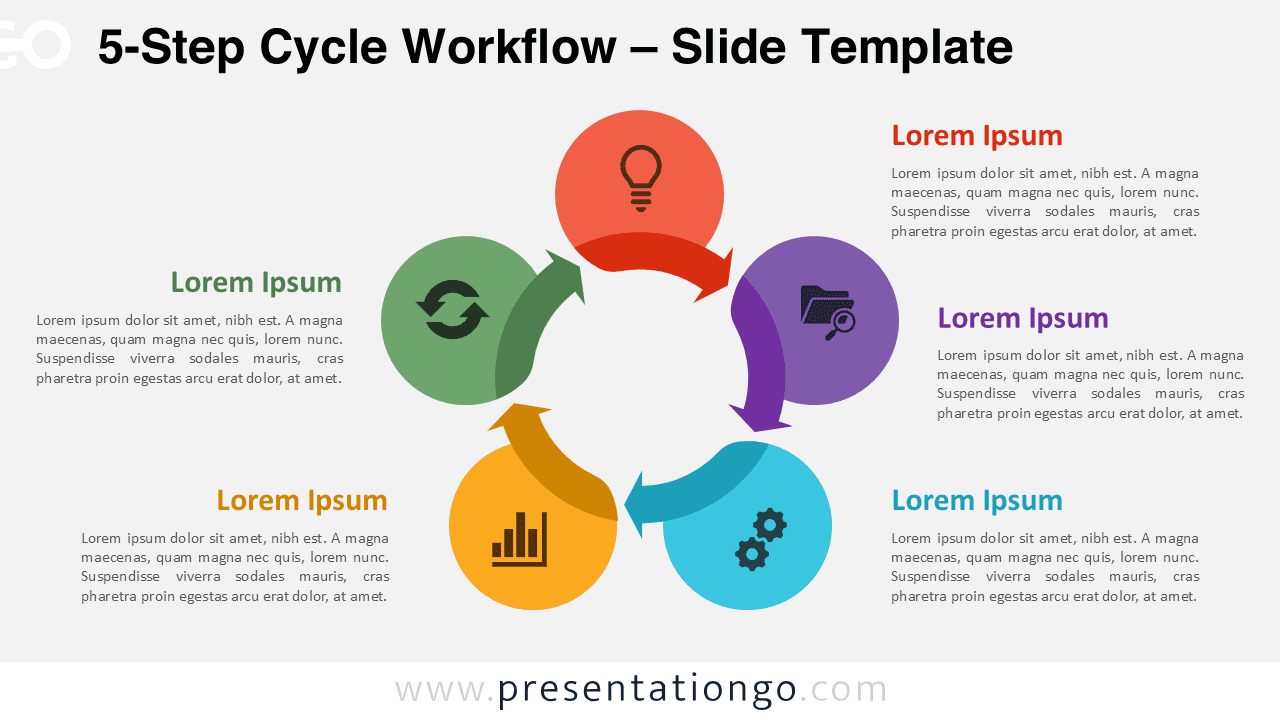
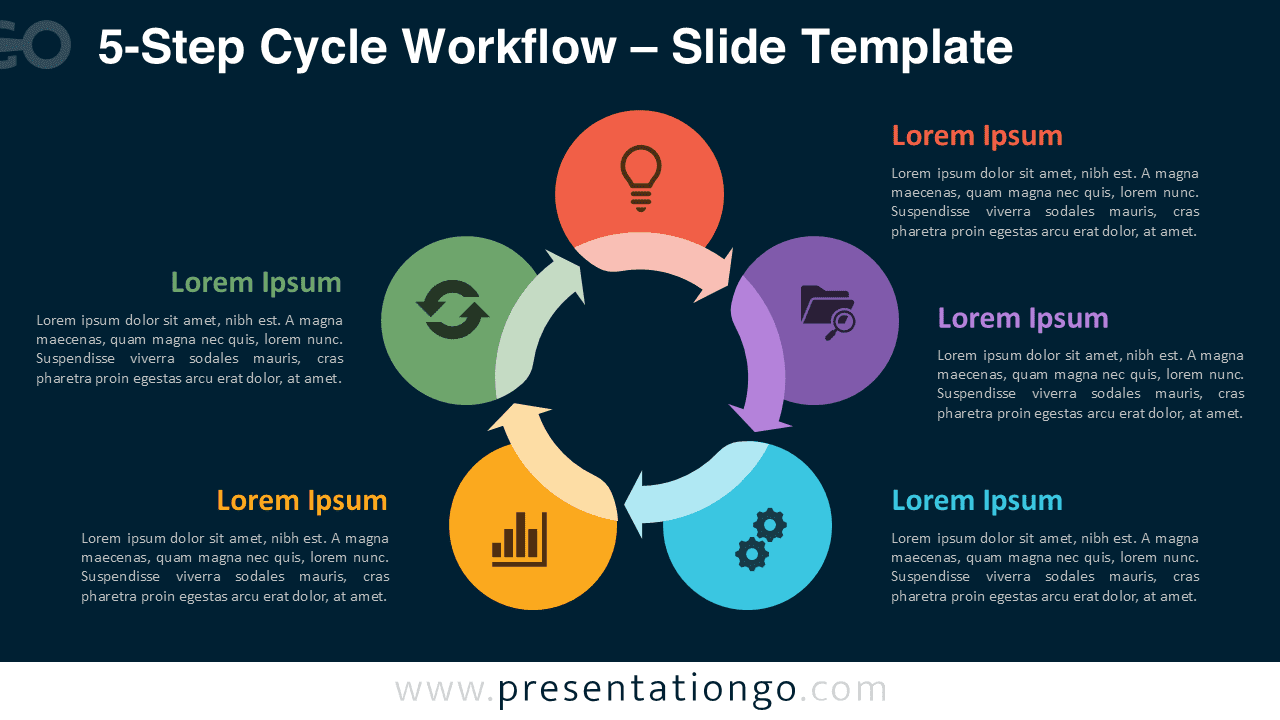


Diagram Features and Customization Options
- Five-step circular workflow structure
- Editable shapes, arrows, and text placeholders
- Includes editable icon placeholders
- Light and dark background versions
- Compatible with PowerPoint and Google Slides
Design and Structure
The circular design reinforces the idea of continuity and iteration, which is ideal for ongoing processes or recurring cycles. Each step is clearly distinguished through color and iconography, helping viewers follow the sequence with ease. Directional arrows guide attention smoothly, ensuring the workflow remains intuitive even with five stages.
Practical Applications
- Explaining complex business or operational processes
- Presenting multi-stage project workflows
- Visualizing product development cycles
- Describing continuous improvement methodologies
- Training and instructional presentations
Summary
The 5-Step Cycle Workflow offers an excellent balance between depth and readability. It allows presenters to communicate structured, multi-phase processes while keeping the message clear and visually engaging.
Complete Cycle Workflow Collection
The 5-Step Cycle Workflow is part of the full Cycle Workflow collection, which includes multiple step-based variants for different levels of process detail.