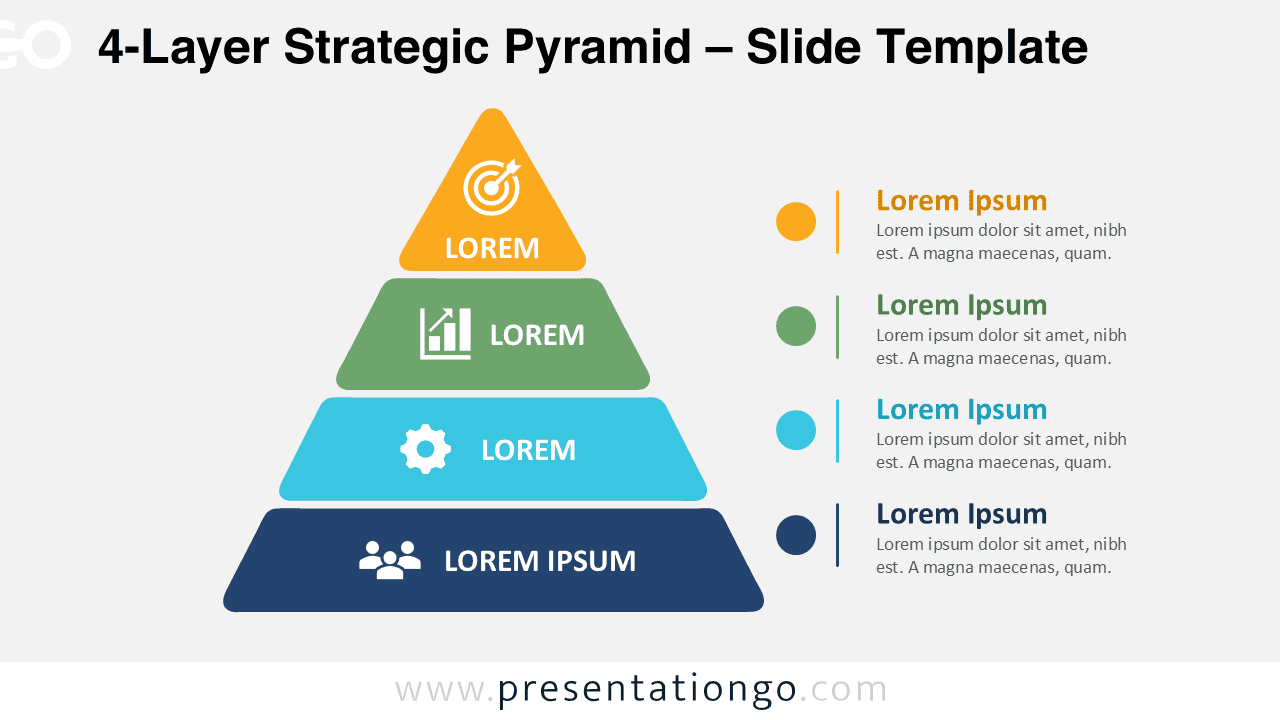
The 4-Layer Strategic Pyramid helps you explain a hierarchy without forcing viewers to decode a dense framework. Four stacked bands create a strong visual order from a broad foundation to a focused peak. Each tier combines a short label with a simple icon. A matching legend adds space for one clear explanation per level.
The diagram suits presentations that need direct structure and quick scanning. Use it to organize priorities, responsibilities, capabilities, or stages. Its balanced layout keeps the pyramid and supporting notes connected. This version belongs to the Strategic Pyramid series, which also includes five-layer and six-layer options.
Diagram Preview
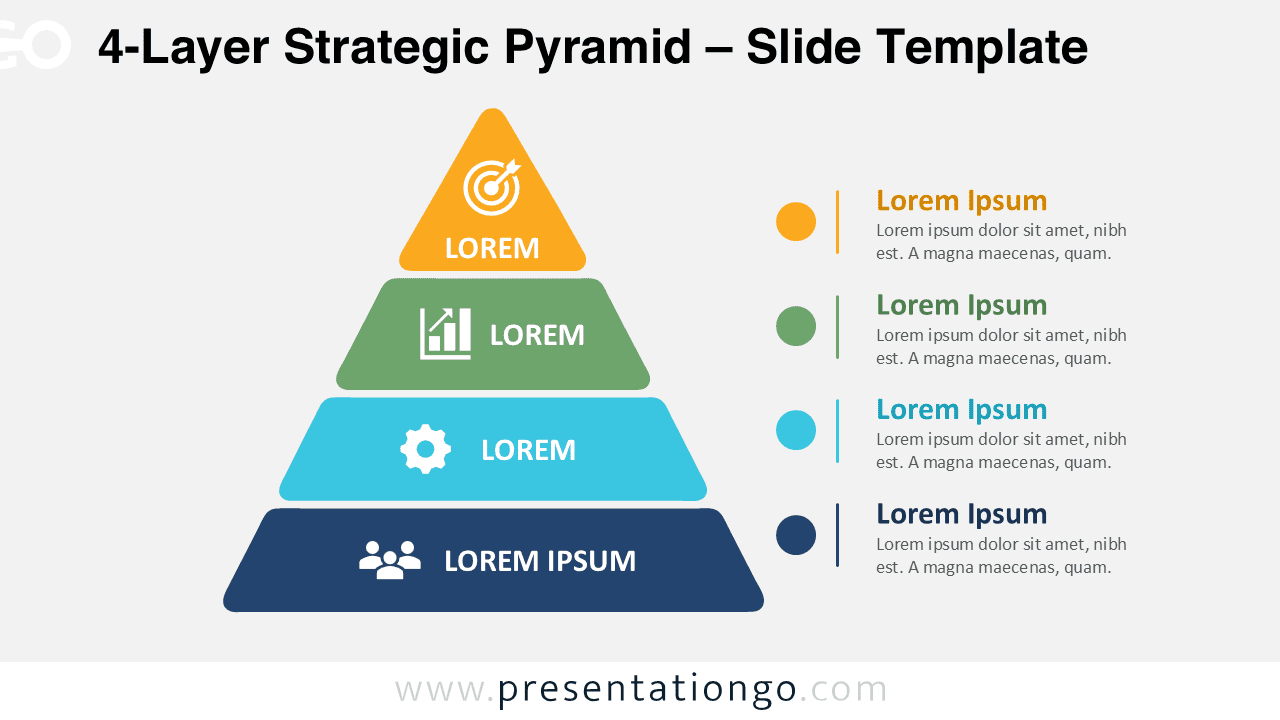
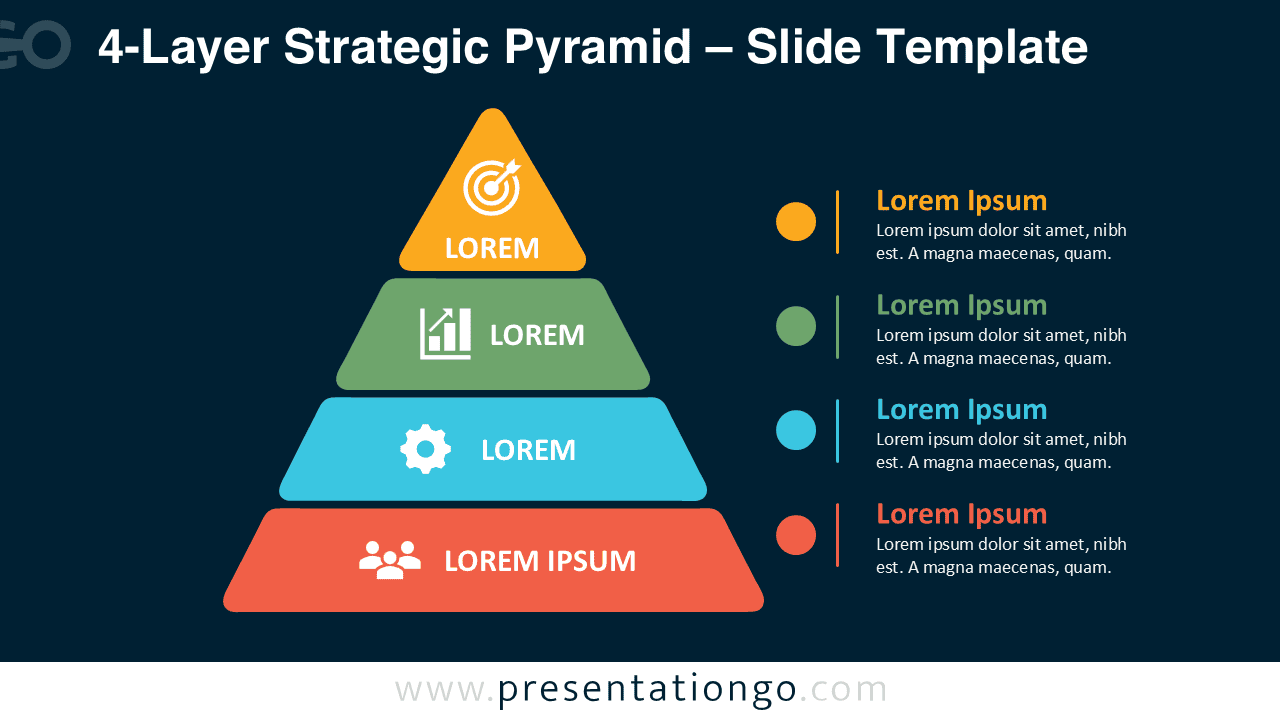


The preview shows the same layout in two background versions. Both slides preserve contrast, spacing, and alignment. The diagram remains readable on screen, in meetings, and in exported handouts.
Features and Customization Options
- Compatible with Microsoft PowerPoint and Google Slides
- 2 slides across 1 layout
- Pre-built four-layer pyramid structure
- Editable text, shapes, sizes, and icon placeholders
- Microsoft Office library icons for illustration purposes only
- Icons are easy to modify, resize, or replace
- Includes both light and dark background versions
Design and Structure
The 4-Layer Strategic Pyramid uses a clear top-to-bottom hierarchy. The widest band anchors the framework, while each higher tier narrows the focus. This shape naturally communicates progression, priority, or increasing specialization. The legend mirrors the four levels and gives each one a heading plus supporting text.
Short labels work best inside the pyramid. Place longer explanations in the legend to protect the visual rhythm. You can replace every label with your own terms. You can also resize the tiers, move the markers, or adjust the spacing. The icons support quick recognition, but they do not define the framework.
Practical Applications
- Map strategic priorities from foundation to primary objective
- Explain four stages in a maturity or capability model
- Compare organizational levels and their responsibilities
- Present service tiers, product levels, or customer segments
- Structure learning goals from basic to advanced
- Summarize governance layers in an executive briefing
Summary
The 4-Layer Strategic Pyramid turns layered information into a focused visual story. It gives every level a defined place and enough room for context. Choose this version when your framework has four distinct tiers. For broader models, use the related five-layer or six-layer versions from the same series.