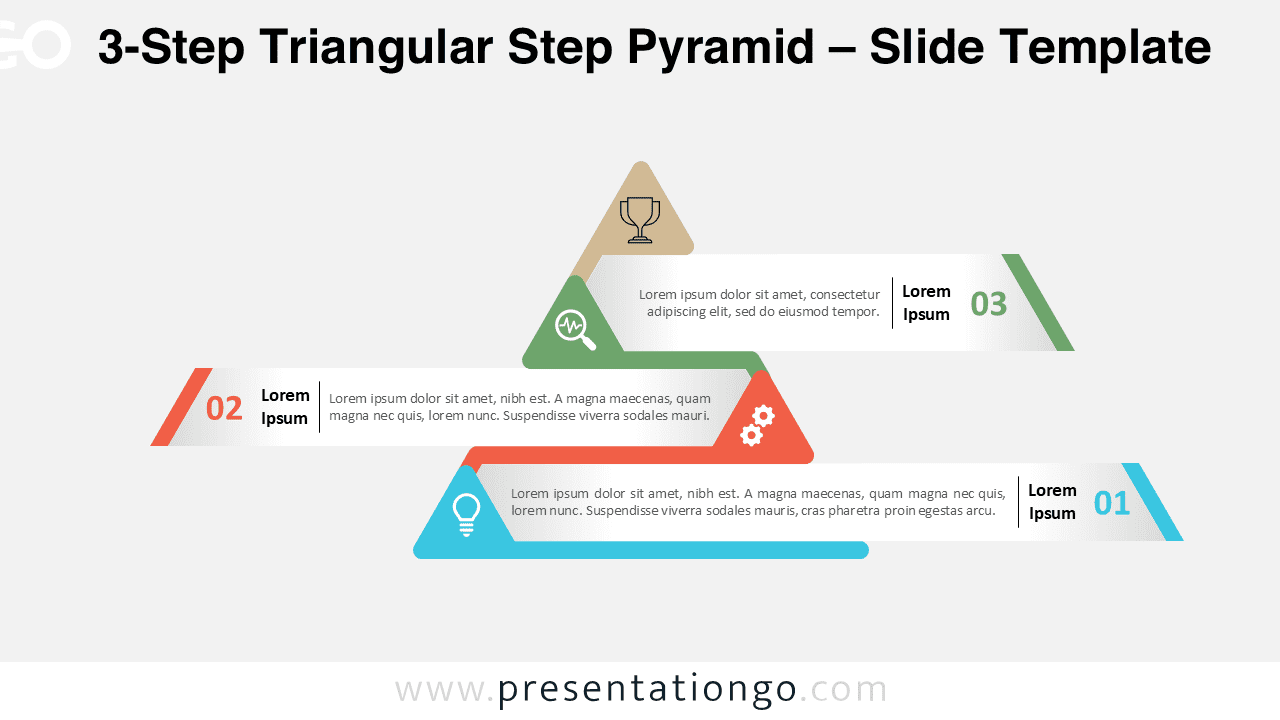
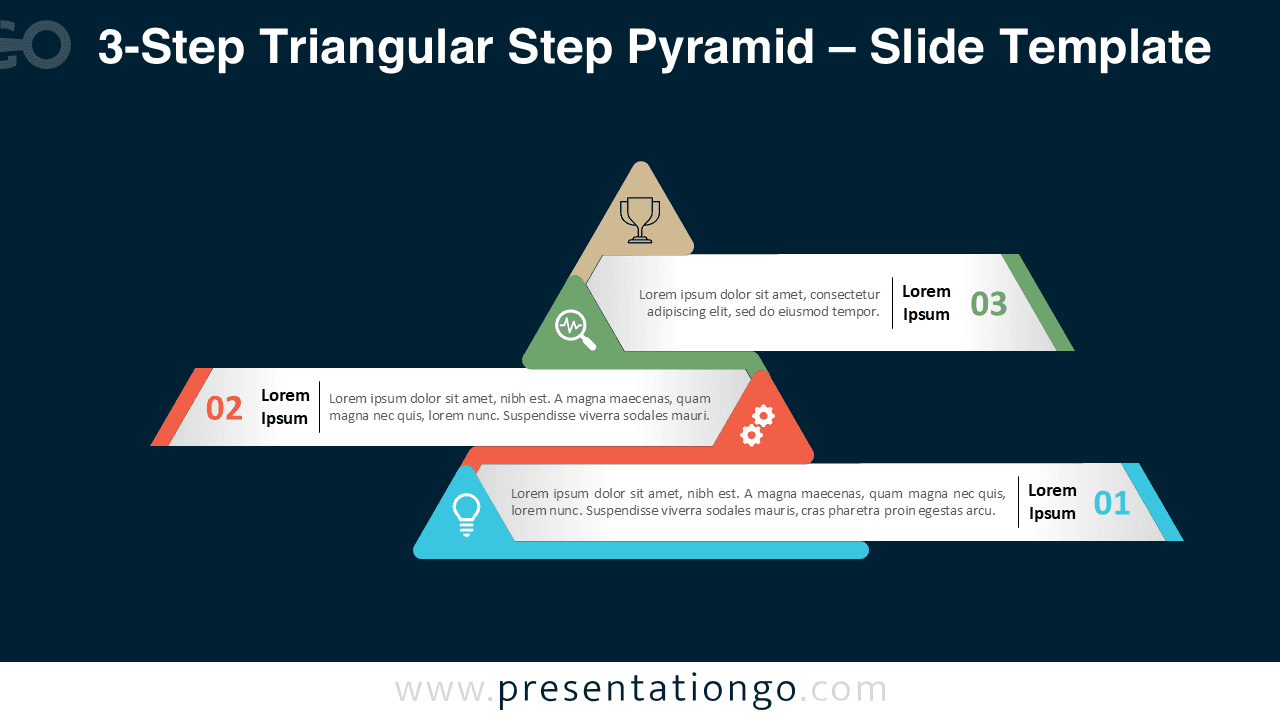
The 3-Step Triangular Step Pyramid helps you visualize three consecutive stages of a process or hierarchy with elegance and clarity. This editable design is available for PowerPoint and Google Slides.
Template Preview


Features and Customization Options
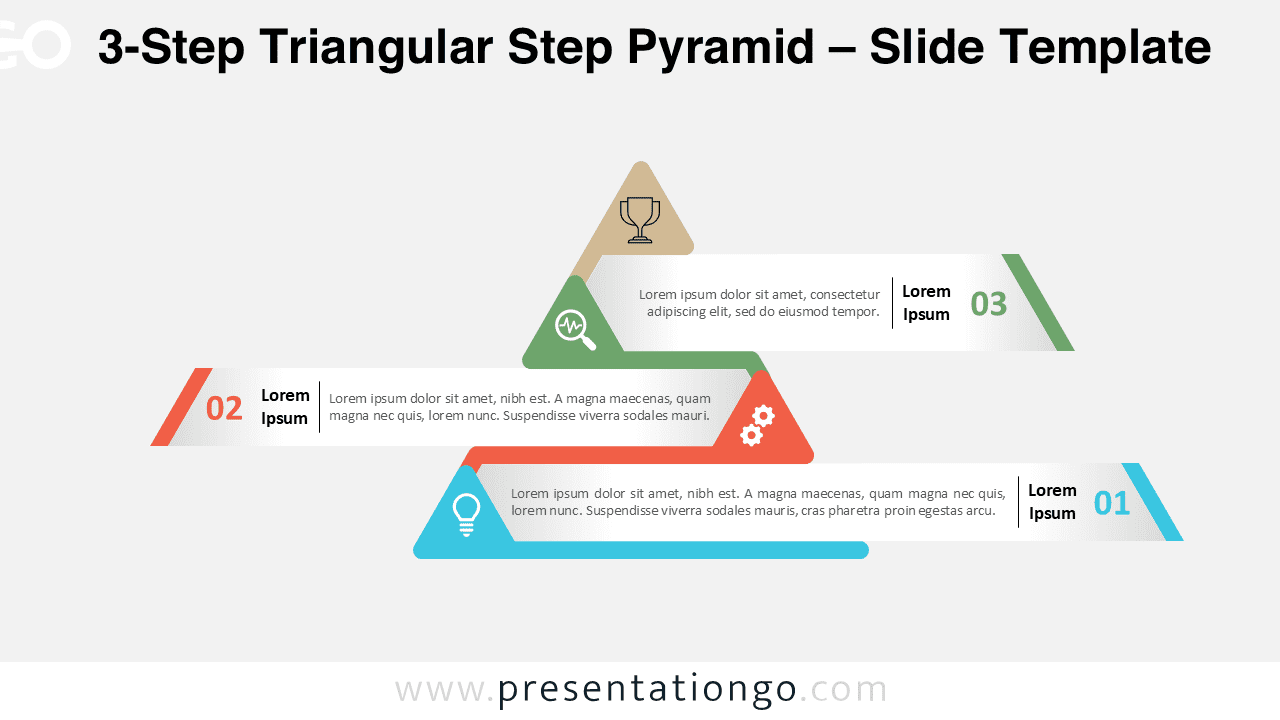
- Includes 2 slides: light and dark background versions
- Features a unique pyramid built with 3 connected triangular layers
- Fully editable shapes, icons, and color scheme
- Widescreen (16:9) format for PowerPoint and Google Slides
- Clean and modern layout ideal for professional presentations
Design Overview
This 3-step version extends the pyramid concept to three layers, representing progress or structure in stages. Each step features a distinct color and icon to emphasize meaning and flow. The geometric composition uses flat vector style and harmonious color tones, creating a professional, minimal look suitable for both dark and light themes.
Practical Applications
- Show three stages of a project or workflow
- Illustrate organizational or strategic hierarchies
- Display progressive milestones or goals
- Highlight input, process, and outcome relationships
How to Edit
- Open the file in PowerPoint or Google Slides.
- Edit text placeholders and replace icons as needed.
- Adjust colors and fonts from the Slide Master.
- Duplicate or resize the pyramid for different visual emphasis.
Summary
The 3-Step Triangular Step Pyramid provides a balanced way to present a structured process or concept. Its clean geometry and color flow ensure clarity and visual appeal.