The Three-Level Tiered Pyramid presents hierarchical concepts through three distinct levels designed for PowerPoint and Google Slides presentations.
Showcase Progress or Structure with Symmetry
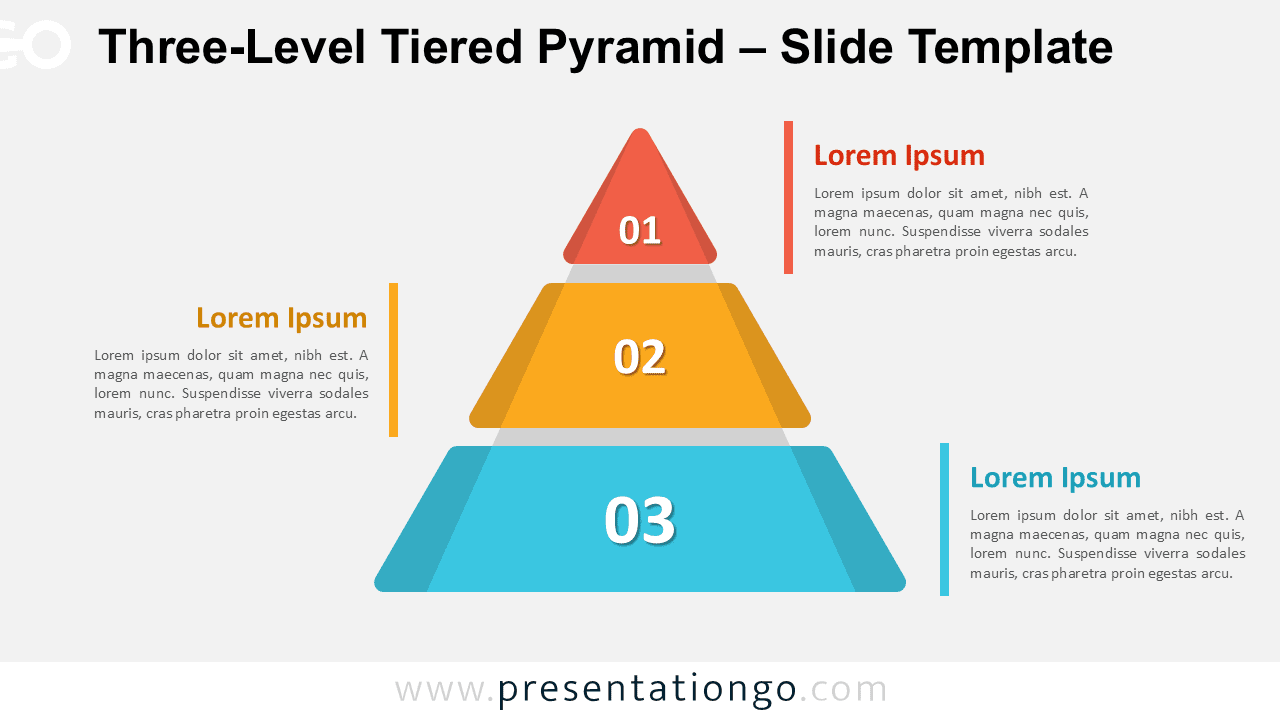
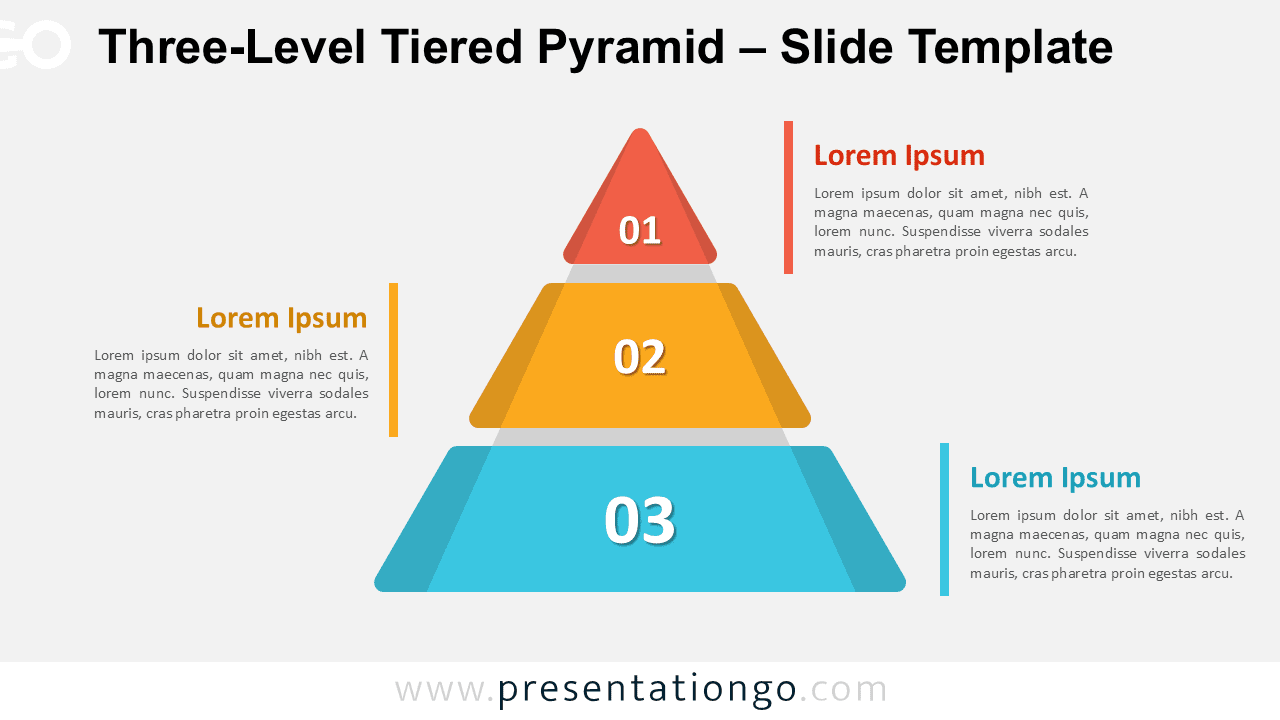
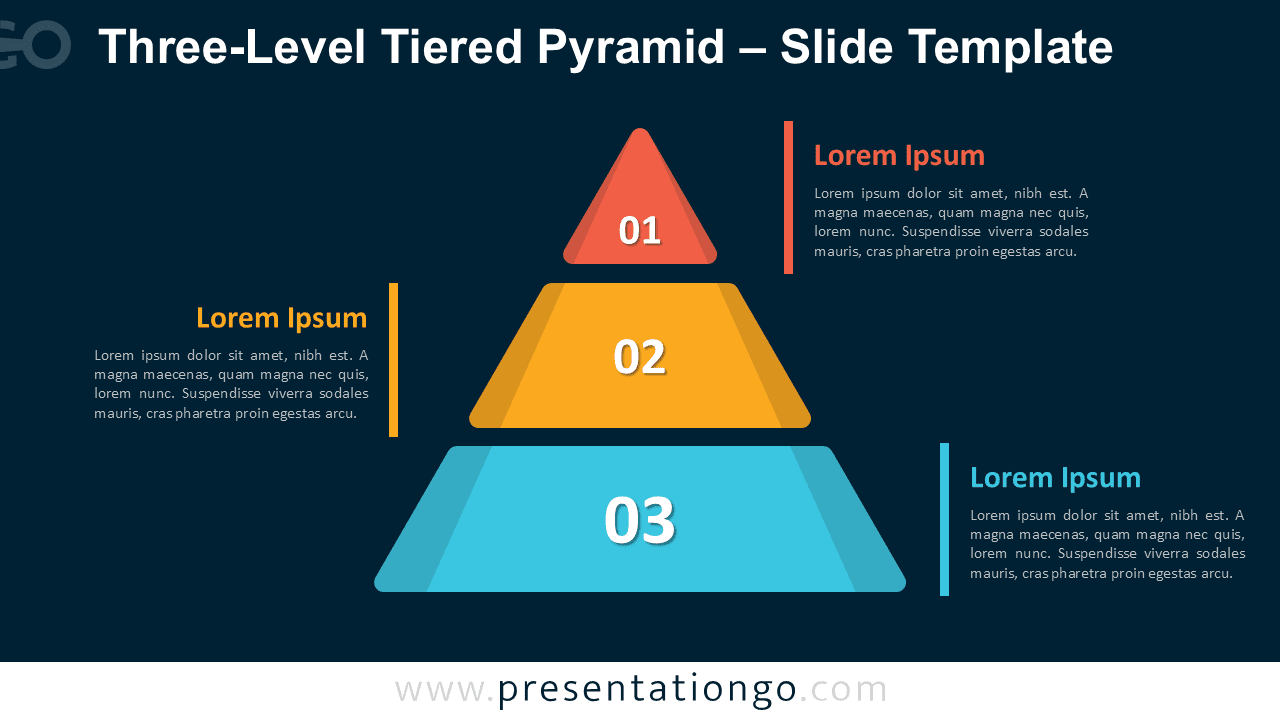
At the center of the slide, a vertical pyramid composed of three rounded trapezoidal tiers conveys a step-by-step framework. Each tier decreases in size from base to top and features a bold white number—“03” at the bottom, “02” in the middle, and “01” on top—set against a translucent triangular overlay. These overlays visually enhance the perception of a layered structure. Aligned on either side of the pyramid, labeled text blocks mirror the hierarchy: the top and bottom tiers connect with text on opposite sides, while the middle connects to the left. Vertical accent bars align with each block, reinforcing symmetry and flow. The distinct colors for each level help differentiate stages while maintaining visual balance.
Pyramid diagrams are widely used to represent hierarchies, stages of development, or prioritization frameworks. They visually simplify complex systems by segmenting them into ascending levels of importance. This specific design is ideal for frameworks such as strategic roadmaps, organizational tiers, or progressive steps in a process. For example, a business presentation might use it to showcase foundational strategies at the base and visionary goals at the top. Similarly, educators might explain Bloom’s taxonomy or Maslow’s hierarchy using the same format. The numerical flow, text alignment, and visual segmentation enhance clarity and comprehension.
This download includes two slides—one with a light background and another with a dark theme. Each slide comes pre-filled with numbers and placeholder text, making it easy to customize. All shapes are fully editable, from color schemes to replacing numbers with icons. It supports both Standard (4:3) and Widescreen (16:9) formats and is compatible with PowerPoint and Google Slides.
Download this three-part pyramid diagram to clearly present hierarchical concepts or progressive frameworks in your next presentation.
Widescreen (16:9) size preview:


This template offers:
- 2 unique slides
- Options for both light and dark themes
- Pre-populated with numbers and text placeholders
- Fully customizable shapes for complete control
- Available in both Standard (4:3) and Widescreen (16:9) ratios
- Offered in both PowerPoint PPTX and Google Slides formats
The complete Tiered Pyramid collection: