
The 4-Block Rounded Frames PowerPoint Diagram helps you present four distinct ideas in one organized slide. It gives each point its own framed content area, making the message easier to follow in PowerPoint and Google Slides.
Diagram Preview
This diagram uses four matching content blocks arranged in a balanced grid. Each block combines a title, short text, and an icon placeholder, so you can introduce four pillars, services, concepts, or action points in a single visual.
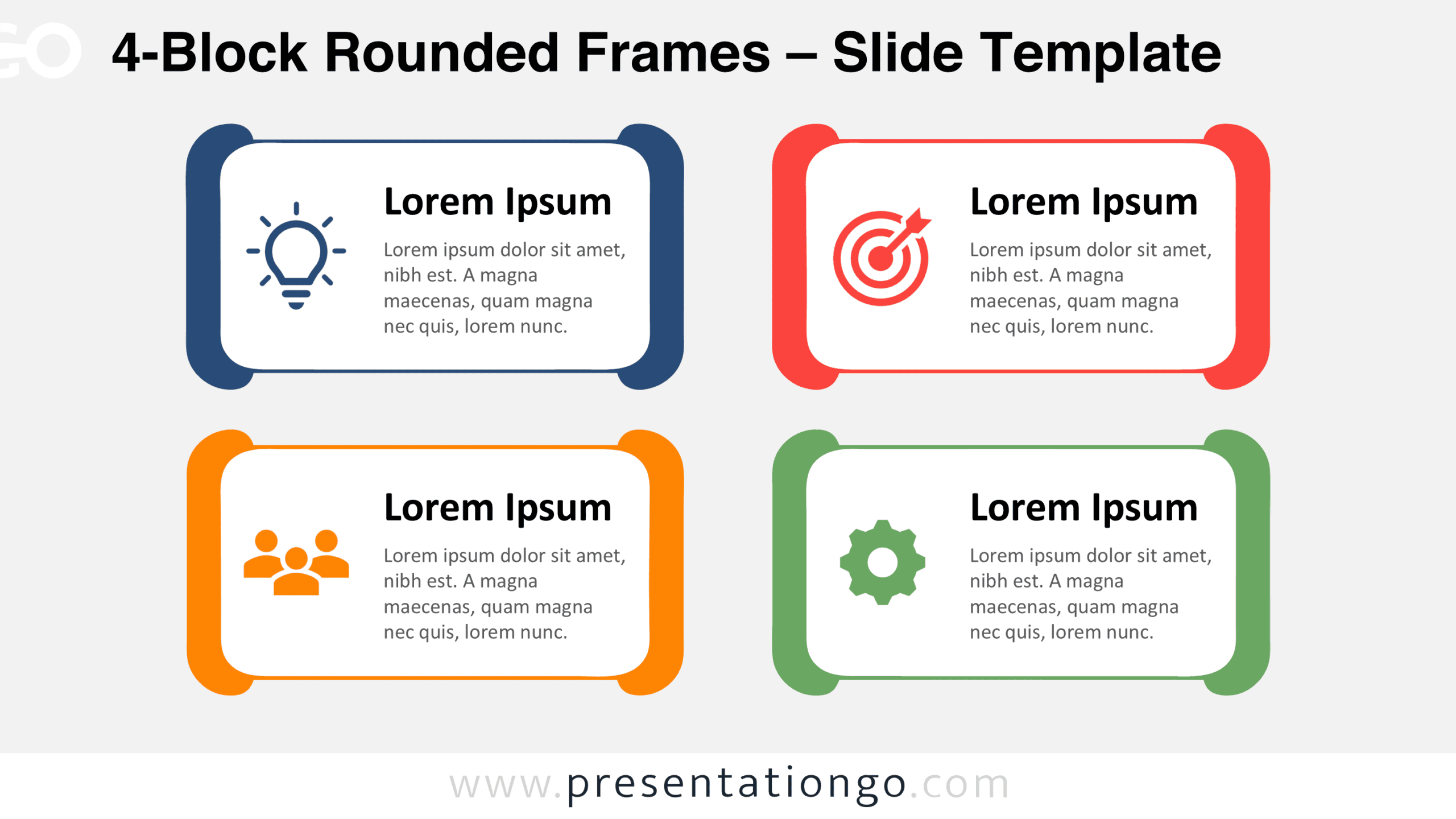


Diagram Features and Customization Options
- Compatible with Microsoft PowerPoint and Google Slides
- 2 slides × 2 backgrounds (light and dark)
- Editable text, shapes, colors, and icon placeholders
- 100% editable vector shapes — no quality loss when resized
- Icon-and-text layout for comparing concepts
- Includes both light and dark background versions
Design and Structure
The layout is based on four rounded rectangular frames placed in a two-by-two composition. This structure creates visual rhythm and gives equal importance to each message. The rounded outer frame adds character, while the inner content area keeps the text readable and contained. Each block follows the same construction, which supports consistency across the slide and helps the audience compare points without distraction.
The icon placeholders reinforce the purpose of each block and add a clear visual cue next to the text. The heading stands out as the main entry point, while the paragraph space supports short explanations. Because all four sections share the same size and alignment, the diagram works especially well when you need to present parallel ideas, distinct categories, or a compact overview with four components.
Practical Applications
- Present four service categories on a company profile slide
- Summarize four strategic priorities in a planning deck
- Explain four product features in a sales presentation
- Show four project workstreams in a team update
- Outline four learning points in a training session
- Introduce four customer segments in a marketing report
- Compare four solution areas in a consulting presentation
- Highlight four responsibilities in an organizational overview
Summary
The 4-Block Rounded Frames PowerPoint Diagram is a practical choice when you need a single slide that organizes four related points with clarity. Its structured layout, editable content areas, and modifiable icon placeholders make it useful for many presentation topics in PowerPoint and Google Slides.



