The Four-Step Boxes template is designed to display four sequential steps or categories using a clean layout compatible with PowerPoint and Google Slides.
Organize Four Ideas in a Balanced Grid Format
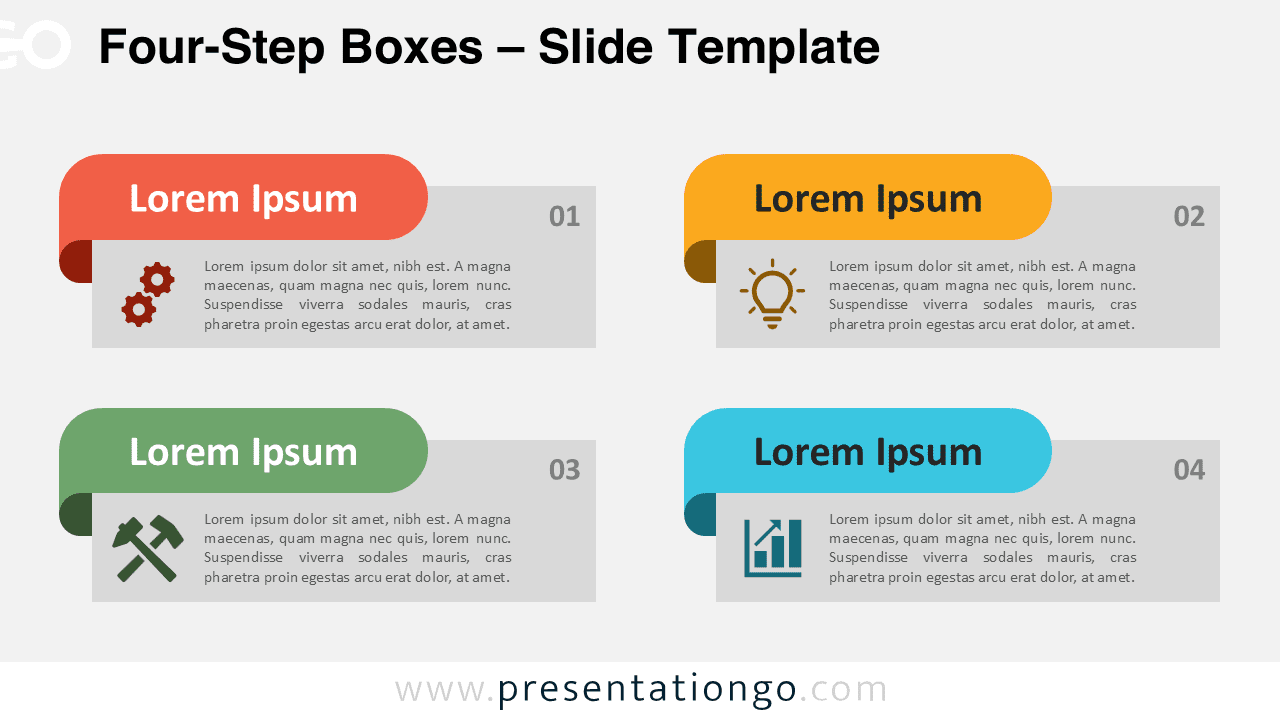
The slide features a 2×2 layout, with two boxes aligned horizontally on the top row and two on the bottom. Each content box includes a colored, folded banner at the top left that acts as a title header, drawing the viewer’s attention. These ribbon-style banners bring uniformity while helping each section stand out. Below each banner, the box displays an icon, a numbered step, and placeholder text. Icons support comprehension through visual association, and step numbers encourage logical progression. Distinct colors for each banner differentiate the sections while preserving an integrated design.
Presenters often rely on information boxes to simplify complex content, highlight important points, and group related ideas. You can use this diagram to show a step-by-step method, break down categories, mark milestones, or organize a timeline. For instance, a team leader might map out the four phases of a campaign, or an instructor could explain the four components of a concept. This format improves clarity and makes it easier for audiences to follow and remember information.
You’ll get two unique slides that already include icons and text placeholders, allowing you to jump right into editing. You can change every shape and color, and swap icons directly from the PowerPoint or Google Slides library. The template works in both 4:3 and 16:9 formats, and you can use it with light or dark background themes. It’s fully compatible with PowerPoint PPTX files and Google Slides.
Download this four-part diagram to break down concepts or steps into clear, visually guided sections.
Widescreen (16:9) size preview:


This template offers:
- 2 unique slides
- Options for both light and dark themes
- Pre-populated with dates and text placeholders
- Fully customizable shapes for complete control
- Available in both Standard (4:3) and Widescreen (16:9) ratios
- Offered in both PowerPoint PPTX and Google Slides formats