Present your ideas in style with the Horizontal Chevron Blocks diagram. This four-step visual is perfect for illustrating workflows, processes, or timelines in PowerPoint and Google Slides.
Diagram Preview
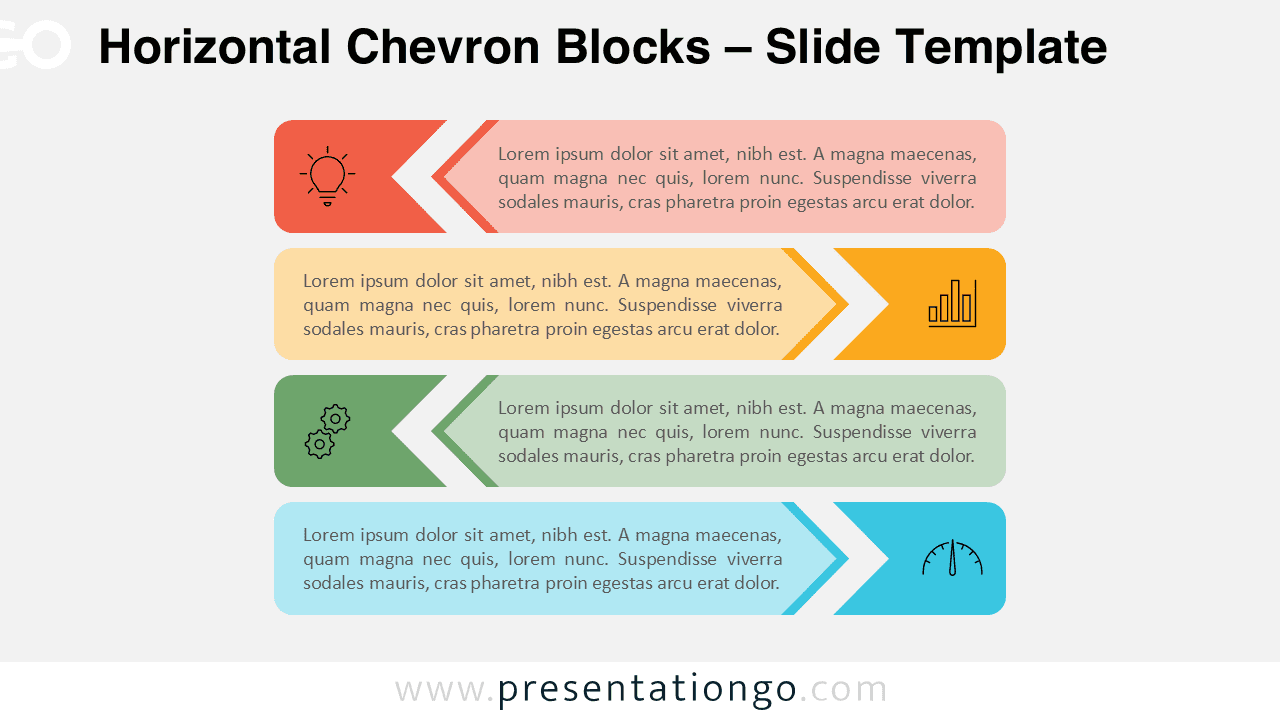
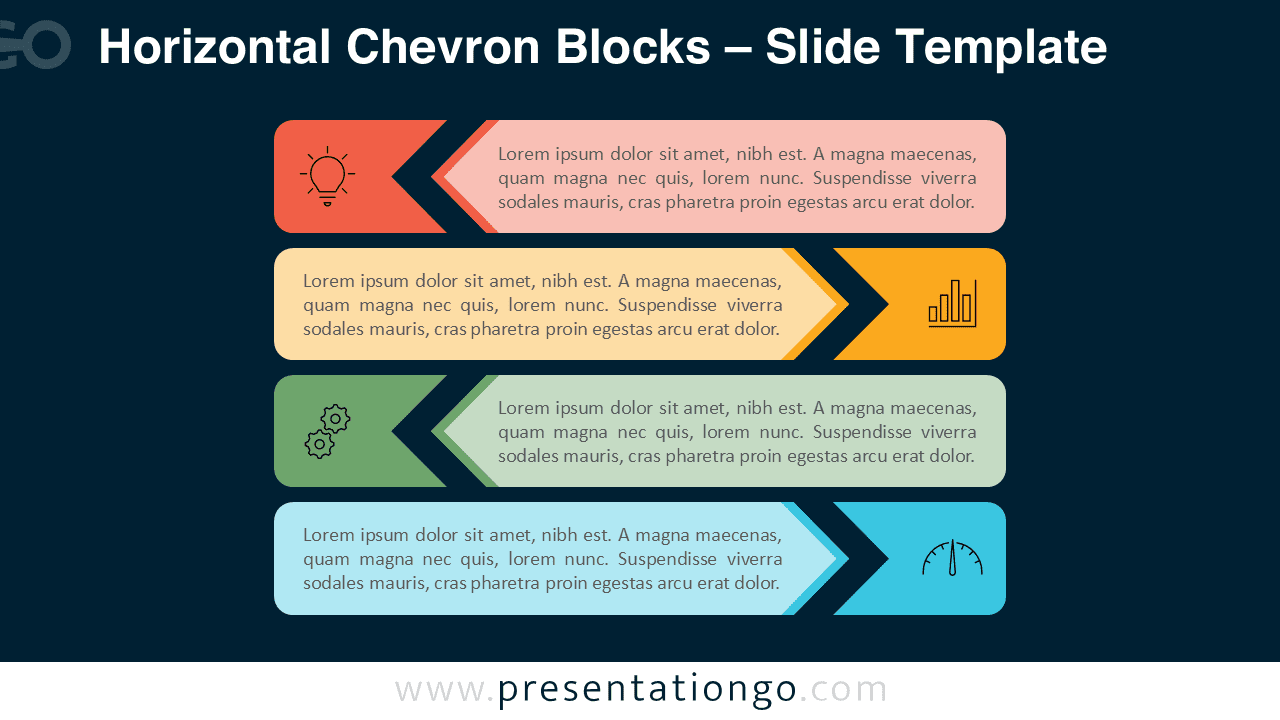


Features and Customization
- Includes 2 slides (light and dark background versions)
- 1 unique linear chevron design with editable shapes and icons
- Fully customizable colors, text, and icons
- Available for PowerPoint and Google Slides in widescreen (16:9) format
- Clean flat design for professional or educational use
Design Overview
Each slide shows four horizontal chevron blocks aligned in sequence. Their alternating arrow directions and vivid colors create a sense of motion and progress. Icons reinforce each step, ensuring clear communication of stages or concepts. The layout remains visually balanced on both light and dark versions.
Practical Applications
- Show step-by-step processes or timelines
- Highlight project milestones or workflows
- Display marketing or business strategies visually
How to Edit
- Open the file in PowerPoint or Google Slides.
- Replace placeholder text and icons with your own content.
- Adjust colors and fonts as desired using the master slide.
- Save your presentation and apply transitions if needed.
Summary
The Horizontal Chevron Blocks diagram delivers a colorful, structured layout for sequential information. Ideal for business, education, and project planning presentations.