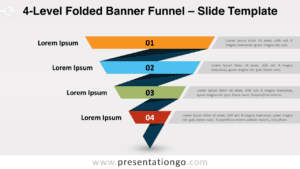
The 4-Layer Folded-Corner Funnel is a PowerPoint and Google Slides diagram for presenting four sequential levels in a distinctive, narrowing visual structure.
Diagram Preview
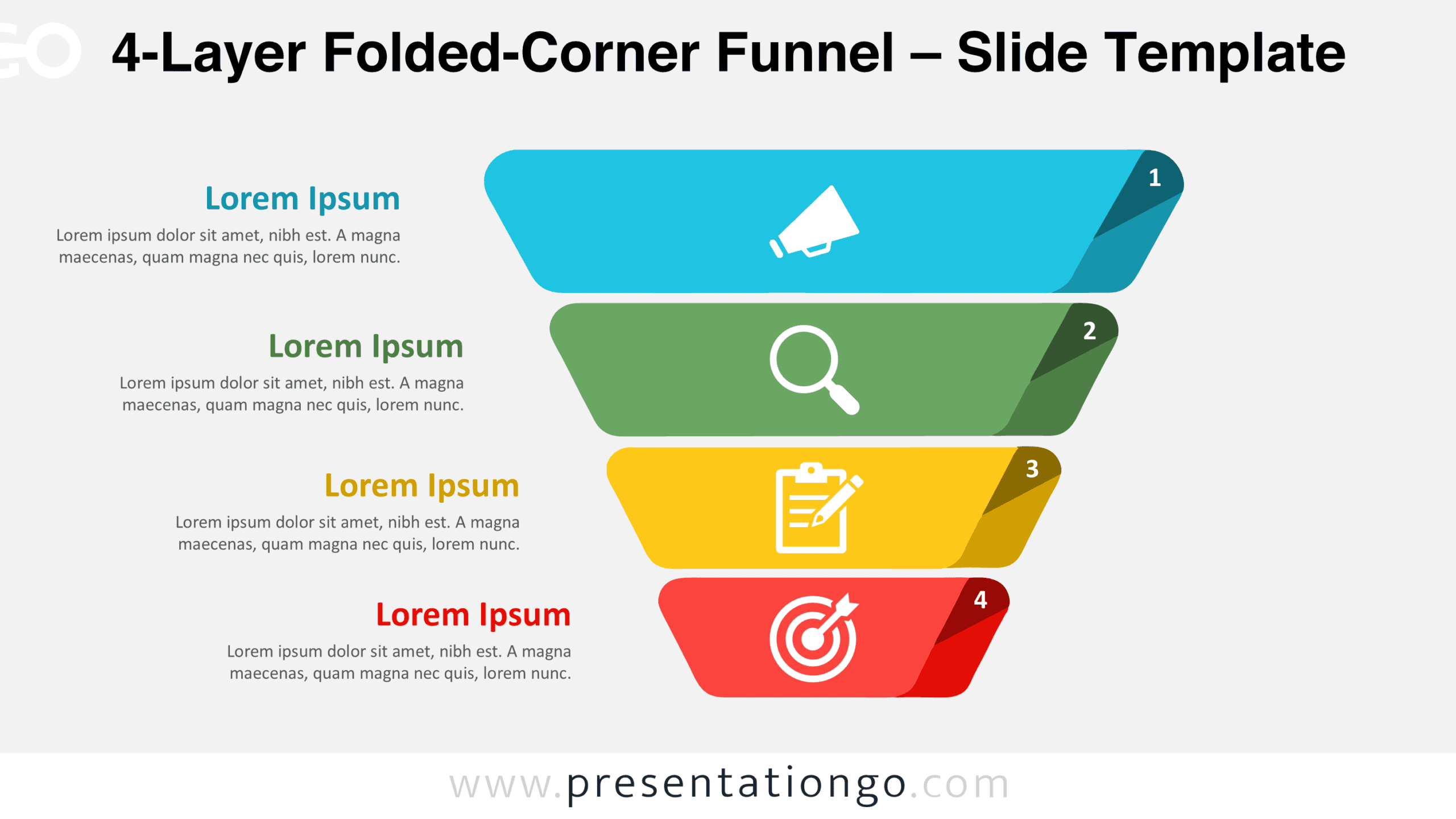
The preview shows two coordinated slide designs with Light and Dark backgrounds. Both display the same four-level funnel, numbered folded corners, centered illustrative icon placeholders, and corresponding text sections.


Features and Customization Options
- Slides: 2 slides with Light and Dark backgrounds
- Customization: Editable shapes, colors, and text
- Graphics: Scalable vector elements and replaceable illustrative icons
- Format: 16:9 widescreen
- Compatibility: Microsoft PowerPoint (.PPTX) and Google Slides
Design and Structure
The diagram features four stacked, trapezoidal layers that gradually decrease in width from top to bottom. Rounded corners soften the geometric composition, while narrow gaps separate the individual levels. Each layer has a folded upper-right corner containing a numerical marker, creating a consistent sequence from 1 to 4. The folded details introduce a subtle dimensional effect without distracting from the overall funnel silhouette. Although the layers are visually separated, their vertical alignment establishes a continuous progression. The descending arrangement naturally directs attention toward the smallest level at the bottom.
Four descriptive text blocks occupy the left side of the slide, with each block horizontally aligned to its corresponding funnel layer. Every block combines a prominent heading with a compact paragraph, providing space to explain each level independently. The headings establish a strong connection between the written content and the adjacent shapes. Illustrative icon placeholders sit near the center of each layer, maintaining visual consistency throughout the diagram. The generous spacing between the text and funnel preserves a clear distinction between explanation and structure. This balanced arrangement helps audiences follow the numbered progression while reading supporting details at each level.
Practical Applications
- Sales funnel presentations: Organize four customer journey stages, from initial awareness through progressively narrower stages of engagement and conversion.
- Process breakdowns: Explain a four-step workflow in which each successive level represents a more focused activity or outcome.
- Prioritization frameworks: Arrange four levels of priorities to communicate how broad considerations narrow into specific actions.
- Decision-making presentations: Show how a wide range of initial alternatives can be reduced through four successive evaluation levels.
- Strategic planning: Present a progression from broad organizational objectives toward narrower initiatives, deliverables, or implementation steps.
- Information filtering: Illustrate how a large collection of inputs passes through successive stages to produce a focused final selection.
Summary
With its numbered folded corners, descending layers, and aligned descriptions, this four-level funnel provides a structured way to communicate progression, filtering, and staged information.