The 5-Point Origami Star offers a distinctive radial diagram format with five interconnected segments, each featuring customizable icons and text placeholders, designed for PowerPoint and Google Slides.
Origami-Inspired Diagram to Present Interconnected Concepts
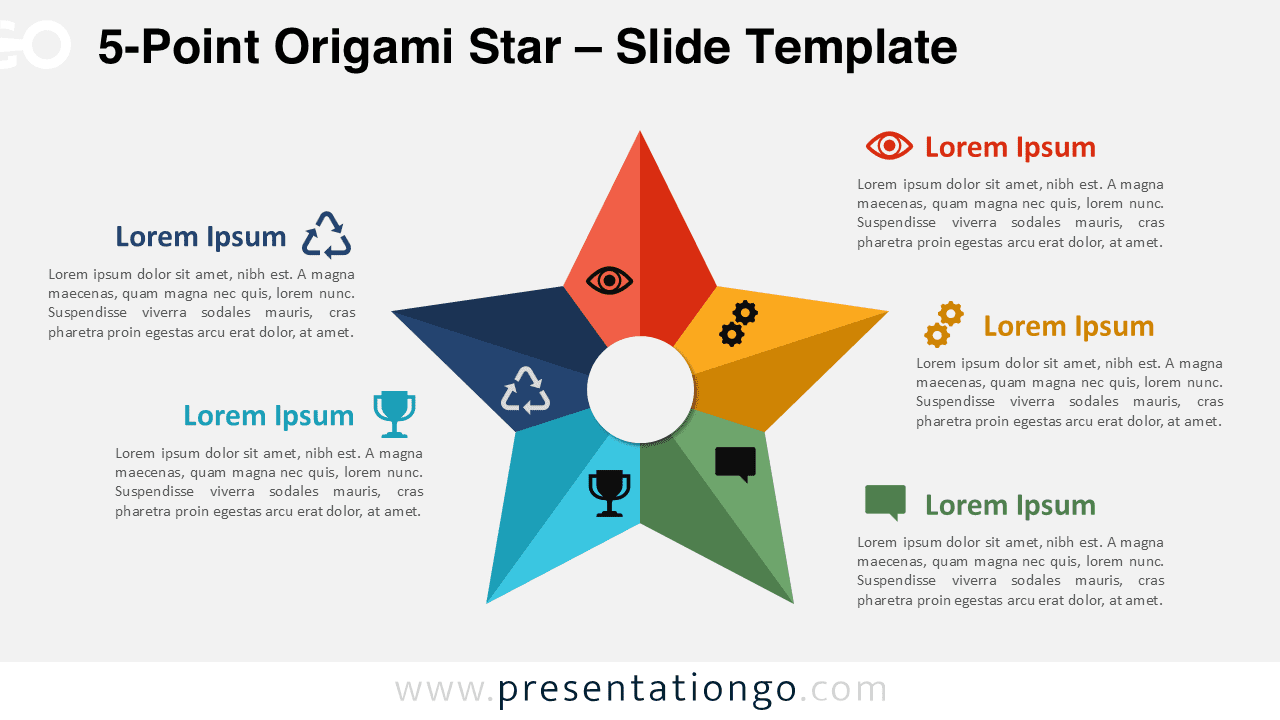
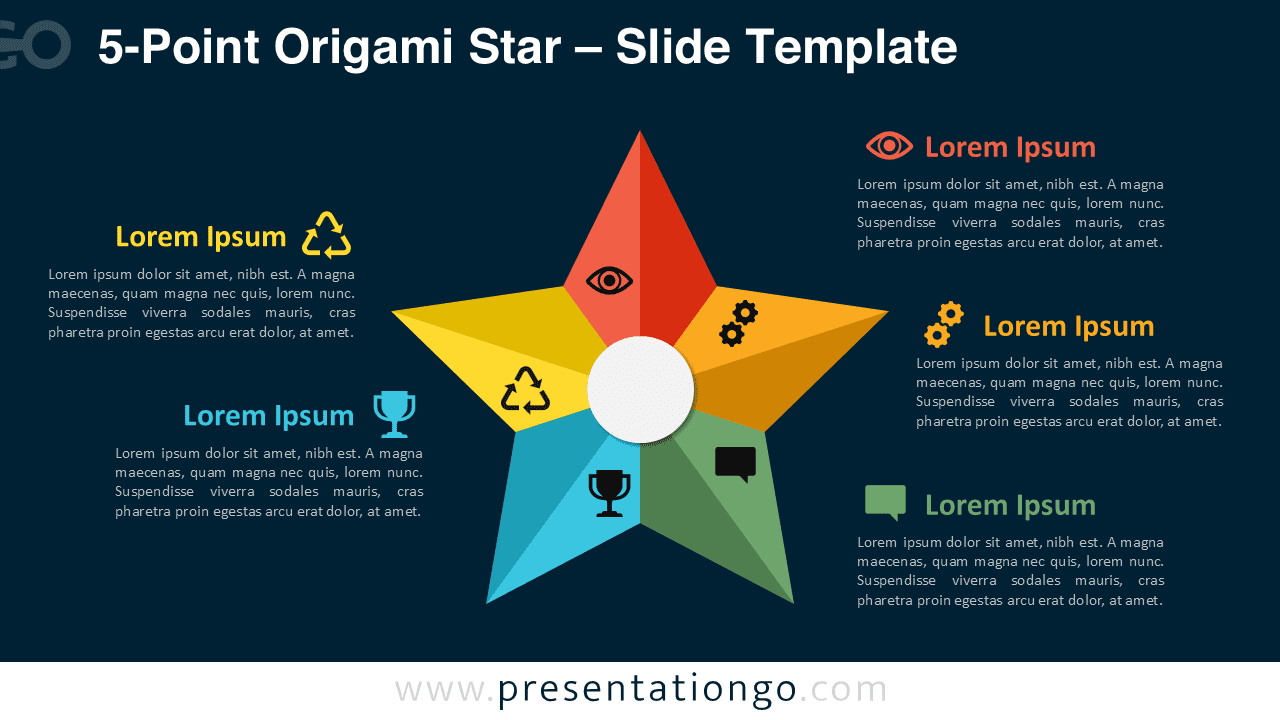
This star-shaped diagram consists of five colorful paper-fold arms arranged evenly around a central circle. Each point of the star features a shadowed, origami-style segment, giving the layout a subtle 3D appearance. A round icon sits at the tip of each arm, visually connected by a line to a matching text box outside the star. The clever use of paper-folding effects and shading not only adds depth but also guides the viewer’s eye smoothly across the radial layout.
Radial diagrams like this one are ideal for depicting interconnected or cyclical concepts. By placing equal visual weight on all five sections, this format supports presentations that highlight balanced systems, such as team dynamics, project phases, or organizational values. Specifically, this template is well-suited for outlining leadership principles, illustrating milestone achievements, or breaking down a strategic vision into core pillars. For example, a human resources team might use it to showcase five key talent attributes, while a marketing department could present its campaign pillars.
The template includes two pre-designed slides: one with a light background and one with a dark theme. Each slide features editable shapes, preloaded with icons and text placeholders for easy customization. Users can personalize colors, swap icons from the Office library, or replace them with numbers. The diagram is available in both Standard (4:3) and Widescreen (16:9) formats, and works seamlessly in PowerPoint and Google Slides.
Download this five-part origami star diagram to illustrate your concepts with clarity and visual symmetry.
Widescreen (16:9) size preview:


This template offers:
- 2 unique slides
- Options for both light and dark themes
- Pre-populated with icons and text placeholders
- Fully customizable shapes for complete control
- Available in both Standard (4:3) and Widescreen (16:9) ratios
- Offered in both PowerPoint PPTX and Google Slides formats
The complete Origami Star collection: