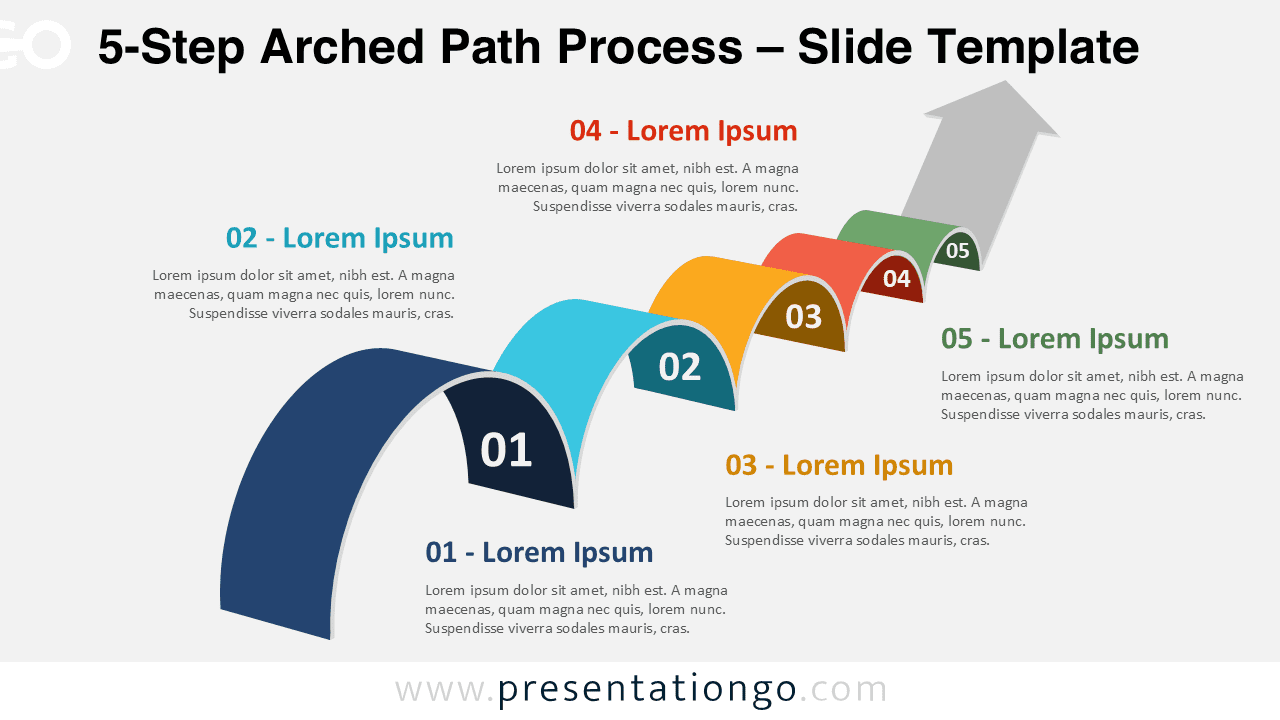
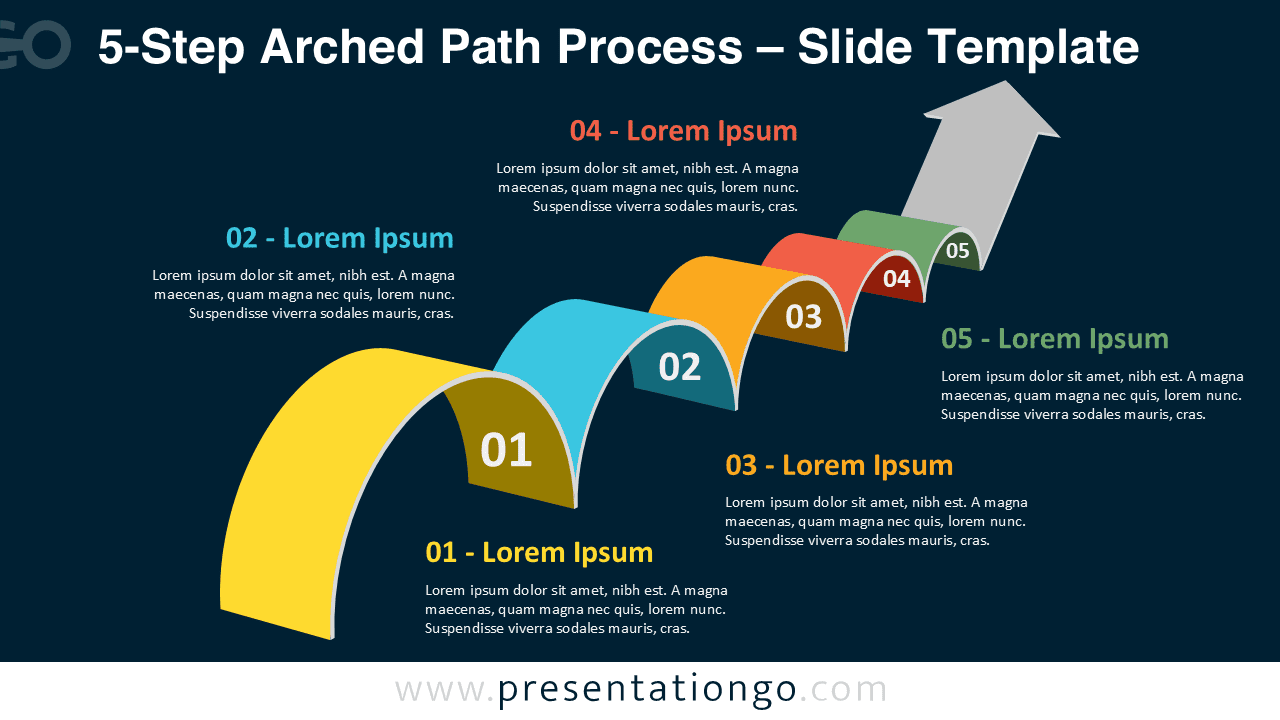
The 5-Step Arched Path Process completes the series with five vivid 3D arches illustrating an extended process or journey. Its fluid upward movement represents progress, evolution, and achievement — ideal for PowerPoint and Google Slides users seeking dynamic visuals.
Template Preview



Features and Customization
- Includes 2 slides: light and dark background versions
- 5 curved arches forming a complete ascending path
- Editable text boxes, numbering, and gradients
- Available for PowerPoint and Google Slides in widescreen layout
- Clean, colorful, and business-friendly design
Design Overview
Five overlapping arches in bright tones build a strong sense of continuity. The subtle 3D shading enhances depth, while the top arrow conveys direction and success. Both light and dark backgrounds preserve readability and aesthetic appeal.
Practical Applications
- Strategic or multi-phase planning
- Business roadmaps and process flows
- Performance or goal milestones
- Educational sequences or growth tracking
How to Edit
- Open the diagram in PowerPoint or Google Slides.
- Replace placeholder text with your own content.
- Adjust colors, gradients, and arrow direction if needed.
- Customize font style or add icons for clarity.
Summary
The 5-Step Arched Path Process diagram delivers a vibrant visual to showcase extended workflows or strategic plans. Its 3D design and dynamic color transitions make it stand out.