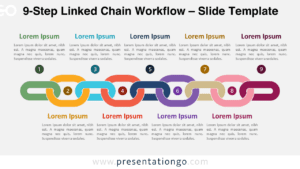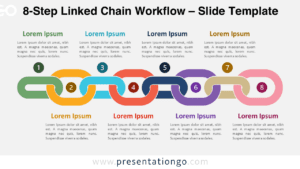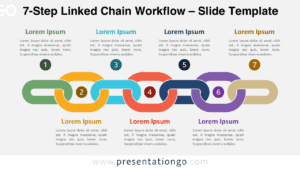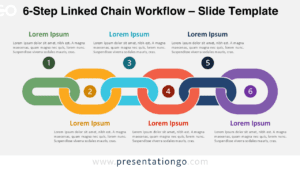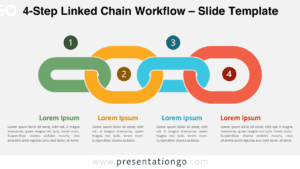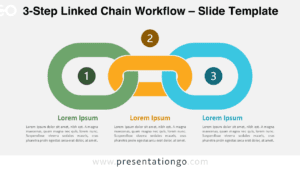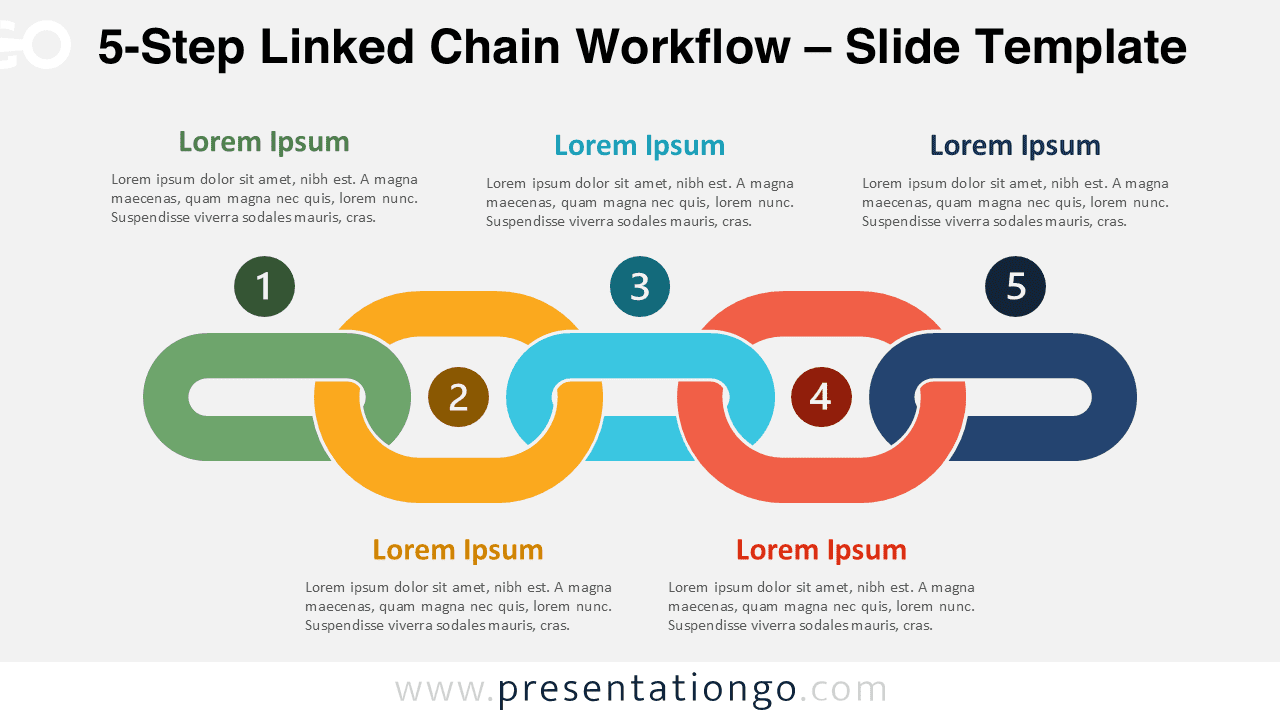
The 5-Step Linked Chain Workflow diagram for PowerPoint and Google Slides offers a clear and visually engaging way to present connected processes. The interlocking chain design emphasizes relationships between steps and highlights how each stage contributes to the overall workflow.
This diagram belongs to the Linked Chain Workflow series, which includes variants from 3-step to 9-step layouts. The five-step version is especially useful for explaining structured processes, strategic frameworks, project stages, or operational workflows that require a moderate level of detail.
Diagram Preview
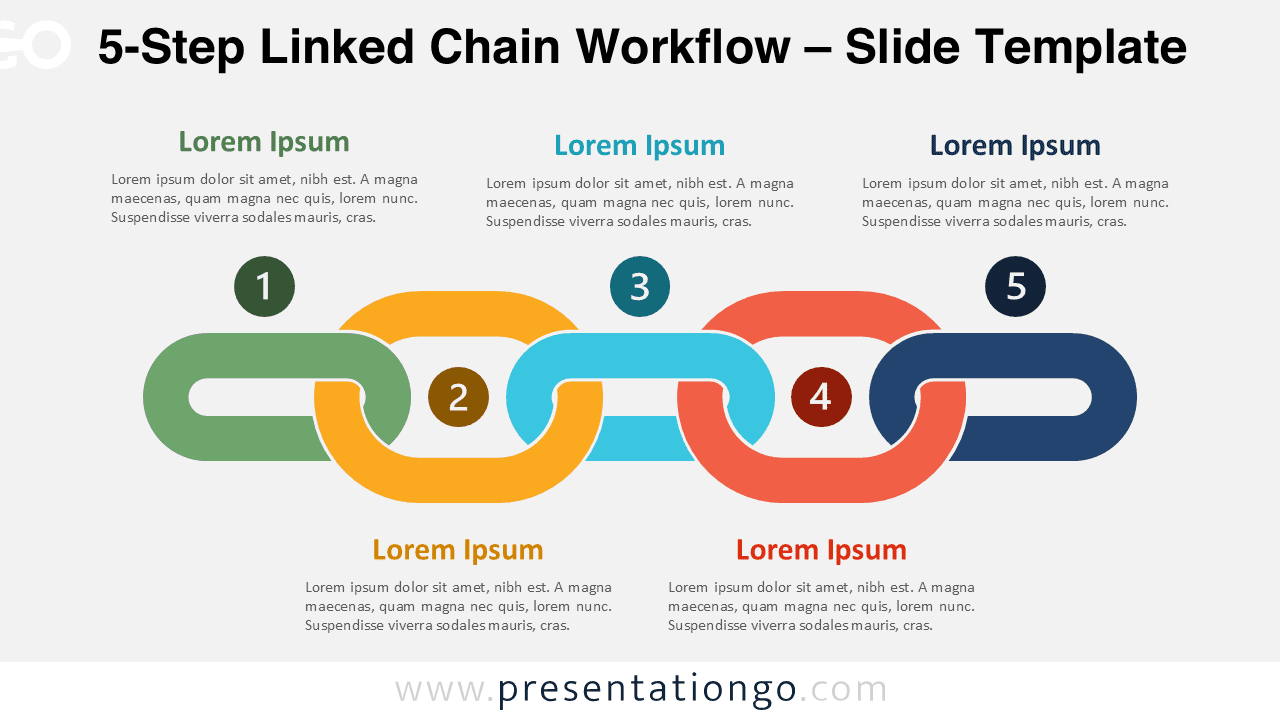
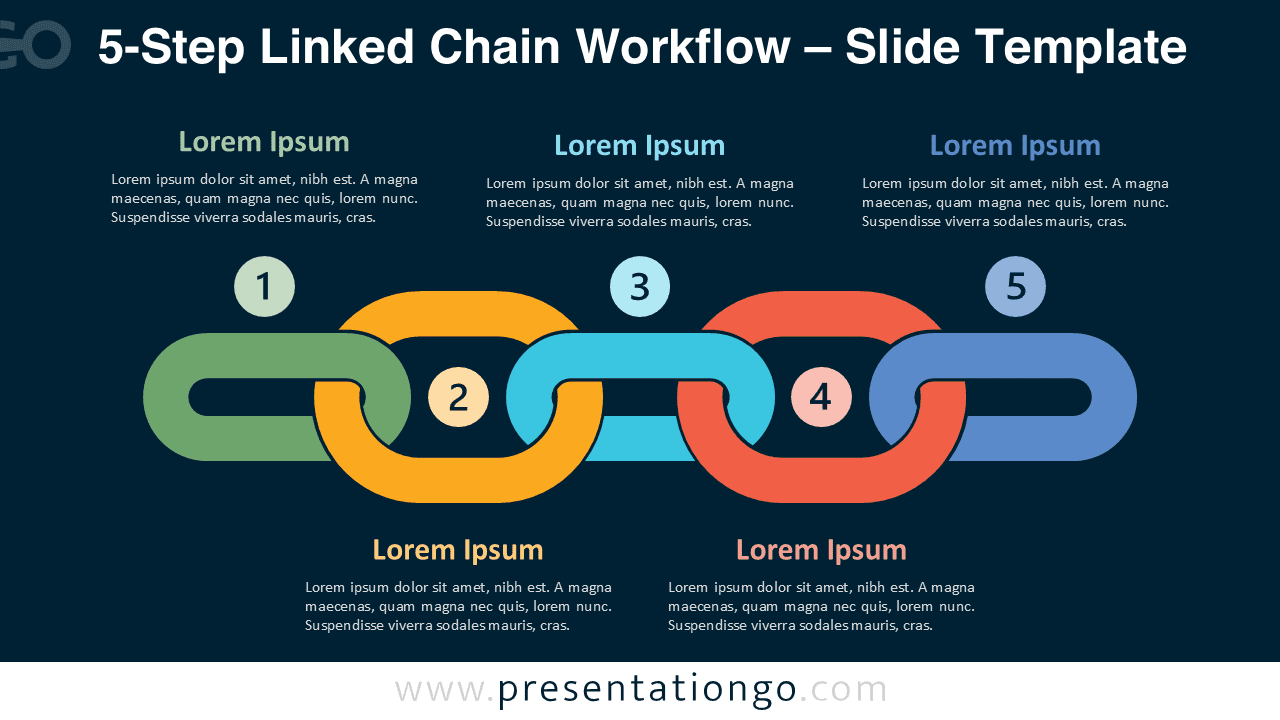


Diagram Features and Customization Options
- Fully editable diagram compatible with both PowerPoint and Google Slides
- Five interlocking chain shapes that clearly illustrate connected workflow steps
- Includes icons from the Microsoft Office icon library that can be easily replaced or customized
- Editable text placeholders for step titles and detailed descriptions
- Two background versions included to suit both light and dark presentation themes
- Vector shapes that can be resized, recolored, and rearranged to match your presentation design
Design and Structure
The diagram uses interlocking chain links to visually represent connections between sequential steps. Each element links directly to the next, reinforcing the idea of continuity and dependency between stages. The horizontal arrangement creates a natural reading flow that audiences can quickly follow.
Each step includes a numbered marker, an icon placeholder, and editable text fields for titles and explanations. The alternating placement of descriptions above and below the chain helps maintain visual balance while keeping the layout easy to read.
The colorful chain shapes help distinguish each stage while still communicating that all steps belong to the same workflow. This structure works well for presentations that explain processes requiring coordination, collaboration, or sequential progress.
Practical Applications
- Presenting five-phase business processes
- Explaining strategic frameworks
- Showing product development stages
- Visualizing operational workflows
- Presenting project lifecycle steps
- Explaining training or onboarding programs
Summary
The 5-Step Linked Chain Workflow diagram provides a clear and professional way to present structured processes. Its chain link design visually communicates how each step connects to the next while maintaining a modern and clean presentation style. With editable shapes, text placeholders, and customizable icons, the diagram adapts easily to a wide range of presentation needs in PowerPoint and Google Slides.
Complete Linked Chain Workflow Collection
Explore the full Linked Chain Workflow collection, featuring variants from 3-step to 9-step layouts designed to present processes of different complexity levels.