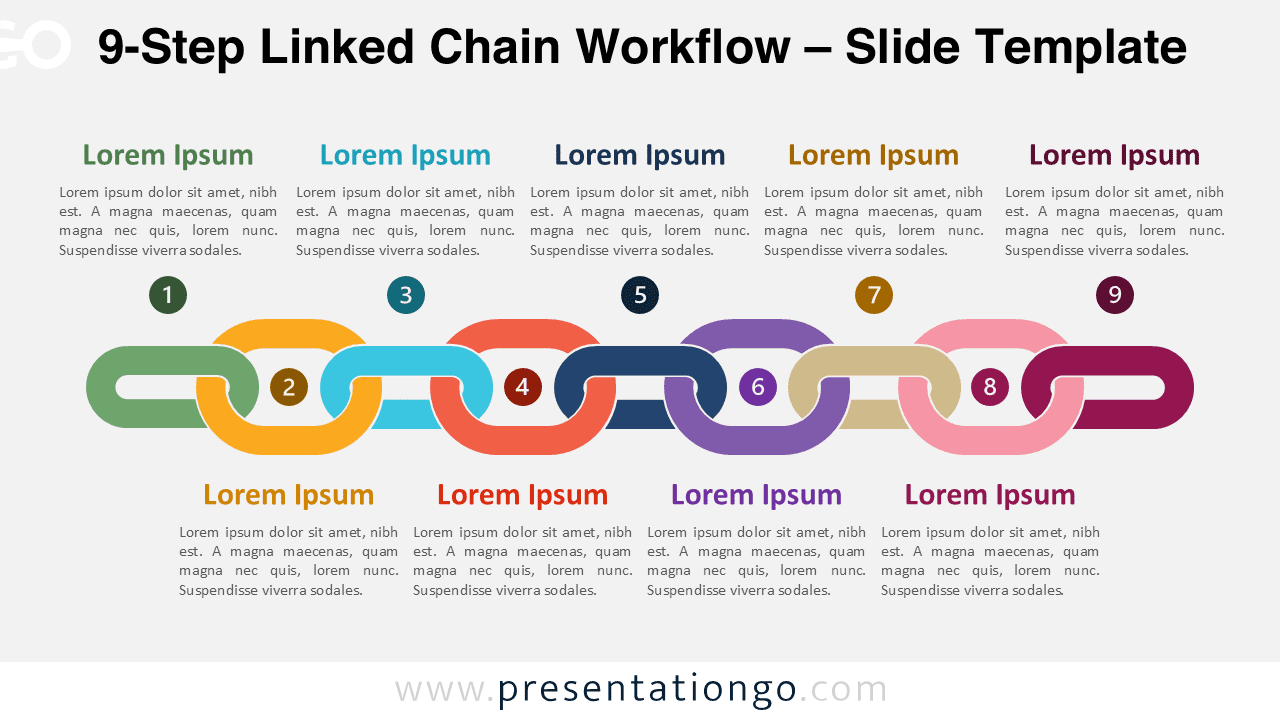
The 9-Step Linked Chain Workflow diagram for PowerPoint and Google Slides is designed to present complex, multi-stage processes in a clear and structured way. Its interlocking chain layout highlights the connection between each stage, helping audiences easily understand the flow of an extended workflow.
This slide belongs to the Linked Chain Workflow series, which includes variants from 3-step to 9-step layouts. The nine-step version is ideal for illustrating detailed workflows, comprehensive project roadmaps, operational procedures, or strategic frameworks that require many stages.
Diagram Preview
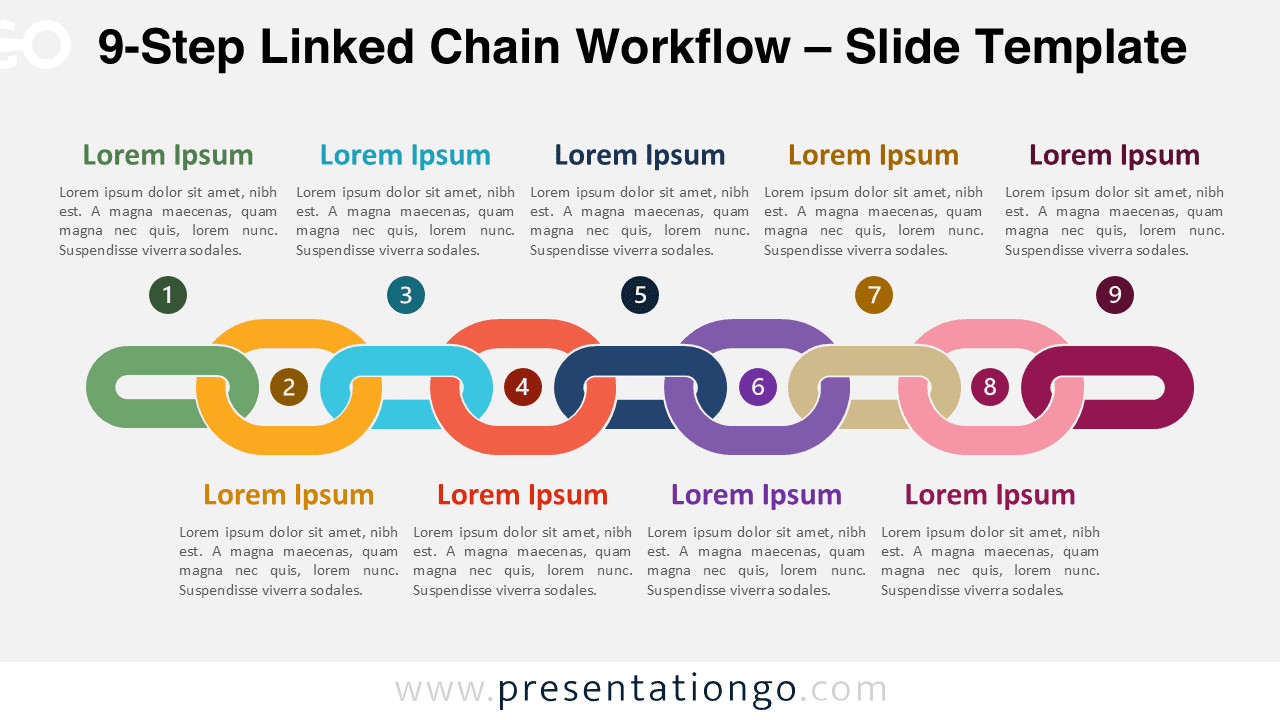
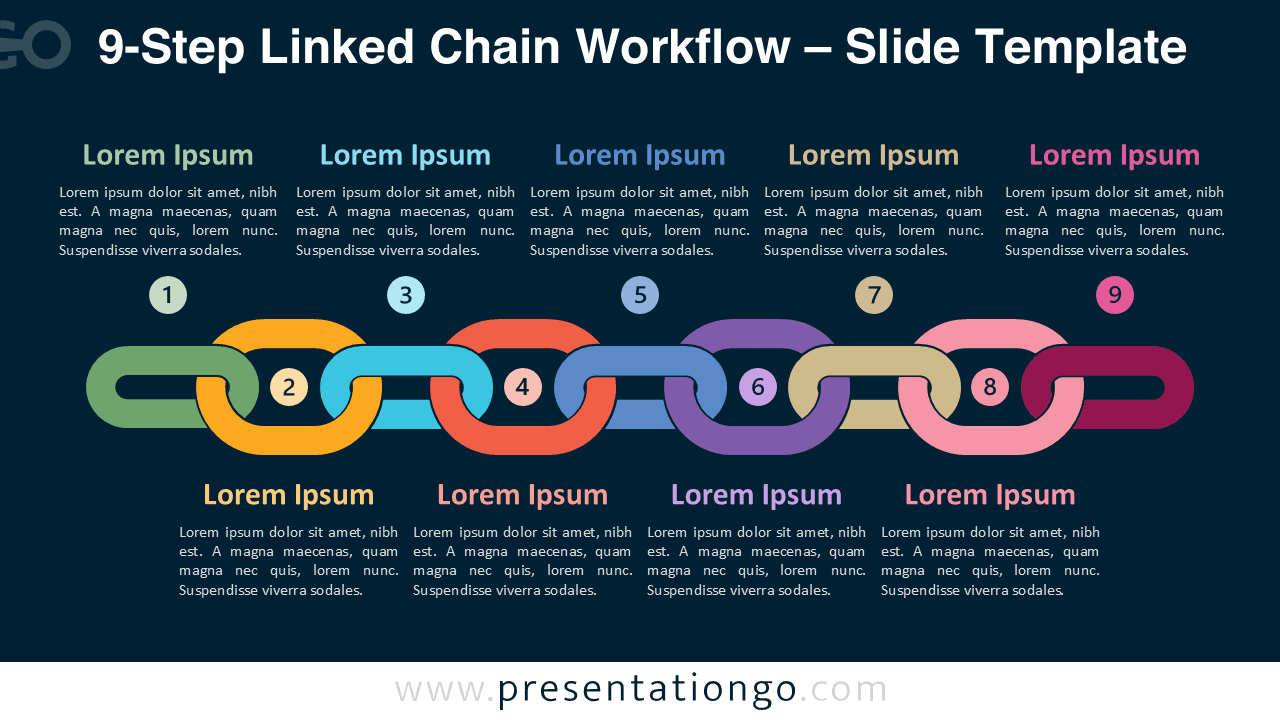


Diagram Features and Customization Options
- Fully editable diagram compatible with both PowerPoint and Google Slides
- Nine interlocking chain shapes that clearly illustrate connected workflow steps
- Includes icons from the Microsoft Office icon library that can be easily replaced or customized
- Editable text placeholders for step titles and detailed descriptions
- Two background versions included to suit both light and dark presentation themes
- Vector shapes that can be resized, recolored, and rearranged to match your presentation design
Design and Structure
The diagram uses interlocking chain links to visually represent the relationship between each step in a process. Each link connects to the next, reinforcing the idea of continuity and structured progression across the workflow.
Each stage contains a numbered marker, an icon placeholder, and editable text areas where you can add titles and descriptions. The alternating layout of the text blocks keeps the slide visually balanced while maintaining readability.
Distinct colors help differentiate each step while preserving the unified chain structure. This design helps audiences quickly identify stages while still understanding how each element contributes to the overall workflow.
Practical Applications
- Presenting complex operational processes
- Explaining comprehensive strategic frameworks
- Visualizing detailed project roadmaps
- Showing extended product development cycles
- Presenting multi-stage training programs
- Illustrating large organizational workflows
Summary
The 9-Step Linked Chain Workflow diagram provides a powerful way to present extended workflows and complex processes. Its chain link design clearly illustrates the relationship between each stage while maintaining a clean and modern presentation style. With fully editable shapes and customizable icons, the diagram adapts easily to many presentation scenarios in PowerPoint and Google Slides.
Complete Linked Chain Workflow Collection
Explore the full Linked Chain Workflow collection, featuring variants from 3-step to 9-step layouts designed to present processes of different complexity levels.