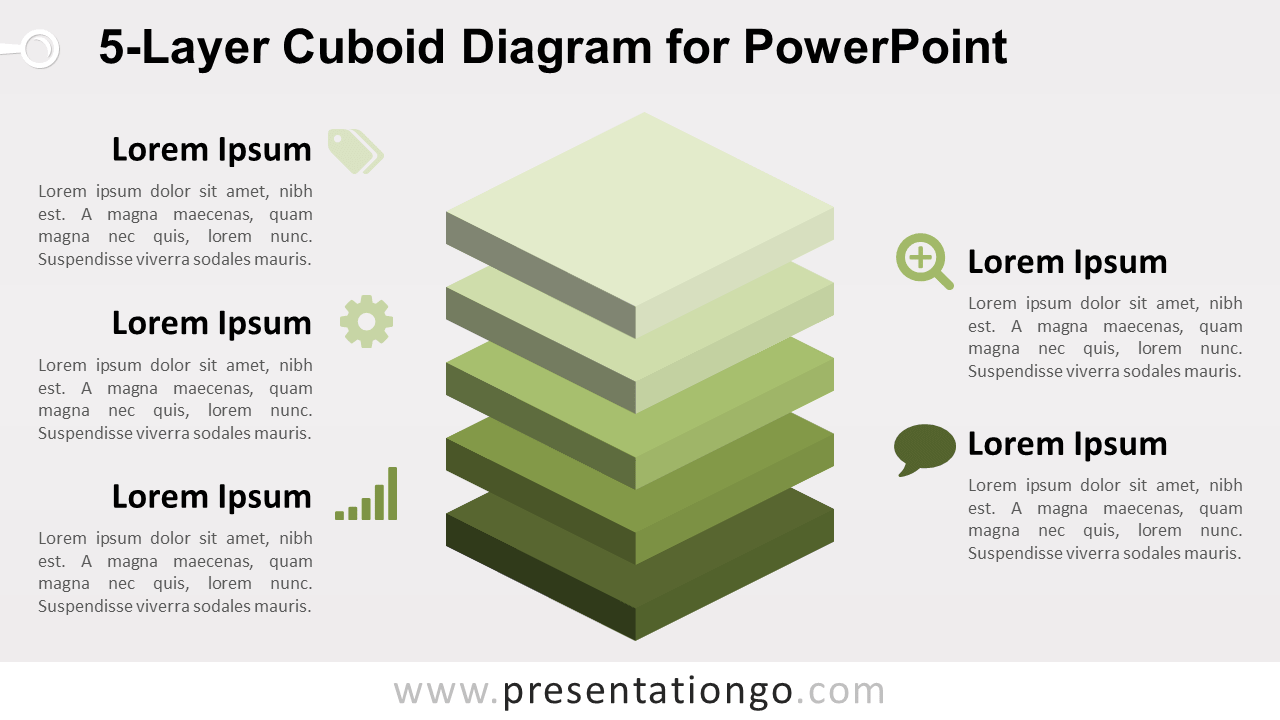
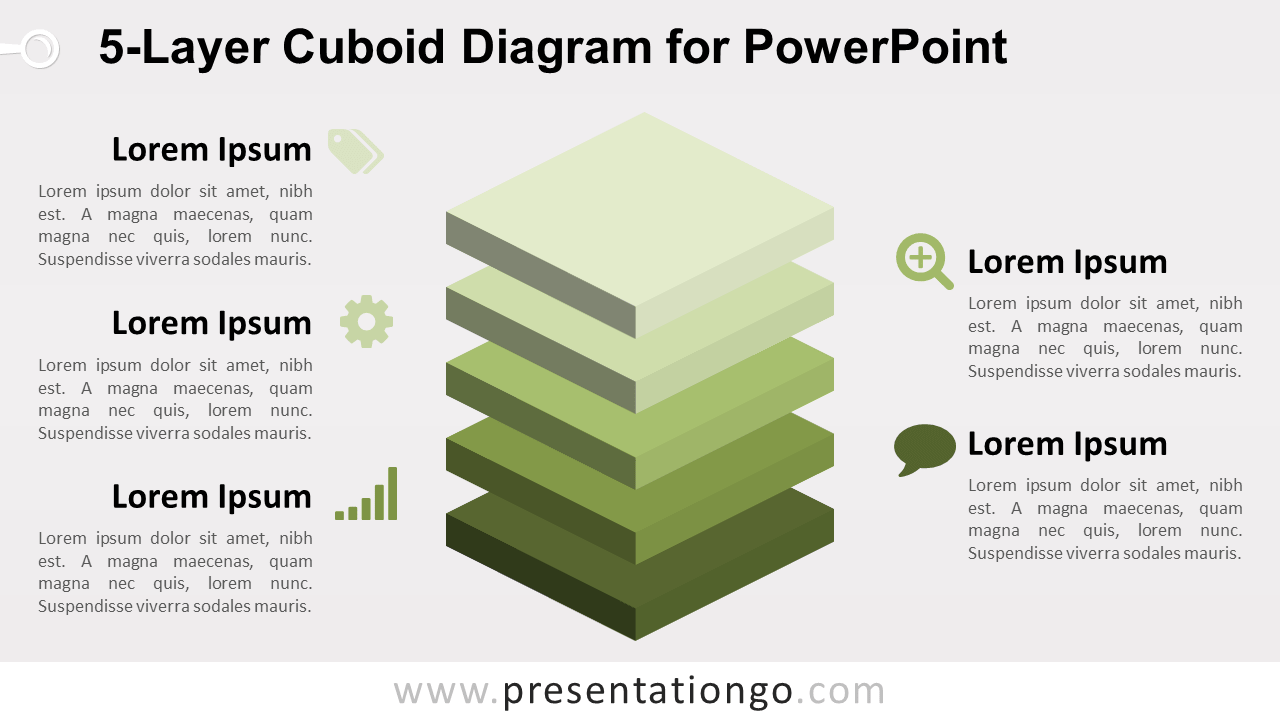
The 5-Layer Cuboid Diagram for PowerPoint presents five stacked levels through separated 3D cuboid shapes. Five surrounding text areas provide space for headings and descriptions, making the layout useful for hierarchies, system layers, priorities, components, or structured frameworks.
Diagram Preview


Features and Customization Options
- Includes 16:9 and 4:3 versions for Microsoft PowerPoint
- Includes 2 editable slides with matching layouts
- 5-layer stacked cuboid diagram, fully editable
- Cuboids created with PowerPoint 3-D Format and 3-D Rotation
- Editable text, shapes, dimensions, and 3D settings
- 100% editable vector shapes — no quality loss when resized
- Includes both light and dark background versions
Design and Structure
The 5-Layer Cuboid Diagram uses five separated rectangular blocks arranged vertically to form a stacked 3D structure. The spacing between layers makes each level easy to identify while preserving the relationship between all five parts. Text areas placed around the graphic provide room for headings and concise supporting explanations.
The cuboids use PowerPoint’s built-in 3-D Format and 3-D Rotation features instead of flat simulated perspective shapes. You can adjust the 3D settings, resize individual layers, edit the text, or adapt the structure to represent system architecture, organizational levels, strategic priorities, or component-based frameworks. Both 16:9 and 4:3 PowerPoint sizes are included.
Practical Applications
- Present five levels of a hierarchy
- Explain layers within a system or architecture
- Organize five strategic priorities
- Show components of a structured framework
- Present tiered products or service levels
- Break down a concept into five stacked parts
Summary
The 5-Layer Cuboid Diagram provides an editable PowerPoint layout for presenting five stacked levels or components. Its native 3D formatting makes it suitable for hierarchy, architecture, framework, and layered-structure presentations.