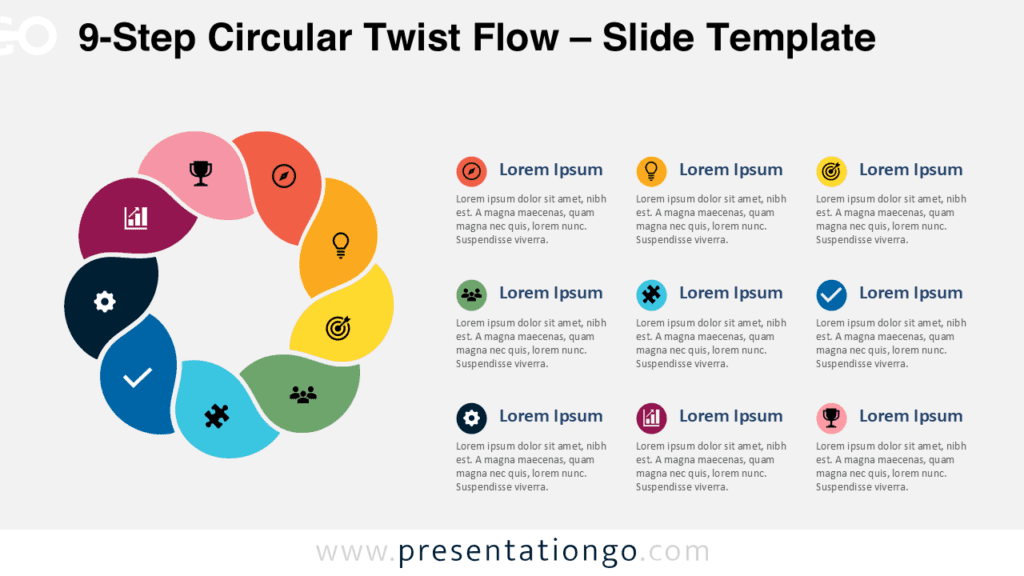
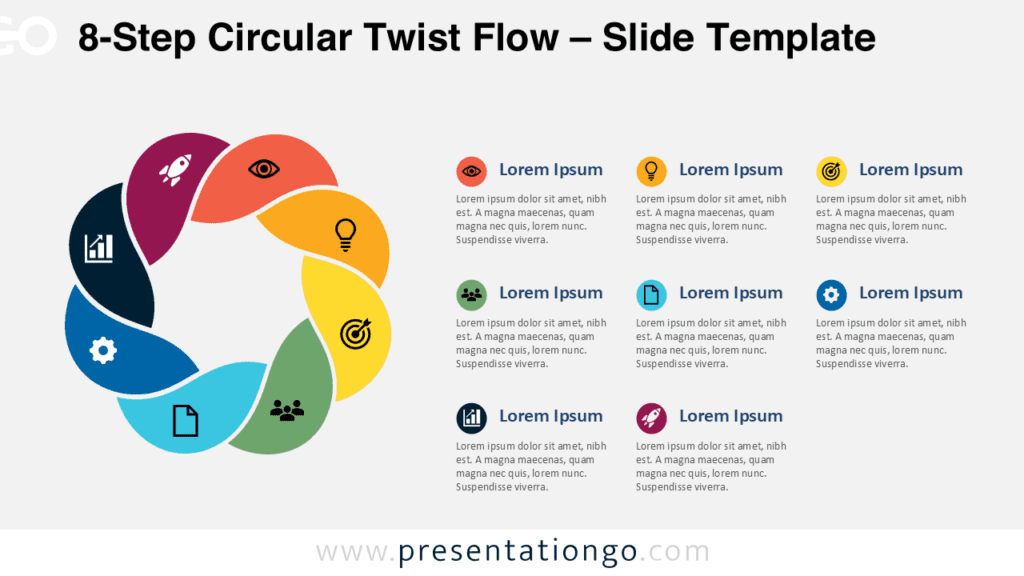
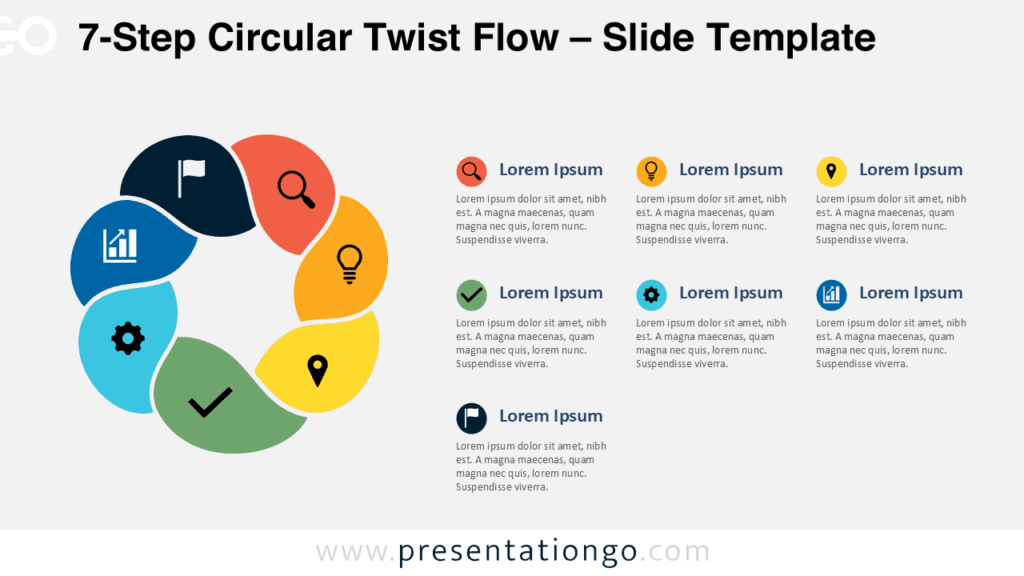
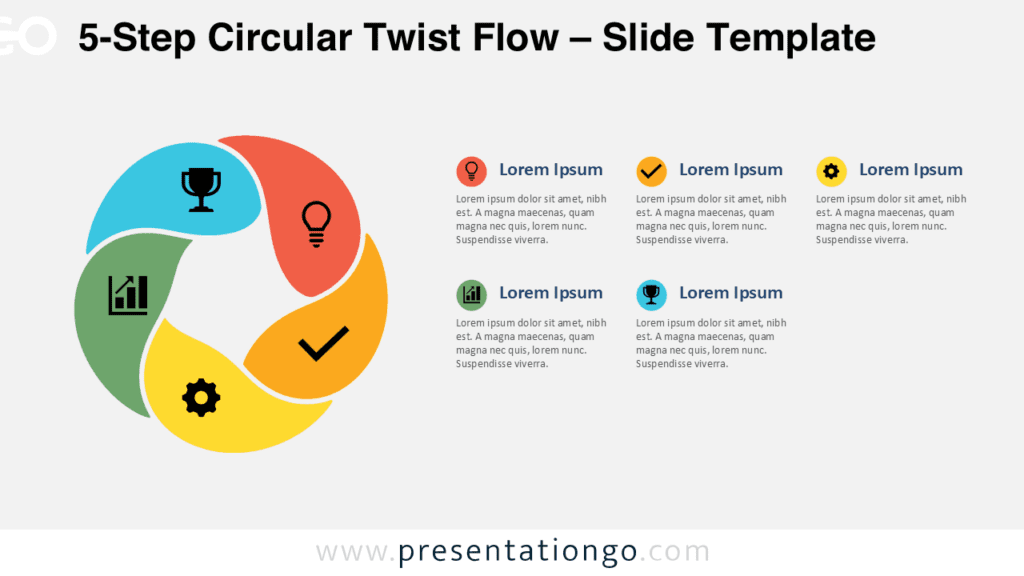
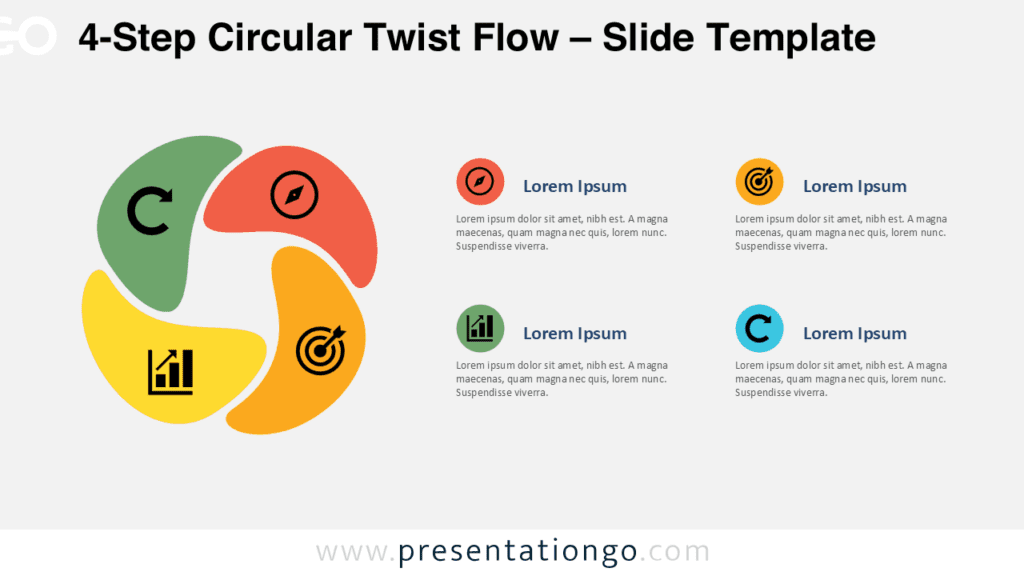
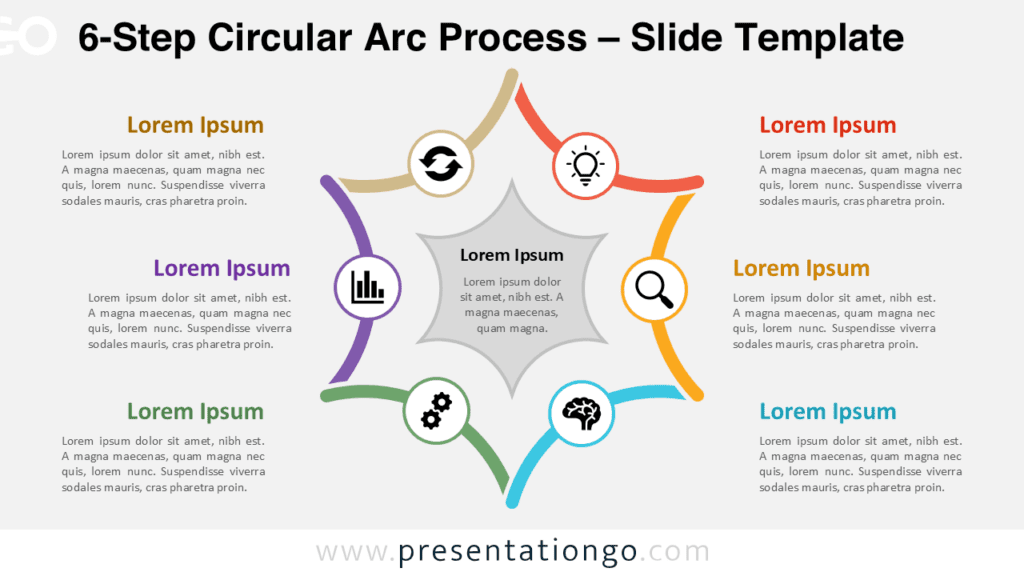
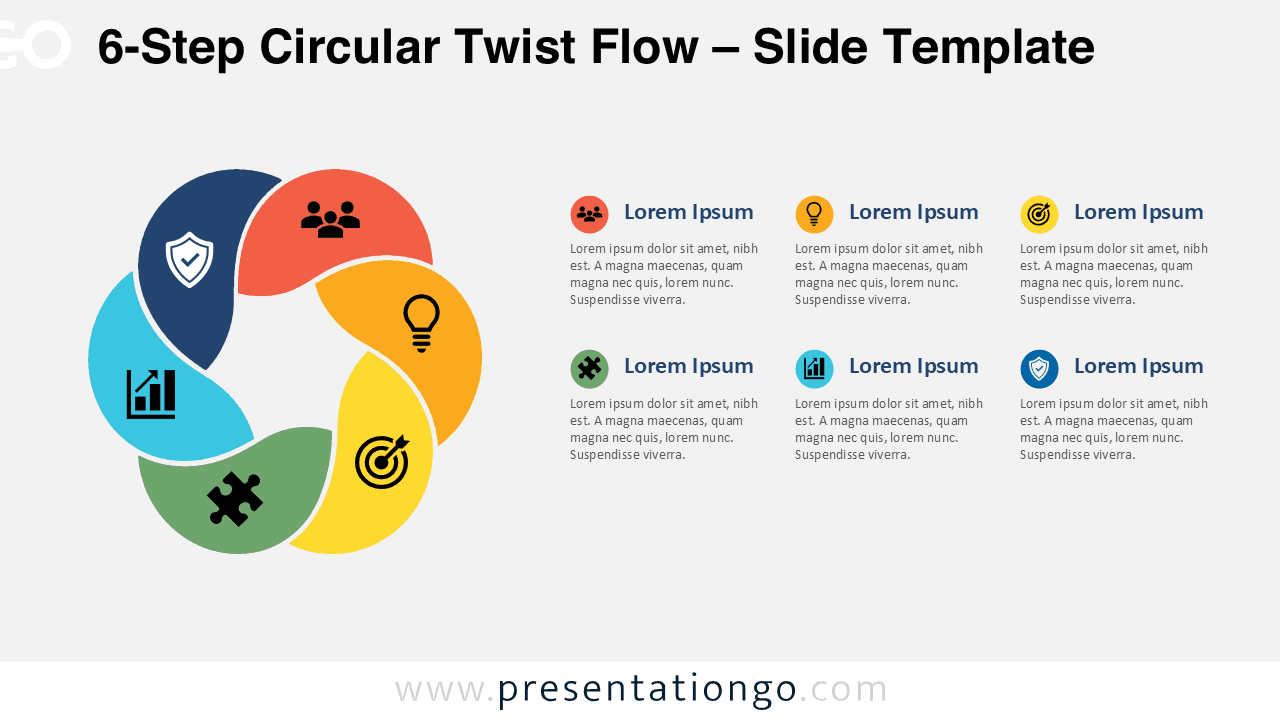
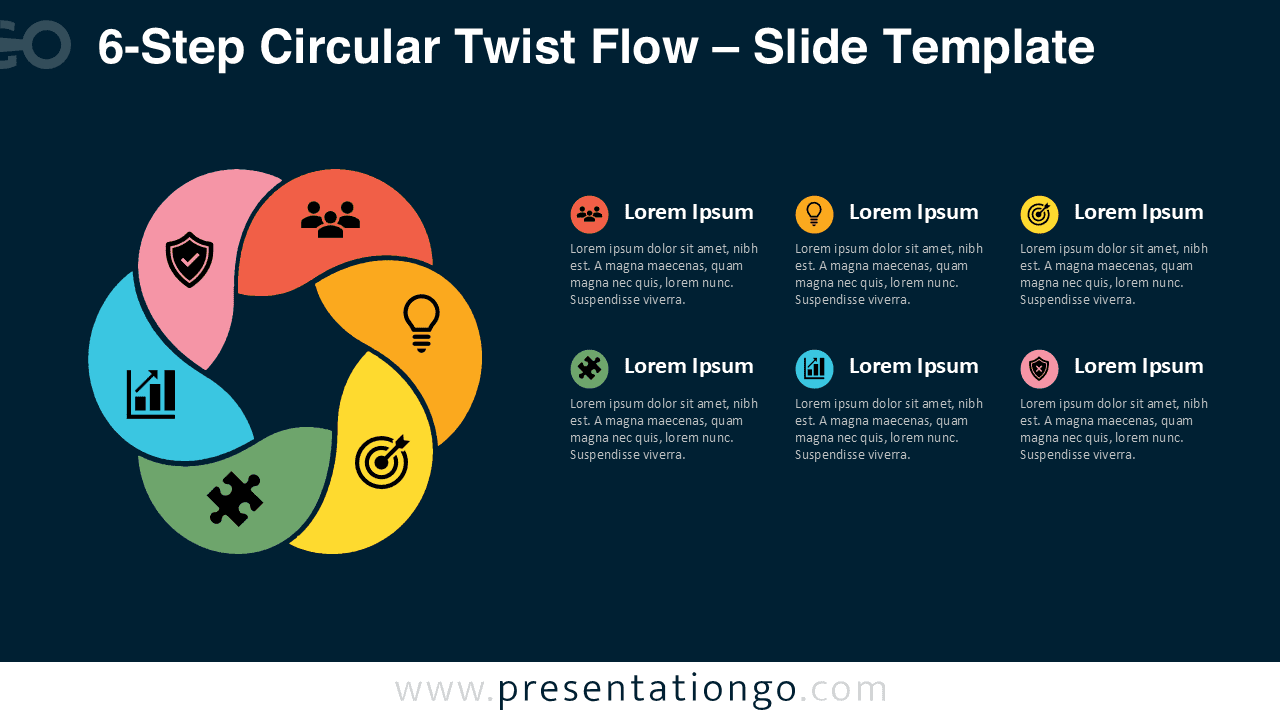
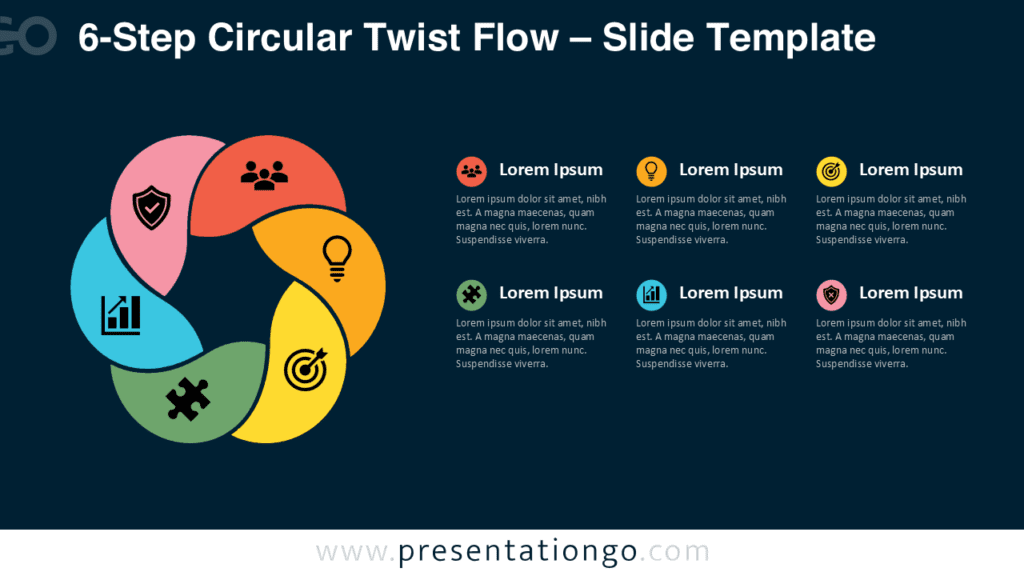
The 6-Step Circular Twist Flow diagram helps you present a complete process in six clear stages. Its circular structure shows movement, continuity, and connection between each phase. You can use it in PowerPoint and Google Slides to explain workflows, business plans, strategic actions, or project cycles. This version belongs to the Circular Twist Flow series, which includes 4-Step through 9-Step variants for different levels of detail.
Diagram Preview
Features and Customization Options
This diagram includes six editable segments, six text areas, and icon placeholders from the Office icon library. You can modify, replace, resize, or remove the icons easily. You can also edit headings, body text, shapes, and layout elements directly in PowerPoint or Google Slides. The design keeps the process easy to follow while giving you enough space to explain each step with short supporting text.
- Six-step circular flow structure for process-based presentations.
- Editable text placeholders for titles and descriptions.
- Office icon library elements that you can modify or replace.
- Compatible with PowerPoint and Google Slides.
- Useful for workflows, planning, strategy, training, and project updates.
Design and Structure
The layout places the main circular flow on one side and the written explanations on the other side. This structure helps audiences connect each visual stage with its matching description. The six-step format works best when you need to explain a complete sequence without making each phase too dense. Each segment suggests motion, so the diagram works well for cycles, iterative methods, and connected actions.
Practical Applications
You can use the 6-Step Circular Twist Flow diagram in many professional contexts. It supports business strategy, product planning, onboarding, marketing processes, project management, and training sessions. Teams can also use it to explain a detailed roadmap, a service cycle, a customer journey, or a continuous improvement model.
- Explain six stages of a business process.
- Present a strategic action plan.
- Map a workflow or operating model.
- Show project phases during a team meeting.
- Clarify training steps or learning paths.
The Complete Circular Twist Flow Collection:
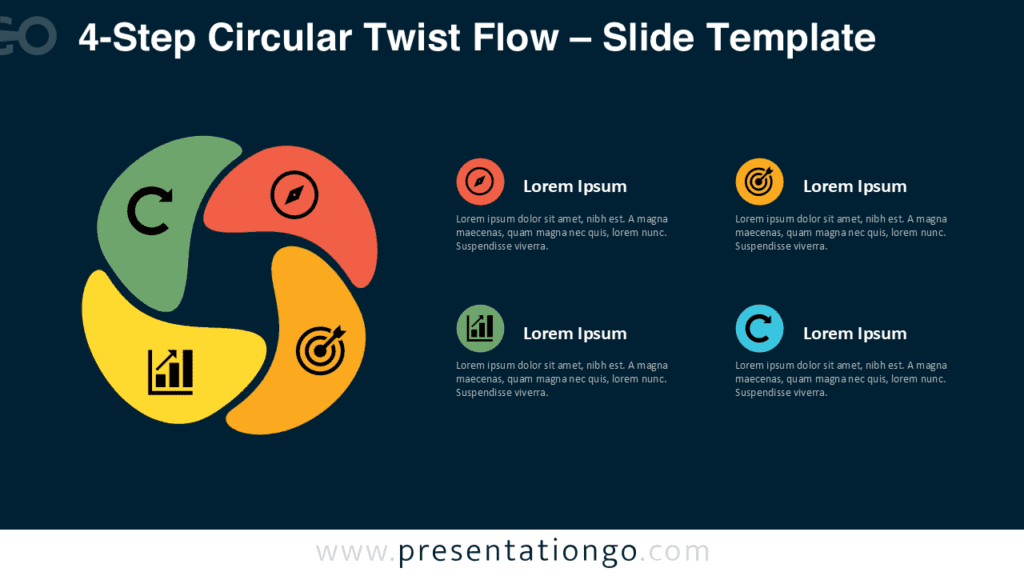
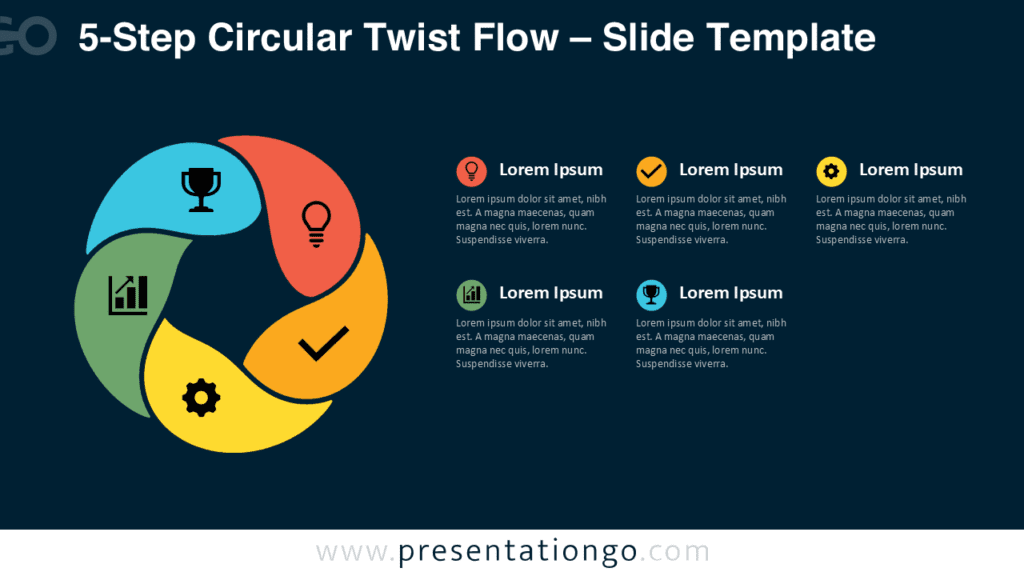
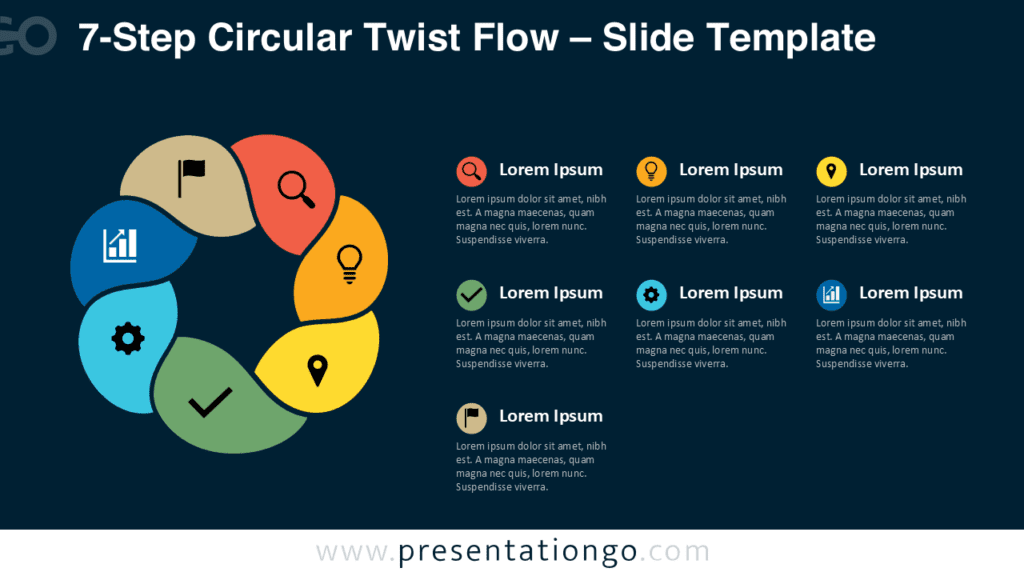
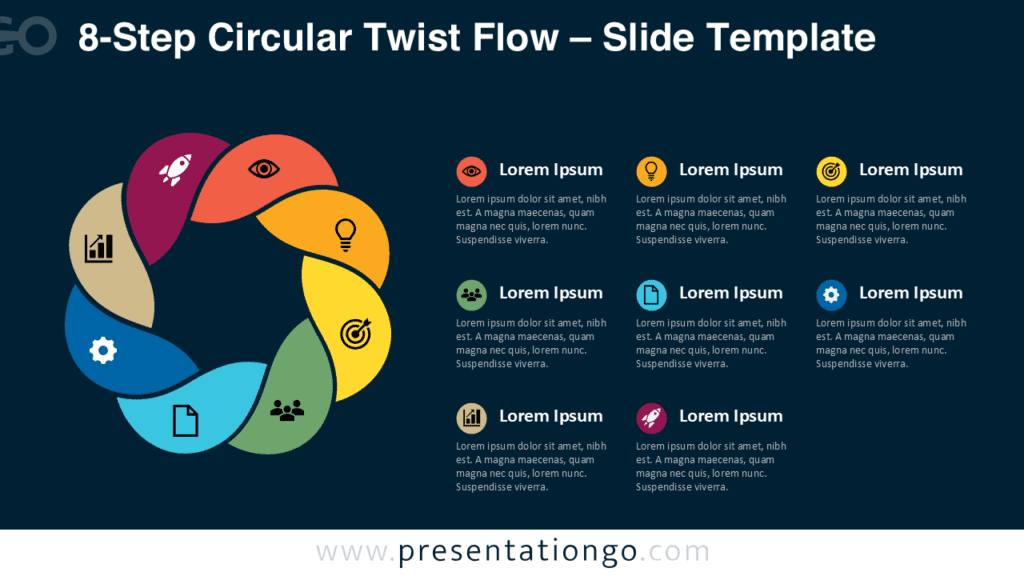
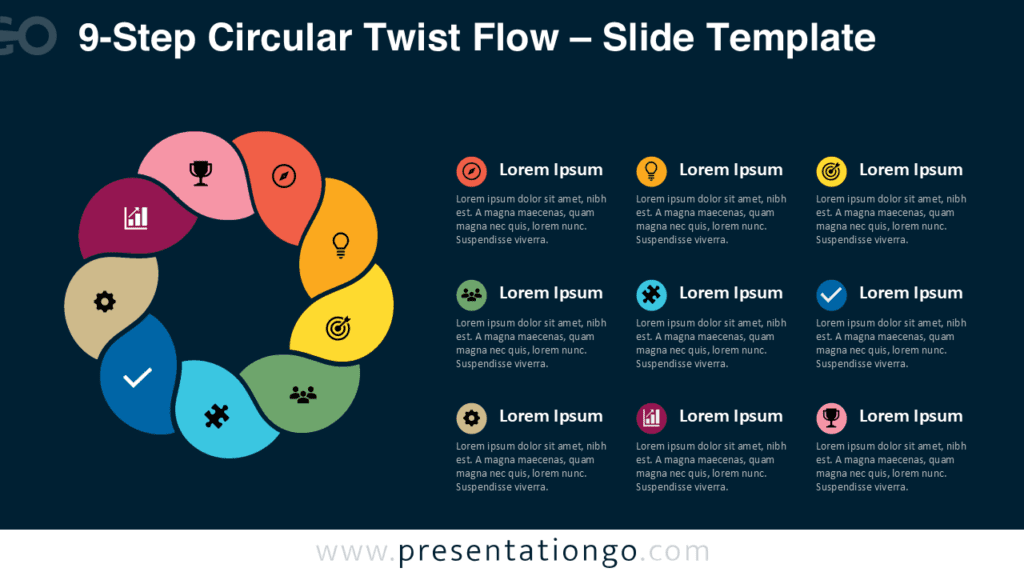
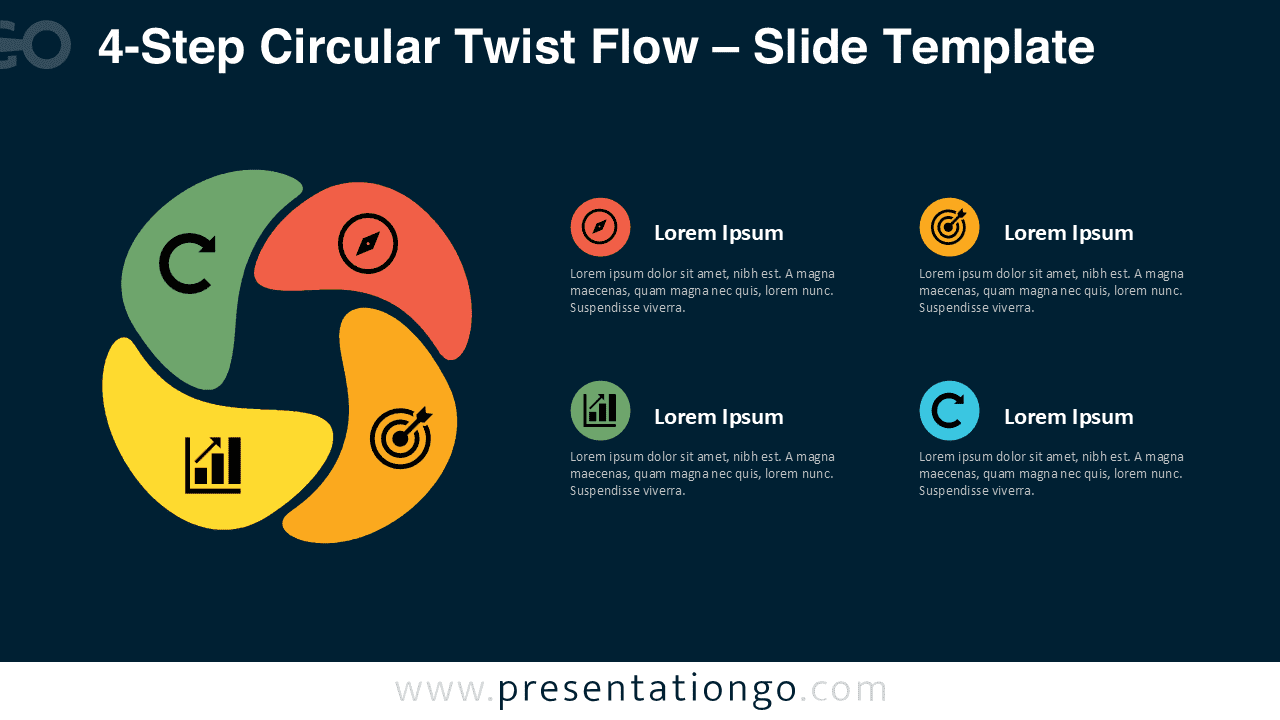
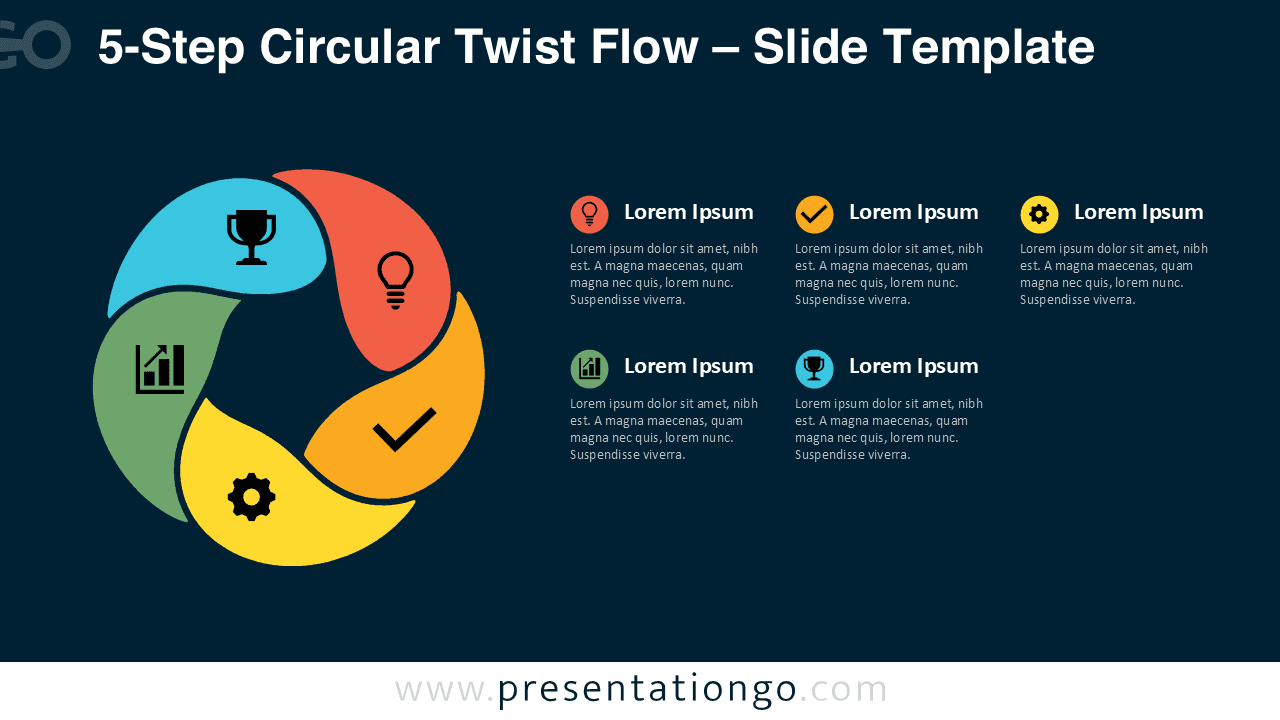
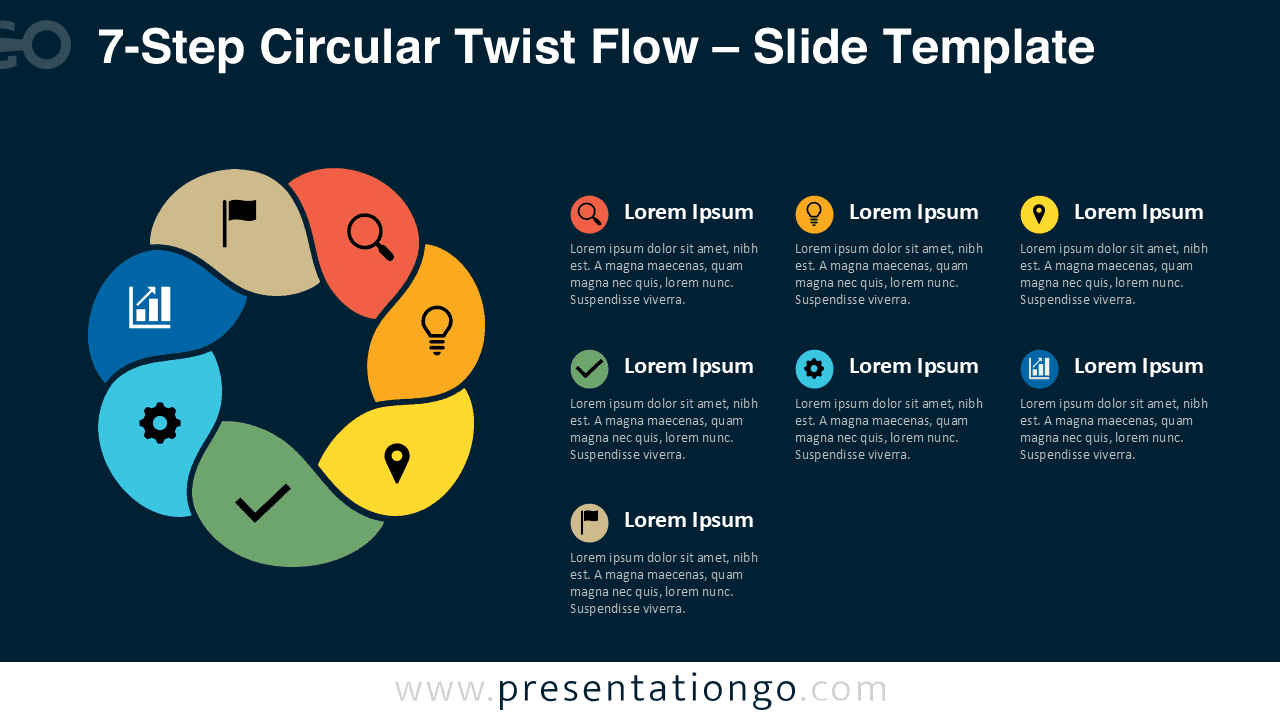
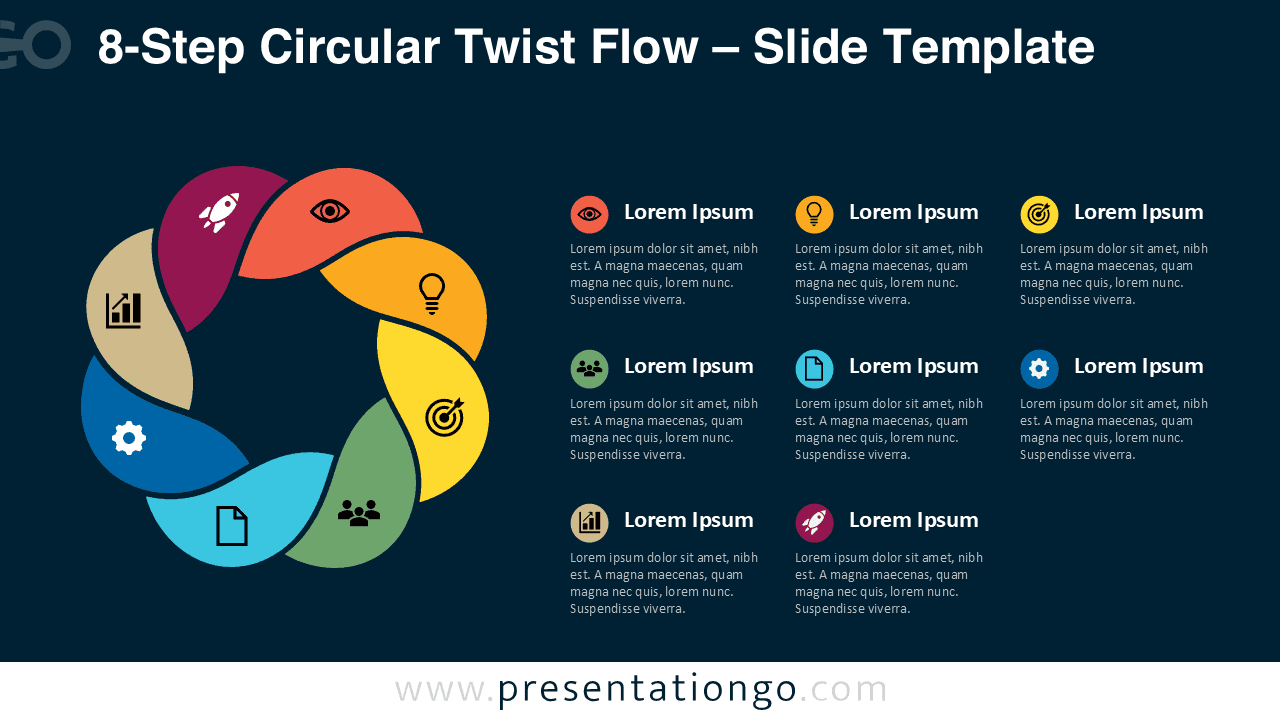
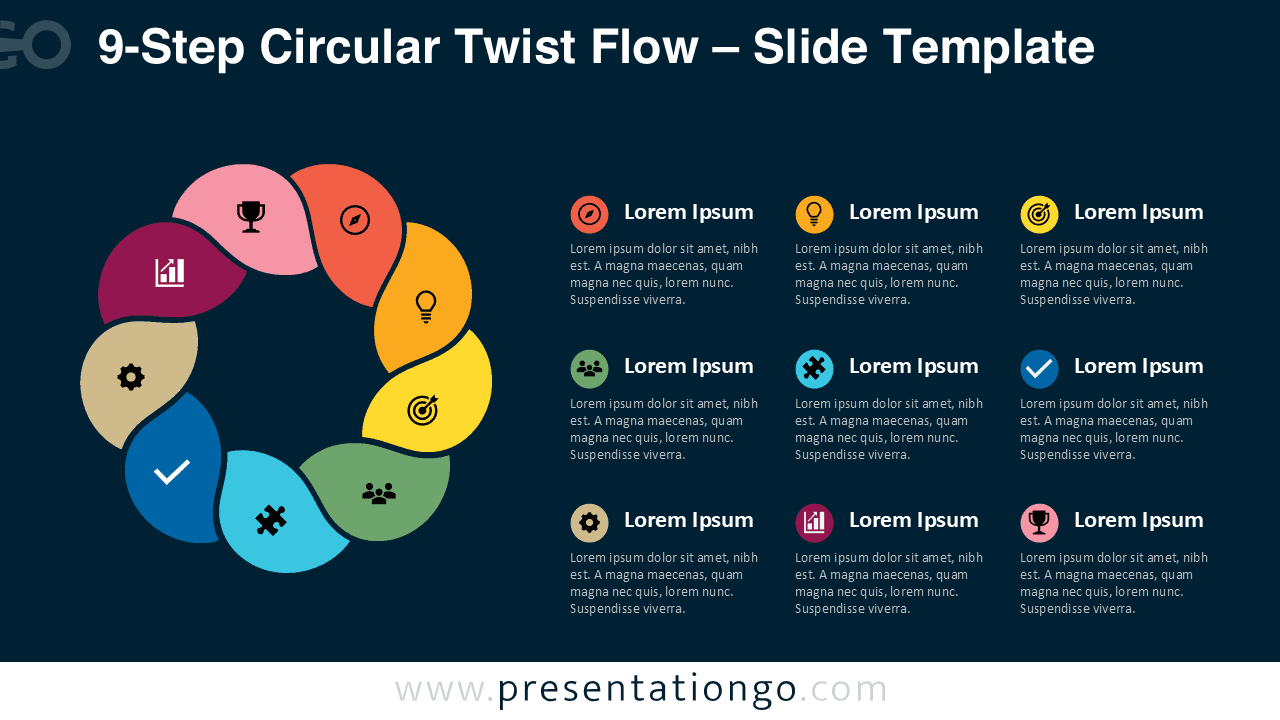
Explore the full Circular Twist Flow collection to choose the version that best fits your process. The series includes 4-Step through 9-Step variants, so you can match the diagram structure to your level of detail.
Summary
The 6-Step Circular Twist Flow diagram gives you a clean and flexible way to explain connected stages. Its circular layout makes relationships easy to understand, while the editable structure lets you adapt the slide to your message. Use it when you need a process visual that works across business, education, consulting, and project presentations.