The 6-Step Layered Globe Diagram is designed to present detailed, multi-stage processes with a global perspective. This editable 3D infographic for PowerPoint and Google Slides represents six distinct layers, symbolizing a continuous circular workflow or hierarchy.
Diagram Preview
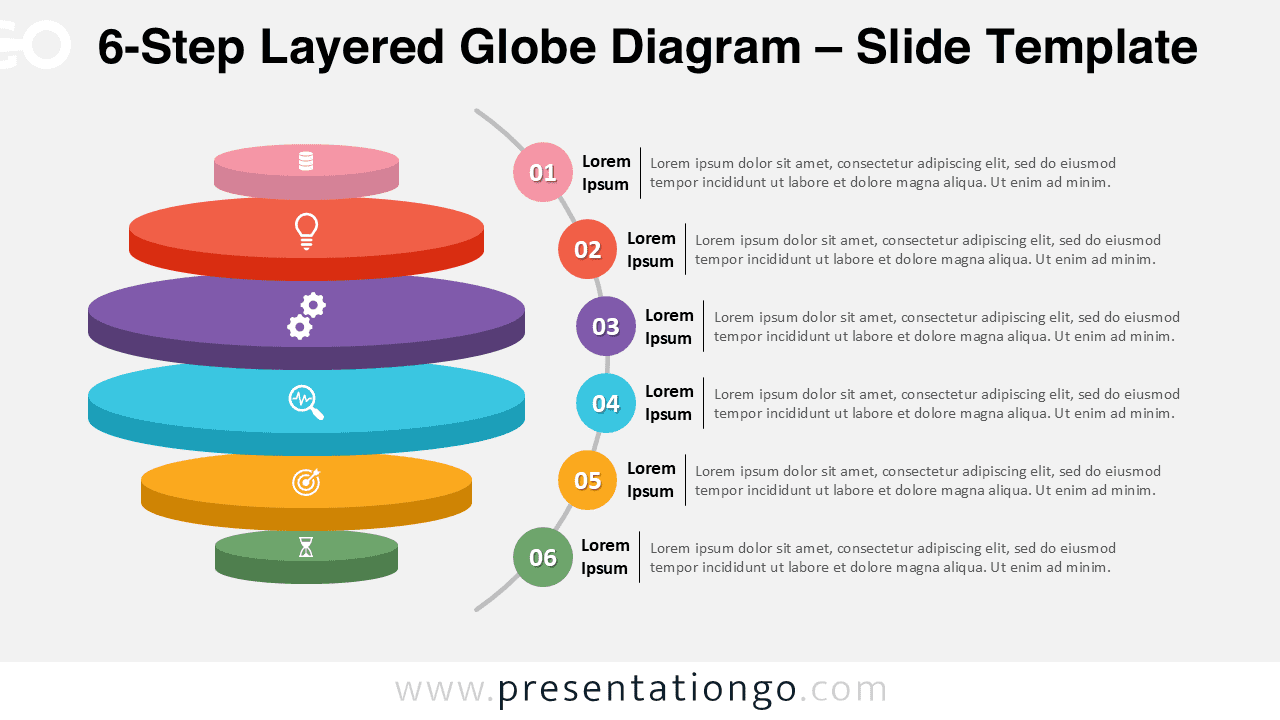
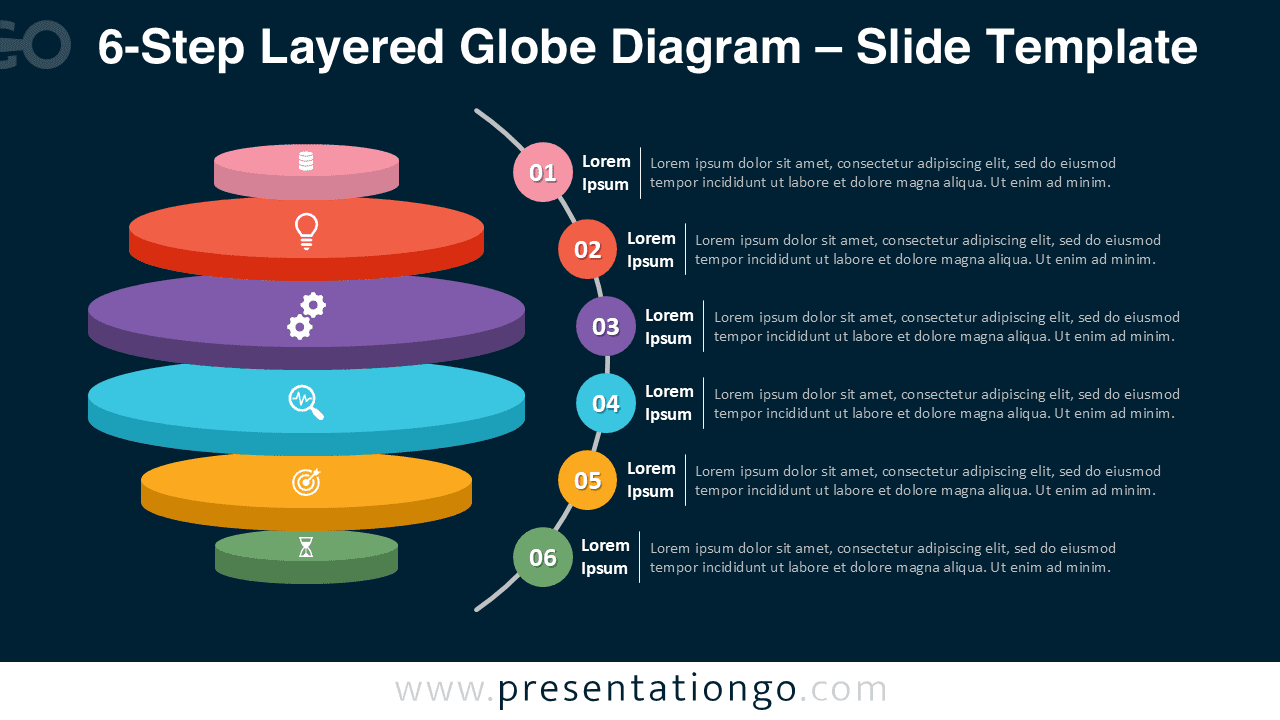


Diagram Features and Customization Options
- Includes 2 slides with 1 unique 6-step layered globe design
- Comes in both light and dark background versions
- Fully editable colors, shapes, and text for PowerPoint and Google Slides
- Displays six interconnected layers for progressive data or process flow
- High-contrast tones ensure visibility across presentation styles
Design and Layout Overview
This version expands the 3D sphere into six visually balanced sections, creating a striking representation of progression or hierarchy. Smooth gradients and layered curvature evoke a sense of depth and motion. The use of bright color contrasts on a light or dark background enhances clarity and adaptability for business or educational uses.
Practical Applications
- Project management workflows
- Business development stages
- Marketing funnel steps
- Educational or scientific hierarchy visualizations
- Corporate global process representations
How to Edit
- Open the file in PowerPoint or Google Slides.
- Modify colors, text, or shapes as needed.
- Use the Slide Master for faster customization.
- Adjust icons and styles to fit your presentation theme.
- Export in widescreen format for sharing or printing.
Summary
The 6-Step Layered Globe Diagram adds clarity to complex ideas through structured layers and elegant 3D visuals. Perfect for corporate, strategic, or educational workflows.
Frequently Asked Questions (FAQ)
Yes, both text boxes and icons are fully editable.
In PowerPoint, right-click the icon → Format Shape to recolor or resize. In Google Slides, select the icon → Format Options to adjust color, rotation, or shadow. You can also replace icons from built-in or imported libraries.