
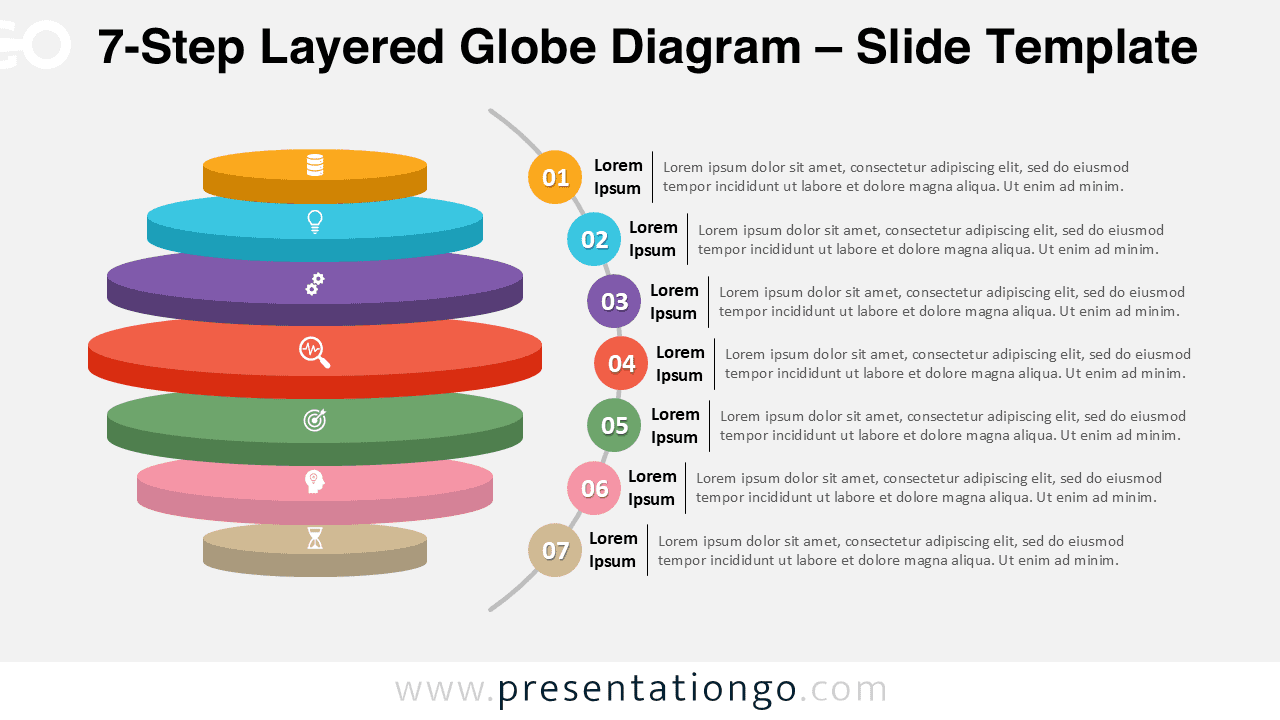
The 7-Step Layered Globe Diagram template offers a detailed way to visualize complex workflows and strategic models through a polished 3D global design. Ideal for PowerPoint and Google Slides, it represents seven interconnected layers or levels.
Diagram Preview
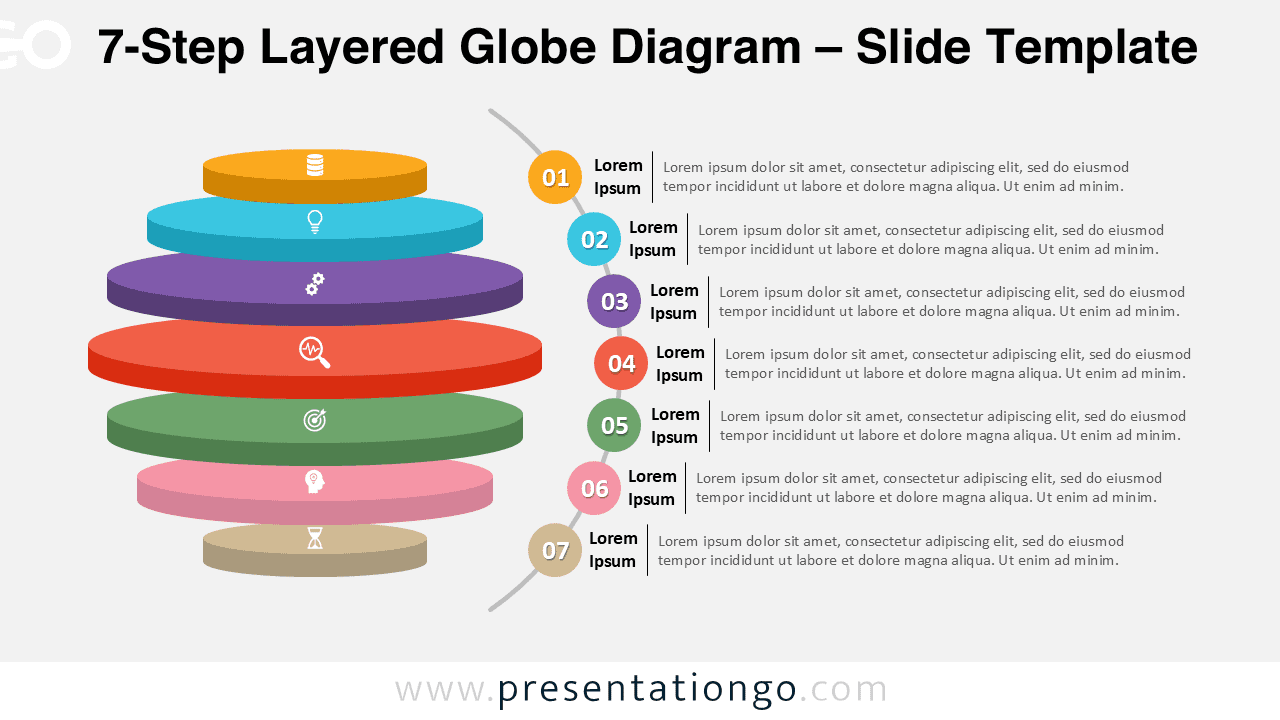
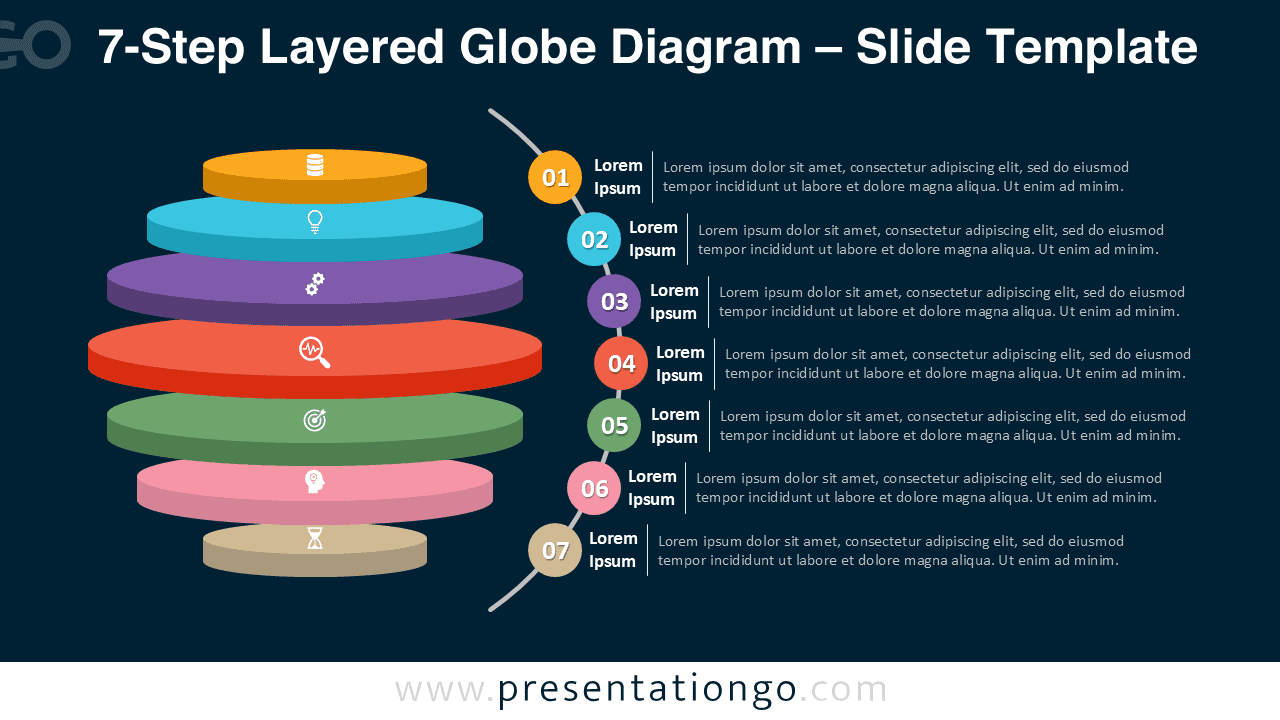


Diagram Features and Customization Options
- Includes 2 slides featuring a 7-step layered globe design
- Available in both light and dark background themes
- Fully customizable: edit colors, text, icons, and effects
- Seven distinct 3D layers highlight depth and progression
- Works for business, strategy, or educational infographics
Design and Layout Overview
This seven-step diagram builds upon the series’ visual harmony with an expanded set of colored layers. The smooth spherical layout gives the appearance of an orbiting system, symbolizing motion and connectivity. It balances professional design and readability, making it perfect for global or conceptual presentations.
Practical Applications
- Strategic planning presentations
- Product development or innovation cycles
- Global marketing processes
- Corporate structure visualizations
- Educational multi-level learning models
How to Edit
- Open the file in PowerPoint or Google Slides.
- Edit text, colors, or icons according to your brand.
- Duplicate layers to adjust the number of steps if needed.
- Use the Slide Master for fast design consistency.
- Export in widescreen format for modern displays.
Summary
The 7-Step Layered Globe Diagram combines a global 3D shape with seven smooth layers to illustrate complex relationships and progressions effectively.
Frequently Asked Questions (FAQ)
Yes, both text boxes and icons are fully editable.
In PowerPoint, right-click the icon → Format Shape to recolor or resize. In Google Slides, select the icon → Format Options to adjust color, rotation, or shadow. You can also replace icons from built-in or imported libraries.



