The 7-Step Cognitive Cycle provides a comprehensive framework for organizing complex processes across seven sequential phases designed for PowerPoint and Google Slides presentations.
Visualizing Thought Progression in Seven Phases
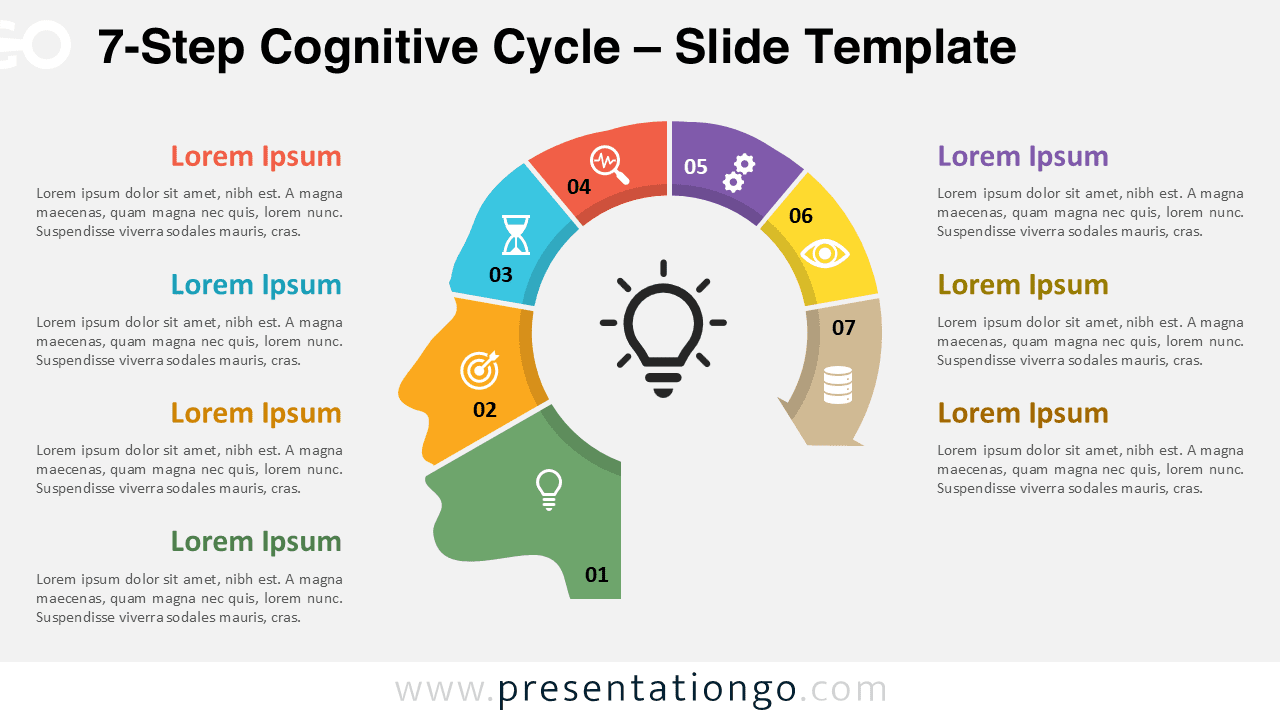
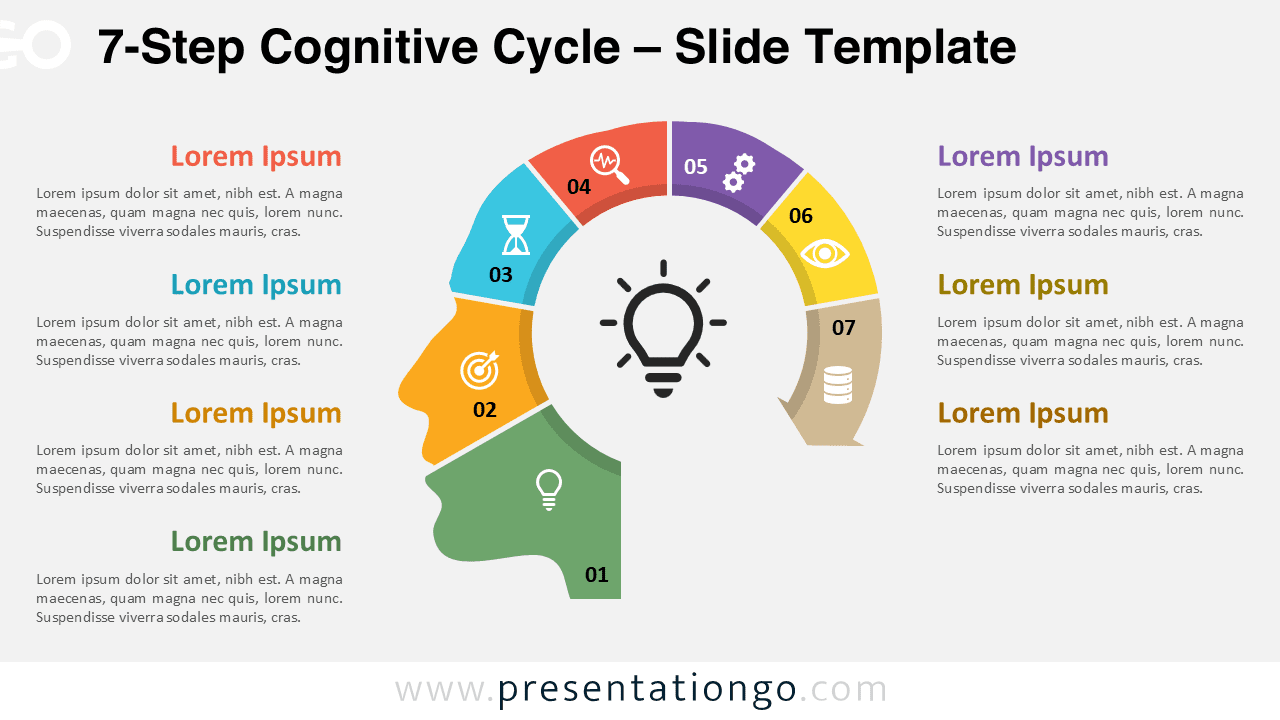
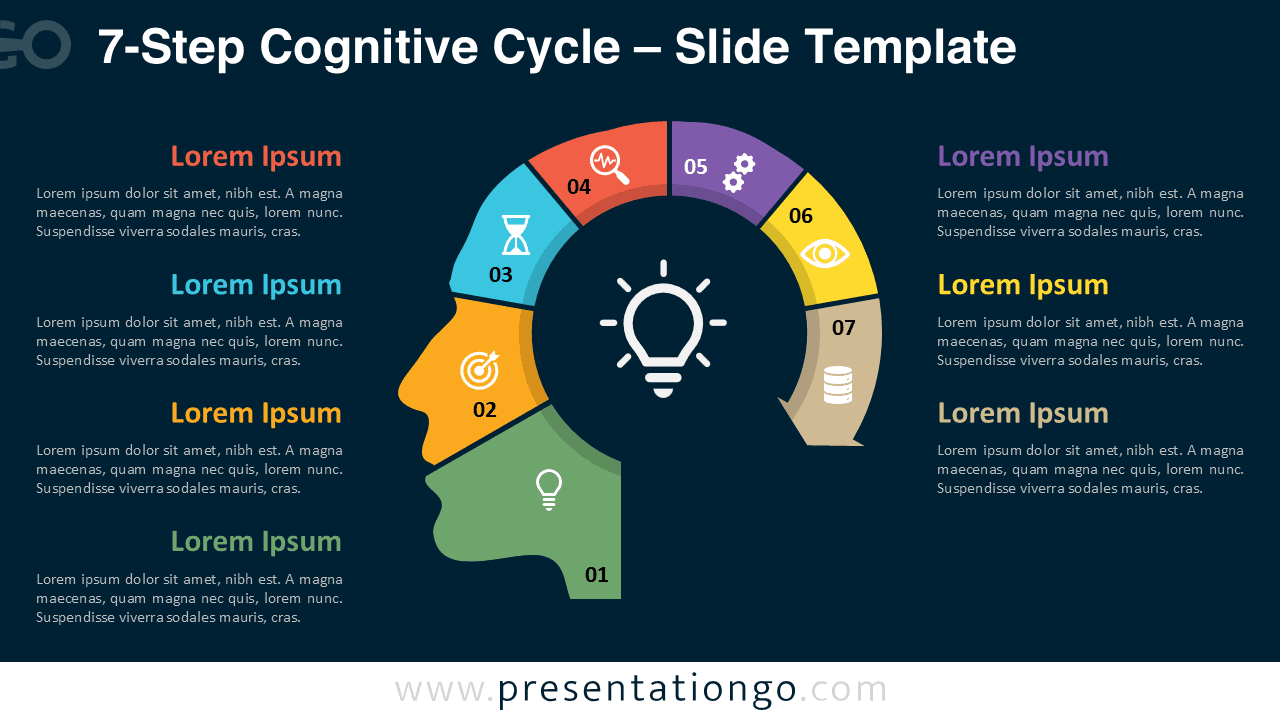
This infographic arranges seven curved segments in a near-complete circle around the profile of a human head. Each arc segment shows a number from 01 to 07 and uses clean radial divisions for clarity. Distinct icons appear within each section to represent individual stages or steps, while the center stays open and displays a lightbulb icon to symbolize the central idea or resulting insight. The circular placement atop the head silhouette highlights the idea of thought progression and mental flow, and the balanced spacing creates a clean and organized layout that viewers can easily follow.
Infographics using a head silhouette with a lightbulb often symbolize innovation, thinking, and the generation of new ideas. This template builds on that metaphor by mapping out seven distinct yet connected phases around the head, showing how various concepts merge into one central idea. Presenters can use this diagram to explain cognitive development cycles, innovation workflows, or planning phases. For instance, a team can illustrate how brainstorming, research, and planning steps contribute to a final product launch. Similarly, educators can use it to show how learners progress through comprehension, application, and evaluation stages in a course.
The template includes two unique slides with numbered segments, icons, and text placeholders for guidance. Users can customize all shapes to match brand colors or presentation themes and can also swap the icons. It offers both light and dark background themes, giving designers flexibility to match different visual styles. The slides come in Standard (4:3) and Widescreen (16:9) formats, and they work seamlessly with both PowerPoint (PPTX) and Google Slides, ensuring compatibility in diverse presentation environments.
Download this 7-step diagram template to present your ideas as a complete and cohesive cognitive cycle.
Widescreen (16:9) size preview:
This template offers:
- 2 unique slides
- Options for both light and dark themes
- Pre-populated with numbers, icons, and text placeholders
- Fully customizable shapes for complete control
- Available in both Standard (4:3) and Widescreen (16:9) ratios
- Offered in both PowerPoint PPTX and Google Slides formats
The complete Cognitive Cycle collection: