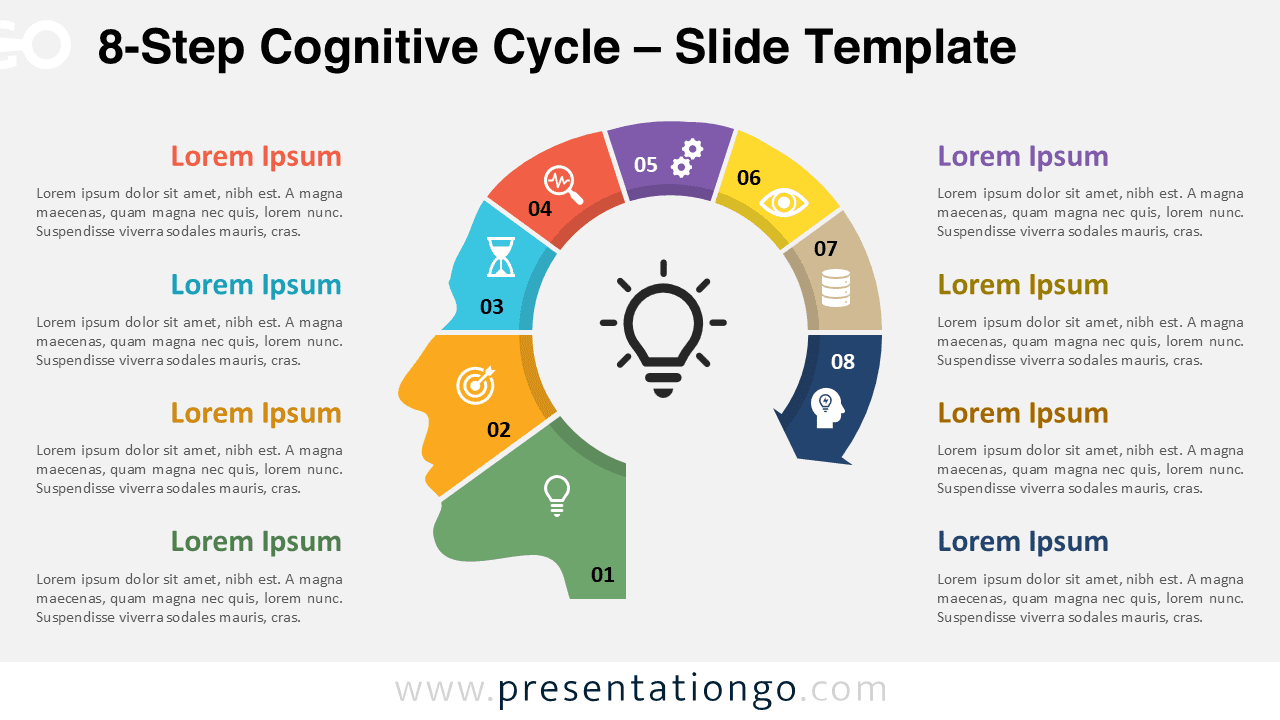
The 8-Step Cognitive Cycle presents complex thinking processes through eight sequential segments that form a complete circular flow around a central lightbulb icon, specifically designed for PowerPoint and Google Slides presentations.
Mapping Idea Evolution Within a Human-Centric Framework
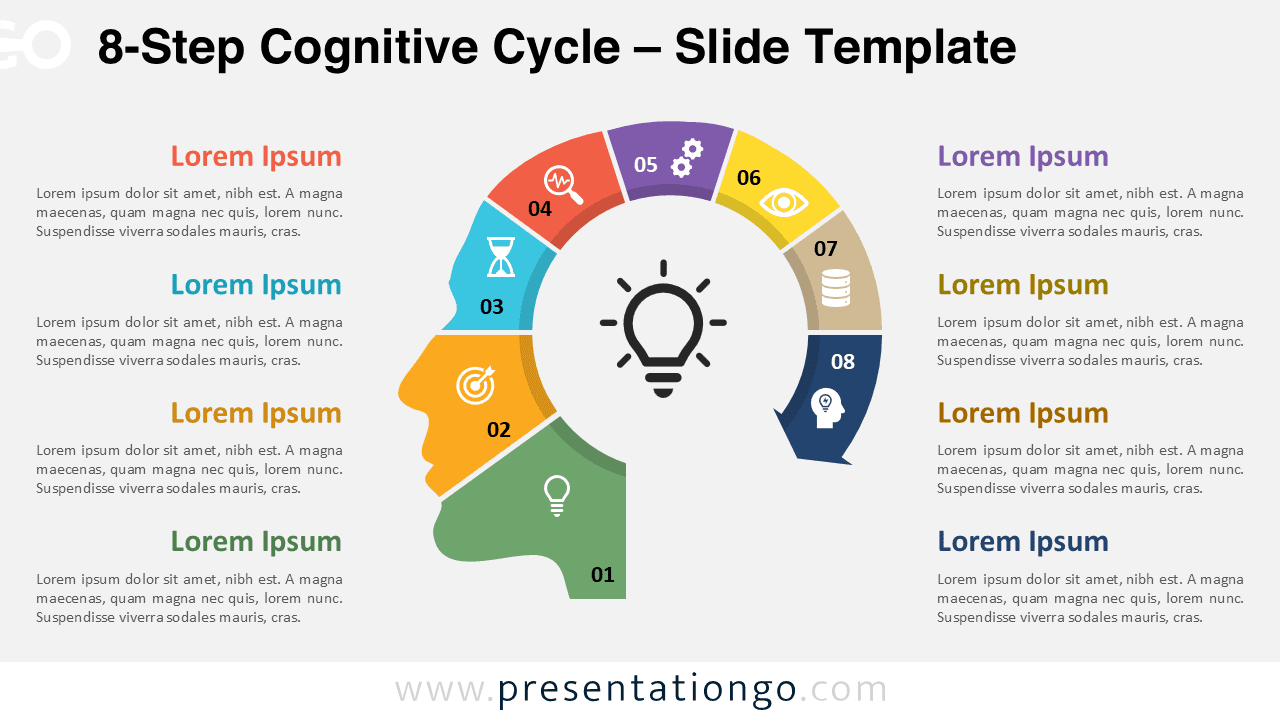
This template displays eight evenly spaced curved segments forming a near-complete circular band around the silhouette of a human head. Each segment is numbered from 01 to 08 and contains an icon to symbolize its concept. At the center, a lightbulb icon replaces the brain, visually anchoring the diagram as a symbol of thinking and ideas. The colored segments follow the head’s contour, creating a smooth loop that guides the viewer’s eye naturally around the cycle. The clear layout makes it easy to connect each part to its corresponding explanatory text placed on either side of the slide.
Infographics featuring a head silhouette with a lightbulb in place of the brain are widely used to represent thinking, innovation, and mental processes. This design helps audiences understand how multiple ideas converge into a single concept. In a presentation, you might use it to explain an innovation cycle, where each step reflects phases like ideation, evaluation, and refinement. It can also illustrate decision-making models, showing how different factors contribute to a final choice. For instance, a team leader could use this template to map out eight roles that support the group’s central mission or goal.
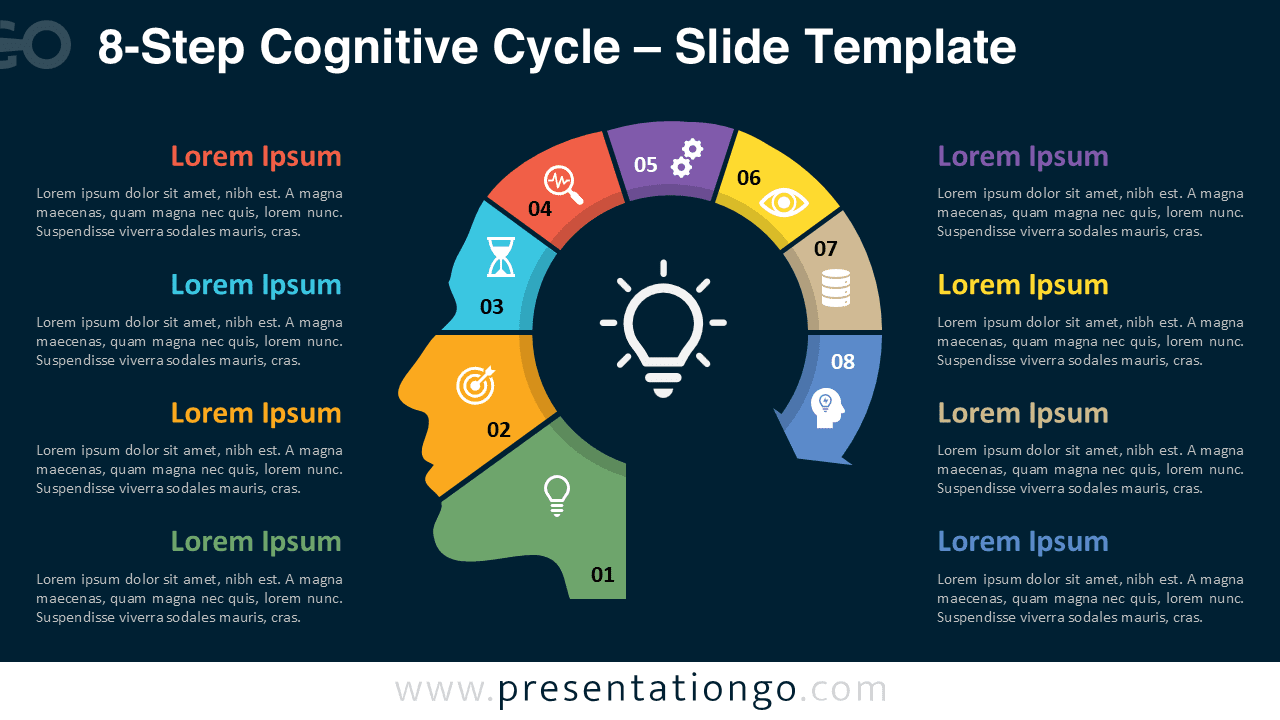
The template includes two slide variations that present the same design in distinct layouts. It comes pre-filled with numbers, icons, and text placeholders that you can quickly adapt to your content. All shapes are fully customizable, allowing you to adjust colors, icons, and text formatting to match your branding. Both light and dark background themes are available to suit different presentation aesthetics. The slides are offered in Standard (4:3) and Widescreen (16:9) formats and work with both PowerPoint (PPTX) and Google Slides.
Download this 8-step diagram template to present interconnected ideas through a cohesive visual cycle.
Widescreen (16:9) size preview:


This template offers:
- 2 unique slides
- Options for both light and dark themes
- Pre-populated with numbers, icons, and text placeholders
- Fully customizable shapes for complete control
- Available in both Standard (4:3) and Widescreen (16:9) ratios
- Offered in both PowerPoint PPTX and Google Slides formats
The complete Cognitive Cycle collection: