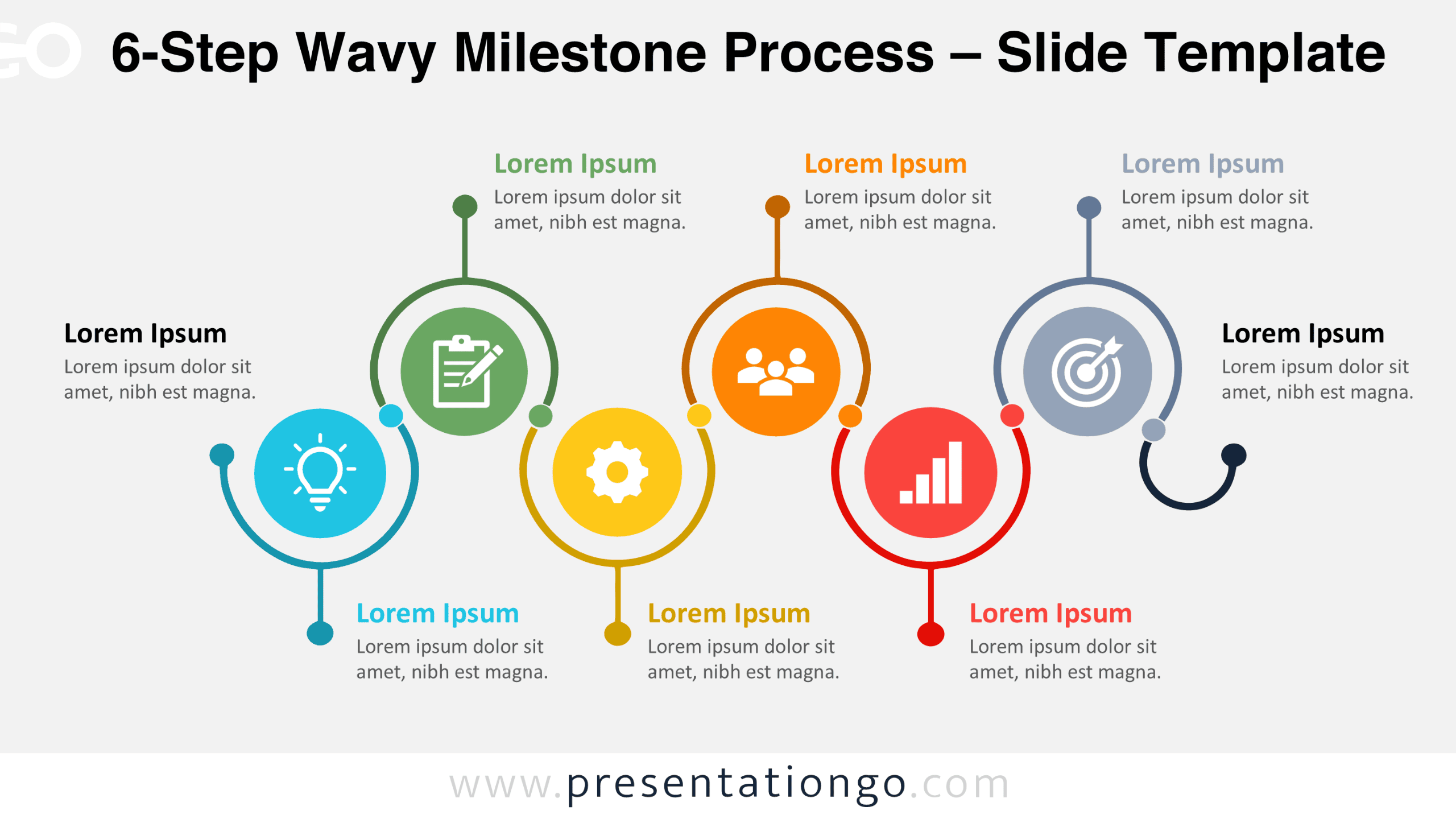
The 6-Step Wavy Milestone Process is a free diagram for PowerPoint and Google Slides that presents six connected stages along a flowing path. Its alternating circular elements combine milestone icons with dedicated text areas. Use this layout to explain project phases, business workflows, or sequential activities while keeping each step distinct.
Diagram Preview
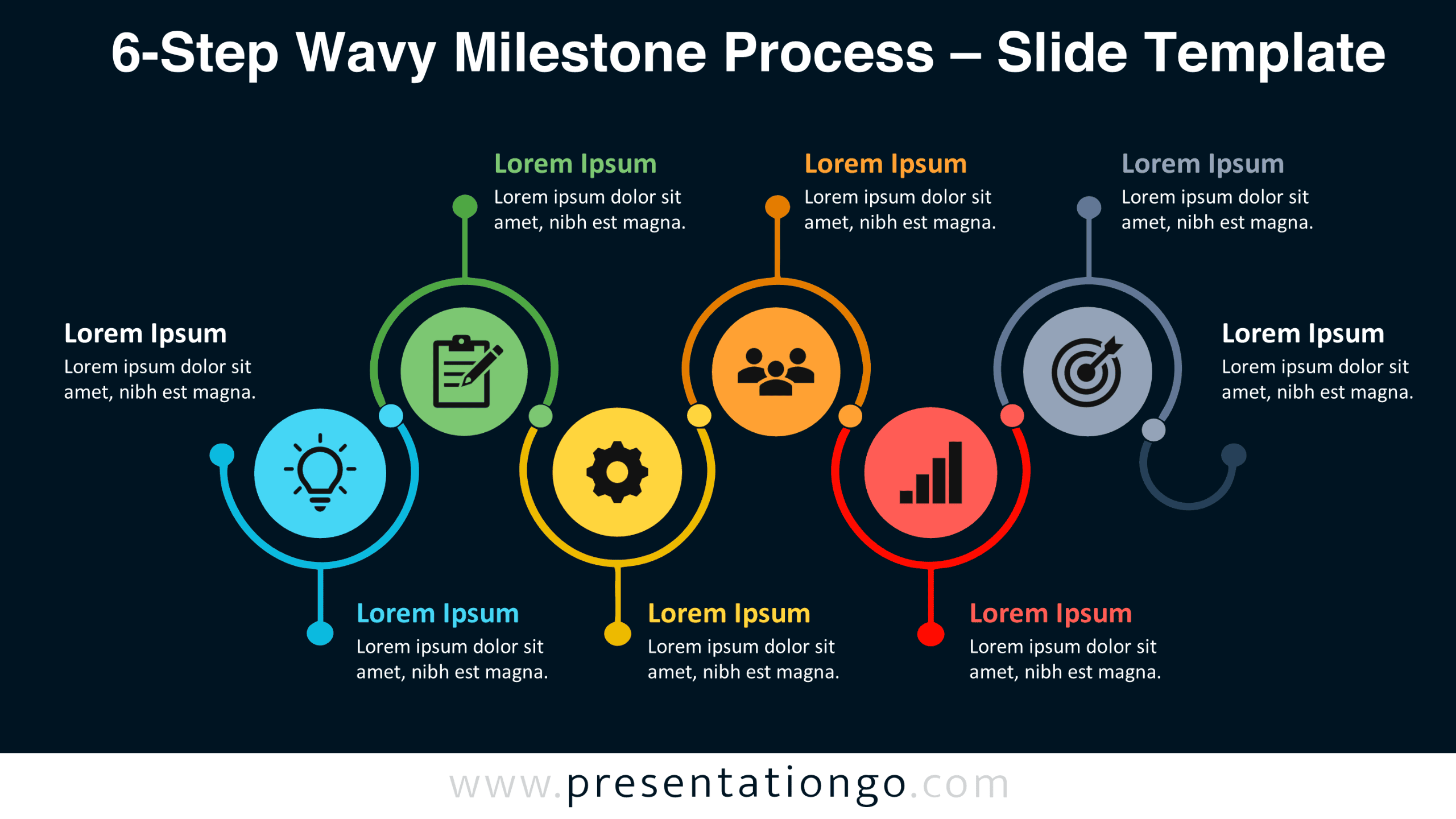
The preview shows the complete six-stage arrangement in two background versions. Each milestone features an icon placeholder, a curved connector, and space for a heading and supporting description.


Features and Customization Options
- Compatible with Microsoft PowerPoint and Google Slides.
- Six-step milestone process diagram with editable circular elements.
- Editable text, shapes, connectors, and icon placeholders.
- Adjust the labels, descriptions, and milestone order.
- Office library icons are easily modifiable and shown for illustration purposes only.
- Scalable vector shapes maintain their quality when resized.
- Includes both light and dark background versions.
Design and Structure
The diagram follows a horizontal sequence of six circular milestones positioned at alternating heights. Each milestone contains a central icon placeholder surrounded by an open circular outline. Curved segments extend between neighboring elements, forming a continuous, wave-like rhythm. Small circular endpoints and short vertical stems reinforce the connection between each milestone and its accompanying text.
The composition places three text groups above the sequence and three below it. This staggered arrangement creates room for individual headings and brief explanations without crowding adjacent elements. The first and last connectors curve outward to establish the sequence’s starting and ending points. The six icon placeholders represent ideas, planning, operations, teamwork, performance, and objectives.
Practical Applications
- Project milestones: Present six checkpoints from project initiation through final delivery.
- Product development: Explain research, planning, prototyping, testing, launch, and evaluation.
- Strategic planning: Organize six priorities with assigned objectives and expected outcomes.
- Customer onboarding: Map six interactions from registration to successful adoption.
- Marketing campaigns: Outline research, targeting, content creation, activation, measurement, and optimization.
- Employee training: Introduce six learning modules with corresponding skills and assessments.
Summary
The 6-Step Wavy Milestone Process brings six connected checkpoints into one editable visual. Its alternating arrangement separates individual milestones while preserving their relationship within the overall sequence. Adapt the diagram to match your content, replace the illustrative icons, and use it in PowerPoint or Google Slides to communicate progress and next steps.